Template details
Chirpy Jekyll Theme
A minimal, responsive Jekyll theme for professional blogging with dark/light mode, comments, search, and SEO.
About this template
Chirpy Jekyll Theme is a minimal, responsive Jekyll theme for presenting professional writing, packaged as the Ruby gem jekyll-theme-chirpy and maintained by cotes2020.
What is Chirpy Jekyll Theme?
Chirpy Jekyll Theme is a blogging template built on the Jekyll static site generator, taking Markdown files as input and producing a complete static blog site with no server-side dependencies. It comes with a live demo and is designed to be hosted on GitHub Pages for free. The theme is distributed under the MIT License and can be installed via Bundler or copied from the Chirpy Starter repository.
Key Features
- Dark/Light Theme Mode — Users can switch between dark and light appearance, with the theme defaulting to the system preference.
- Localized UI language — The interface supports multiple languages via locale files, allowing the site labels to be translated.
- Pinned Posts — Posts can be marked as pinned so they appear at the top of the homepage.
- Hierarchical Categories and Trending Tags — Content can be organized in nested categories and tags are listed by popularity.
- Table of Contents — Each post gets an automatically generated table of contents.
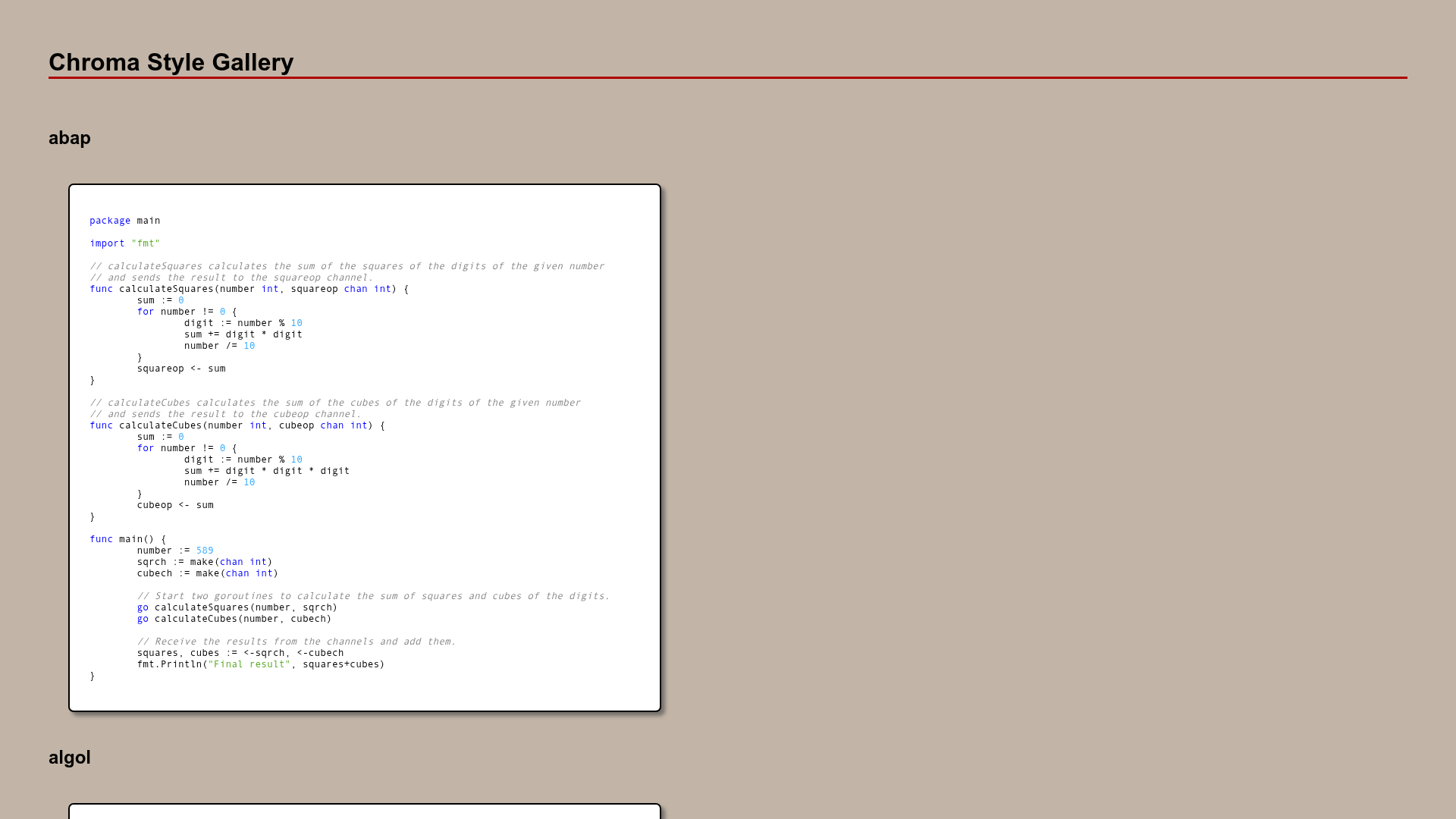
- Syntax Highlighting and Mathematical Expressions — Code blocks are highlighted and math formulas are rendered inline or as blocks.
- Mermaid Diagram & Flowchart — Mermaid diagrams and flowcharts can be embedded directly in Markdown.
- Comments and Search — Supports Disqus, Utterances, and Giscus for comments, plus a client-side search feature.
The theme also includes Atom feeds, Google Analytics integration, page view reporting, and SEO optimization. It is built on the Jekyll ecosystem with Bootstrap and Font Awesome providing layout and icons.
Who is it for?
- Individual bloggers who want a professional-looking personal site without designing from scratch.
- Technical writers and developers who need syntax highlighting, math rendering, and diagram support in their posts.
- Open-source maintainers who publish project documentation or changelogs as a blog.
- Users who already use GitHub Pages and want to deploy a site by pushing Markdown content to a repository.
What can you do with Chirpy Jekyll Theme?
- Publish a personal blog: Write posts in Markdown and get a responsive site with TOC, tags, and categories.
- Create a documentation hub: Use hierarchical categories and Mermaid diagrams to structure technical documentation.
- Set up a project news page: Pin important posts and integrate Google Analytics to track page views.
- Run a localized blog: Translate the UI into your language using the built-in localization support.
How does Chirpy Jekyll Theme work?
To get started, create a new repository from the Chirpy Starter template and name it with your GitHub username (like yourname.github.io). Then install dependencies with bundle in the project root, and run bundle exec jekyll s to start a local server at http://localhost:4000. A Docker command is also provided for container-based development.
Pricing
Chirpy Jekyll Theme is free and open source under the MIT License. The source code is available on GitHub, and users can sponsor the author through Ko-fi, WeChat Pay, or Alipay if they wish to support development.
FAQ
Is Chirpy Jekyll Theme free?
Yes, the theme is published under the MIT License, which means it is free to use, modify, and distribute, even for commercial projects.
What platforms can I use to host a Chirpy Jekyll site?
Because it is a Jekyll theme, any platform that supports Jekyll or static site hosting works. The official quick start targets GitHub Pages, and a Docker image is provided for local development.
Does Chirpy Jekyll Theme support comments?
It supports three comment systems: Disqus, Utterances, and Giscus. You can enable one of them in the theme configuration.
Can I customize the look and feel?
Yes, the theme is built with Bootstrap, so you can override styles in your own files. The configuration file contains options for UI features, analytics, and comment systems.