Template details
claude-directory
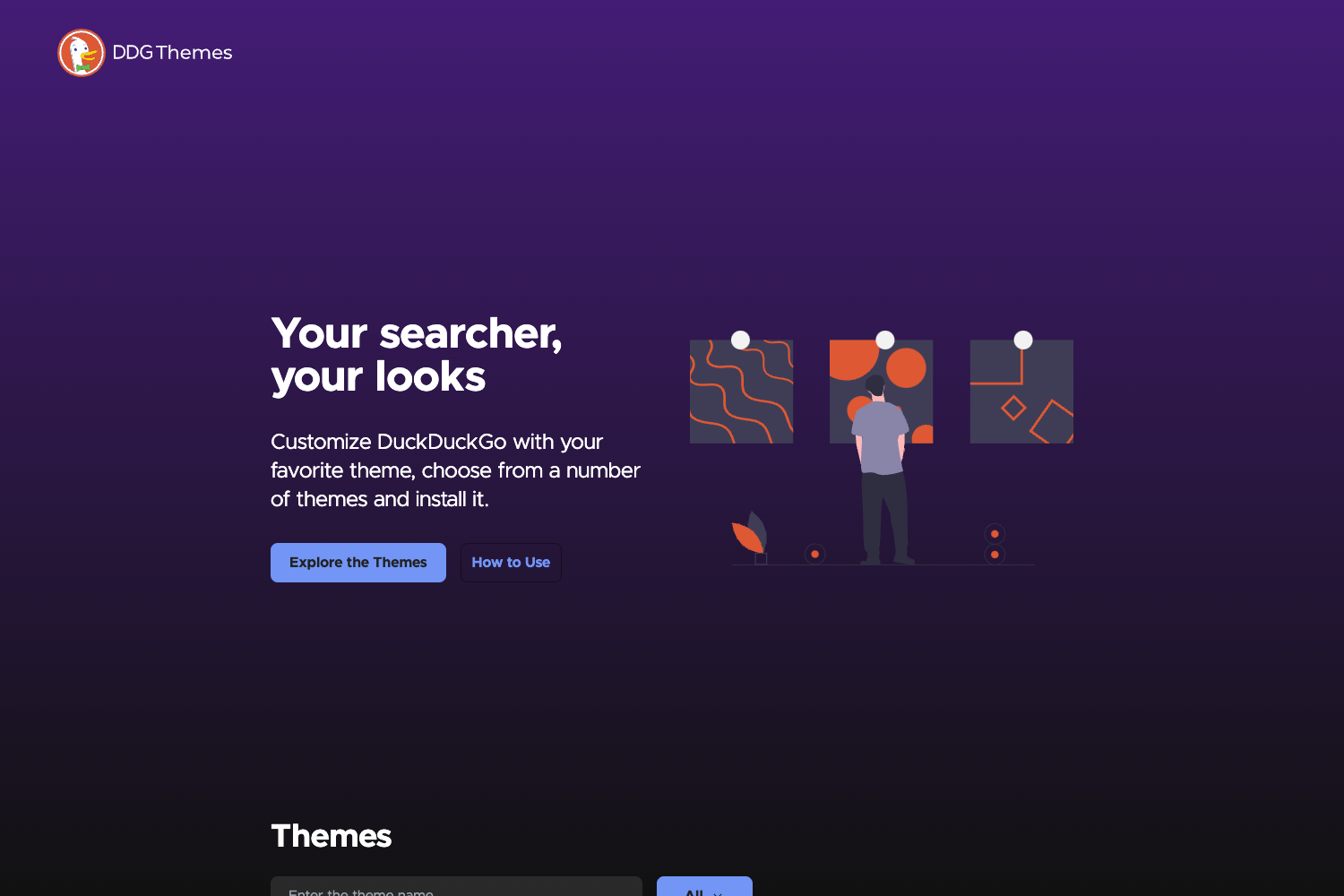
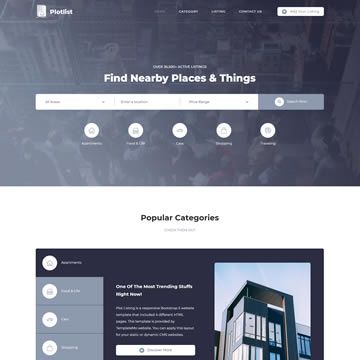
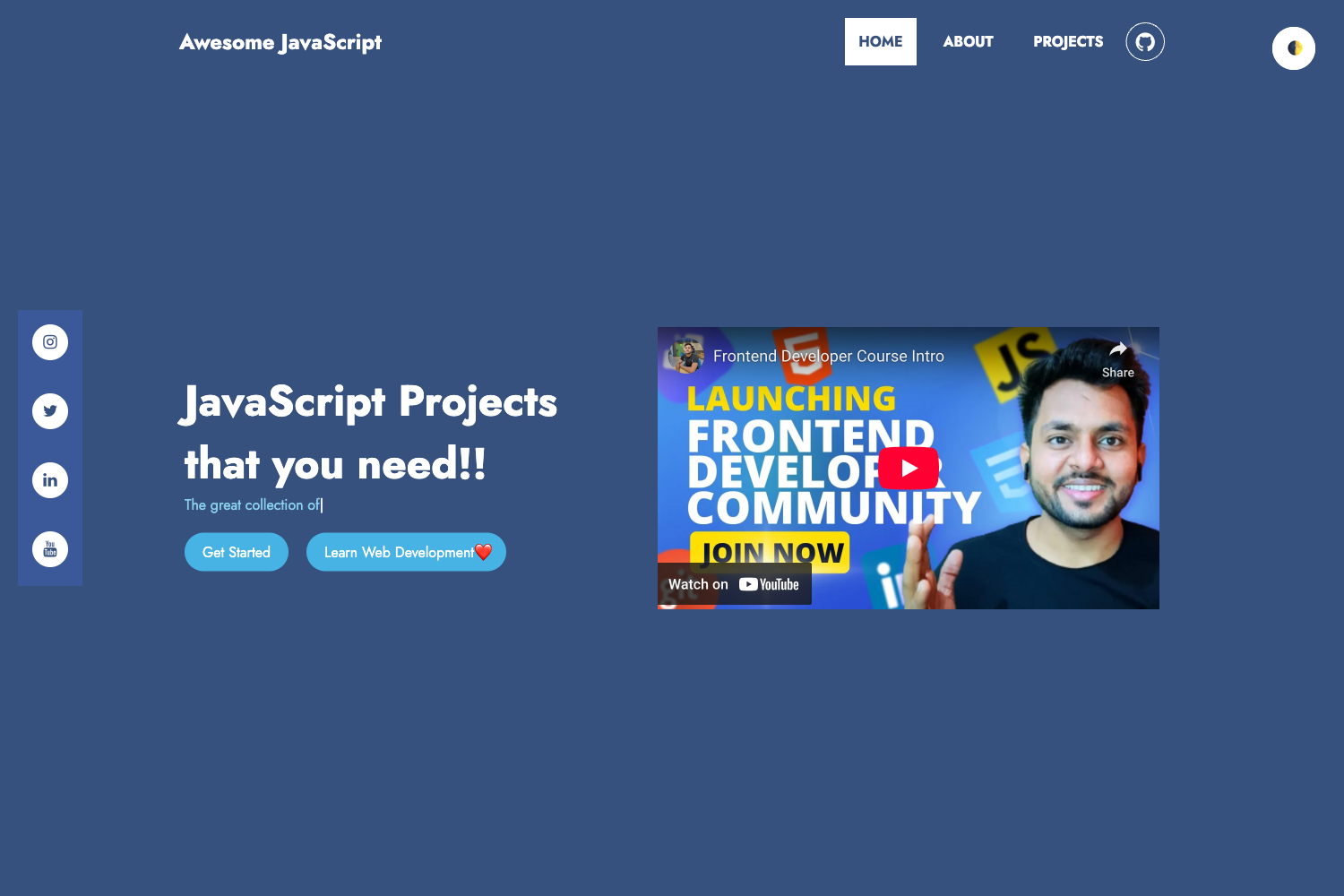
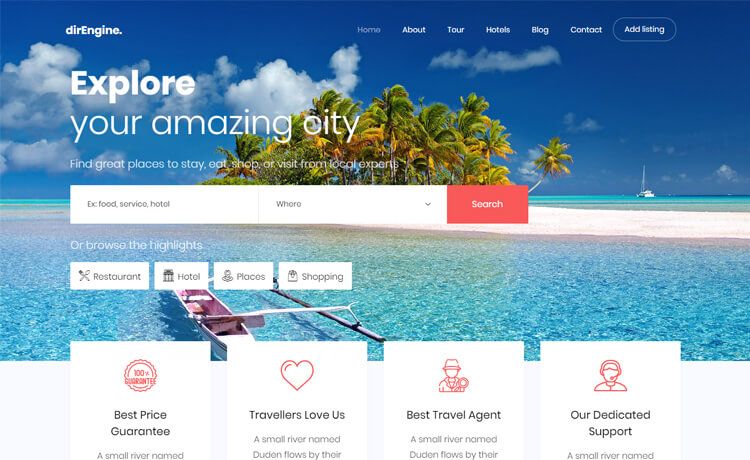
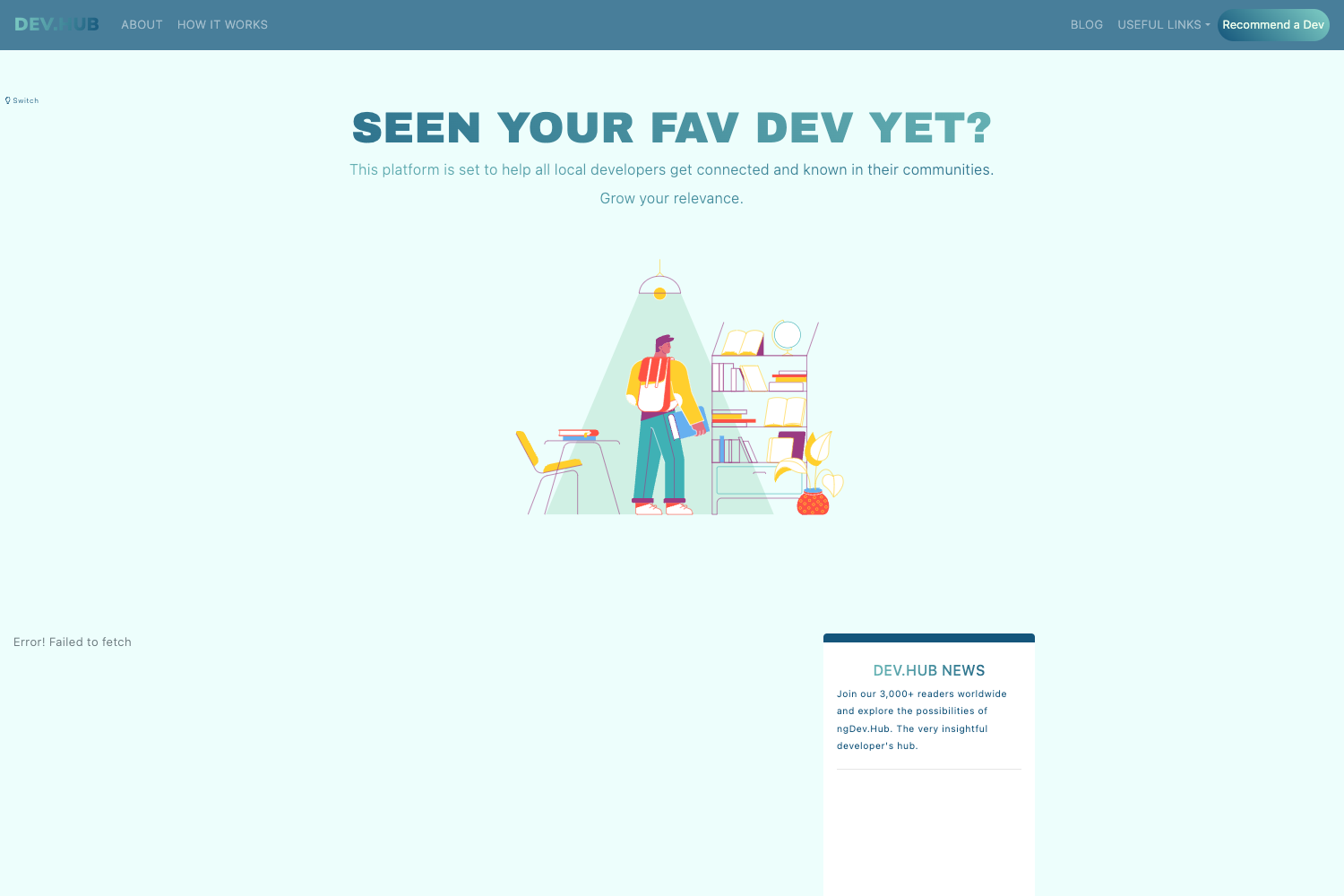
Open-source gallery of AI-generated UI experiments built with Claude (Fable 5) — hero sections, landing pages, GLSL shaders, design systems, and 3D scenes.
About this template
claude-directory is an open-source gallery of AI-generated web UI experiments built with Claude (Fable 5), cataloging hundreds of projects across hero sections, landing pages, GLSL shaders, UI design systems, animations, portfolios, and 3D/WebGL scenes.
What is claude-directory?
claude-directory is a public GitHub repository and live web directory — browsable at pulkitxm.com/claude-directory — that collects AI-generated front-end projects, each stored in its own self-contained folder with the originating prompt saved as prompt.md and a recorded screen demo as demo.mp4. It is maintained by pulkitxm and organizes projects into category folders: hero sections (41 listed), landing pages (98 listed), shaders, UI design systems, components & UI, portfolios, animations & loaders, 3D & games, and templates. The repository has 450 stars and is explicitly described as vibe coded with Claude Fable 5.
What makes claude-directory stand out?
- Prompt preservation — every project folder ships its originating prompt as
prompt.mdalongside the generated code, letting you compare the exact ask with the output. - Recorded demos — each project includes a
demo.mp4screen recording, with a poster generated bynode scripts/generate-posters/generate-posters.mjsthat writes aposter.jpgand updates the rootposters.jsonmanifest. - Category organization — projects live in typed folders such as
./hero-sections/, with 41 hero sections and 98 landing pages documented in tables listing each project's description and stack. - Broad tech-stack coverage — mostly React, TypeScript, Vite, Tailwind CSS, Three.js, Framer Motion, and GSAP, plus framework-free HTML/CSS/JS; individual projects add TanStack Start, React 19, Tailwind CSS v4, hls.js, shadcn/ui, Spline, Supabase, and Canvas 2D.
- AI-driven maintenance — all pull requests are reviewed and merged by Claude Opus; contribution requires only a prompt and a demo recording, with no issue templates or ceremonies.
- Prompt inspiration sources — prompts were inspired by or adapted from public references including cnemri's gist, motionsites.ai, lafys.com, designprompts.dev, 21st.dev, superdesign.dev, and landinghero.ai.
- Honest production caveats — the repository warns that every project is vibe coded and advises reviewing code, checking dependencies, verifying accessibility and responsiveness, and running local project checks before shipping.
Who is claude-directory for?
- Front-end developers — copy-paste working AI-generated components (shadcn/ui hero integrations, liquid-glass navbars, Three.js particle scenes) into their own React/Vite/Tailwind projects.
- AI prompt engineers and vibe coders — study the
prompt.mdfiles paired with generated code to learn how to steer Claude Fable 5 toward specific visual treatments. - Design engineers and agencies — mine the 41 hero sections and 98 landing pages for aesthetic patterns (Swiss-brutalist, warm-paper editorial, glassmorphism, neo-brutalist) to adapt for client work.
- Open-source contributors — add their own Claude-generated experiments by opening a PR; the only hard requirements are
prompt.mdanddemo.mp4.
What can you do with claude-directory?
- Front-end developers: grab a ready-made starting point, such as the animated shadcn/ui text-rotate hero, a liquid-glass landing page, or a 50k-particle Three.js hero, and adapt it to your own stack.
- AI prompt engineers: reverse-engineer effective Claude Fable 5 prompts by reading the
prompt.mdfiles next to the code they produced. - Designers: browse curated editorial styles — like the "Warm Cartography" bento hero or the "Spectral darkroom" creative-director hero — for landing page and hero section inspiration.
- Contributors: submit your own Claude-generated UI experiments; Claude Opus reviews and merges PRs that include a prompt and a demo recording.
How does claude-directory work?
To contribute, you drop your experiment in its own self-contained folder under the matching category, include the prompt.md you used to generate it and a demo.mp4 screen recording, then open a pull request. Once the demo is in, run node scripts/generate-posters/generate-posters.mjs to generate a poster.jpg placeholder and update posters.json. There are no issue templates or review ceremonies — PRs are reviewed and merged by Claude Opus.
FAQ
Is claude-directory free?
Yes — it is an open-source GitHub repository, and every project in it is self-contained and copy-pasteable. You can browse the live directory at pulkitxm.com/claude-directory or clone the repository directly.
What does claude-directory contain?
It contains AI-generated UI experiments: 41 hero sections and 98 landing pages are explicitly listed, alongside GLSL shaders, UI design systems, components & UI, portfolios, animations & loaders, 3D & games, and templates. Every project ships its prompt and a recorded demo.
What tech stack do the projects use?
Most projects use React, TypeScript, Vite, Tailwind CSS, Three.js, Framer Motion, and GSAP, with a large set of framework-free HTML/CSS/JS experiments. Specific projects add TanStack Start, React 19, Tailwind CSS v4, hls.js, shadcn/ui, Spline, Supabase, and Canvas 2D.
Are these projects production-ready?
The repository itself warns they are not automatically production-ready. Because every project is vibe coded with Claude Fable 5, you should review the code, check dependencies, verify accessibility and responsiveness, and run the local project checks before shipping anything.
How do I contribute to claude-directory?
Open a pull request with your experiment in its own self-contained folder, including the prompt.md that generated it and a demo.mp4 screen recording. Optionally add a row to the category table and run the poster-generation script; all PRs are reviewed and merged by Claude Opus.