Template details
Crazy Wise Gatsby Starter
Gatsby.js blog starter with tinaCMS, styled-components, and custom artwork.
About this template
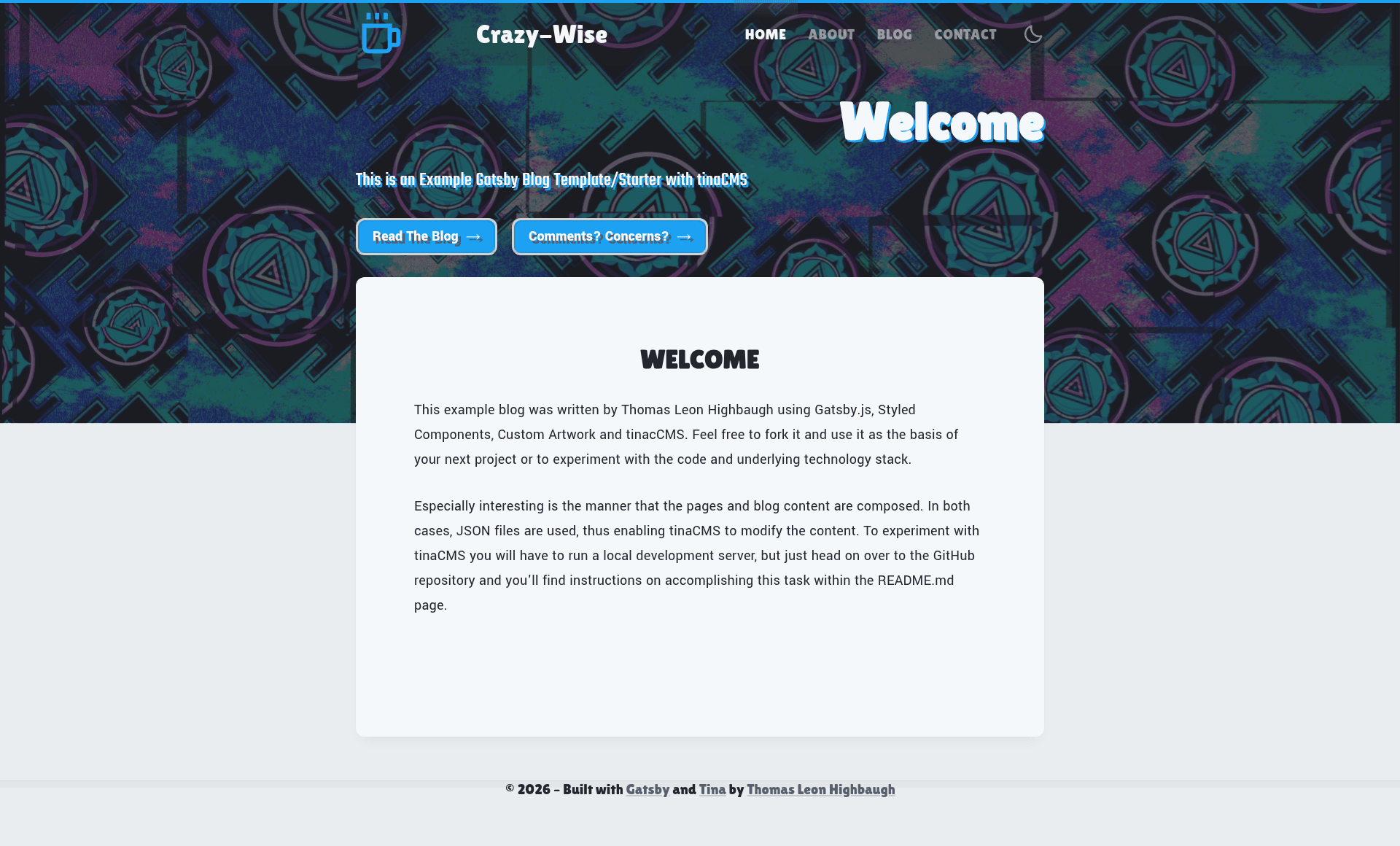
Crazy-Wise Starter is a Gatsby.js blog boilerplate that combines the tinaCMS editing interface, styled-components theming, and original custom artwork into a ready-to-run React static site.
What is Crazy-Wise Starter?
Crazy-Wise Starter is an MIT-licensed Gatsby starter created by Thomas Highbaugh, designed to scaffold a blog-style static website with a visual content editor. It takes a cloned repository as input and produces a fully rendered Gatsby site whose content lives in JSON files, with tinaCMS providing an in-browser editing layer. The stack is Gatsby, React, styled-components, and tinaCMS, and a live Netlify demo is linked from the repository. Repository metadata describes it as a Gatsby blog starter for "holy fools" who want a CMS-friendly workflow without abandoning hand-written React code.
Key Features
- tinaCMS integration — The open-source CMS opens in the development server via a pencil icon in the lower-left corner; edits made there write directly to the JSON files that populate the site.
- styled-components theming — All styling is implemented with the styled-components CSS-in-JS library, so theme changes stay inside React component files.
- Custom artwork — The starter ships with original illustrations, including a few extras not used in the default layout, intended to be swapped into components.
- Atomic design structure — Components are organized using atomic design principles, separating atoms, molecules, and organisms for easier maintenance.
- Clean, formatted React.js — The codebase is formatted with the included yarn format script, keeping the source readable and consistent.
- JSON-based content — Blog content and configuration are stored as JSON files, which strip away markup syntax and let editors focus on the content itself.
- MIT license — The starter is free to reuse, modify, and distribute under the standard MIT license terms.
Who is it for?
Developers who want a Gatsby blog starter that includes a CMS without a backend will find the repo ready to clone and run with Yarn. Content editors who are comfortable in a browser can log into the local development server, click the pencil icon, and edit copy through tinaCMS rather than editing source files. Designers and artists can reuse the bundled custom artwork or replace it with their own illustrations. Anyone learning Gatsby can follow the installation steps to see how React components, styled-components, and a CMS fit together in one project.
What can you do with Crazy-Wise Starter?
- Start a personal blog: Clone the repository, run yarn and yarn dev, then edit the JSON content and React components to publish your own static blog with no server-side database.
- Prototype a tinaCMS workflow: Use the development-server CMS to edit content and watch those changes appear in JSON files, useful for evaluating whether tinaCMS fits a team's publishing process.
- Test styled-components and atomic design: Study the project structure to see how atomic design and CSS-in-JS coexist inside Gatsby before applying the same patterns to a larger site.
How does Crazy-Wise Starter work?
Installation assumes a Unix-like OS or BASH terminal with Node.js installed. After cloning the repository, install Yarn globally with npm, run yarn to install packages, then yarn dev to start the development server. Opening localhost:8000 shows the site, and the pencil icon in the lower-left corner opens tinaCMS; any change made there updates the underlying JSON content files.
FAQ
Is tinaCMS ready for production use?
According to the starter's author, tinaCMS lacks authentication, so it is not ready for deployment on a production website. Anyone with access to the CMS could modify content, which is why the author recommends using tinaCMS only in the local development server.
Which Node version does the starter require?
The repository warns that an incorrect Node version breaks the development server. The recommended fix is to install nvm (Node Version Manager) and run nvm install 10 followed by nvm use 10 before starting the development server again.
How do I make content edits without tinaCMS?
You can edit the JSON files directly, since those files populate the pages and configuration used to render the site. The author notes they personally prefer editing text in vim and writing these JSON files by hand rather than using a CMS.
Does the starter include a live demo?
Yes, the repository links to a hosted version of the starter at g5-blog-cclife.netlify.app, which previews the default layout and content that come with the template.