Template details
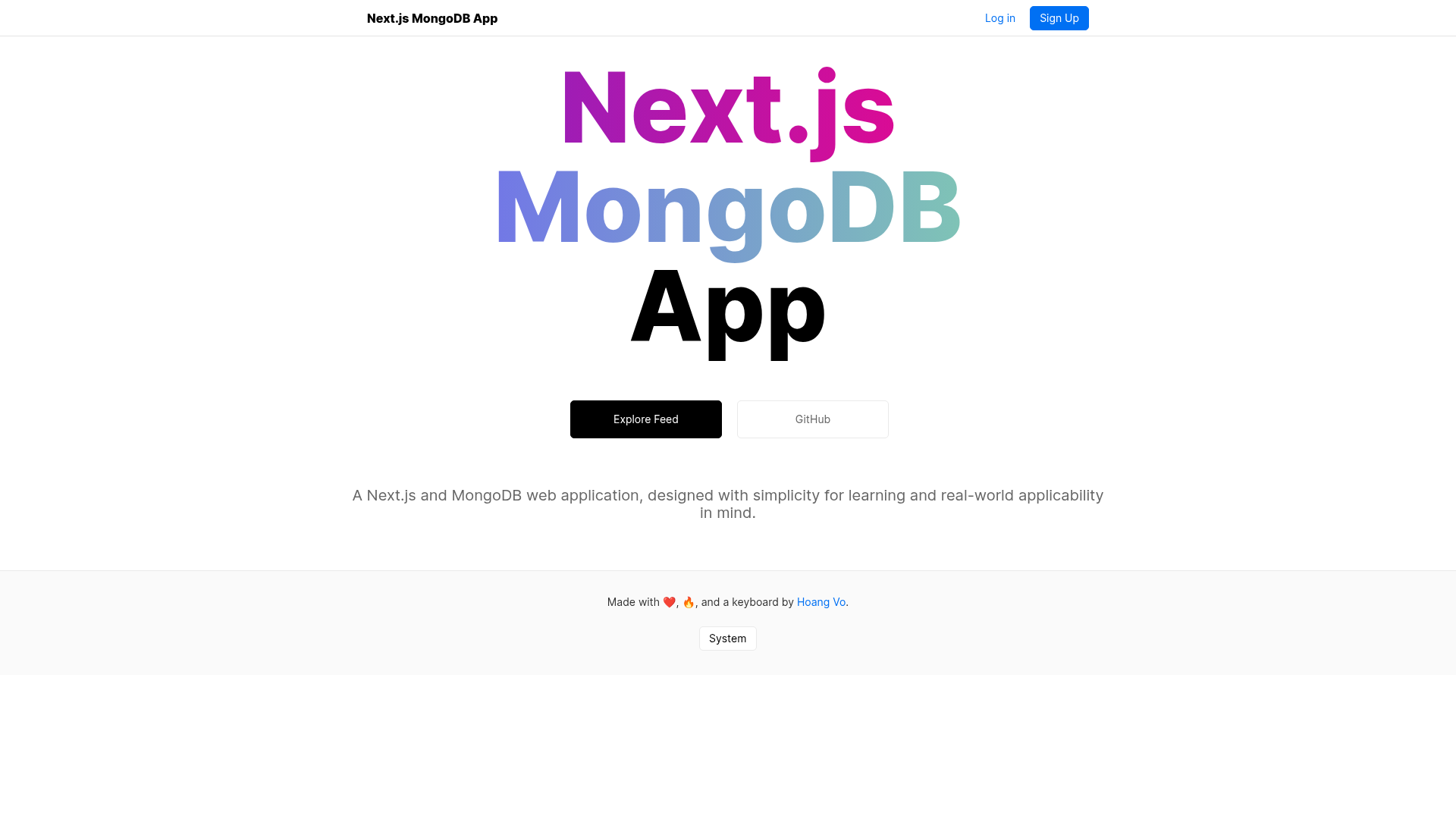
Next.js MongoDB App
A Next.js and MongoDB web application, designed with simplicity for learning and real-world applicability in mind.
About this template
Next.js MongoDB App is a full-stack boilerplate that combines the Next.js React framework with MongoDB, created by developer hoangvvo and published on GitHub under the MIT license. It ships with session-based authentication through Passport.js, email/password signup and login, email verification, password reset, user profiles, posts, and comments. The project runs entirely on Next.js API Routes, so it does not require a separate Express server, and it is ready for serverless deployment on platforms such as Vercel.
What is Next.js MongoDB App?
Next.js MongoDB App is a full-stack boilerplate that combines the Next.js React framework with MongoDB, created by developer hoangvvo and published on GitHub under the MIT license. It ships with session-based authentication through Passport.js, email/password signup and login, email verification, password reset, user profiles, posts, and comments. The project runs entirely on Next.js API Routes, so it does not require a separate Express server, and it is ready for serverless deployment on platforms such as Vercel.
Key Features
- API Routes and serverless readiness — All backend logic lives in Next.js API Routes, so the app can run in serverless functions without a persistent Node server.
- Express-compatible middleware via next-connect — Reuses the familiar middleware pattern from the Express ecosystem, including the
passport,multer, andvalidatorlibraries. - Session-based authentication — Passport.js with
passport-localhandles email/password sign up, login, logout, email verification, password change, and password reset through nodemailer or third-party email services. - User profiles — Each user can store profile picture, username, name, bio, and email, with an API endpoint to update those fields.
- Social functionality — Users can view other profiles, create posts, and write comments, making it a suitable base for a community or content app.
- Datastore flexibility — The MongoDB connection is isolated in
api-lib/db, so you can swap in another database driver or ORM like Mongoose with minimal changes. - KISS architecture — Deliberately avoids GraphQL, SASS, Redux, and other heavy tooling; uses SWR for client-side data fetching.
- Guided learning path — The author published four companion blog posts covering authentication, profiles, email features, and posts/comments.
Who is it for?
- Next.js developers who want a proven, readable full-stack example and will study the four accompanying blog posts by hoangvvo.
- Solo founders and indie hackers who need to bootstrap an MVP with user accounts and social interactions and prefer a small, auditable codebase.
- Engineering teams who want to scaffold an internal tool or prototype that needs authentication and profiles without paying for a commercial boilerplate.
What can you do with Next.js MongoDB App?
- Launch a social app: create user accounts, editable profiles, posts, and comments as starting features.
- Learn production auth patterns: examine how sessions, email verification, and password reset are wired together with Passport.js and next-connect.
- Deploy to Vercel in one click: use the repository's deploy button, which clones the code and prompts for the required environment variables (MONGODB_URI, WEB_URI, and optionally CLOUDINARY_URL and NODEMAILER_CONFIG).
How does the template work?
After cloning, copy a .env.local file into the project root and set the MongoDB connection string (MONGODB_URI) and your app's URL (WEB_URI). Run yarn dev or npm run dev for local development; for production, run npm run build followed by npm run start. The project can also be deployed through the Vercel one-click clone button, which asks you to fill in the same environment variables.
Pricing
The template is free and open source under the MIT license. You pay only for the services you choose to run it on, such as MongoDB Atlas, Cloudinary for image uploads, and your hosting provider.
FAQ
Does Next.js MongoDB App support OAuth login?
No. The current implementation uses email and password only via passport-local. The repository's feature checklist marks OAuth with Google, Facebook, and others as an unimplemented item, so you would need to add it yourself.
What environment variables are required?
MONGODB_URI and WEB_URI are required. CLOUDINARY_URL is needed only if you use Cloudinary for image uploads, and NODEMAILER_CONFIG is needed only if you send email through Nodemailer.
Can I use a different database instead of MongoDB?
Yes. The database connection code is isolated in api-lib/db, and dependencies note that mongodb may be replaced with mongoose or other database libraries.
What versions of Next.js and React are needed?
Next.js v9.3 or above is required for API Routes and getServerSideProps, and React 16.8 or above is required for hooks. The project description lists these as explicit requirements.
Is the project suitable for production use?
The author writes that the project is written to be secure but its simplicity requires careful consideration for sensitive production deployments. It provides an issue tracker for reporting security problems.