Template details
Dashboard Sample
A minimal Next.js + TypeScript dashboard starter that runs locally with npm run dev.
About this template
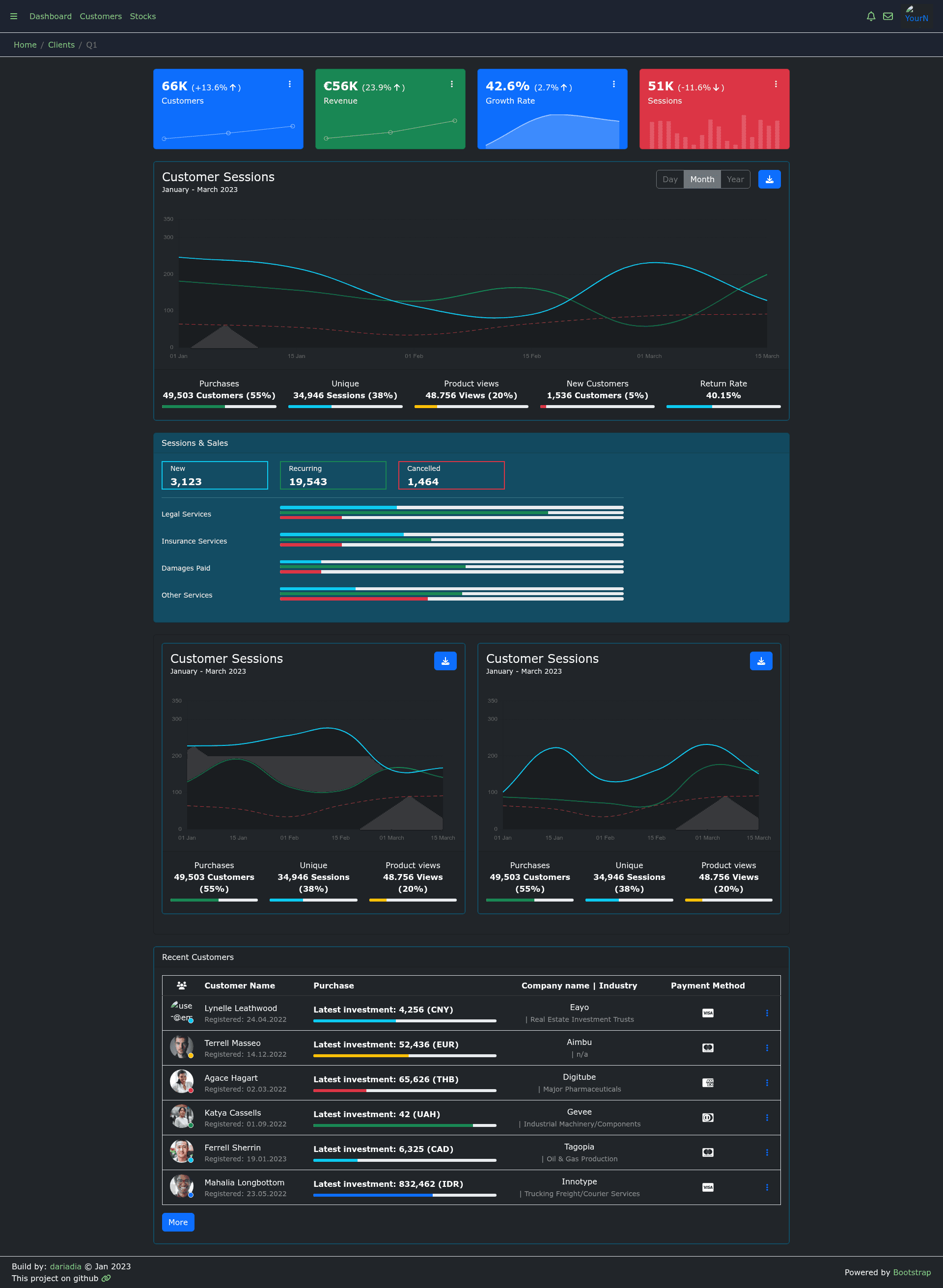
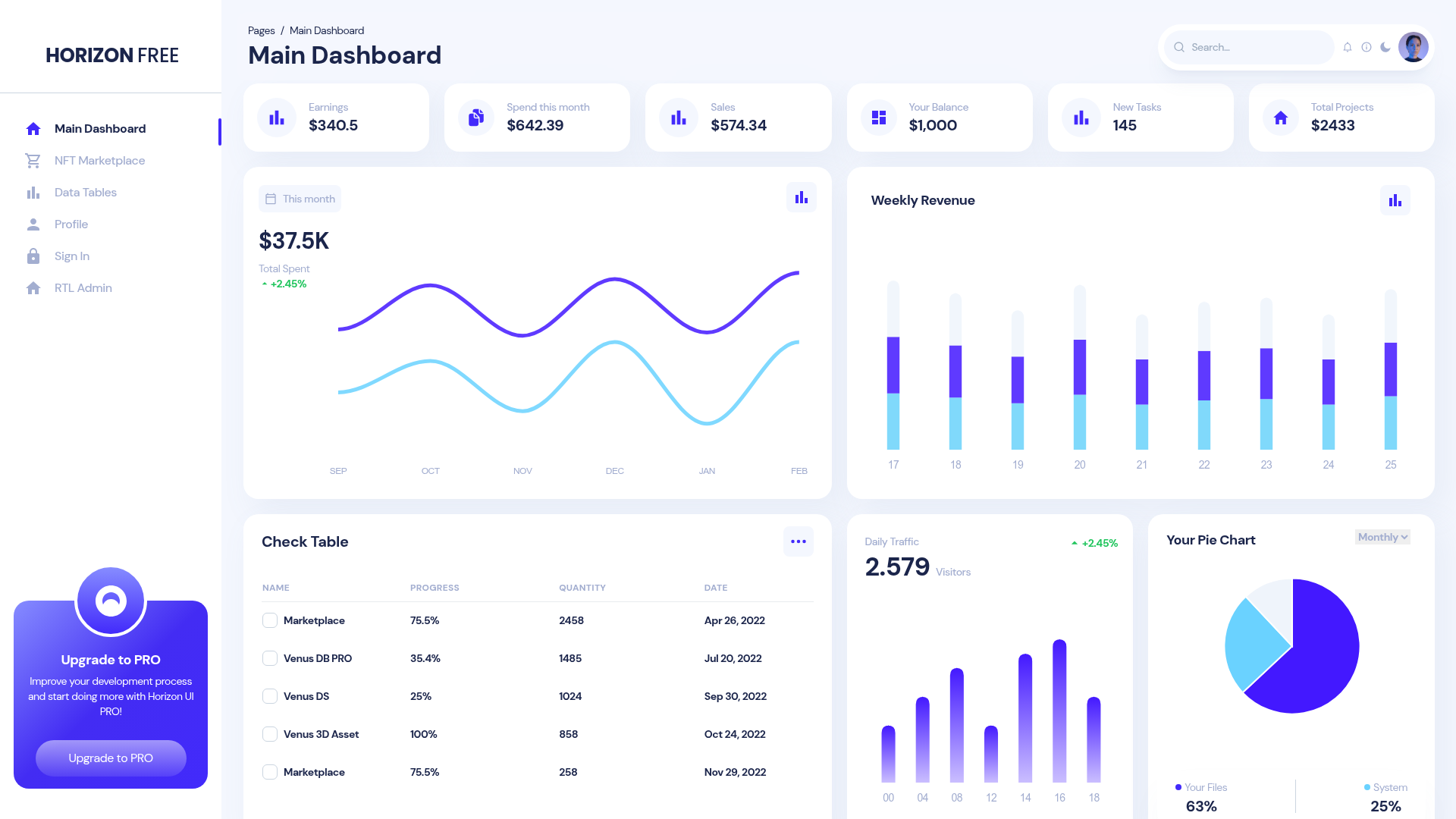
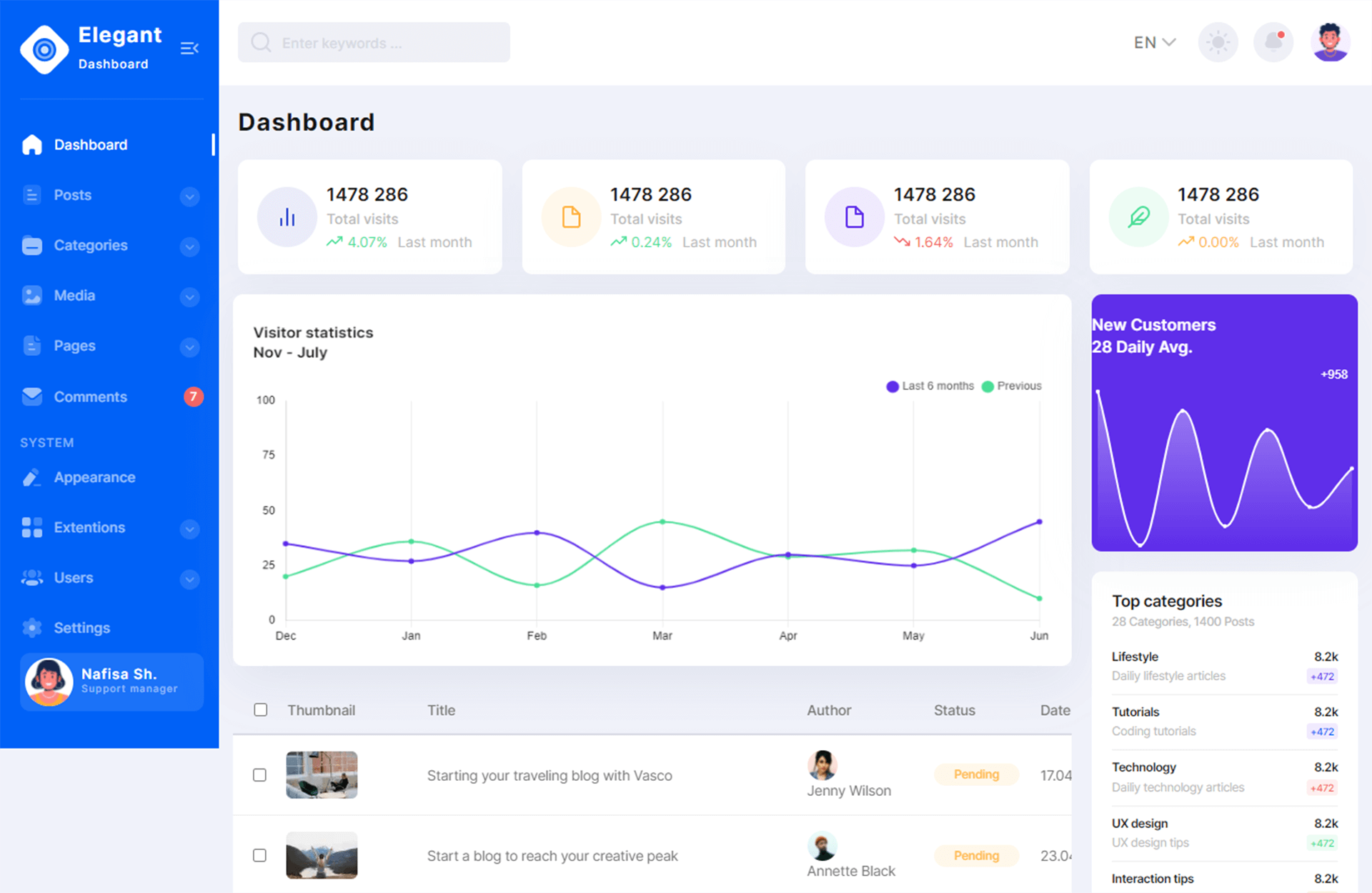
Dashboard Sample is a minimal starter template for building dashboard applications, built on Next.js with React and TypeScript, styled with react-bootstrap. This repository provides a bare-bones starting point rather than a fully featured dashboard, with the page content still showing a placeholder 'todo' under its 'what' section. It is designed to be run locally with a single npm command, making it easy to inspect, modify, and extend into a custom dashboard.
What is Dashboard Sample?
Dashboard Sample is a sample dashboard app written in TypeScript and React, using the Next.js framework and the react-bootstrap component library. The template's core function is to serve as a minimal scaffold for dashboard interfaces; it takes no external input and produces a web-based dashboard UI when rendered. The project runs on Node.js using the npm package manager, as indicated by the npm run dev command in the documentation. The repository metadata describes it simply as 'A sample dashboard app', and it has no stated author or organization.
Key Features
- Next.js framework — The template is built on Next.js, a React-based framework that supports server-side rendering and static site generation.
- TypeScript support — The project is written in TypeScript, providing static type checking for improved code reliability.
- react-bootstrap styling — UI components are styled with react-bootstrap, integrating Bootstrap's design system with React.
- Minimal structure — The project is intentionally sparse, containing only the core stack and a placeholder 'todo' note in the documentation.
- Local development workflow — The included
npm run devcommand starts the development server for immediate iteration.
Who is it for?
- New developers learning Next.js can use this template to see how a minimal dashboard app is structured.
- Developers needing a quick start for a dashboard project can clone the repository and build upon its existing stack without setting up configuration from scratch.
- Frontend engineers who prefer TypeScript and react-bootstrap can use this as a foundation that already includes their preferred tools.
Use cases
- Building a custom admin panel: start from this template and add your own data visualizations, tables, and navigation.
- Learning Next.js with TypeScript: inspect the boilerplate to understand how a Next.js app is organized with react-bootstrap.
- Prototyping a dashboard: quickly set up a local server and experiment with UI layouts using
npm run dev.
How does Dashboard Sample work?
The template follows the standard Next.js development flow. To run it locally, execute npm run dev in the project directory, which starts the Next.js development server. From there, you edit the React components and pages to build out your dashboard. The repository does not document any additional scripts or deployment steps.