Template details
Quixlab
Free Bootstrap admin dashboard template by Themefisher with editable HTML/CSS, MIT code license, and GitHub download.
About this template
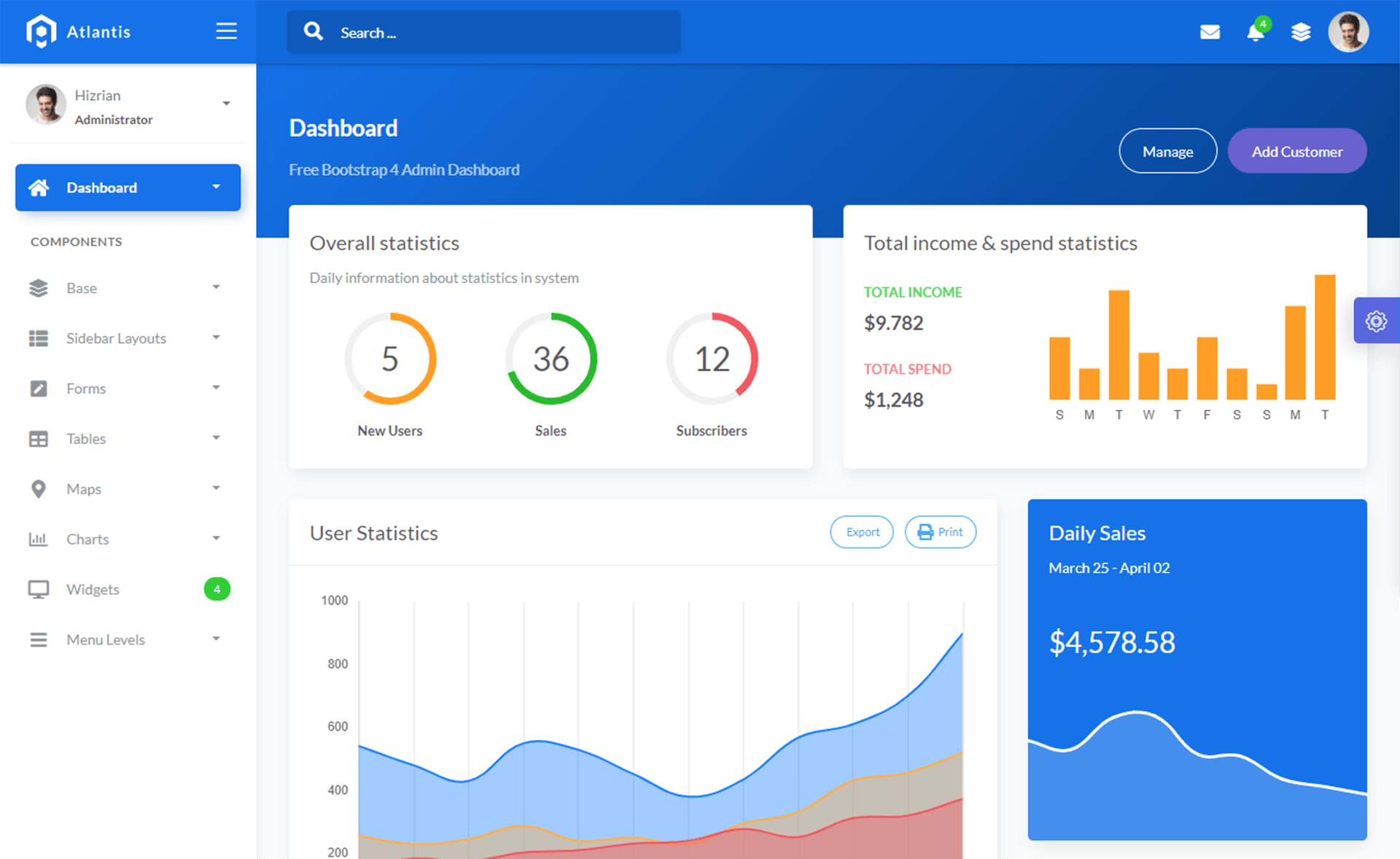
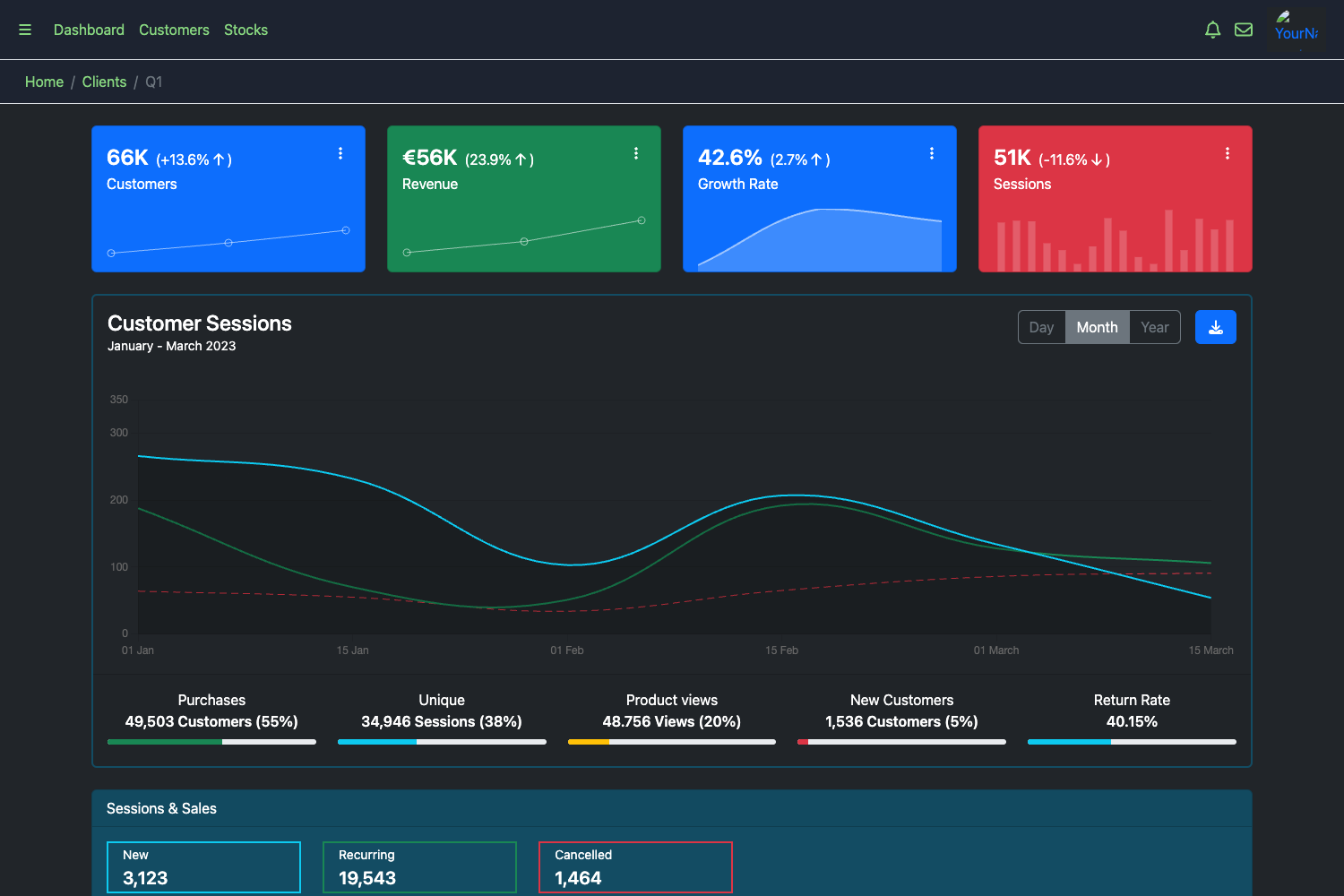
Quixlab is a free Bootstrap admin dashboard template created by Themefisher, designed to serve as the starting point for building backend management interfaces.
What is Quixlab?
Quixlab is a free Bootstrap admin dashboard template designed and developed by Themefisher, available for direct download from GitHub. It takes plain HTML and CSS files as its source material and produces a ready-to-open dashboard interface that runs entirely in the browser. The package includes a theme folder containing editable HTML and CSS files, plus demo images that are licensed separately. The template's code is released under the MIT license, while the demonstration images are not included in that license.
Key Features
- Free download — The complete template source is available as a ZIP archive from the Quixlab GitHub repository, with no payment or signup required.
- Bootstrap-based — The dashboard is built on the Bootstrap front-end framework, so it works with standard Bootstrap components, grid classes, and utilities.
- Editable HTML and CSS — The theme folder contains plain HTML and CSS files that can be modified in any text editor, making it straightforward to restyle or add pages.
- No build step — After editing, opening index.html in a web browser renders the dashboard locally without requiring Node.js, a bundler, or a dev server.
- MIT code license — The template's code can be reused in personal and commercial projects under the terms of the MIT license.
- Paid support available — The developer offers paid technical support and integration help via email for users who need assistance beyond opening issues.
- GitHub-hosted — The project is distributed through GitHub, allowing users to watch, fork, or download the repository with version history.
Who should use Quixlab?
- Web developers who need a free, no-frills admin panel starter for client work or internal projects can begin with Quixlab's HTML and CSS files and adapt them to their own backend.
- Freelancers and agencies looking for a quick, license-friendly base for building custom dashboards can save time by customizing an existing Bootstrap layout instead of starting from scratch.
- Students and learners studying Bootstrap can open the template's source files to see how a typical admin dashboard is structured, then experiment by editing classes and styles.
What can you do with Quixlab?
- Rapid prototyping: Stand up a dashboard layout in minutes by downloading the ZIP and opening index.html, then replace the placeholder content with real data.
- Custom admin panels: Use the editable HTML and CSS as the foundation for a control panel, analytics screen, or user-management interface tailored to your own markup and styling.
- Learning Bootstrap: Study a real-world admin template to understand how Bootstrap grid systems, cards, and navigation are combined in a dashboard design.
How does Quixlab work?
The workflow described on the project page is simple: download the template from GitHub, edit the HTML and CSS files inside the theme folder with your preferred text editor, and then open the index.html file in a web browser to preview your changes. Because the template relies on static files rather than a framework build step, the preview updates as soon as you refresh the browser.
Pros and cons
- Pros: Free to download, MIT-licensed code permits commercial use, static HTML/CSS is easy to edit, and previewing locally requires nothing more than opening a file in a browser.
- Cons: The page does not list a specific set of included pages or components, so the exact layout and page count need to be verified from the downloaded files; the demo images cannot be freely reused due to their separate licenses.
Pricing
Quixlab is free. The template is distributed as a free download from GitHub, and the code is licensed under MIT, which does not require a paid license for use in projects.
Alternatives
- AdminLTE — another widely used free Bootstrap admin dashboard template with a similar approach.
FAQ
Is Quixlab free?
Yes. Quixlab is described as a Free Bootstrap Admin Dashboard Template, and the full source code is available for download from the project's GitHub repository without charge.
Can I use Quixlab in commercial projects?
The code is released under the MIT license, so you can use, modify, and include it in commercial projects. However, the images used for demonstration are licensed separately and are not covered by the MIT license.
How do I preview the template?
After downloading the ZIP and extracting it, open the theme folder and load the index.html file in any web browser. The dashboard renders as a static page without requiring a server or build tool.
How do I get support for Quixlab?
The project page lists a contact email (mehedi@themefisher.com) for paid technical support and product integration help. For general issues, you can also use the GitHub repository's issue tracker.
What does the MIT license cover?
The MIT license covers the template's code — HTML, CSS, and any associated source code. It does not cover the demonstration images, which the project page states carry their own licenses and are included only for display.