Template details
DevRes
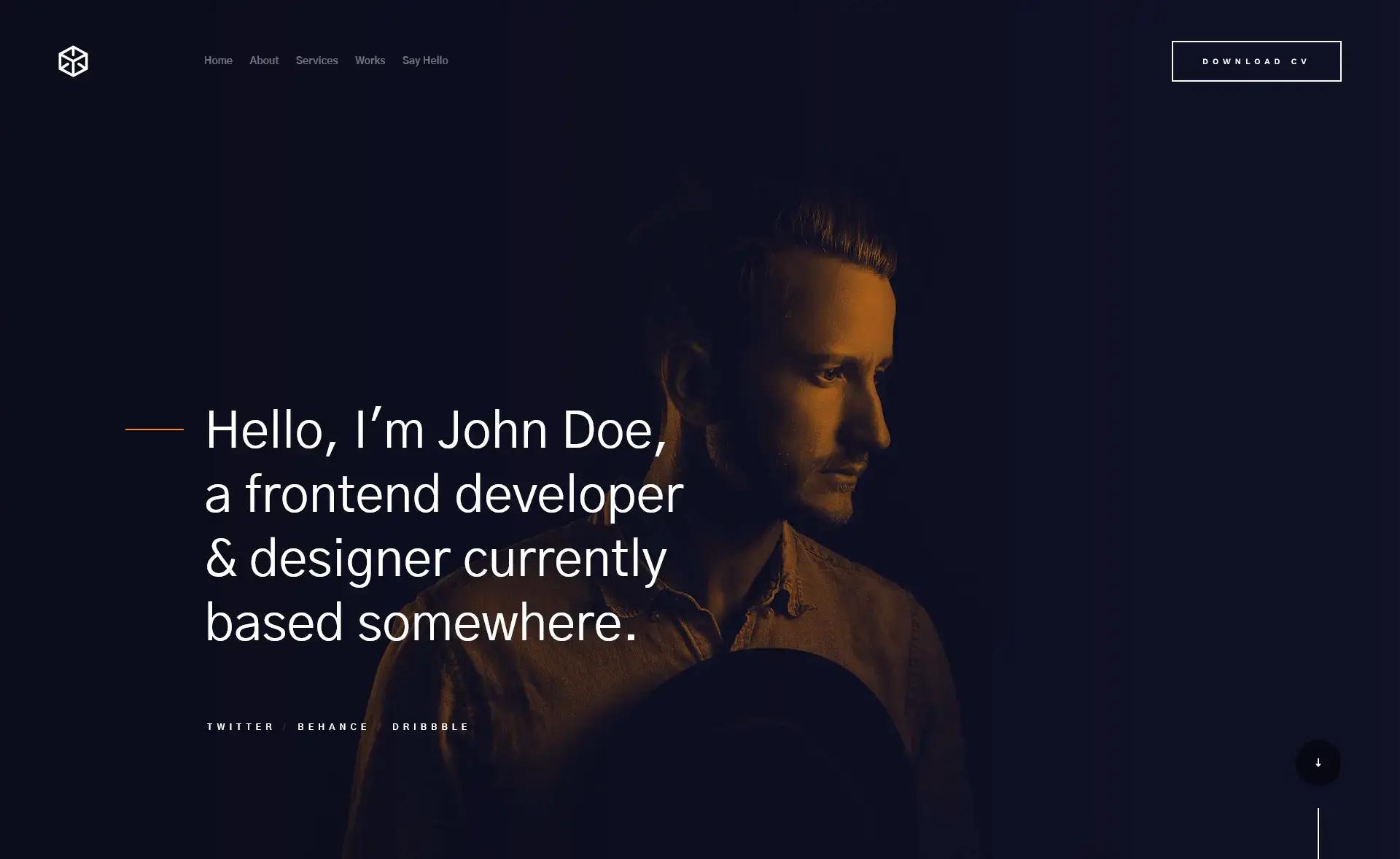
A minimalist Hugo resume theme for developers, featuring dark mode, automatic GitHub project cards, recent blog posts, and contact form integration.
About this template
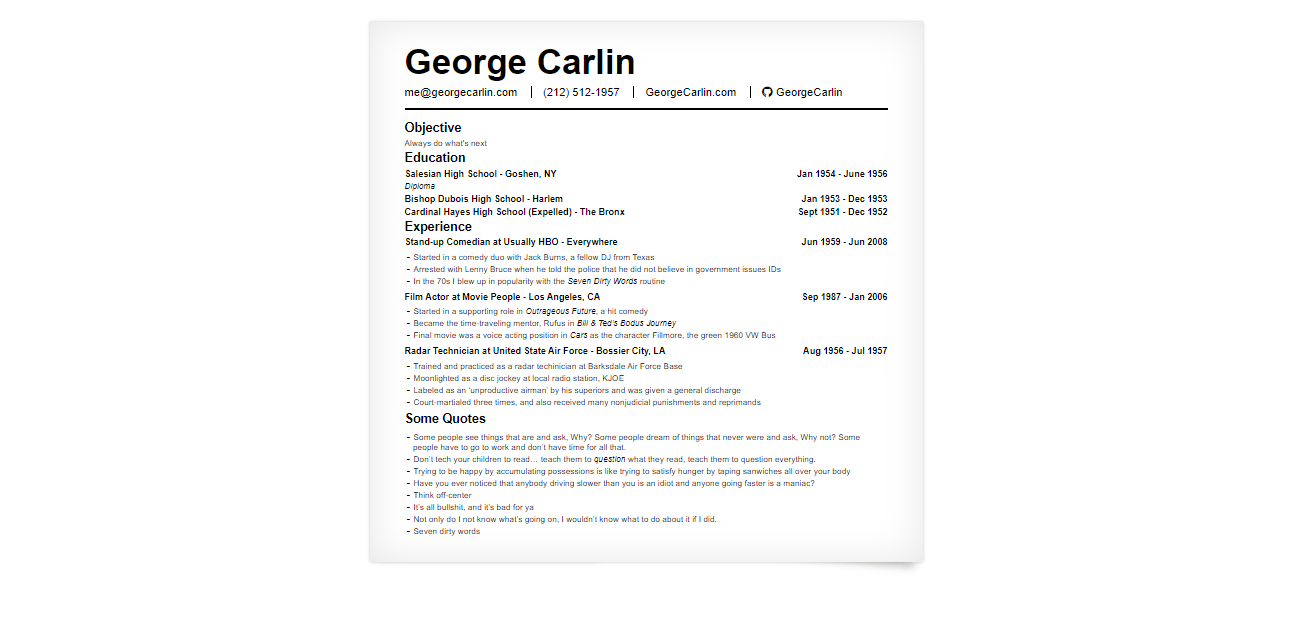
DevRes is a minimalist Hugo resume theme built for developers, turning a YAML data file into a static one-page resume site with automatic GitHub project cards and blog post integration. A live demo shows the theme in action with documentation content.
What is DevRes?
DevRes is a Hugo theme that generates a developer-focused resume website. It takes your resume data from a data/content.yaml file and produces a responsive static site with light and dark mode, project cards, and recent blog posts. The theme runs on Hugo version 0.72.0 or higher and is maintained by Nir Gal on GitHub. It is designed to be fast and SEO-friendly, scoring 90 or higher on Google PageSpeed Insights for both mobile and desktop.
Key Features
- Responsive layout — The resume adapts cleanly to mobile and desktop screens with a minimalist, developer-oriented design.
- Light/Dark mode — Visitors can toggle between light and dark color schemes, and the primary colors are configurable in
config.toml. - Automatic GitHub project cards — Provide a GitHub repository name and the theme generates a project card with details like stars, description, and language.
- Latest blog posts — The theme can automatically pull the most recent posts from your blog so your resume always displays fresh content.
- Icon flexibility — Use either Font Awesome or Devicons icon sets for the icons on your resume.
- Analytics support — Both Google Analytics and Plausible analytics are supported out of the box.
- Automated contact form — Connect Formspree or Getform to the built-in contact form to receive messages from site visitors.
- CDN for third-party libraries — All external libraries are loaded from a CDN, improving load performance.
Who is it for?
DevRes is aimed at software developers, tech job seekers, open-source contributors, and freelancers who want a clean online resume that showcases their coding work. Developers can list their skills, experience, and projects, and the theme automatically pulls in GitHub project cards and latest blog posts to keep the resume dynamic. Job seekers can use it to create a professional online presence without building a site from scratch. Freelancers can use the integrated contact form to turn their resume into a lead-generation page.
What can you do with DevRes?
- Display your GitHub projects: Add a repo name and the theme generates a card with stars, description, and language, giving visitors a live look at your code.
- Showcase your latest blog posts: The theme fetches your most recent posts automatically, so your resume always has fresh content.
- Customize the theme colors: Change the accent colors directly in
config.tomlwithout touching SCSS files. - Collect contact messages: Integrate Formspree or Getform to receive inquiries from your resume visitors.
How does DevRes work?
The setup process is straightforward: clone the repository into the themes folder or add it as a Git submodule, then set theme = "devRes" in your config.toml. Your resume content is stored in data/content.yaml, and favicons go in an icons directory inside static. For local development, you can run hugo server --source=exampleSite -v --gc to preview the theme with the example content.
Pricing
DevRes is free and open-source, released under the Creative Commons Attribution 4.0 license. There are no paid tiers or premium features — the full theme is available on GitHub.
FAQ
Is DevRes free?
Yes, DevRes is entirely free and open-source. It is released under the Creative Commons Attribution 4.0 license, so you can use, modify, and share it as long as you give appropriate credit.
What Hugo version do I need for DevRes?
DevRes requires Hugo version 0.72.0 or higher. The badge in the repository shows compatibility with Hugo 0.72.0 and above, so make sure your Hugo installation meets this minimum.
How do I customize the theme colors?
You can change the theme colors directly in the config.toml file. The exampleSite folder contains a sample configuration that shows exactly where to set the color values. There's no need to edit SCSS files for basic color changes.
Where do I put my resume data?
Resume data goes in a file named content.yaml inside the data directory of your Hugo site. The exampleSite provides a working data/content.yaml that you can reference as a template for the expected structure.