Template details
Event Management
PHP/MySQL web app for registering users for college fest events with a simple, secure login system.
About this template
Event Management is a PHP and MySQL web application that lets college fest organizers register attendees for events through a simple user registration and admin login flow.
What is Event Management?
Event Management is a PHP and MySQL web application built for college fests; it takes user registrations through a signup/login form and stores them in a MySQL database so admins can manage events. It runs locally on XAMPP or WAMPP servers and is distributed as open-source code by developer PuneethReddyHC. The project includes a separate admin panel (admin@gmail.com / 123456789) and screenshots showing home, events, about, and login pages.
Key Features
- User registration and login — Attendees create an account and log in before registering for fest events, with a "secured way" described by the author.
- Admin dashboard — A dedicated admin login (admin@gmail.com, password 123456789) lets organizers oversee registrations.
- Simple setup on XAMPP/WAMPP — Runs on Apache and MySQL; install by cloning the repo into htdocs and importing the events.sql database file via phpMyAdmin.
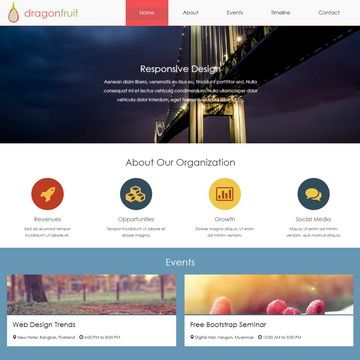
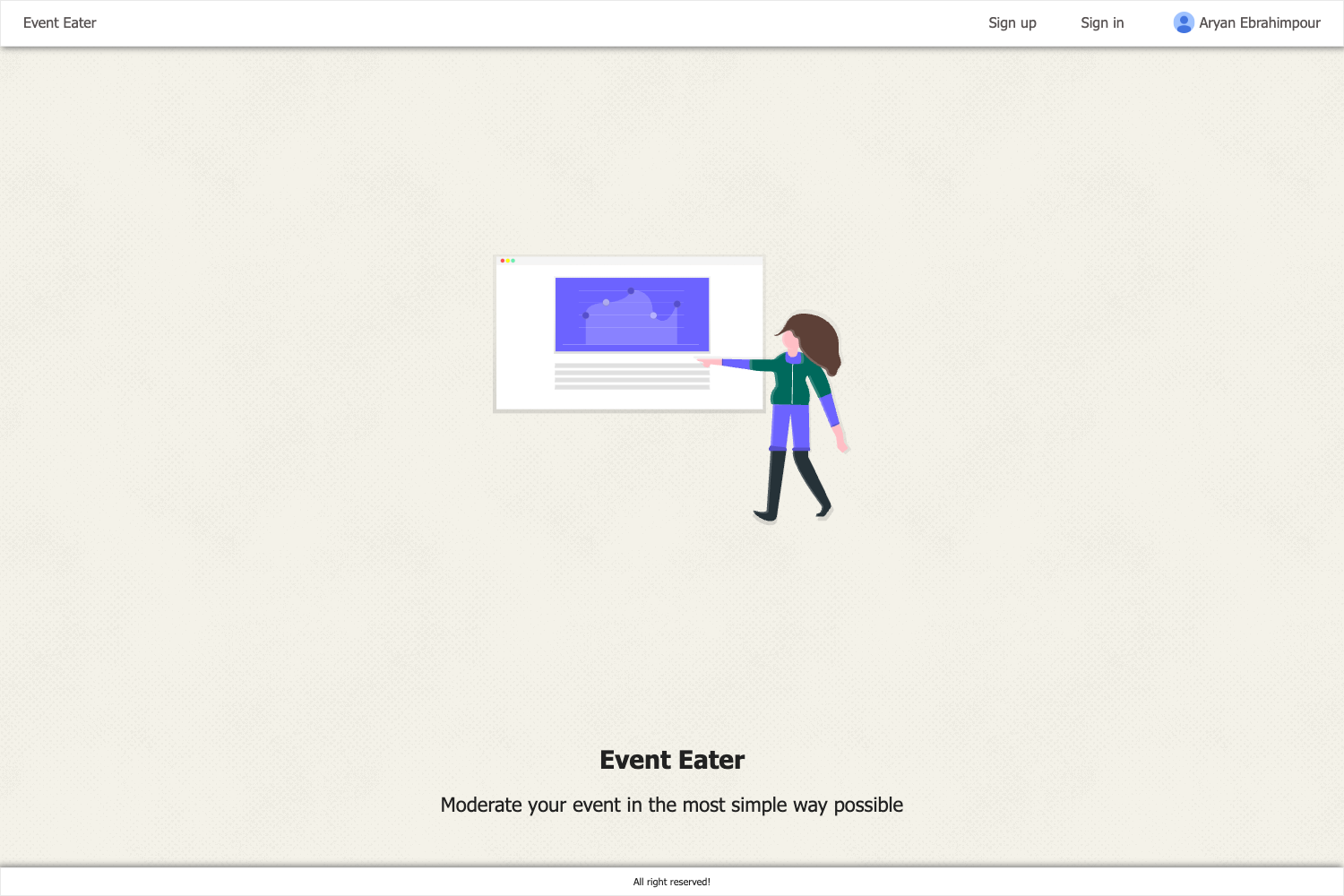
- Event listing pages — The repository screenshots show home, events, about, and login pages that present the fest's schedule and information.
- PHP and MySQL stack — Built with server-side PHP and a MySQL database, using SQL for schema (events.sql) and DBMS concepts as noted in the project topics.
- Built for college fests — The project is explicitly scoped to "events conducted in college fests," so it targets that use case rather than general event management.
Who is it for?
- College fest organizers — Set up a local registration site for their fest, import the MySQL schema, and manage attendee signups through the admin dashboard.
- Computer science students — Use the codebase as a DBMS or PHP project for coursework; it demonstrates login flows, MySQL imports, and CRUD-style registration.
- Hobbyist PHP developers — Study a working example of a registration web app that runs on XAMPP without external services.
What can you do with Event Management?
- Organize a campus event: publish an events page listing fest activities and let attendees register through the login-protected flow.
- Practice admin workflows: log in as admin using the provided credentials to see how a simple admin panel manages user-created records.
- Customize for a new fest: edit the PHP files and re-import events.sql to change event names, dates, and descriptions for a different college fest.
How does Event Management work?
The setup process is documented in the README: install XAMPP, start Apache and MySQL, clone the repository into htdocs, create a database named eventsite in phpMyAdmin, import database/events.sql, then open http://localhost/event-management-master. After importing, a user registers and logs in; the admin account uses the fixed credentials admin@gmail.com and 123456789.
FAQ
Is Event Management free to use?
Yes, the project is open-source under a GitHub license (MIT license badge shown) and the author links to a "Buy Me a Coffee" page for optional support.
What does Event Management do?
It registers users for events conducted in college fests. Attendees sign up and log in, then the admin can manage the event registrations through the site's admin login.
What technologies does Event Management use?
The core stack is PHP and MySQL, served through XAMPP or WAMPP (Apache). The repository also lists many other tools the author uses (Vue, Django, Flutter, etc.), but the event app itself runs on PHP/MySQL.
How do I install Event Management?
Download or git clone the repository into C:\xampp\htdocs, create a database named eventsite in phpMyAdmin, import database/events.sql, and browse to http://localhost/event-management-master. Then register a user and log in.