Template details
Filtering Query Parameters
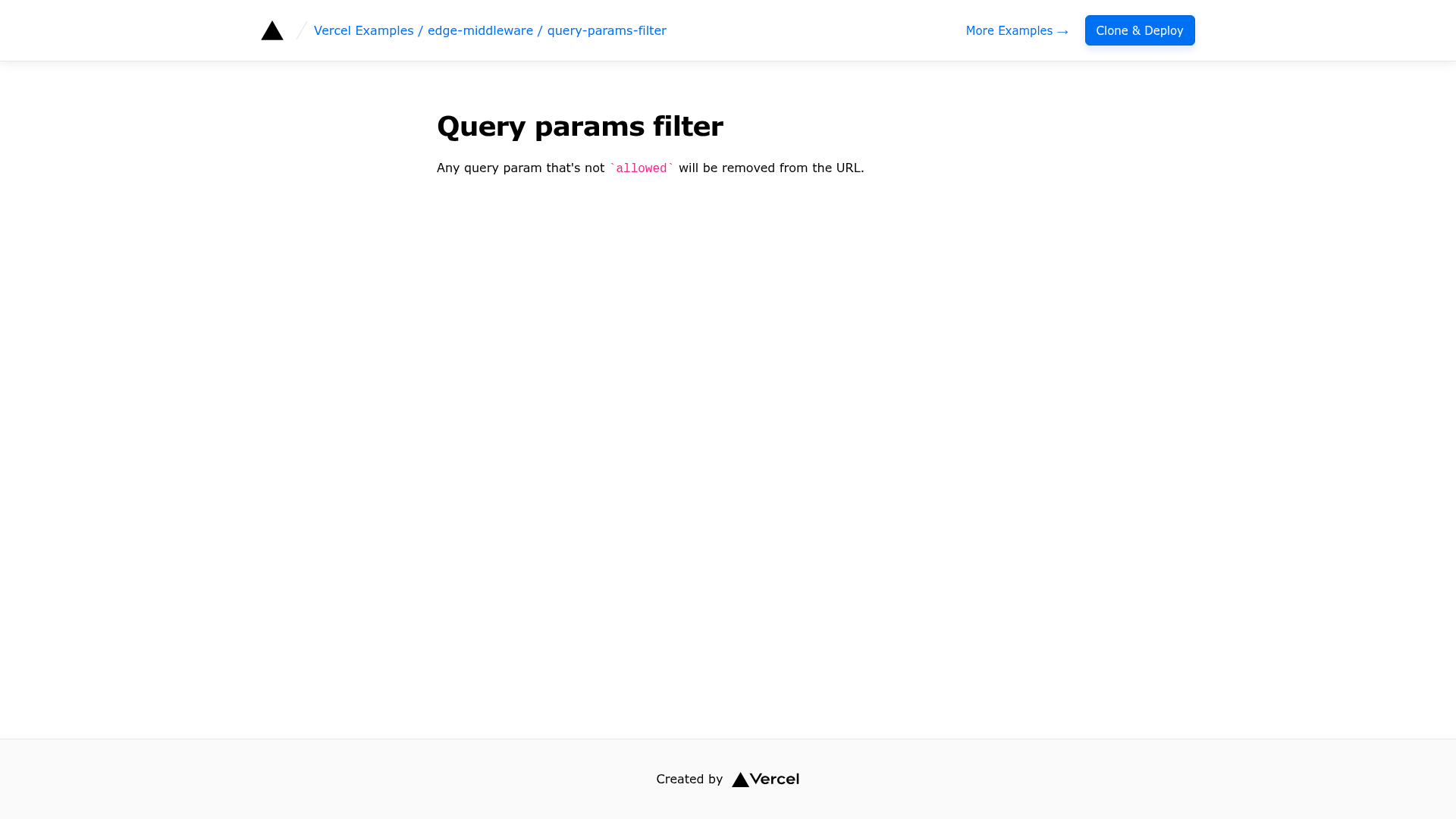
Next.js Edge Middleware example that deletes query parameters not on an allowlist and redirects to the cleaned URL.
About this template
Filtering Query Parameters is a Vercel Edge Middleware example for Next.js that removes query string parameters not on an allowlist from an incoming request URL and returns a redirect (or rewrite) to the cleaned URL.
What is Filtering Query Parameters?
Filtering Query Parameters is a Next.js Edge Middleware example, published in the Vercel examples repository, that deletes every query string parameter except the ones named in an allowlist before the request reaches the page. Its input is an incoming URL such as http://localhost:3000?a=b&allowed=test, and its output is a NextResponse.redirect to the same path carrying only the permitted parameters, producing http://localhost:3000?allowed=test. All of the behavior lives in a single middleware.ts file at the project root, written against NextRequest and NextResponse imported from next/server.
What makes Filtering Query Parameters stand out?
- Single-file Edge Middleware — the entire filter is implemented in
middleware.tsusingNextRequest,NextResponse, and the exportedconfigobject, with no additional dependencies. - Allowlist-driven filtering — a
const allowedParams = ['allowed']array defines which keys survive; every other key is removed fromurl.searchParamsduring iteration. - Redirect loop protection — the handler tracks a
changedboolean and only issues a redirect when at least one parameter was actually deleted, preventing an infinite redirect cycle. - Redirect or rewrite toggle — the example ships with
NextResponse.redirect(url)and includes a commentedNextResponse.rewrite(url)alternative for rewriting the request instead of redirecting the browser. - Scoped matcher — the exported
configobject setsmatcher: '/', so the middleware only runs on the root path rather than every route. - Next.js framework with Tailwind CSS — the example is bootstrapped as a Next.js app and styled with Tailwind CSS.
- Two install paths — a one-click Vercel deploy from the repository, or
pnpm create next-app --example ...followed bypnpm devfor local work. - Related example — the repository cross-links the
ab-testing-simpleEdge Middleware example.
Who should use Filtering Query Parameters?
- Next.js developers: strip unwanted tracking or junk parameters from inbound URLs before they reach a route handler or page component.
- Platform and caching engineers: normalize URLs at the edge so cache keys and downstream logs are not fragmented by arbitrary query strings.
- Developers learning Edge Middleware: use the file as a minimal, working reference for
matcherconfiguration, URL mutation, and redirect-loop avoidance. - Teams replacing static redirect config: use the pattern when
next.config.jsredirects are not flexible enough for per-request parameter filtering.
What can you do with Filtering Query Parameters?
- Strip tracking parameters: drop UTM or campaign keys from a marketing link while preserving the parameters your application actually reads.
- Enforce a supported parameter set: keep only documented keys such as pagination or filter values so unexpected input never reaches the page.
- Canonicalize URLs for caching: collapse variations of the same path into one URL so a CDN or edge cache serves a single entry.
- Rewrite instead of redirect: swap in the commented rewrite response to serve the cleaned path without changing the browser's address bar.
How does it work?
The middleware declares the allowed parameter names in an array, then iterates over the request's searchParams and deletes any key that is not in that array. A changed flag records whether anything was removed; if so, the function returns a redirect to the mutated URL, and if nothing changed it returns nothing, letting the request continue normally.
FAQ
What does Filtering Query Parameters do?
It deletes query string parameters that are not on an allowlist and redirects the browser to the cleaned URL. In the shipped demo the only permitted key is allowed, so a request to the root path with ?a=b&allowed=test becomes ?allowed=test.
Why does the middleware only redirect when parameters change?
Without the guard, the middleware would redirect on every request, including the redirect it just issued, creating an infinite loop. The example tracks a changed flag and returns a response only after at least one parameter has been removed.
Does the middleware run on every route?
No. The exported config object sets matcher: '/', so the example only filters requests to the root path. You would need to change the matcher pattern to apply the same filtering to other routes.
Can I rewrite the URL instead of redirecting?
Yes. The source includes a commented NextResponse.rewrite(url) line directly below the redirect, so you can serve the filtered path without changing the address shown in the browser.
Is it free to use and deploy?
It is an open example in the Vercel examples repository, so you can clone it or deploy it with the one-click Vercel button. Local development uses pnpm dev after bootstrapping with create-next-app.