Template details
Flame One Page
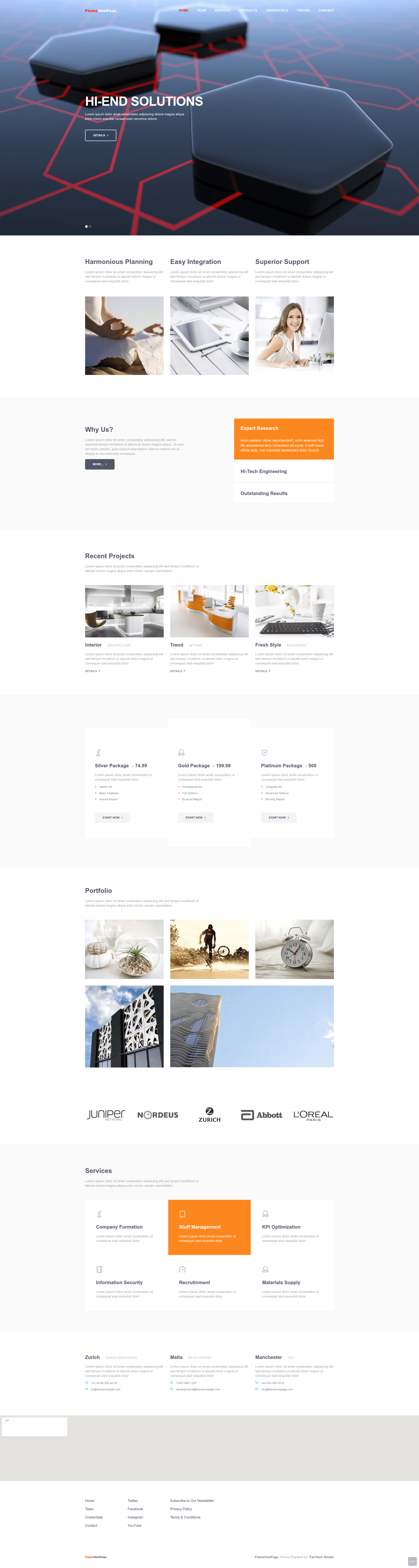
Free Bootstrap 3 one-page HTML5 template for business, agency, and personal sites with sliding header, sticky nav, portfolio gallery, and Google map.
About this template
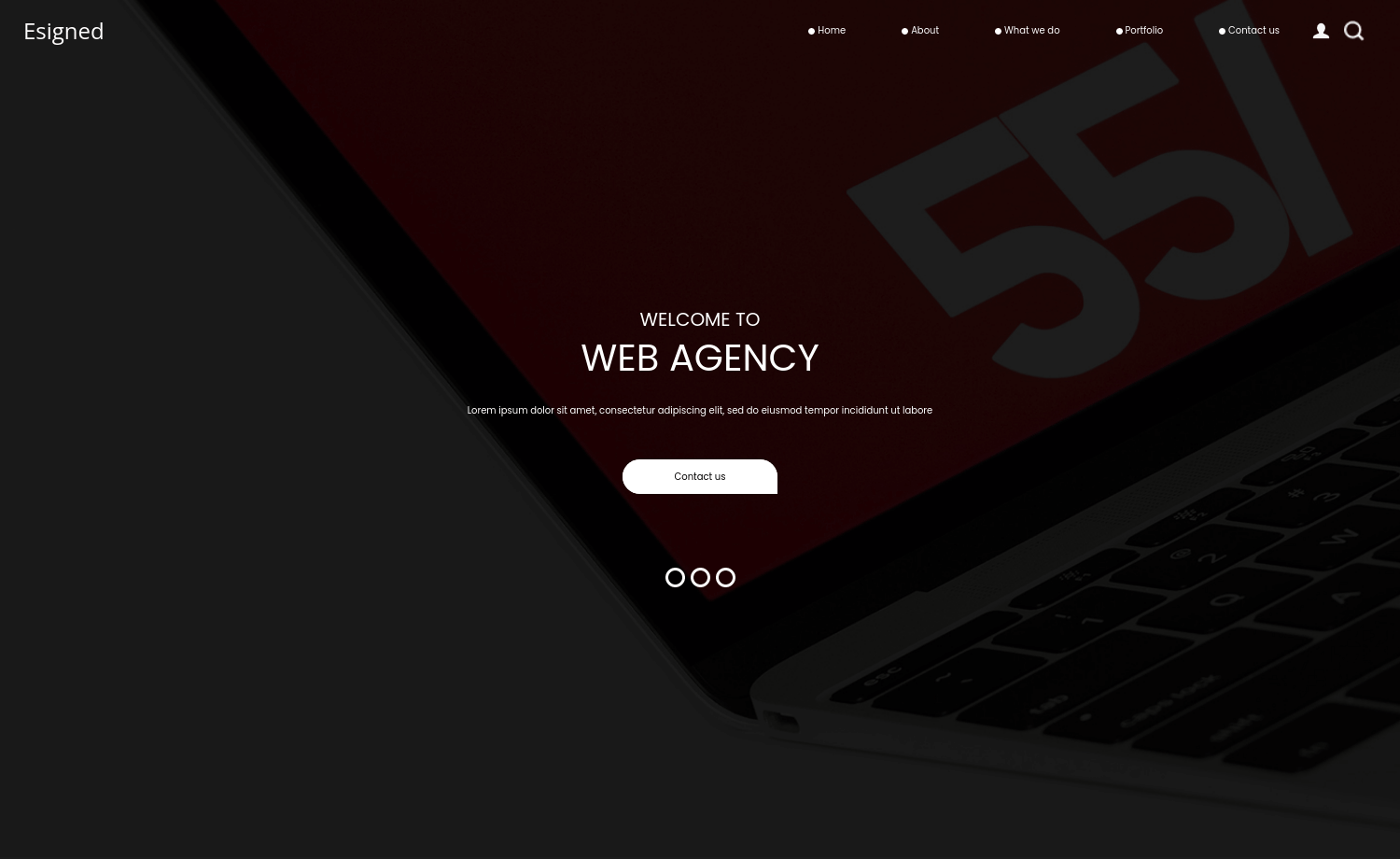
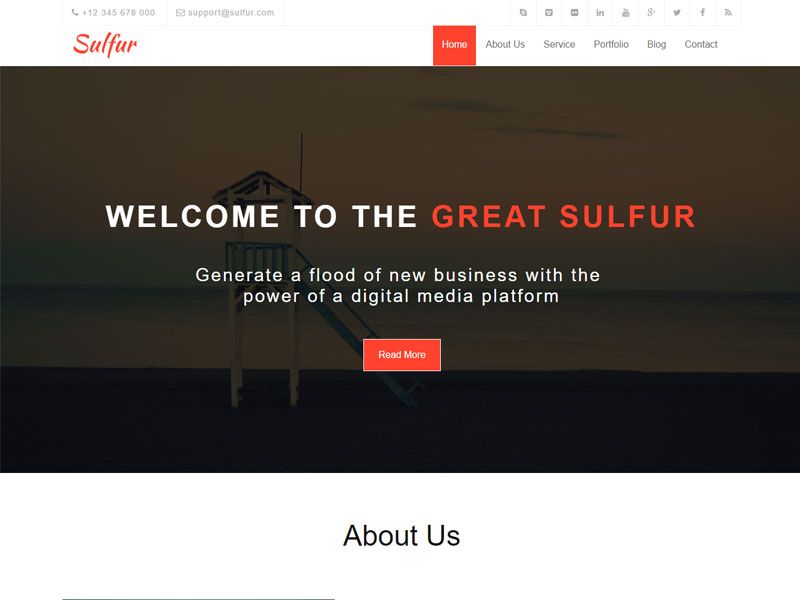
Flame One Page is a free, open-source Bootstrap 3 one-page HTML5 template from ThemeWagon, built for business agencies, corporate sites, and personal portfolios, with a full-screen sliding header, sticky navigation, portfolio gallery, and integrated Google map.
What is Flame One Page?
Flame One Page is a static HTML/CSS/JS website template that takes your text, images, and contact details and outputs a complete single-scrolling business or portfolio site with 11 themed sections. It runs entirely in the browser and requires no server-side processing, so you can edit the well-commented files and upload them to any web host. The template was designed by the Fairtech team and is distributed by ThemeWagon, a marketplace that also provides a live preview at themewagon.github.io/flameonepage.
What makes Flame One Page stand out?
- Full-screen sliding header — A background image slides into view on page load, creating an animated first impression without any video content.
- Sticky navigation bar — The menu stays fixed to the top of the viewport while scrolling, giving visitors constant access to all sections of the one-page layout.
- Smooth scrolling — Internal anchor links animate the scroll between sections, working together with the sticky nav for a fluid single-page experience.
- Portfolio gallery — A grid-based gallery section displays project images, useful for agencies, photographers, and designers showing off their work.
- Integrated Google map — A map block sits in the contact area so visitors can find the physical address without leaving the page.
- CSS animations and ghost buttons — Subtle CSS motion and outline-style ghost buttons add a polished UI without needing additional animation libraries.
- Accordion panel — A built-in accordion component lets you collapse FAQs or service details into expandable rows to keep the layout tidy.
- Well-commented, marker-tagged sections — Every section has marker tags in the code so you can identify what to change and replace content by editing only the text and images.
- Open-source license — The template is free to download, permitted in commercial projects, and covered by ThemeWagon's lifetime free updates policy.
Who should use Flame One Page?
- Small business owners — Launch a professional one-page presence with services, portfolio, contact map, and address without hiring a developer.
- Agencies and corporate teams — Display client logos and portfolio pieces in a clean layout, then direct visitors to the contact form and Google map.
- Freelancers and personal brands — Build a single-page resume-style site with a portfolio section, ghost buttons, and smooth scrolling for a modern personal look.
- Startups — Put up an MVP landing page quickly using the pre-built sections and the open-source license.
What can you do with Flame One Page?
- Photographers and creatives: Show off a portfolio gallery and a clients logo section to attract new commissions, all on one scrolling page.
- Local businesses: Embed the Google map, add a contact address, and use the accordion FAQ to answer common customer questions without extra pages.
- Event or product launches: Use the full-screen sliding header and ghost buttons to create calls-to-action that link to signup forms or external pages.
- Marketing pages: Swap in your own texts and contents thanks to the marker-tagged sections, then publish immediately while keeping the SEO-friendly structure.
FAQ
Is Flame One Page free?
Yes, Flame One Page is free to download from ThemeWagon. It is open-source licensed, can be used in commercial projects, and the author provides lifetime free updates for the template.
What Bootstrap version does it use?
Flame One Page is built on Bootstrap 3 and also uses Google Fonts, HTML5, and CSS3. It does not include Bootstrap 4 or 5 components, so newer Bootstrap utilities and grid features are not available.
Can I customize it without coding knowledge?
Yes. The template has well-commented code with marker tags for each section, so you can replace the default text, images, and links with your own content without writing a single line of code. More advanced style changes would still require basic CSS.
Is the template responsive?
Yes, Flame One Page is responsive and mobile-friendly. It adapts to handheld devices and desktops regardless of screen resolution and supports Chrome, Edge, Firefox, Mobile, Opera, and Safari.
Where can I see a live preview?
The live preview is hosted at themewagon.github.io/flameonepage. The template was released 9 years ago and last updated 4 years ago, with version 1 as the current release.