Template details
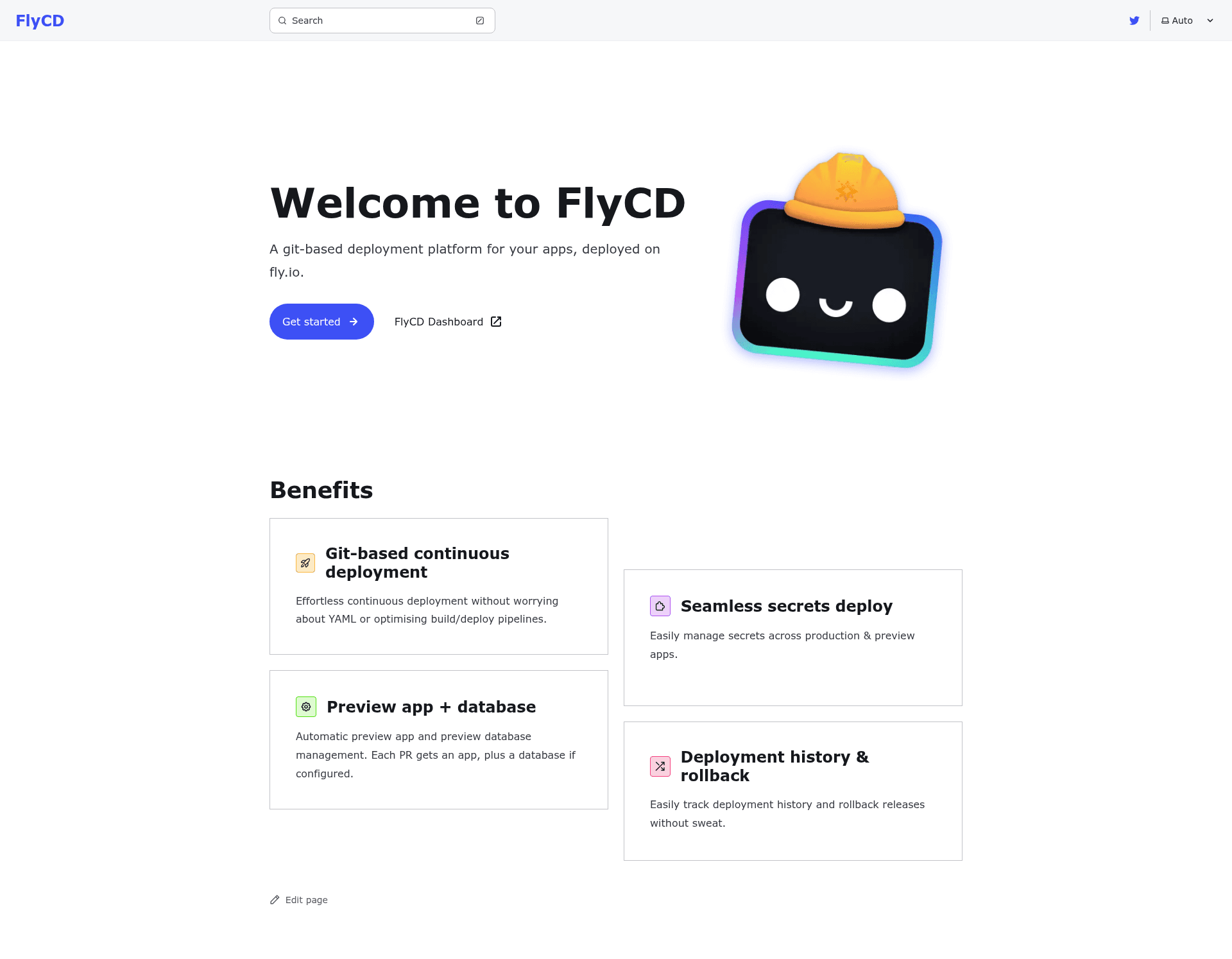
FlyCD Docs
Documentation for FlyCD
About this template
FlyCD Docs is a documentation site template built on Astro with the Starlight starter kit, used to publish FlyCD's user and developer documentation as a static site.
What is FlyCD Docs?
FlyCD Docs is a Starlight "Basics" starter template that turns Markdown and MDX files into a complete documentation website. The template takes content placed in src/content/docs/ and generates a static site with a route for each file, along with a configurable sidebar and navigation. It runs on Astro, a static-site generator, and is maintained by the Astro team as an official Starlight integration. The repository metadata shows this specific instance serves as the documentation hub for FlyCD, a CI/CD tool for Fly.io, and it includes topics like astro, cicd, flyio, remix-run, and serverless.
What makes FlyCD Docs stand out?
- Astro-based project — The template is an Astro project with
astro.config.mjs,package.json, andtsconfig.jsonincluded. - Markdown/MDX content — Starlight looks for
.mdor.mdxfiles insrc/content/docs/, and each file is exposed as a route based on its file name. - Asset directories — Images can be added to
src/assets/and embedded in Markdown with a relative link; static assets like favicons go inpublic/. - Standard commands —
npm install,npm run dev(serves on localhost:4321),npm run build(outputs to ./dist/),npm run preview, andnpm run astrofor CLI tasks. - Sandbox links — The template includes one-click "Open in StackBlitz" and "Open with CodeSandbox" buttons for instant experimentation.
- Starlight integration — It works with Starlight's docs, which are linked from the README for further learning.
Who should use FlyCD Docs?
- Documentation maintainers — Writers who want to manage docs as simple Markdown files and get a clean, navigable static site without building a custom front end.
- Open-source projects — Projects like FlyCD that need a dedicated docs site with a sidebar for guides, quickstarts, and API references, all generated from committed files.
- CI/CD product teams — Teams documenting deployment tools tailored to Fly.io and serverless workflows, as FlyCD itself does, using a template that focuses on content rather than design customization.
Use cases for the template
- FlyCD documentation — Publish the official docs for FlyCD, covering CI/CD pipelines, Fly.io deployment, and serverless functions, with all content stored in the repository and built automatically.
- Developer guides — Write step-by-step tutorials in Markdown and have them automatically organized into the site navigation via Starlight's config.
- API reference — Keep API documentation in MDX files that can include code snippets and interactive elements, then deploy the compiled static files to any host.
How does FlyCD Docs work?
The project structure places all documentation in src/content/docs/, and Starlight scans that folder to create routes. Images referenced in docs are stored in src/assets/, while global assets like favicons live in public/. To spin up a new site, run npm create astro@latest -- --template starlight; developers can then use npm run dev to preview locally and npm run build to output the final static site to ./dist/ for deployment.