Template details
FoodExpress
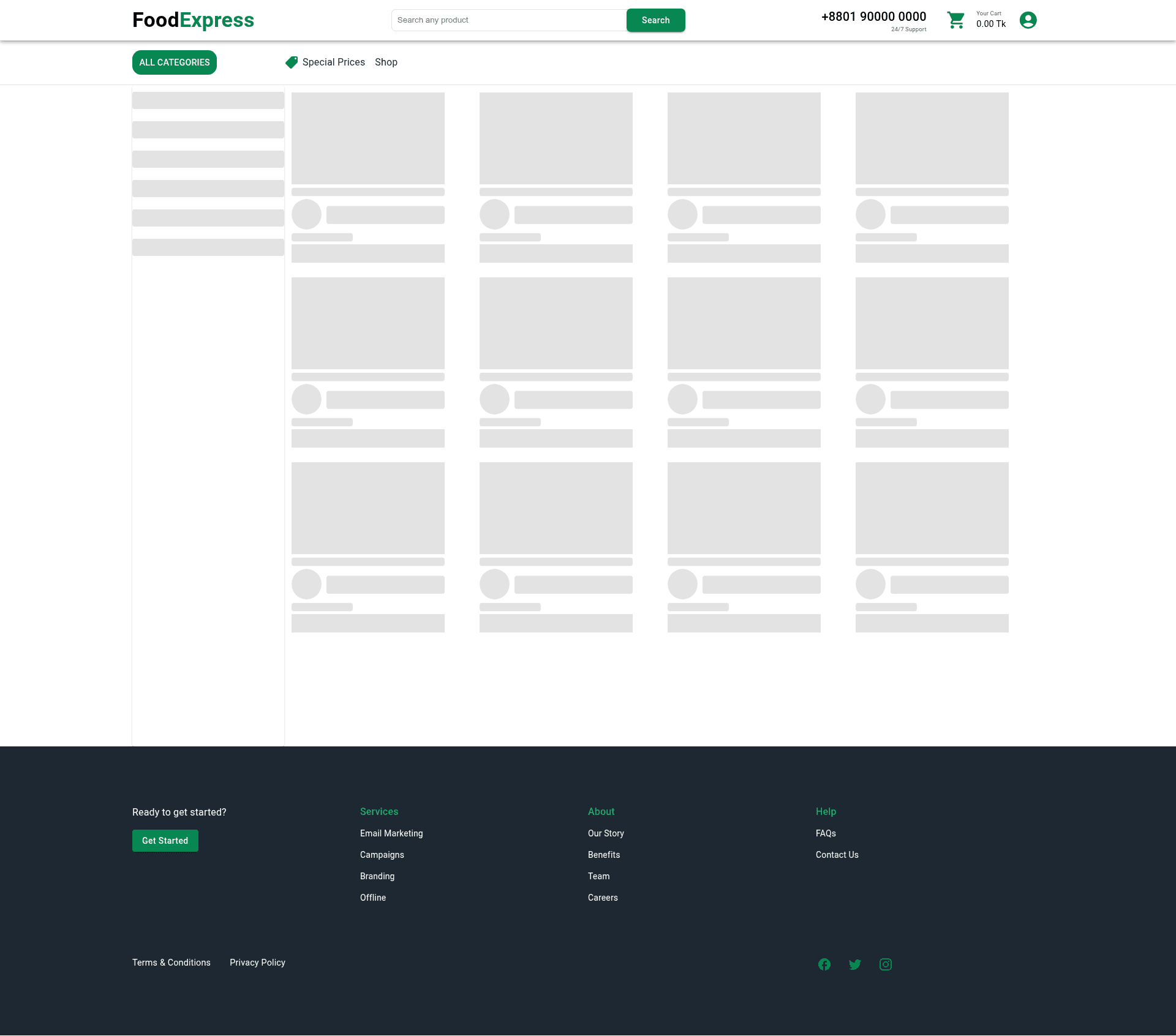
FoodExpress is an e-commerce platform that allows users to purchase essential daily food items and pay through the Stripe payment gateway.
About this template
FoodExpress is an open-source e-commerce web application template built with Next.js that lets users browse daily food essentials, manage a shopping cart, and pay through the Stripe payment gateway.
What is FoodExpress?
FoodExpress is a client-side e-commerce platform that enables purchasing essential daily food items with Stripe as the payment processor. As an input it takes product data and user actions; as output it delivers a responsive storefront with product listings, a searchable catalog, a shopping cart, order tracking, and user profiles. The application is written in JavaScript using Next.js and React libraries such as Redux Toolkit, React-Redux, Redux-Persist, and React-Hook-Form, with the interface built on Material-UI and SCSS. It is published on GitHub by 0xNaim as the foodExpress-client repository and runs as a progressive web app.
Key Features
- User login system — Create an account and log in to access personalized features such as profile updates and order history.
- Product listings — Browse food items with images and descriptions to select items for purchase.
- Search bar — Find specific products quickly without scrolling through the full catalog.
- Shopping cart — Add and remove items, then view the total cost of the purchase in real time.
- Stripe payment gateway — Pay securely for purchases through Stripe's payment processing.
- Order tracking — Track the status of current orders and view past order history.
- Profile management — Update user profile information after logging in.
- Responsive design — The layout adapts to desktop and mobile screens for a consistent experience.
- PWA capabilities — Install the app on a device and use it offline or with low connectivity, similar to a native app.
Who is it for?
- Independent food and grocery retailers — Launch an online storefront for daily essentials without building checkout, cart, and payment infrastructure from scratch.
- Developers learning modern React and Next.js — Study a real-world codebase that combines Redux Toolkit, RTK Query, React Hook Form, and Material-UI in a single project.
- Small e-commerce startups — Use the ready-made cart, user authentication, and Stripe integration to test a food delivery or grocery idea quickly.
What can you do with FoodExpress?
- Sell essential food items online: Display products with images and descriptions, accept orders through a cart, and process payments via Stripe.
- Provide a native-like mobile experience: Users can install the PWA on their device and continue browsing even with low connectivity.
- Manage customer accounts: Let shoppers create accounts, log in, update profiles, and revisit order history.
How does FoodExpress work?
- Clone the repository from GitHub.
- Install dependencies with npm or yarn.
- Start the development server.
- Open the local URL in your browser to use the app.
FAQ
Does FoodExpress support online payments?
Yes, FoodExpress integrates the Stripe payment gateway, allowing users to securely pay for their purchases directly in the application.
What technologies are used in FoodExpress?
The project uses JavaScript, Next.js, React, Redux Toolkit, React-Redux, Redux-Persist, React-Hook-Form, Material-UI, and SCSS. It is also built as a progressive web app.
Can FoodExpress work offline?
Because it is a PWA, the app can be installed on a user's device and work offline or with low connectivity, just like a native app.
How do I run FoodExpress locally?
Clone the repository, run npm install or yarn to install dependencies, then use npm run dev or yarn dev to start the development server, and open http://localhost:3000 in your browser.
Can I use the source code?
The repository is public on GitHub, so you can clone it and run the project locally. The README does not mention a specific license or pricing model.