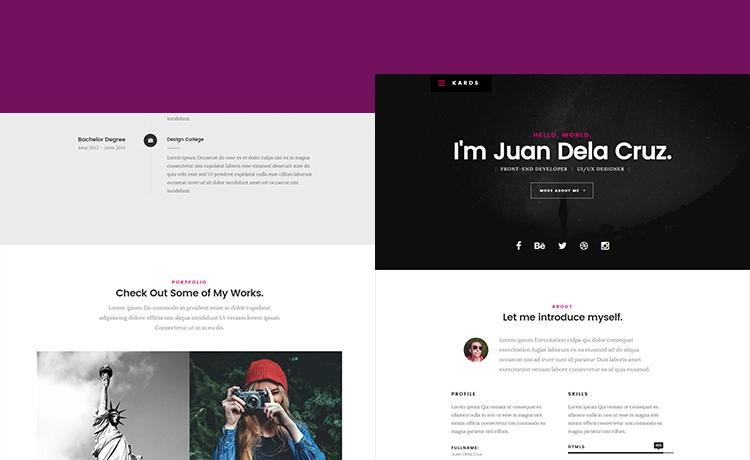
Template details
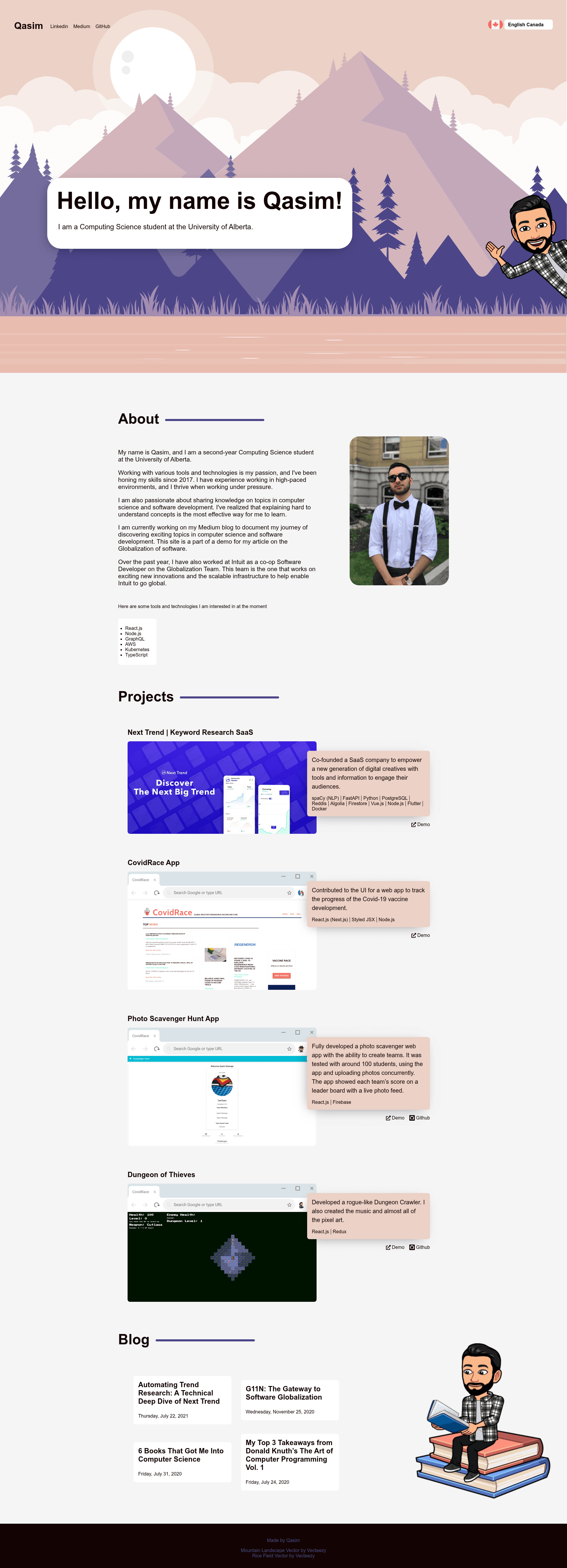
G11n Portfolio
A demo portfolio project that uses i18n practices to provide a multi-locale experience
About this template
G11n Portfolio is a Next.js portfolio starter template that uses Locize and i18next to deliver a multi-locale personal website, built on the create-next-app scaffold and deployable to Vercel in one click.
What is G11n Portfolio?
This is a portfolio template bootstrapped with create-next-app, so it runs on the Next.js framework using the pages directory and React components. It takes translation strings stored under public/static/locales and syncs them with the Locize localization service, producing a multi-language portfolio site that can be run locally or hosted on Vercel. The repository metadata describes it as a demo portfolio project that uses i18n (internationalization) practices to provide a multi-locale experience.
Key Features
- Next.js framework — Built with
create-next-app, so it uses the Pages Router, supports hot reload during development, and is served athttp://localhost:3000when you runnpm run devoryarn dev. - Locize translation sync — The template includes
yarn syncTranslationsandyarn saveMissingcommands that call locize-cli to synchronize locale files inpublic/static/localeswith a Locize project. - Environment-based configuration — You rename
.env.exampleto.env.localand addLOCIZE_PROJECTIDandLOCIZE_API_KEYto connect your own Locize project. - Component-based pages — Edit
pages/index.jsor any component insidesrc/components; the page auto-updates in the browser as you edit the file. - Localized static files — Translation files live in the standard i18next directory layout under
public/static/locales, ready for adding multiple locale folders. - One-click Vercel deployment — The README provides a Deploy with Vercel button that creates a Vercel project from the GitHub repository, plus a link to Next.js deployment documentation.
- Yarn-based workflow — Dependency management and scripts are designed for yarn; a custom
yarn commitcommand is provided to standardize commit messages.
Who is it for?
- Developers starting a portfolio site — They get a working Next.js project with i18n already wired, so they only need to replace content and add their own translations.
- Developers learning i18n — The template is a minimal example of integrating Locize and i18next into a Next.js app, including CLI commands for syncing missing translations.
- Freelancers and small agencies — They can quickly deploy a multilingual personal or client site to Vercel without setting up translation infrastructure from scratch.
What can you do with G11n Portfolio?
- Freelance designers: customize the portfolio with your own projects and use Locize to manage translations in multiple languages, then deploy to a live site via Vercel.
- Developers: experiment with i18next by adding new locale files to
public/static/localesand runningyarn saveMissingto push new keys to Locize. - Open-source contributors: fork the repository and use the yarn-based commit script to keep changes consistent when submitting pull requests.
How does the Locize sync work?
The workflow is: rename .env.example to .env.local, fill in your Locize project ID and API key, then run yarn syncTranslations to pull remote translations into the repo or yarn saveMissing to upload new key/translation pairs from your code to Locize. This keeps content editors and developers working from the same translation source of truth.
Deployment on Vercel
The template includes a Deploy with Vercel button that links to https://vercel.com/new/git/external?repository-url=... for the GitHub repository, and the README links to the official Next.js deployment docs. Because the project was created with create-next-app, it also supports the standard Vercel import flow.