Template details
Gatsby Starter Portfolio: Jodie
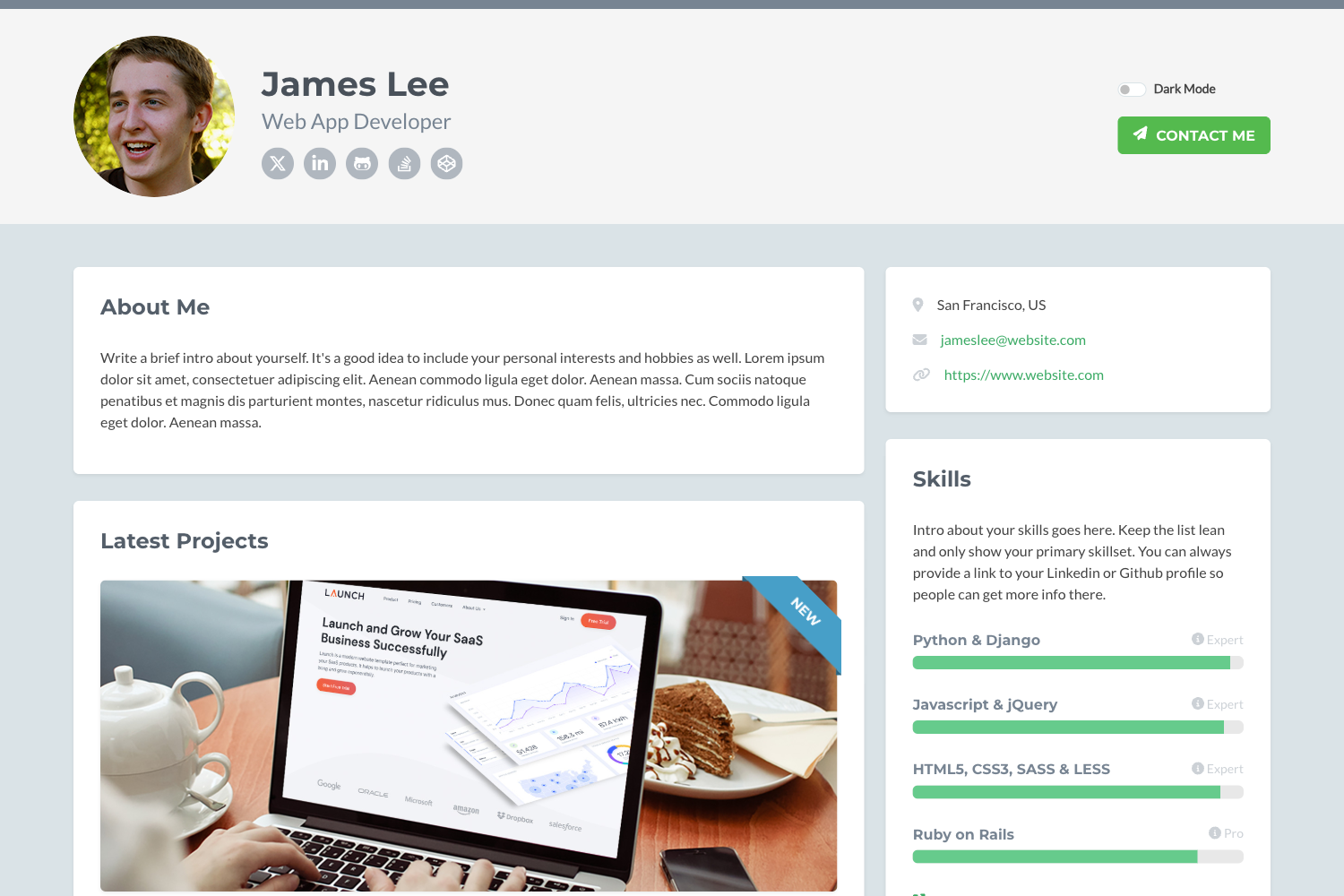
Image-heavy photography portfolio built with Gatsby and MDX, featuring adaptive CSS grid image layouts, customizable accent colors, and SEO.
About this template
Gatsby Starter Portfolio: Jodie is a free and open-source Gatsby starter for image-heavy photography and design portfolios, built on the @lekoarts/gatsby-theme-jodie theme and using MDX for content and CSS grid for adaptive image layouts.
What is Gatsby Starter Portfolio: Jodie?
Jodie is a Gatsby starter that produces a static portfolio site where each project is defined by an MDX file with its images placed in the same folder. It runs on Gatsby, a React-based static site generator, and is written in TypeScript with styling via Theme UI. The starter was created by LekoArts and is released under the 0BSD license, which means it can be used freely without restrictions. A live demo is available at jodie.lekoarts.de.
Key Features
- MDX content — Projects and custom pages are authored as MDX files; dropping an MDX file and its images into a folder automatically creates a new project in the grid.
- Adaptive CSS grid — The homepage uses a CSS grid to display projects and pages, and the theme's modify-grid utility lets you filter, shuffle, or reorder the displayed items.
- Per-page accent colors — Each page can define its own color, and the sidebar and content automatically adjust while maintaining WCAG 2 AA contrast ratios.
- Gatsby Themes architecture — The starter is configured around
@lekoarts/gatsby-theme-jodie; you can shadow its components by placing files insrc/@lekoarts/gatsby-theme-jodie/. - Theme UI theming — The default font is Work Sans, and fonts and other design tokens are customized by editing the Theme UI config in
src/gatsby-plugin-theme-ui/. - Built-in SEO — Includes a sitemap, OpenGraph tags, and Twitter tags.
- WebApp Manifest — Ships with a web app manifest so the site can be installed as a web app.
- One-click Netlify deploy — The repository includes a Deploy to Netlify button, and you can scaffold a new site with the Gatsby CLI.
Who is it for?
- Photographers — Showcase large image portfolios where a new project is simply an MDX file plus a folder of images, with the grid adapting automatically.
- Designers — Create custom pages and use per-page accent colors to express a distinct visual identity while preserving WCAG 2 AA accessibility.
- Gatsby developers — Learn how Gatsby themes work by installing, configuring, and shadowing
@lekoarts/gatsby-theme-jodie, including its resolver templates and grid utilities. - Freelancers — Launch a polished portfolio quickly with built-in SEO and one-click deployment to Netlify.
What can you do with Gatsby Starter Portfolio: Jodie?
- Publish a photo project — Write an MDX file, drop your images into the same directory, and the project appears in the homepage grid automatically.
- Recolor a page — Set a custom accent color in frontmatter; the sidebar and content adapt to keep contrast at WCAG 2 AA.
- Reorganize the homepage — Shadow the modify-grid utility and use the included resolver templates to show only pages, only projects, filter by slug, or shuffle the order.
How does it work?
Scaffold a site with the command npx gatsby new gatsby-starter-portfolio-jodie https://github.com/LekoArts/gatsby-starter-portfolio-jodie, then run npm run develop to serve the site at localhost:8000. The starter installs and configures @lekoarts/gatsby-theme-jodie; to customize it, you shadow the theme's files under src/@lekoarts/gatsby-theme-jodie/ and adjust the Theme UI configuration. Fonts, logo, and static assets like favicons and social images live in the static folder and can be swapped out directly.
FAQ
Is Jodie free to use?
Yes, the starter is released under the 0BSD license, so it is completely free and open source without any usage restrictions.
How do I add a new project to the portfolio?
Create an MDX file for the project and place the associated images in the same folder. The theme automatically picks up the file and integrates the images into the adaptive grid.
How do I change the default font?
The default font is Work Sans. Edit the Theme UI config at src/gatsby-plugin-theme-ui/index.js, merge a new fonts object into the original theme, and specify a different body font family.
Can I control which items appear on the homepage?
Yes. Shadow the modify-grid utility by creating src/@lekoarts/gatsby-theme-jodie/utils/modify-grid.js and exporting a function. The theme provides resolver templates such as onlyPages, onlyProjects, filterBySlug, and shuffle for common cases.