Template details
Garbage Collector of Photos
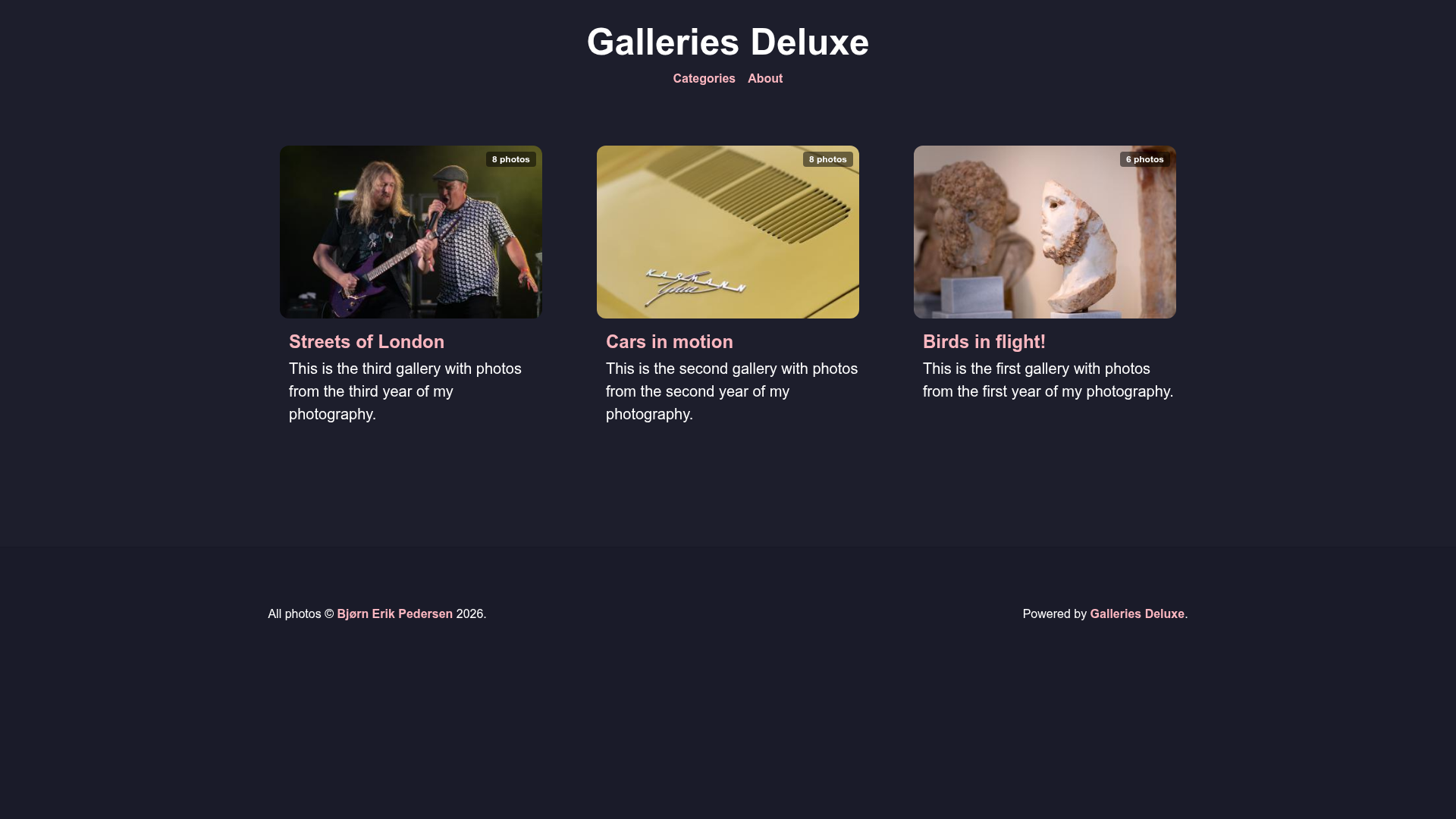
A Hugo theme for photo blogs that renders album covers, galleries, and individual photo pages with EXIF metadata.
About this template
Garbage Collector of Photos is a Hugo theme for photo blogs and albums. It displays album covers on the front page, gallery content on album pages, and each photo on its own page with EXIF metadata and download options. The theme is built on Hugo and was created by Seb for his personal photo blog at photos.zedas.fr.
What is Garbage Collector of Photos?
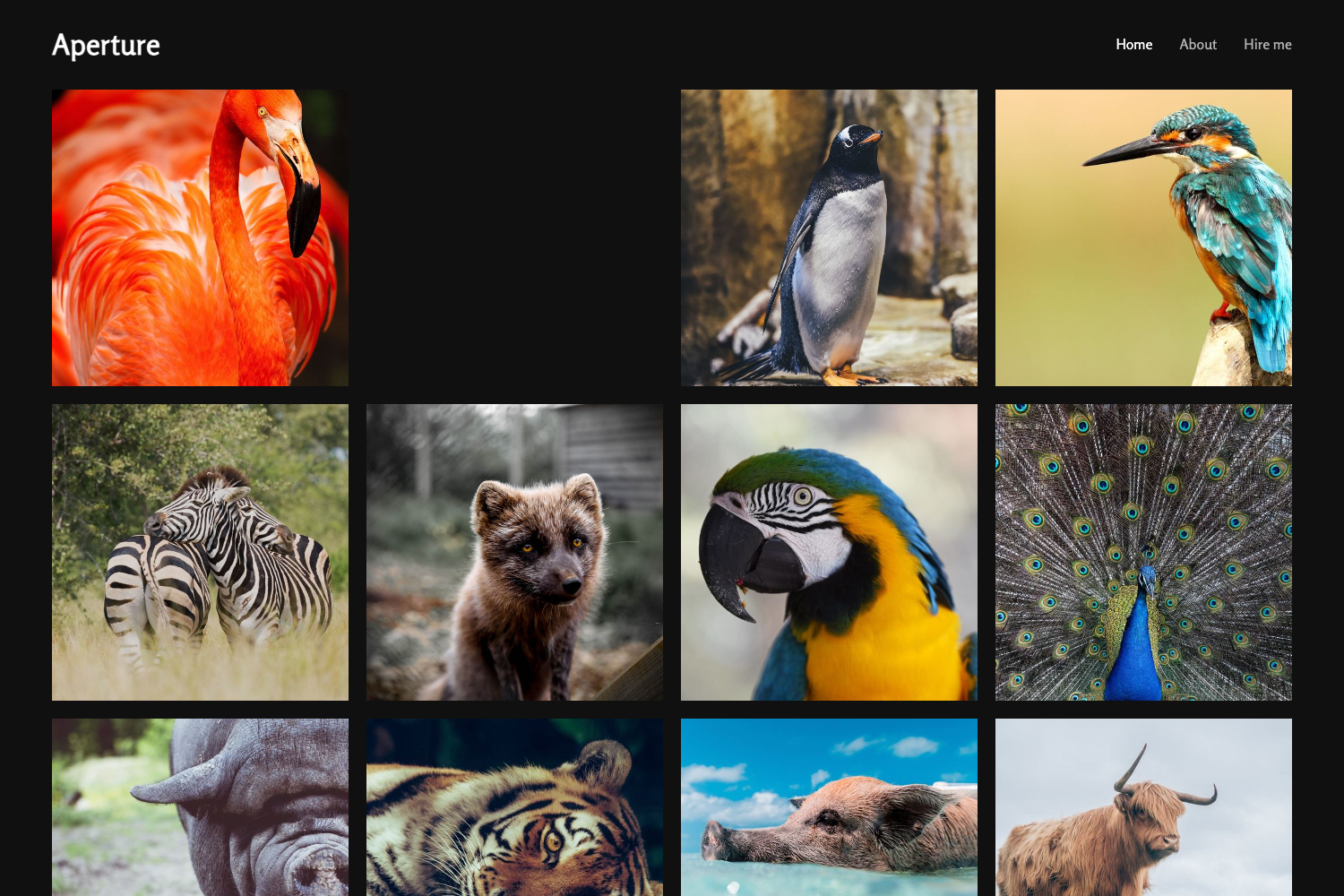
Garbage Collector of Photos is an open-source Hugo theme designed specifically for photo albums and photography blogs. It takes a folder of images (stored in Hugo's assets directory) and renders them as an interactive gallery: the front page shows album covers, album pages show thumbnails in rows of two (one on mobile), and clicking a photo opens a larger view that displays EXIF data and a download link. The theme is a complete rewrite of an earlier theme by the same author, and it runs on Hugo (any version supporting Hugo themes).
Key Features
- Per-photo markdown files — Instead of one page listing all pictures, each photo gets its own markdown file with a YAML metadata block. This allows per-photo titles, descriptions, alt text, and custom sorting via the weight field.
- Album generation script — A Python script named
new.pycreates an album folder structure: it generates an_index.mdfor the album and a.mdpage for every photo, named in file-name order. You can pass tags to the script with-t "tag1,tag2". - EXIF metadata display — Each photo page renders the picture settings and license from the image's EXIF data automatically.
- Photo download toggle — A "Download" button appears on photo pages by default, controllable via
params.allowPhotoDownloadinconfig.yaml. - Customizable gallery layout — Photo options like
linebreak(break the gallery and emphasize a photo),albumdisplay(align the thumbnail using CSS background-position values), anddescription(multiline YAML supported) let you build visual storytelling. - Album-level metadata — Album
_index.mdsupports title, description (Markdown allowed), and tags; the tag "Album" is always required to make albums visible. - Privacy-friendly embeds — Built-in Hugo privacy settings for Vimeo, Twitter, Instagram, and YouTube (with enhanced privacy mode) are demonstrated in the example config.
- SimpleCSS-based styling — CSS parts come from the SimpleCSS framework for general design elements like buttons and navigation.
Who should use it?
- Photographers with a Hugo site who want a clean, photo-first gallery with minimal distraction and automatic EXIF display.
- Photo bloggers who need to publish albums regularly: the
new.pyscript automates the creation of album and photo pages, so you just drop images in a folder. - Developers building a Hugo portfolio who want a customizable, code-driven photo theme where every photo is a separate content file that can be individually edited.
What can you do with this theme?
- Create a new album in seconds: Put images in an
assetsfolder, runpython new.py album-name, and the theme generates all the content pages for you. - Add storytelling structure: Set
linebreak: trueon a photo to break the gallery and feature that image, optionally with a description below it. - Customize photo visibility: Use
draft: trueto hide a photo from the published version while keeping it in the content. - Control sorting and thumbnails: Set
weighton photos to control the display order, and set the album cover with thephotokey in_index.md.
How does it work?
Install the theme by cloning the repository and setting theme: garbage-collector-photo-blog-theme in your Hugo config. Then create an album:
- Make a directory in your Hugo
assetsfolder (e.g.,my-photos-album) and add your pictures. - Run
python new.py my-photos-albumfrom your Hugo site root (the script can be symlinked from the theme folder). - Edit the generated
_index.mdto set the album thumbnail and optional tags; each photo's markdown page can be tuned with YAML options.
FAQ
Is Garbage Collector of Photos free?
Yes, the theme is licensed under the MIT License, so it is free to use, modify, and distribute.
Does the theme require a specific Hugo version?
The page does not state a minimum Hugo version, but it is built for standard Hugo theme configuration using config.yaml and the assets/ directory.
Can I disable the photo download button?
Yes. Set params.allowPhotoDownload to false in your Hugo config.yaml to hide the download button on photo pages.
What photo formats are supported?
The theme's image handling relies on Hugo's assets pipeline, so it supports the common web formats Hugo processes (JPEG, PNG, WebP, etc.) — the example photos use .jpg files.
Where do the CSS styles come from?
General design elements like buttons and navigation use SimpleCSS; the Creative Commons license formatter uses Remix Icons, available under Apache License 2.0.