Template details
Aperture Jekyll Template
Photography portfolio Jekyll template by CloudCannon with photo grid, thumbnails, captions, about and contact pages.
About this template
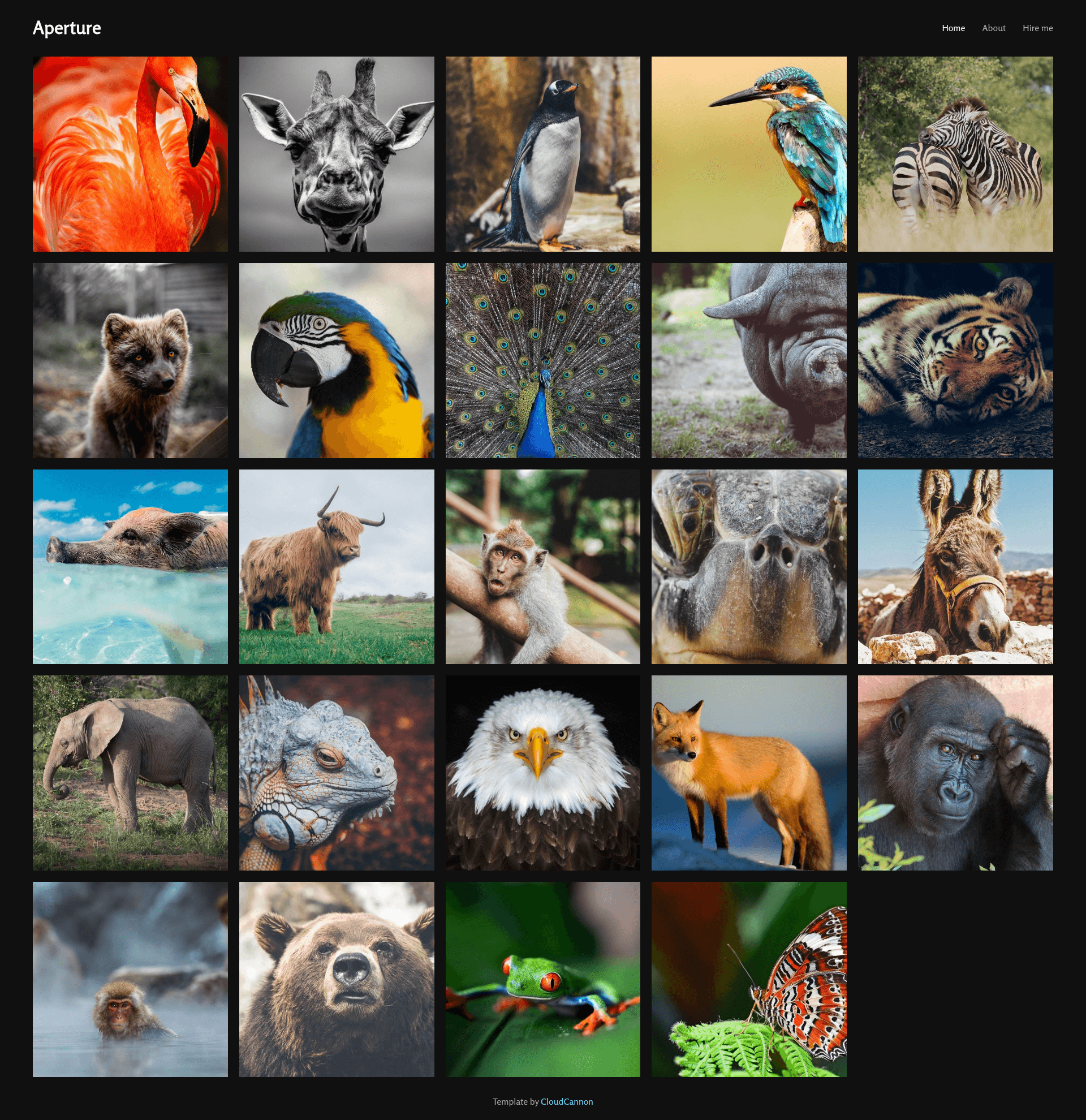
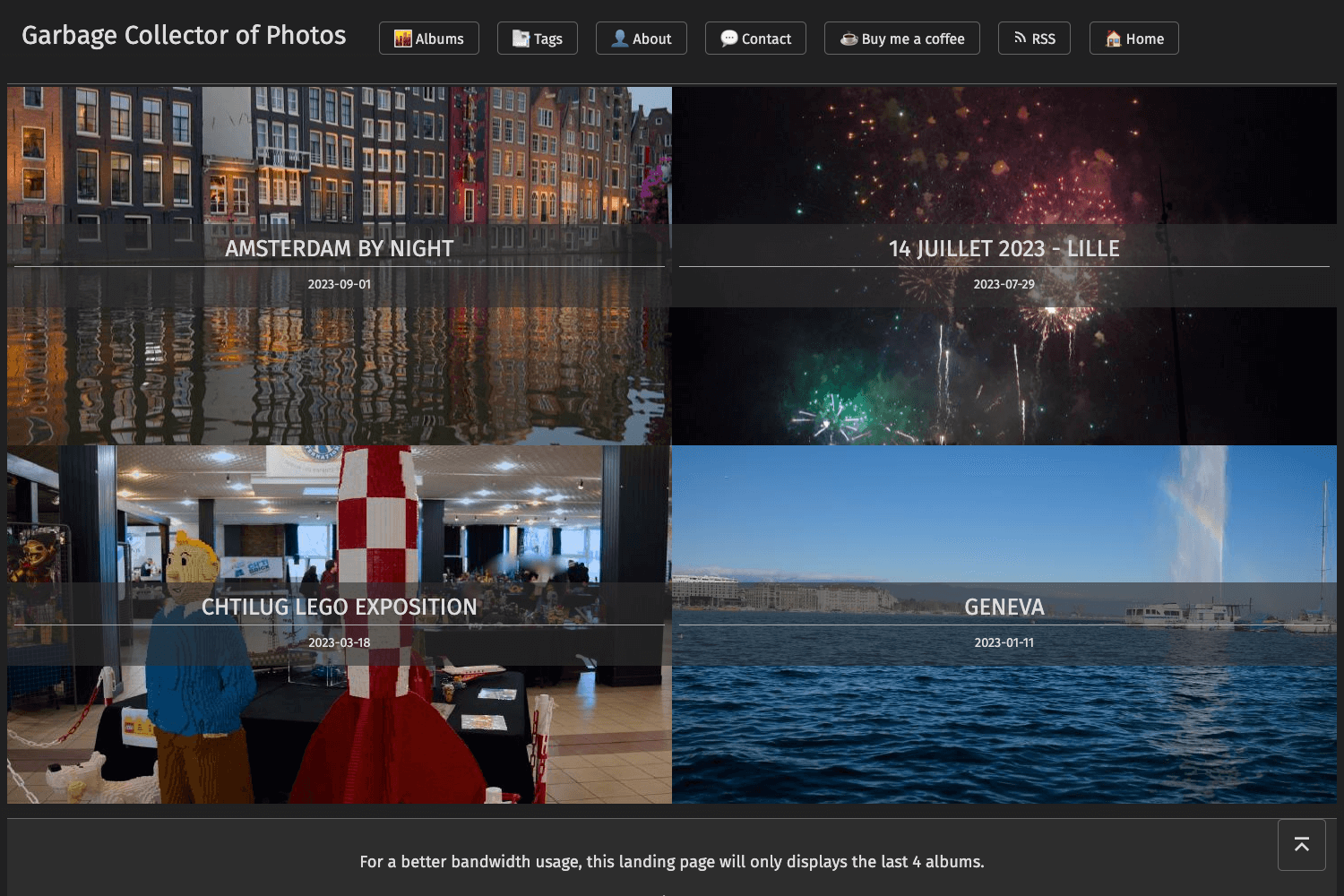
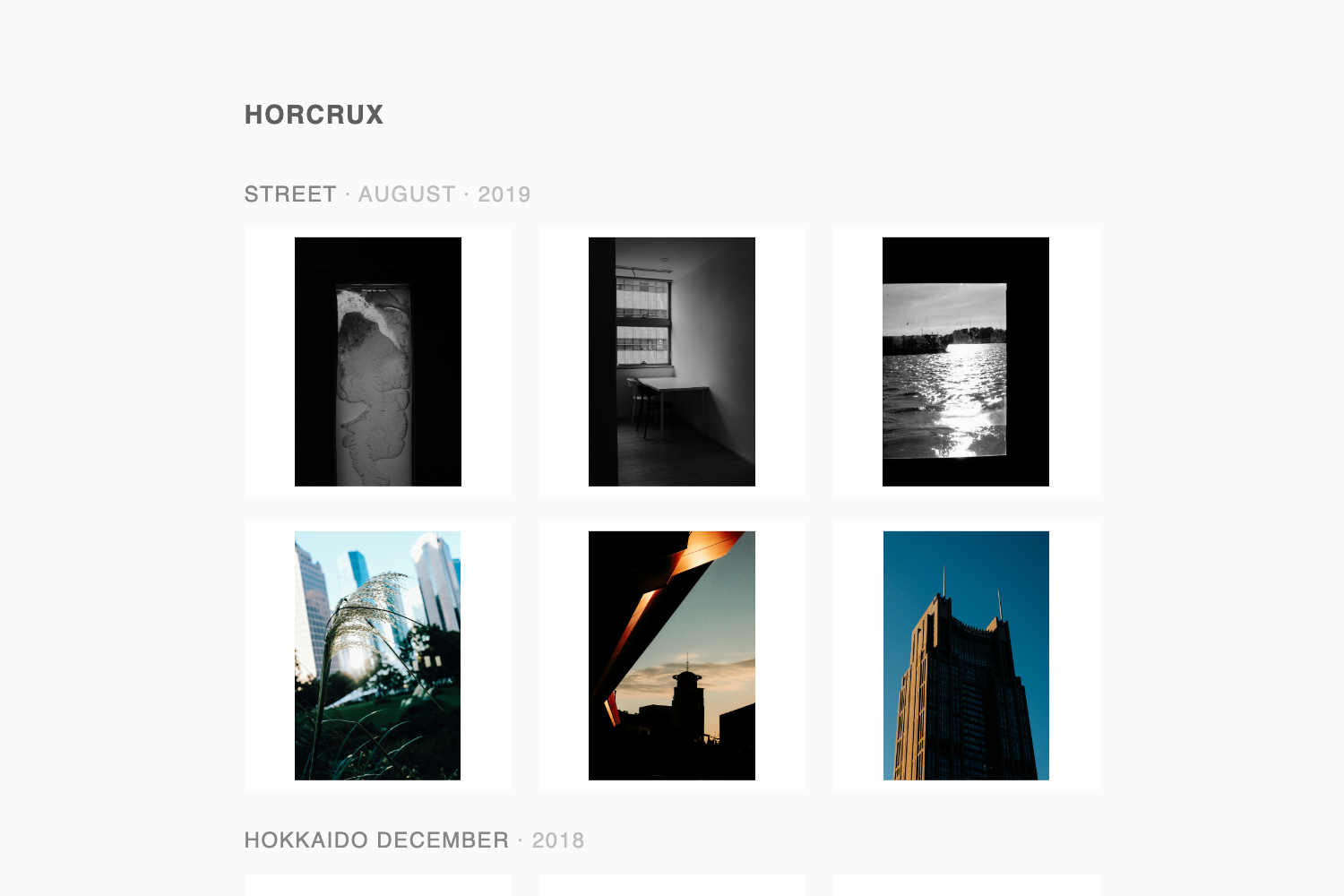
Aperture is a photography portfolio template for Jekyll, created by CloudCannon, that renders a photo grid with thumbnails and captions from a front-matter array in the homepage. Its core function is to give photographers a clean, editable gallery site that can be managed through CloudCannon's visual CMS.
What is Aperture Jekyll Template?
Aperture is a Jekyll-based template for photography portfolios, built by CloudCannon, the company behind the Cloud CMS for Jekyll. It takes photo entries defined as a front-matter array in index.html and outputs a gallery page with thumbnails and captions, plus separate About and Contact pages. The site runs on Jekyll, with development dependencies managed through Bundler.
Key Features
- Photo grid — the homepage displays a responsive grid of photos populated from a front-matter array in
index.html; adding or removing entries changes the gallery. - Thumbnails — each photo renders as a thumbnail, giving visitors a quick overview of the full portfolio.
- Captions — photos support captions, shown alongside the grid.
- About page — a built-in page for presenting the photographer's biography or statement.
- Contact page — a built-in page for contact information or a contact form entry point.
- CloudCannon-optimized editing — navigation is exposed as a data file and editable under Data / Navigation in the CloudCannon interface, making the template suitable for clients who don't write code.
- Jekyll 3.7.2 base — built with Jekyll version 3.7.2 but designed to support newer Jekyll versions as well.
Who is it for?
- Photographers: showcase a portfolio online with captioned photos and dedicated About and Contact pages, without needing to build a site from scratch.
- Jekyll developers: use as a minimal, open-source starting point for photo-centric Jekyll sites, with Bundler-managed dependencies.
- Agencies managing client sites: deploy to CloudCannon so clients can update photos and navigation through a visual interface rather than editing code.
What can you do with Aperture?
- Photographers: add new photos by updating the front-matter array in
index.html; the grid and thumbnails update automatically on rebuild. - CloudCannon users: use the one-click "Deploy to CloudCannon" button to connect the GitHub repository and edit navigation and gallery content through CloudCannon's editor.
- Portfolio site owners: customize site and author information by editing
_config.ymlat setup.
How does Aperture work?
Setup follows a simple flow: first add site and author details in _config.yml, then run the site either through CloudCannon or locally with Jekyll. For local development, install dependencies with bundle install and run bundle exec jekyll serve to ensure the correct Jekyll version is used. Photo gallery content is managed as a front-matter array in index.html, and navigation is stored as a data file readable by CloudCannon.