Template details
Pink Template
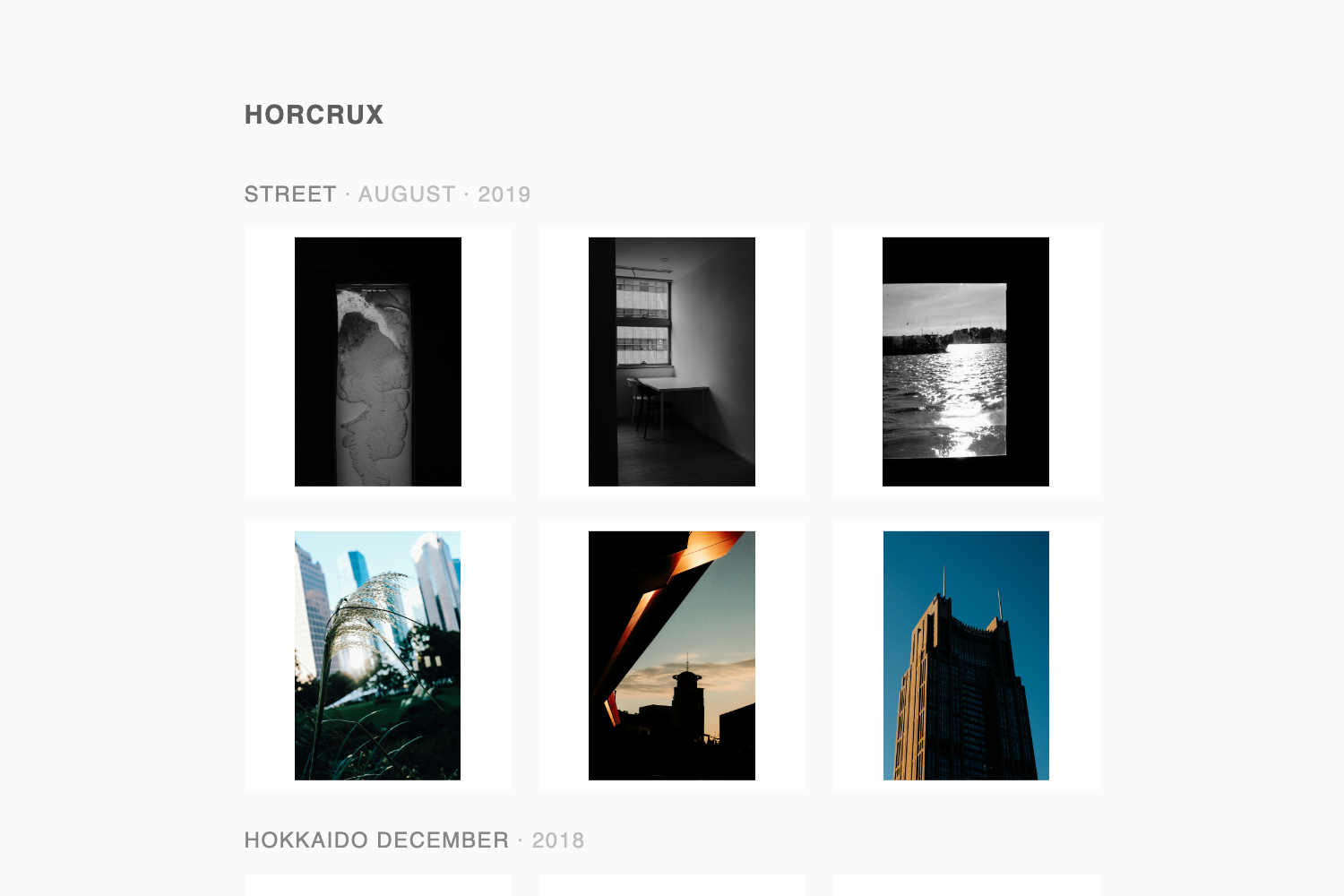
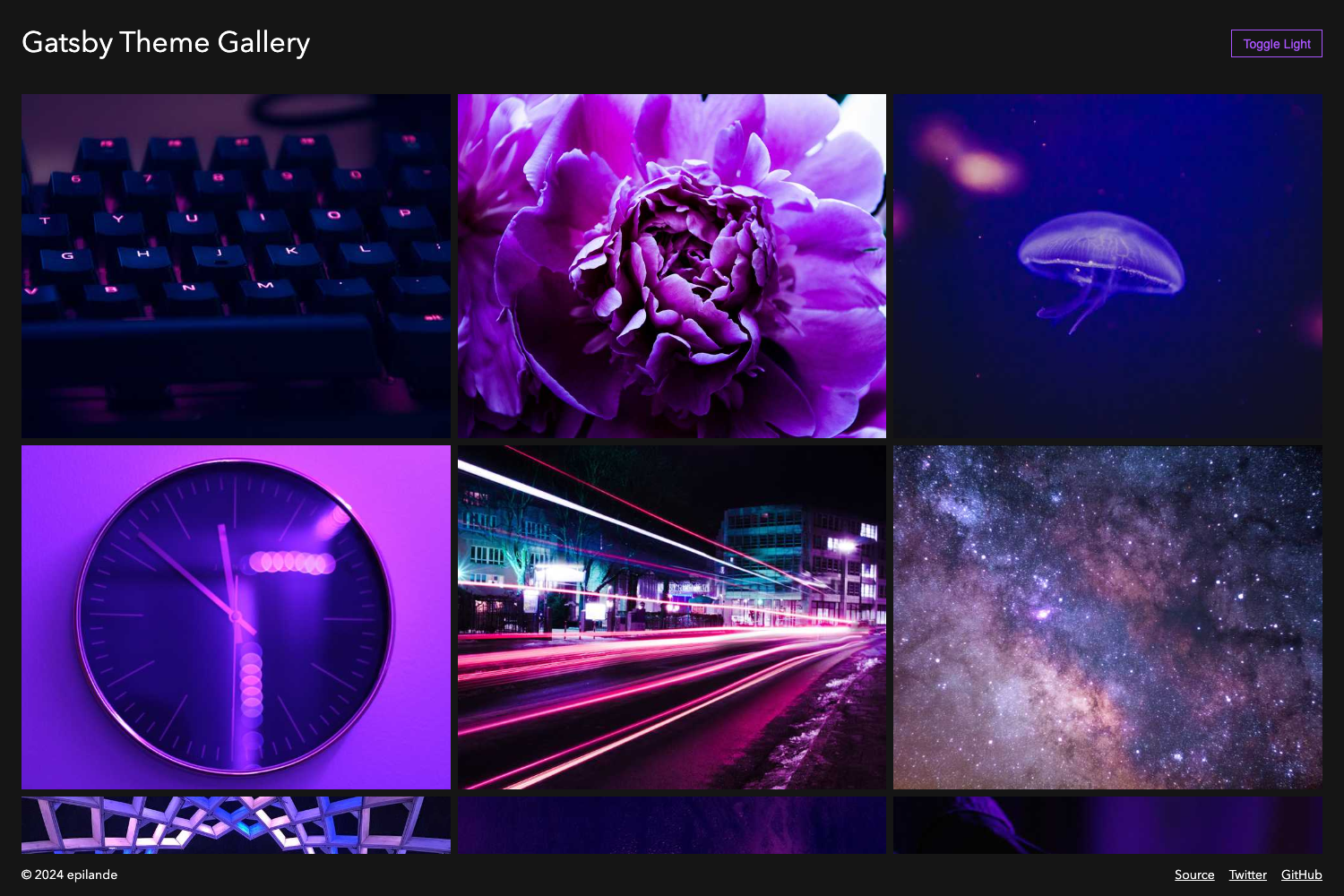
Free HTML CSS photo gallery template from Templatemo with integrated JavaScript gallery and pink theme.
About this template
Pink Template is a free HTML CSS website template from Templatemo that centers on an integrated JavaScript photo gallery and a pink color scheme for image-driven sites.
What is Pink Template?
Pink Template (also listed as 070 Pink) is a free static website template published by Templatemo, a provider of free HTML templates. It is a gallery-oriented layout: the core component is a JavaScript photo gallery that lets a site display image collections without a backend. The template is distributed as a downloadable ZIP file from Templatemo's site, where it also has a live demo and a full-size screenshot available. According to the listing, it was added on 01 March 2009 and has since recorded 57,483 views and 16,424 downloads. The source page describes it as "Pink Gallery" and states that it is 100% free to download, edit, and use for either commercial or non-commercial websites.
Key Features
- Integrated JavaScript photo gallery — the defining feature is a script that renders a photo gallery, meaning no server-side processing is needed to display multiple images.
- Pink color scheme — the design uses pink as its primary accent color, giving photo galleries a distinctive visual identity.
- Free commercial use — Templatemo grants permission to use the layout on commercial and non-commercial sites at no cost.
- Classic static HTML/CSS — the template is built with plain HTML and CSS (the listing calls it an "HTML CSS layout"), so it runs on any basic web server and requires no build tools or frameworks.
- Live preview and assets — Templatemo offers a live demo, a full-size screenshot, and a one-click download of the ZIP package.
Who is it for?
- Photographers — present a portfolio of images in a structured gallery layout with minimal setup.
- Hobbyists and personal site owners — create a simple image-sharing page for family photos, travel shots, or art projects.
- Students learning web fundamentals — study how a pure HTML/CSS template with a JavaScript widget is organized, since the codebase is small and static.
What can you do with it?
- Launch an image gallery quickly: download, unzip, and replace the sample photos with your own to have a working gallery in minutes.
- Rebrand the template: modify the pink color palette and CSS styles to match a different aesthetic or project theme.
- Use as a learning resource: inspect the JavaScript gallery implementation to see how client-side image display works in a simple, dependency-free template.