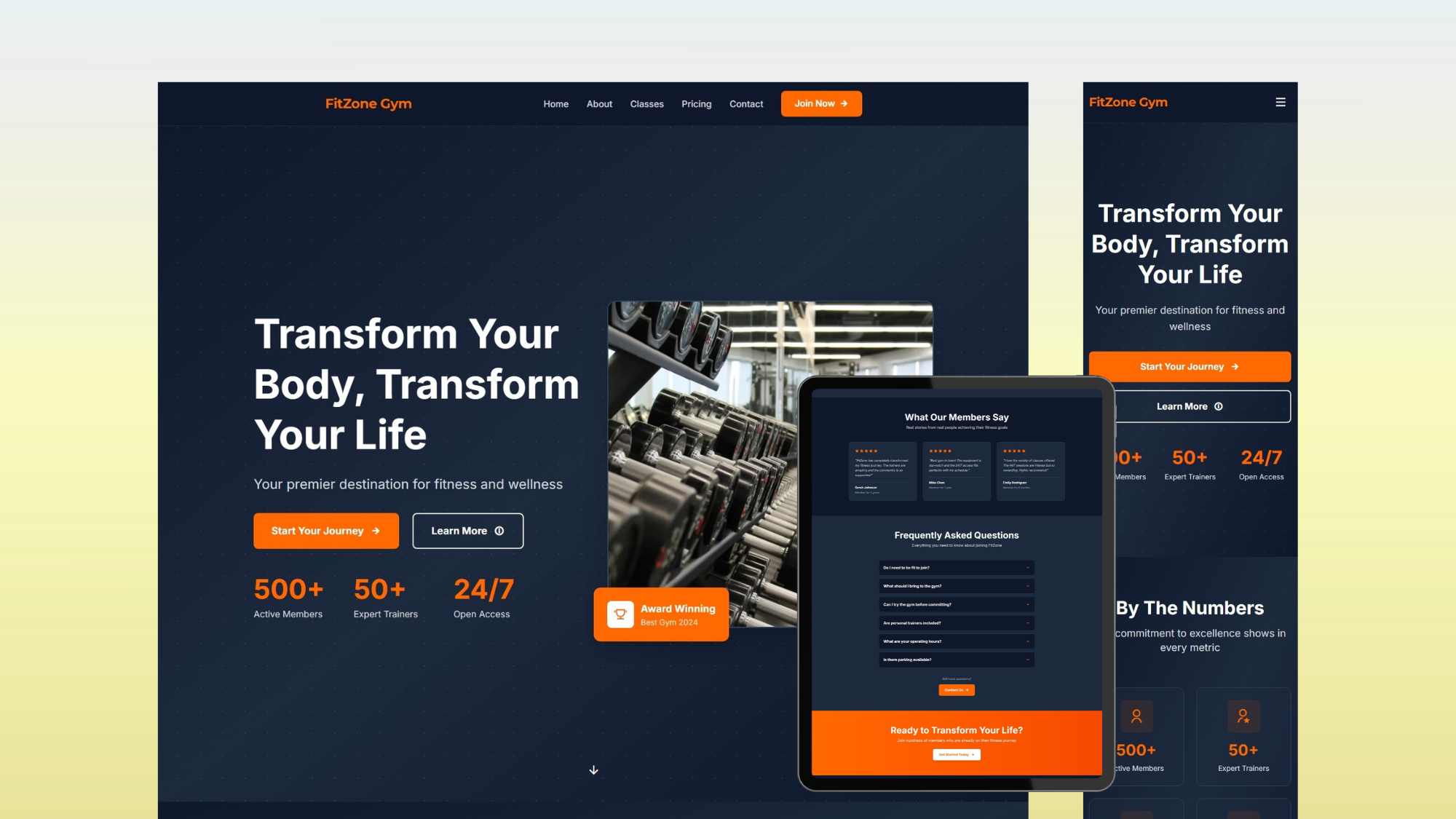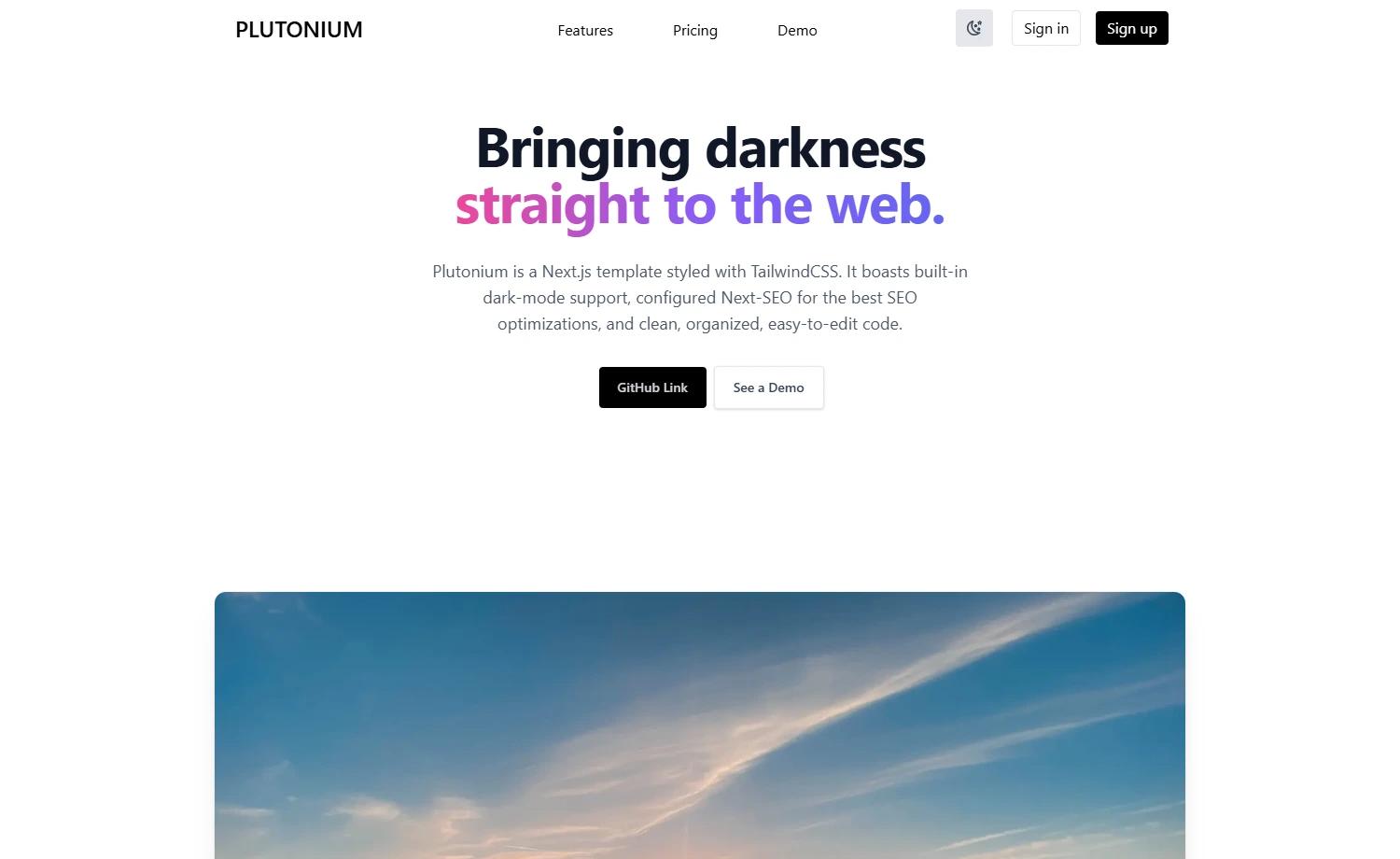
Template details
Gatsby Careers Page
Gatsby starter for a job listing and careers page with styled-components and markdown content.
About this template
Gatsby Careers Page is a job listing starter for the Gatsby static site generator that renders a company careers page from markdown files stored in src/content.
What is the Gatsby Careers Page?
Gatsby Careers Page is a Gatsby starter for building a job listing and careers page. It takes markdown files as input and produces a static site that lists job openings. The starter runs on Gatsby and uses styled-components for styling and the gatsby-remark-transformer plugin to process markdown content. The repository is authored by BoyWithSilverWings and made available on GitHub.
Key Features
- Gatsby-powered static site — Built on Gatsby, so the output is static HTML that can be deployed to any static host.
- Styled Components — Each component is styled using the CSS-in-JS library styled-components.
- gatsby-remark-transformer — Markdown files in
src/contentare transformed into pages, making it easy to add or update job postings. - GraphiQL data explorer — Running
gatsby developalso serves a GraphQL playground athttp://localhost:8000/___graphqlfor querying site data. - One-command Netlify deployment — The README includes a "Deploy to Netlify" button that imports the repository and sets up a live site.
- Humaans SVG illustrations — Credits list Pablo Stanley's Humaans project for the SVG illustrations used in the template.
Who is it for?
- Growing companies — Create a dedicated careers page to list open roles and attract applicants.
- Recruiters and hiring teams — Update job openings by editing markdown files without touching layout code.
- Gatsby developers — Use the starter as a reference for combining styled-components with gatsby-remark-transformer.
What can you do with it?
- Start a careers site — Clone the starter, edit the markdown files under
src/content, and publish a listing of open positions. - Experiment with Gatsby GraphQL — Use the included GraphiQL interface to explore the site's data schema and test queries.
- Deploy automatically — Connect the repository to Netlify with the provided button for continuous deployment on each push.
How does it work?
- Create a new Gatsby site with
npx gatsby new careers https://github.com/BoyWithSilverWings/gatsby-careers-page. - Run
gatsby developto start a local development server athttp://localhost:8000with hot reloading. - Edit
src/pages/index.jsor markdown files insrc/contentand save to see changes in the browser. - Deploy the finished site to Netlify using the one-click deploy button.