Template details
Gatsby Starter Henlo
Block-based Gatsby starter for Decap CMS with TailwindCSS v4, page builder, dark mode, and Netlify deployment.
About this template
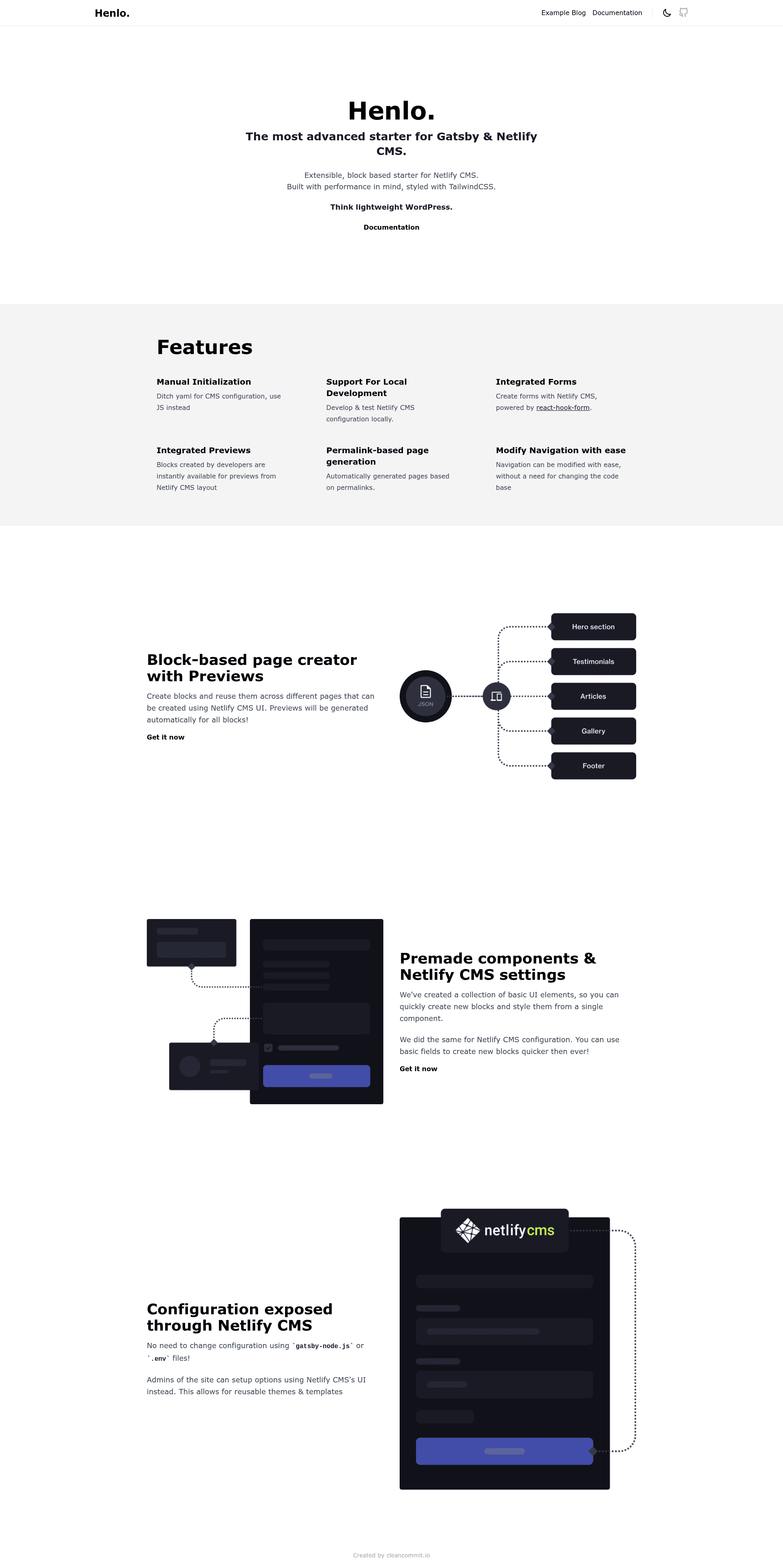
Gatsby Starter Henlo is a block-based Gatsby.js starter for Decap CMS that builds JAMstack websites from programmable content blocks, styled with TailwindCSS v4.
What is Gatsby Starter Henlo?
Gatsby Starter Henlo (v1.3.0) is an open-source boilerplate for Gatsby v5 and Decap CMS (formerly Netlify CMS). It takes Markdown-based content—organized into pages, blog posts, authors, and forms—and generates a static site with a page-builder architecture. The template is maintained by Clean Commit and is designed for deployment on Netlify, following the JAMstack architecture with Git as the single source of truth. It includes example pages, collections, and a fully componentized Decap CMS configuration located in the cms directory.
Key Features
- TailwindCSS v4 support — Uses PostCSS and Tailwind Merge for styling, with configuration in
tailwind.config.jsand styles insrc/styles. - Page Builder architecture — All pages are composed of reusable blocks defined in
cms/blocks/index.jsand rendered bysrc/components/PageBuilder.js; adding a block requires registering it in both places. - Form Builder with Netlify Forms — Admins can create multiple forms through the CMS, which integrate with Netlify Forms on deployment.
- Dark mode support — Built-in dark mode styling, configurable via the CMS settings.
- Gatsby API functions — Supports serverless functions in
src/apifor extending site behavior. - SEO and performance — Perfect Lighthouse scores for SEO, accessibility, and performance; complete SEO configuration via GraphQL fragments and the Gatsby Head API.
- Sitemap generation — Uses
gatsby-plugin-sitemap, requiring theGATSBY_APP_URLenvironment variable for correct URLs. - Decap CMS manual initialization — CMS configuration is componentized in the
cmsdirectory instead of a single YAML file, and includes custom ID and Permalink widgets from Clean Commit.
Who is it for?
- Developers building Gatsby sites with a CMS — Use Henlo as a foundation for marketing sites or blogs, relying on the block system to build pages without writing new React components for each section.
- Content editors and site admins — Non-technical users manage page content, blog posts, authors, and forms entirely through the Decap CMS admin interface at
/admin. - Agencies and freelancers — Spin up client sites quickly with Netlify Deploy to GitHub, then customize blocks and theme settings without rebuilding the CMS setup.
- JAMstack teams — Teams that want Git-based content workflows and Git Gateway authentication.
What can you do with Gatsby Starter Henlo?
- Create marketing pages with a page builder — Compose pages from hero, columns, buttons, and other blocks defined in the CMS, with each block's fields added to the GraphQL query in
PageBuilder.js. - Manage a blog with structured content — Authors and posts are separate Decap CMS collections, and the starter includes a dedicated post template.
- Collect form submissions via Netlify Forms — Build forms in the CMS and have them POST to Netlify's built-in form handling on the deployed site.
- Deploy and preview sites with Netlify — Use the official Deploy to Netlify button to create a GitHub repo and start continuous deployment, or use
yarn deploy:prodwith Netlify CLI.
How does it work?
The template uses Decap CMS to manage content stored as Markdown files. Pages are built from a list of blocks—each block is a type defined in cms/blocks with fields like title, content, buttons, and images. When a page is saved, the content is written to content/pages, and Gatsby queries it via a shared Blocks fragment so all fields exist in the schema. For local development, run yarn dev and yarn cms (or npx decap-server) to get the admin at http://localhost:8000/admin. The project relies on a dont-remove.md example file so GraphQL type inference does not break when adding new blocks.
FAQ
What is the GATSBY_APP_URL environment variable used for?
GATSBY_APP_URL sets the canonical URL for sitemaps and the display URL in the Decap CMS admin. It is required to run the app, and it defaults to https://example.com if not provided. You must define it in your Netlify environment before deploying for correct meta tags.
How do I deploy Gatsby Starter Henlo to Netlify?
Click the "Deploy to Netlify" button in the repository to authenticate with GitHub, create a repository, and let Netlify build and deploy the site automatically. Alternatively, use Netlify CLI and run yarn deploy:prod from the local project directory.
Can I add a new block to the page builder?
Yes. Add a new type to cms/blocks/index.js and update the Blocks fragment in src/components/PageBuilder.js. Because Gatsby schemas are inferred, you must define the new fields in createSchemaCustomization or include them in the dont-remove.md example file to avoid build errors.
Does Gatsby Starter Henlo support dark mode?
Yes, dark mode is built in, and the theme settings can be managed from the CMS settings collection. The Tailwind configuration and styles in src/styles include dark mode variants.
What Node.js version is required?
Node 20 is required, along with the Gatsby CLI for local development and Netlify CLI for deployment commands.