Template details
Green Energy Astro Template
A responsive Astro and TailwindCSS website template for green energy companies to showcase services, innovations, and environmental impact.
About this template
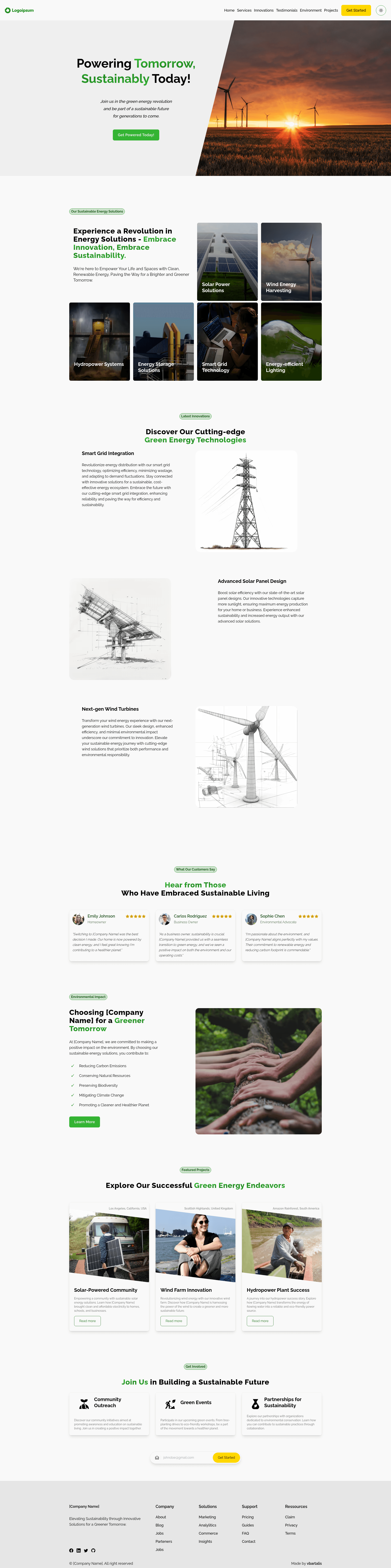
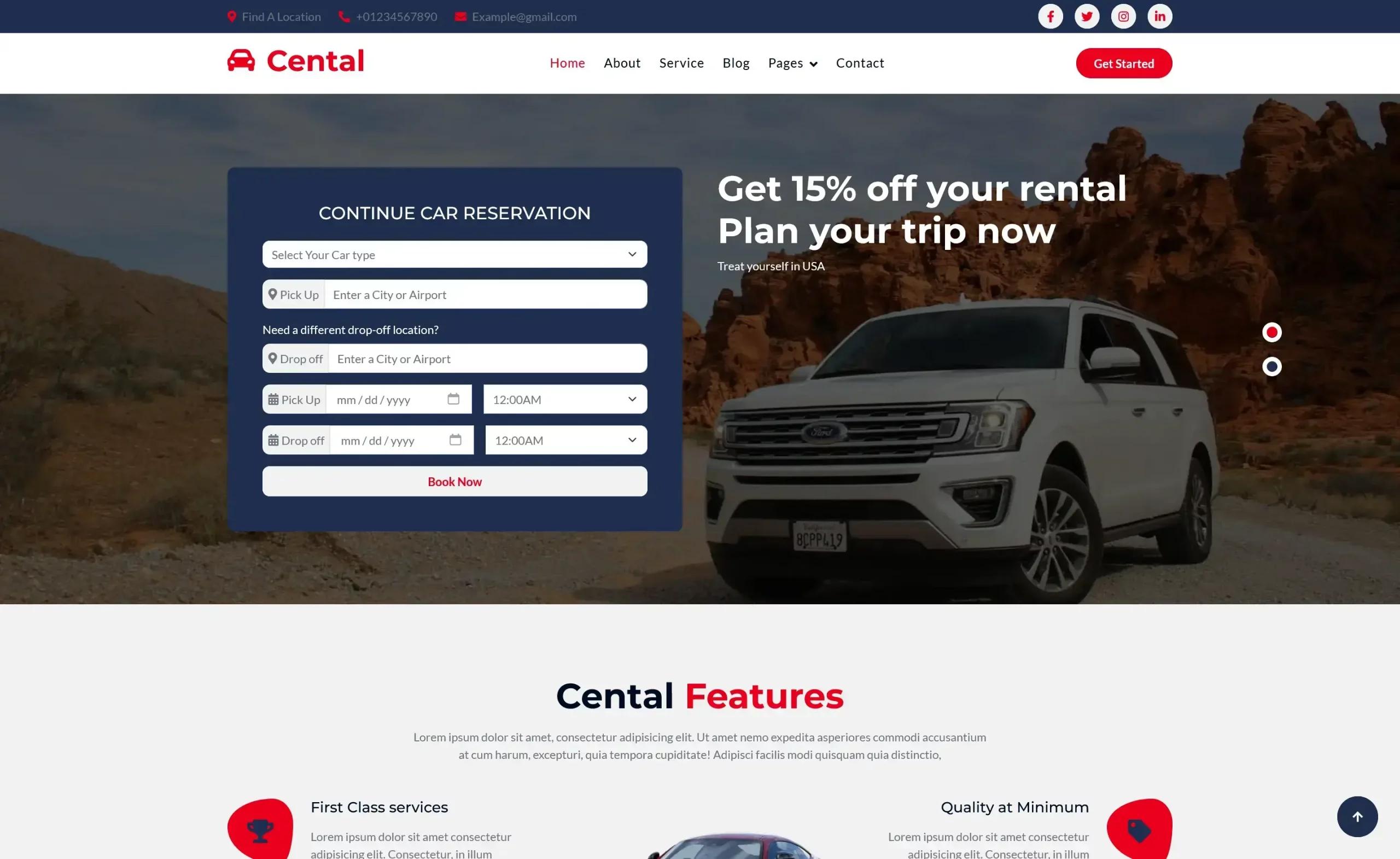
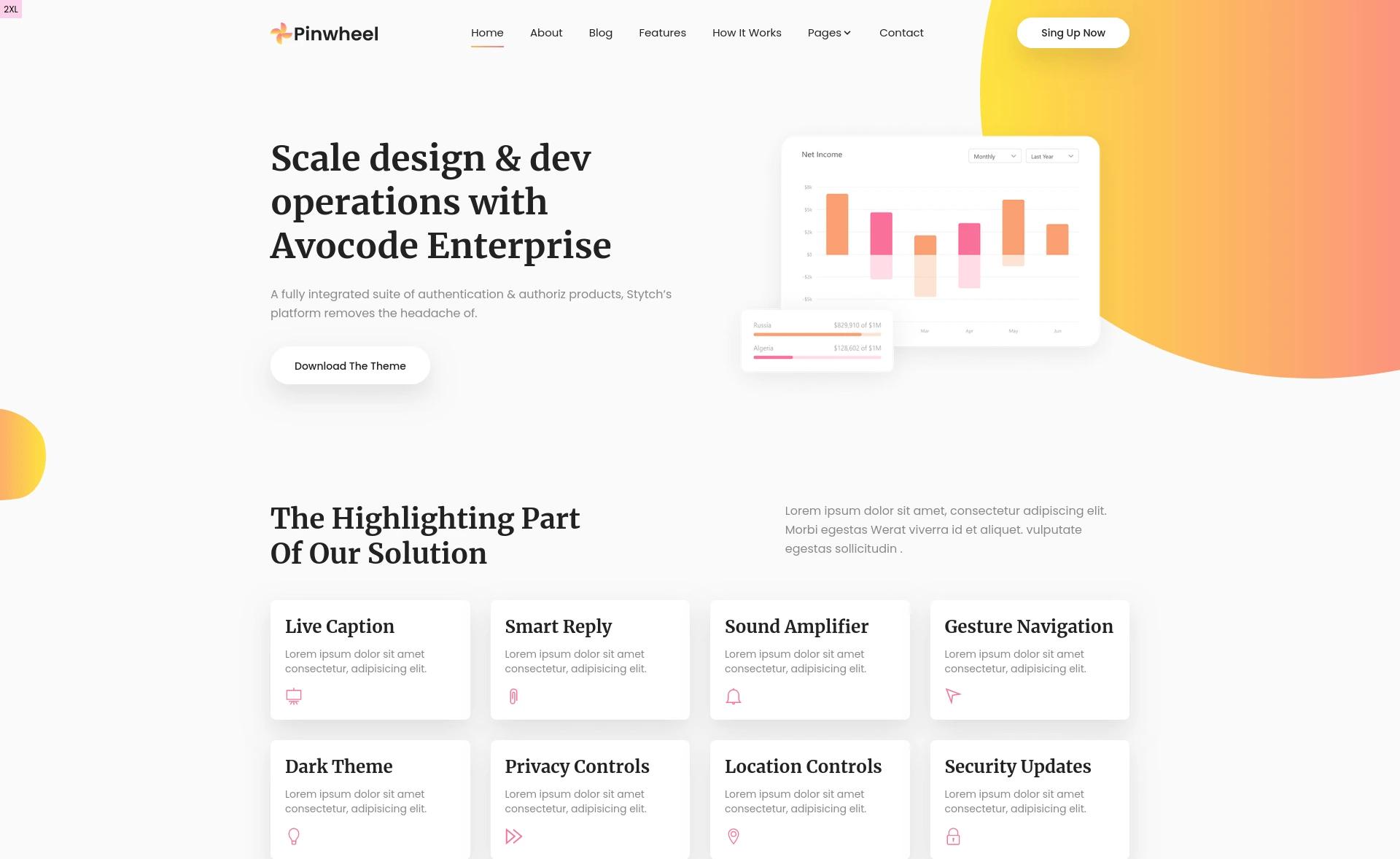
Green Energy Astro Template is a free, open-source business website template built with Astro and TailwindCSS, designed for renewable energy companies to launch a responsive marketing site. It produces a static single-page website with sections for hero content, services, innovations, testimonials, impact data, featured projects, and a call-to-action, all customizable through data files and Tailwind configuration.
What is Green Energy Astro Template?
Green Energy Astro Template is a static-site template that runs on Astro, styled with TailwindCSS and typed with TypeScript. It takes your content and brand colors as input — edited via structured data files and tailwind.config.mjs — and outputs a fast, SEO-friendly HTML site ready for deployment. The template was created by Vilmos Bartalis (vbartalis) and is published on the Astro themes directory and GitHub under the MIT License.
Key Features
- Modern, responsive design — a mobile-first layout with light and dark theme switching built in, so the site adapts to user preference.
- Performance-focused architecture — Astro's static generation minimizes JavaScript, supporting fast load times and better SEO out of the box.
- Conversion-focused sections — strategic call-to-action placements throughout the page encourage visitor engagement, including a dedicated "Get Involved" section.
- Accessibility considerations — the template follows web accessibility best practices, making it usable across a wider audience.
- Ready-to-use forms — includes contact and newsletter signup forms that you can wire to your own backend or service.
- Easy customization — content lives in per-section
data.tsfiles undersrc/components/sections/*, so updating services, testimonials, or projects does not require touching layout code. - Preconfigured development environment — supports GitHub Codespaces-style Dev Containers, plus local setup with Node.js 20.11.0 or higher (Volta pinning included).
Who is it for?
- Green energy startups — launch a professional-looking site without hiring a designer, using the included hero, services, and impact sections to present their offering.
- Marketing teams at renewable energy companies — publish and update content like customer testimonials and featured projects through simple data files, no coding required.
- Web developers and agencies — use the well-structured Astro components and Tailwind configuration as a starting point for client projects, then extend or restyle as needed.
What can you do with it?
- Showcase your clean energy services — replace the example services and innovations with your own offerings and case studies, directly in the section data files.
- Display environmental impact — present data-driven metrics in the dedicated environment section, ideal for annual reports or sustainability pages.
- Collect leads and signups — use the built-in contact and newsletter forms to capture visitor inquiries, then connect them to your preferred email or CRM service.
- Set up a local development environment quickly — either clone into a Dev Container for zero-config setup on Windows, or use
npm installandnpm run devlocally for a live server atlocalhost:4321.
How does Green Energy Astro Template work?
The template is a standard Astro project: clone the repository, install dependencies with npm, and run npm run dev to start a local development server. For production, npm run build generates a static site with type checking, and npm run preview serves the built output locally. Customization happens by editing the data files and Tailwind config rather than component markup.
FAQ
Is Green Energy Astro Template free?
Yes, the template is open source under the MIT License, so you can use it for personal or commercial projects free of charge, and modify it as you wish.
What Node.js version is required?
The template requires Node.js 20.11.0 or higher. It also includes Volta configuration so the correct version is selected automatically when you enter the project directory.
Does the template support dark mode?
Yes, built-in theme switching is included, with a light theme and a dark theme available. You can toggle or let it follow the user's system preference.
What files do I edit to change the content?
Each section under src/components/sections/ has its own data.ts file where you update services, testimonials, projects, and company information. Colors and styling are customized in tailwind.config.mjs.