Template details
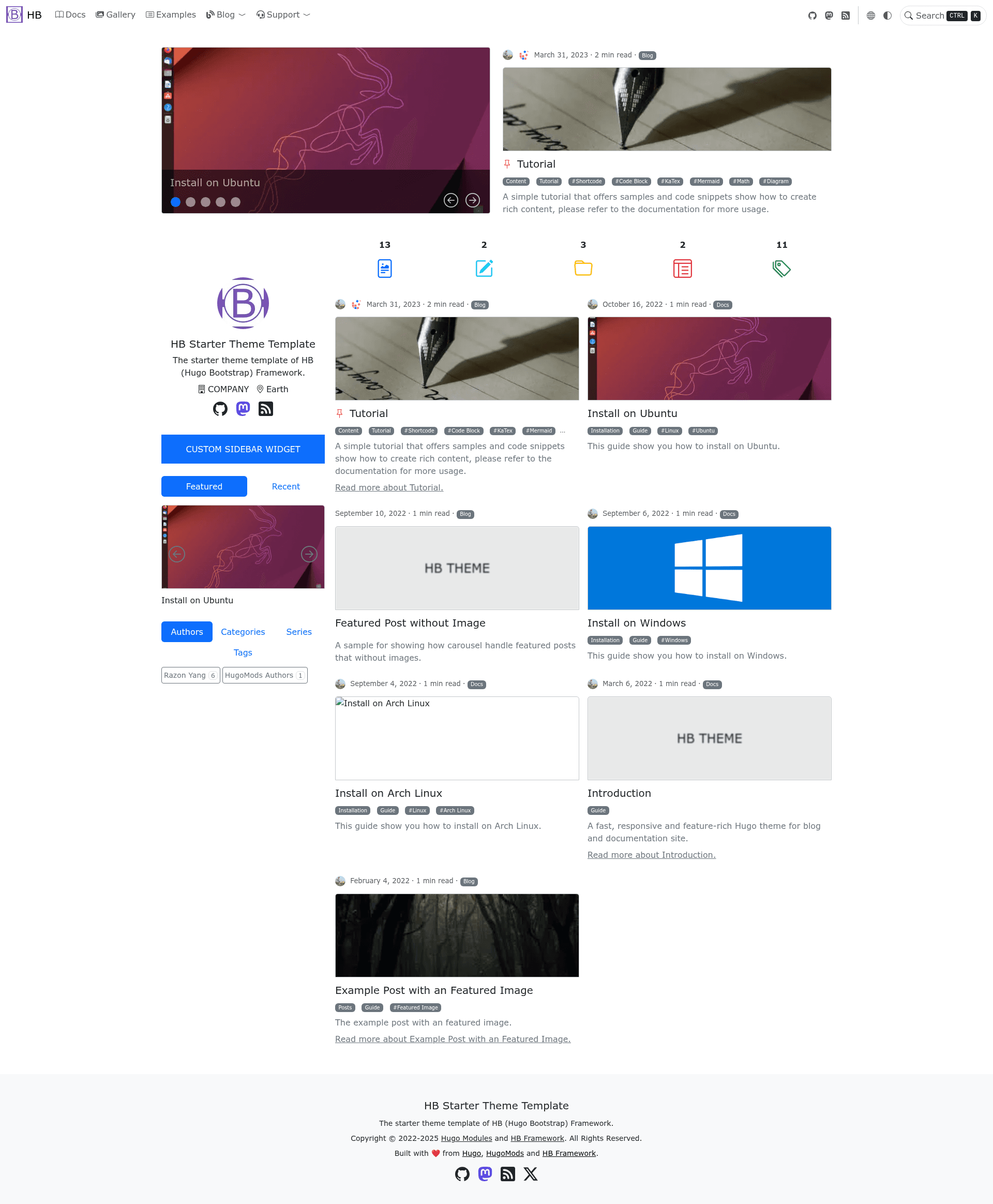
HB Theme Template
Hugo starter theme from HB Framework for blogs, docs, digital gardens, galleries, and landing pages.
About this template
HB Theme Template is a Hugo-based starter theme from the HB Framework that bootstraps blogs, documentation sites, digital gardens, galleries, and landing pages.
What is HB Theme Template?
HB Theme Template is the official starter theme for the HB Framework, a modular Hugo framework for building static websites. It takes Markdown content and Hugo configuration as input and produces a static HTML site with modern performance features. The theme runs on the Hugo static site generator and is distributed as a Hugo module, with a live demo available at theme.hbstack.dev. The repository is hosted on GitHub under the HB Framework organization.
Key Features
- Fast and SEO friendly — Scores perfect 100 on all four PageSpeed Insight metrics on both mobile and desktop.
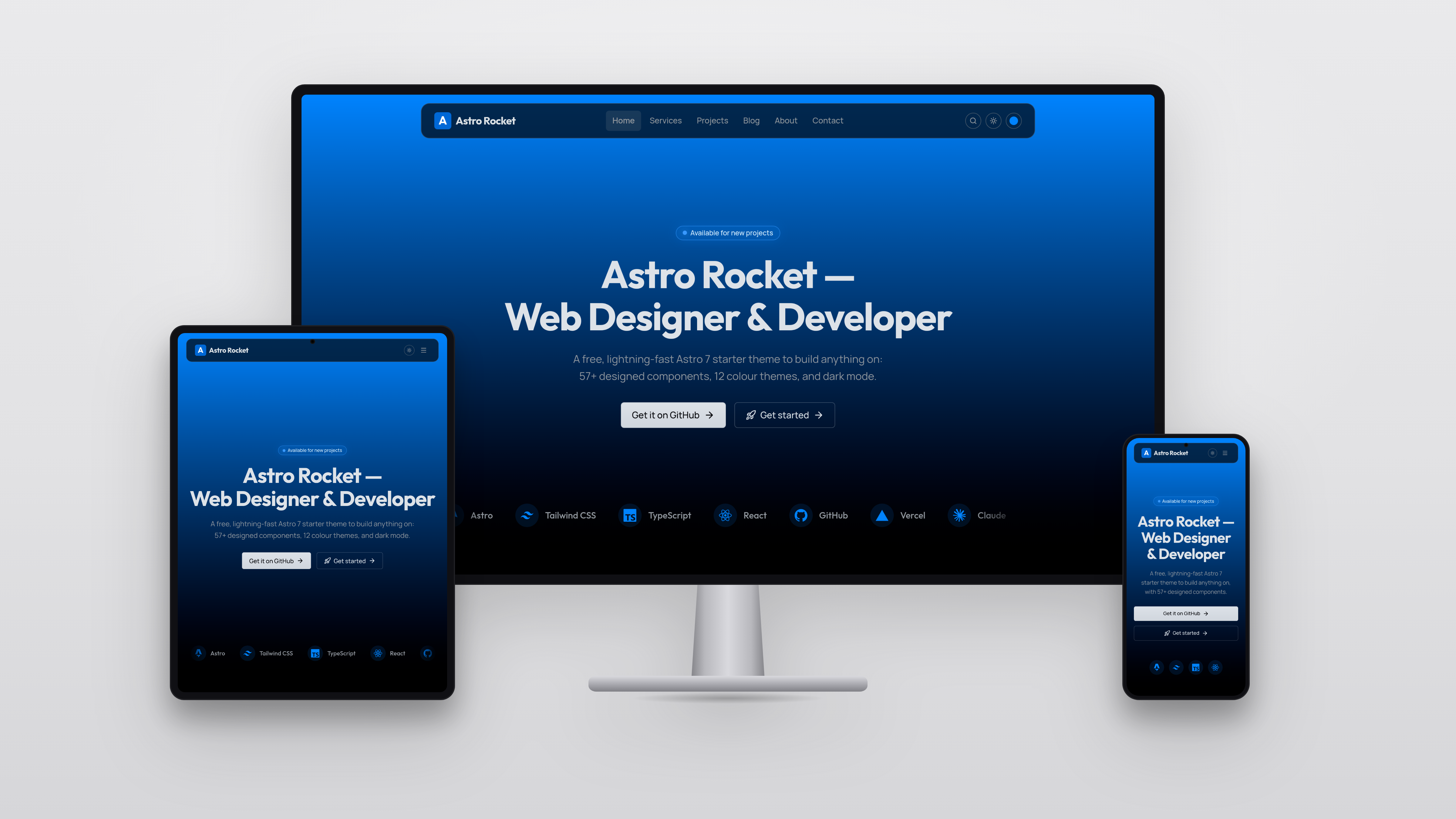
- Responsive and mobile first — Built on Bootstrap v5.3, ensuring layouts adapt to any screen size.
- Modular architecture — Extend the theme with optional modules for blogs, docs, galleries, and more, keeping the base lightweight.
- Dark mode — Choose light, dark, or auto mode that follows the system preference.
- Client-side fuzzy search — Provides filtering, sorting, and multilingual search without a backend.
- PWA support — Installable on home screens, works offline, and precaches CSS, JS, and fonts.
- Advanced customization — Custom SCSS variables and styles, custom JavaScript, and HTML hooks before the end of head and body tags.
- Content tools — Includes KaTeX math, Mermaid diagrams, Bootstrap shortcodes, image processing via URL query strings, code block panel with copy and expand, and an image viewer.
Who is it for?
Bloggers can publish posts with archives, related posts, and multiple author support. Technical writers can build documentation sites with math and diagram rendering. Digital gardeners can maintain a searchable, multilingual knowledge base with RTL support. Landing page creators can assemble a modular PWA site with social links and menus.
What can you do with HB Theme Template?
- Bloggers: Create a blog with full-text fuzzy search, dark mode, and related posts.
- Documentation teams: Use the built-in KaTeX and Mermaid support to write technical docs with formulas and diagrams.
- Digital gardeners: Organize notes across multiple languages and RTL layouts.
- Landing page creators: Compose a landing page with the modular system, custom CSS/JS, and PWA installability.
How does HB Theme Template work?
The theme is installed as a Hugo module via the HB Framework documentation. After setting the module in your Hugo configuration, you write Markdown content and build the site with the Hugo CLI. The theme provides custom partials and hooks for head, body, and sidebar widgets, and the documentation covers prerequisites, installation, configuration, content, and deployment.
FAQ
Is HB Theme Template open source?
Yes, the template is open source and available on GitHub at github.com/hbstack/theme as part of the HB Framework organization.
Does HB Theme Template support dark mode?
Yes, the theme offers light, dark, and auto modes that follow the operating system's color scheme.
Can I use HB Theme Template for a documentation site?
Yes, the template is designed for multiple purposes including project documentation. The HB Framework documentation itself is built with it, and it supports math, diagrams, and a clean reading layout.
Does HB Theme Template support multiple languages?
Yes, the theme has built-in multilingual support and also supports right-to-left (RTL) languages.
How do I install HB Theme Template?
You install it as a Hugo module. The HB Framework documentation provides steps for prerequisites, installation, configuration, content, and deployment.