Template details
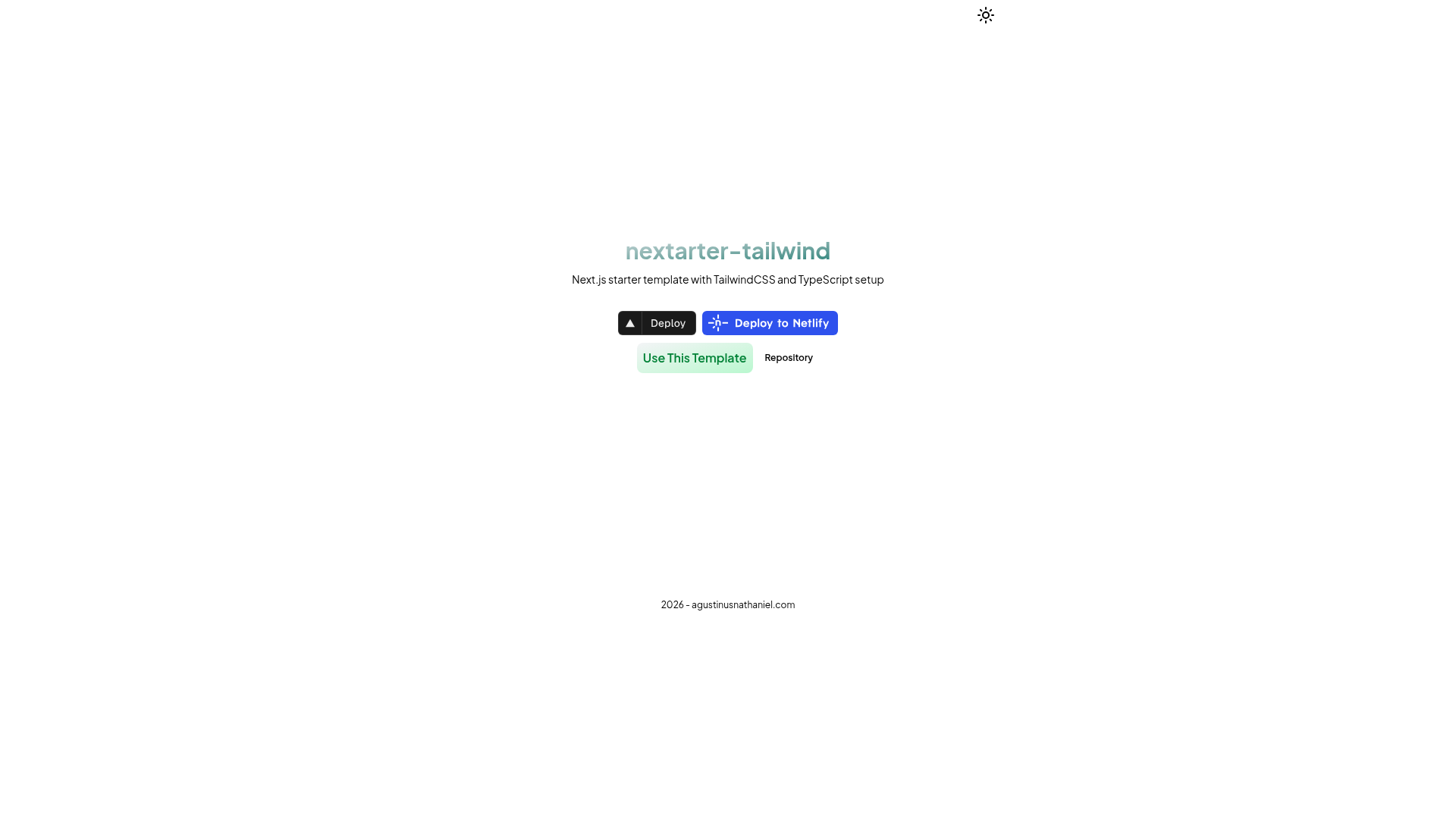
nextarter-tailwind
Battery-packed Next.js boilerplate with TailwindCSS & TypeScript setup for PWA-ready apps.
About this template
nextarter-tailwind is a TypeScript-first Next.js App Router template with Tailwind CSS v4 that scaffolds a PWA-ready project with strict linting, formatting, and architecture rules.
What is nextarter-tailwind?
nextarter-tailwind is a modern starter template for Next.js applications, built by agustinusnathaniel and distributed under the MIT License. It takes a new project name as input, typically through npx degit, and produces a complete codebase with the Next.js App Router, React 19, Tailwind CSS v4, and TypeScript. Its core function is to remove boilerplate setup so developers can start building immediately. The template places routing code in src/app and implementation code in src/lib, using a Lib-Delegation pattern described in its SPEC.md.
Key Features
- Next.js App Router & React 19 — The template uses the current Next.js App Router and React 19 for server components and modern data fetching.
- Tailwind CSS v4 — Styling is handled with Tailwind CSS v4, which uses a CSS-first configuration approach.
- Biome for linting and formatting — Biome replaces separate ESLint and Prettier setup with a single tool that the README reports as 35x faster than those tools.
- Turborepo — The project is wired for Turborepo to optimize build pipelines and caching.
- pnpm — Package management uses pnpm for faster, disk-space-efficient installations.
- SEO and metadata —
next-sitemapand metadata handling are preconfigured for search engine optimization. - Architectural integrity — The routing layer (
src/app) is separated from the implementation layer (src/lib/pages,src/lib/layout,src/lib/components,src/lib/styles). - Agent-friendly — Includes
AGENTS.mdto help AI coding assistants and IDEs understand the codebase.
Who is it for?
Developers starting a new Next.js project — they can skip configuring App Router, Tailwind, and TypeScript and go straight to writing features. Teams that value code quality — Biome lint/format, type-checking, and E2E test commands are part of the standard workflow. PWA-focused product teams — the repo is described as PWA-ready, providing a foundation for adding service workers and offline support. Developers using AI coding assistants — the AGENTS.md file is written specifically to help AI tools reason about the project structure and conventions.
What can you do with nextarter-tailwind?
- Scaffold a new app: run
npx degit agustinusnathaniel/nextarter-tailwind MY-APP, thenpnpm installandpnpm devto get a running app on localhost:3000. - Run quality workflows: execute
pnpm biome:fixfor linting and formatting,pnpm type:checkfor TypeScript validation, andpnpm test:e2efor end-to-end tests. - Deploy quickly: use the one-click Vercel or Netlify deploy buttons, or open the repo directly in StackBlitz for browser-based editing.
- Follow a documented architecture: read SPEC.md for technical invariants, CONTRIBUTING.md for contribution standards, and AGENTS.md for AI-assistant guidance.
How does nextarter-tailwind work?
The template is initialized with degit into a new directory. After installing dependencies with pnpm, developers run pnpm dev to start the development server. The codebase follows a Lib-Delegation pattern: src/app only exports Next.js entry points, while pages, layouts, components, and styles live under src/lib. The workflow commands are documented in a table covering lint/format, type-check, E2E tests, build, and release.
FAQ
Is nextarter-tailwind free?
Yes, the template is published under the MIT License, so it can be used freely for personal and commercial projects without licensing fees.
What tech stack does nextarter-tailwind use?
It uses Next.js with the App Router, React 19, Tailwind CSS v4, TypeScript, Biome for linting and formatting, pnpm as the package manager, and Turborepo for build caching.
How do I create a project with nextarter-tailwind?
Run npx degit agustinusnathaniel/nextarter-tailwind YOUR-APP-NAME, then change into the new directory, run pnpm install, and finally pnpm dev to start the local server.
Does nextarter-tailwind include testing tools?
Yes, the development workflow includes an E2E test command (pnpm test:e2e) and a TypeScript type-check command (pnpm type:check). The README does not mention a unit testing framework.
What is the purpose of AGENTS.md?
AGENTS.md is a guide for AI coding assistants and IDEs. It explains the codebase structure and conventions so AI tools can reason about the project and make changes that match the template's standards.