Template details
Highlights
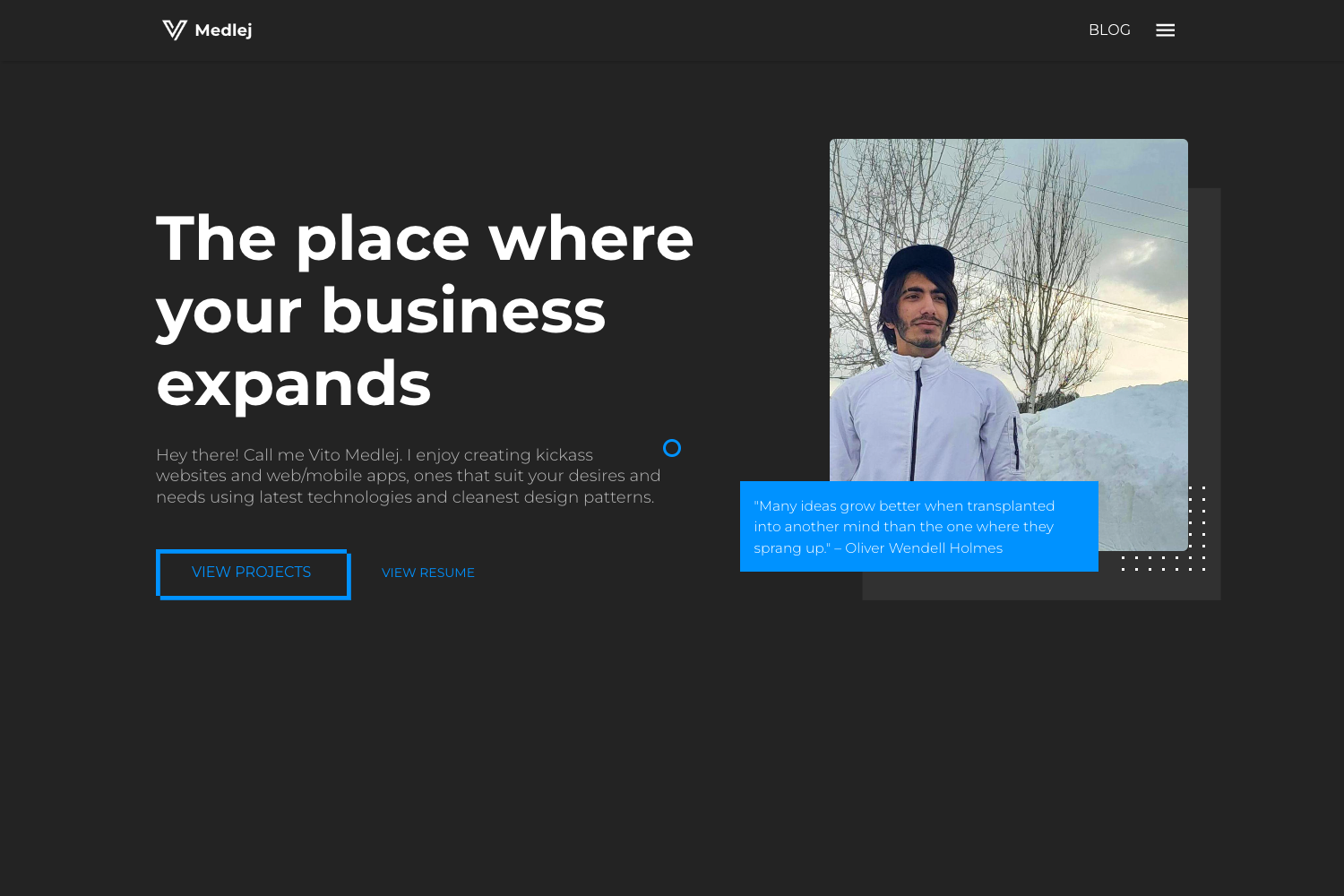
A one-page Hugo theme ported from HTML5UP's Highlights, featuring a contact form, Google Analytics, and responsive design.
About this template
Highlights is a one-page Hugo theme, a port of HTML5UP's Highlights design, that builds a static personal or portfolio site from a single config.toml file. It runs on the Hugo static site generator and outputs a responsive, self-contained HTML site that can be hosted anywhere without a backend.
What is Highlights?
Highlights is a Hugo theme that turns a single config.toml file into a one-page static site with sections for about, services, and contact. It is a community port of the Highlights design originally created by HTML5UP, and it takes configuration data plus background images as input and produces a fully static, responsive HTML site ready to upload to any web server.
Key Features
- Responsive one-page layout — The original HTML5UP design is optimized for viewing on mobile, tablet, and desktop without extra configuration.
- Contact form via Formspree — The theme integrates with formspree.io as a proxy so the static site can send email; the free tier allows up to one thousand submissions per month.
- Google Analytics — Built-in support for adding your Google Analytics tracking code through the config file.
- Per-section background images — Each section (such as about and services) can have its own background image stored in
static/images/and referenced inconfig.toml. - Font Awesome icons — Services and skills are displayed with Font Awesome icons; supported icon styles include fab, fas/fa, far, fal, and fad, though far, fal, and fad require a Font Awesome Pro license.
- Single config file setup — All site content, including services and contact email, is defined in one
config.toml, making content management straightforward. - CC BY 3.0 license — The theme is free to use and modify under Creative Commons Attribution 3.0 Unported.
Who is it for?
- Personal portfolio owners — Individuals who want a clean one-page site to showcase their skills, services, and contact information without managing multiple pages.
- Freelancers and small service providers — People who need a simple online presence with a working contact form and a services section listing what they offer.
- Hugo users who like HTML5UP designs — Developers comfortable with Hugo who want a quick way to deploy a visually polished landing page by editing a single TOML file.
What can you do with Highlights?
- Create a one-page personal site — Replace the default text and images in
config.tomlto publish an about section, a services list, and a contact section in a single scrollable page. - Collect contact messages — Wire up the form to your email via Formspree; after uploading the site and confirming your email address, visitors' messages arrive in your inbox.
- Track visitor analytics — Add your Google Analytics property ID to the config to see traffic data on your static site.
- Customize each section's look — Swap background images per section and choose Font Awesome icon styles for each service entry to match your brand.
How does it work?
- Clone the theme repository into your Hugo site's
themesfolder. - Copy the
config.tomlfrom theexampleSiteand edit it with your own email, services, and background image paths. - Upload the generated static site to any web host, send yourself a test email through Formspree, and confirm the link to activate the contact form.
- Run
hugo serverlocally to preview the site atlocalhost:1313before deploying.
License
The theme is licensed under the Creative Commons Attribution 3.0 Unported license. The original design by HTML5UP and the Hugo port are both acknowledged in the theme's documentation.