Template details
Personal Portfolio Website
A free Next.js portfolio template for developers to showcase projects, skills, and experience.
About this template
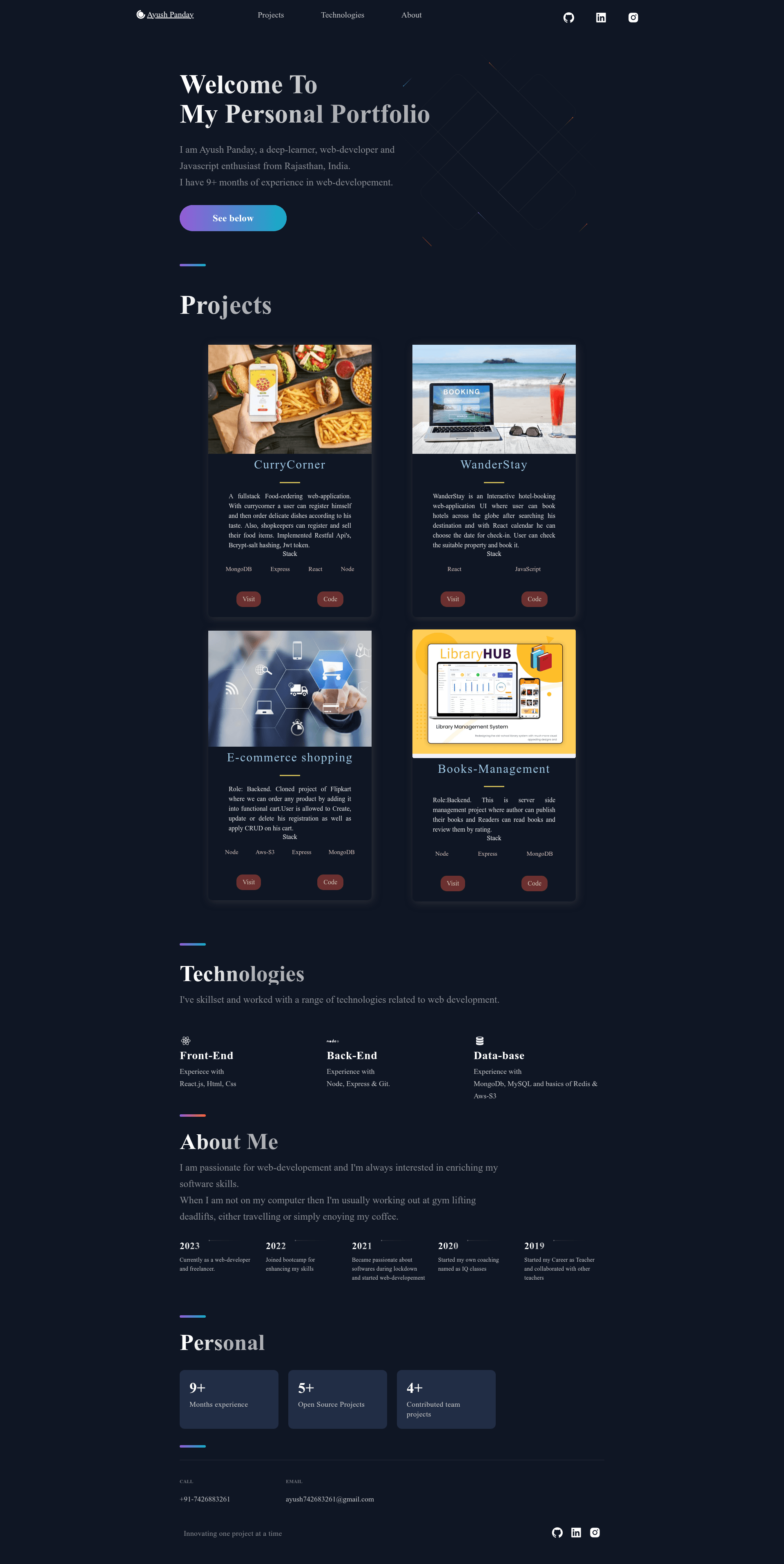
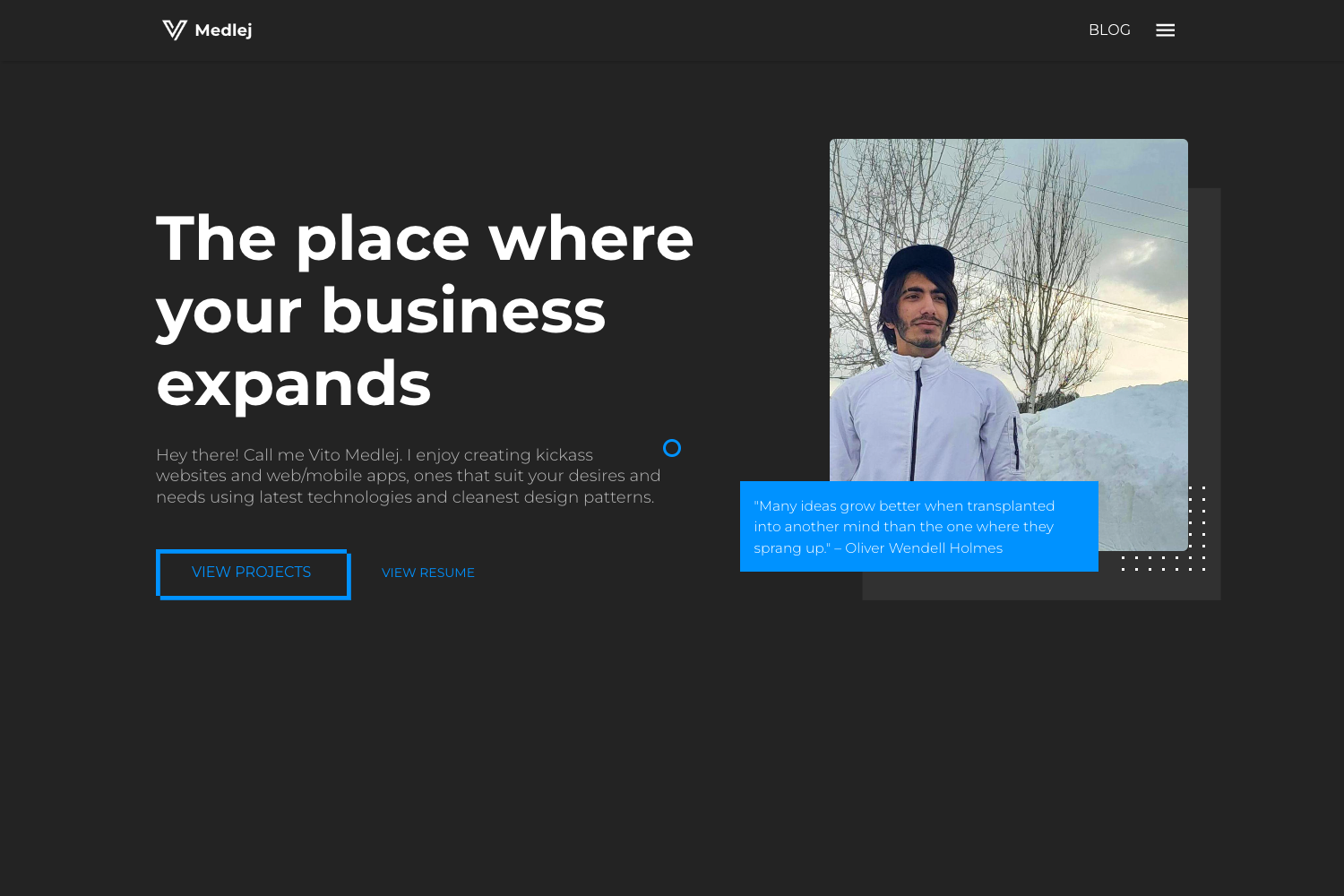
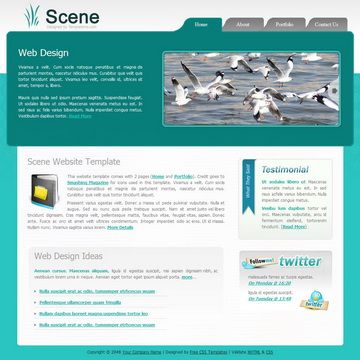
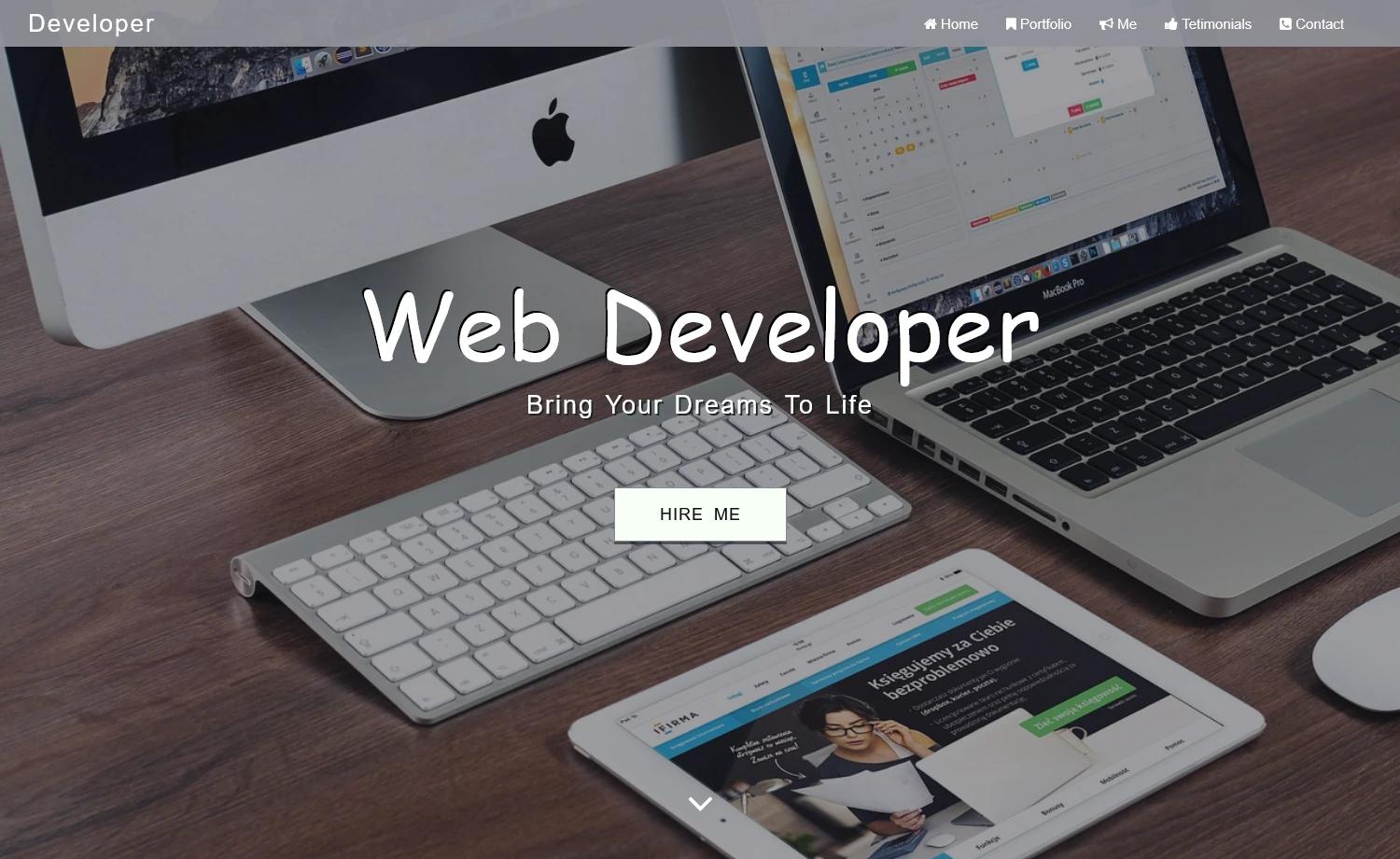
This personal portfolio website template is a Next.js-based starter that gives developers a ready-to-use, MIT-licensed site for showcasing projects, skills, experience, and contact information.
What is this portfolio template?
The template is an open-source repository that takes your personal data — projects, work history, and technical skills — and renders them into a modern, responsive portfolio site. It is built on Next.js and React, uses CSS Modules for scoped styling, and can be hosted on GitHub Pages, Vercel, Netlify, or any provider that supports Next.js. The project is authored by Ayush Panday and published on GitHub.
Key Features
- Modern responsive layout — the site adapts to phone, tablet, and desktop screens to present your work clearly.
- Project showcase — a dedicated section for listing projects with descriptions and links to their repositories.
- Experience and skills display — separate areas to present your professional history and technical skill set.
- Contact section — multiple ways for visitors to reach you, such as email or social profiles.
- Data-driven content — all personal information lives in a
datafolder, so you update copy in one place without touching component markup. - CSS Modules styling — modular, scoped CSS files keep styles per component and reduce naming collisions.
- Free hosting options — the readme documents deployment to GitHub Pages, Netlify, and Vercel.
Who should use this portfolio template?
- Junior developers — quickly launch a personal site to display their first projects and start building an online presence.
- Freelancers and designers — showcase their work, skills, and contact methods in a clean, professional layout.
- Students and recent graduates — create a personal site to support job and internship applications.
Use cases
- Job seekers: Replace the placeholder data in the
datafolder with your own projects and résumé highlights, then deploy the site to your personal domain to share with recruiters. - Open-source contributors: Link to your GitHub repositories through the project showcase section to make your maintainership visible.
- Personal branding: Customize the CSS Modules and swap the demo images with your own logos and screenshots to match your visual identity.
How does this portfolio template work?
The customization workflow is described in the readme: (1) edit the data files in the data folder to update projects, experiences, and skills; (2) adjust styles in the CSS Modules to change colors, fonts, and spacing; (3) replace images and logos in the images folder with your own assets; (4) deploy the finished Next.js site to Vercel, Netlify, GitHub Pages, or another host.
FAQ
Is this portfolio template free?
Yes. The project is open source and distributed under the MIT License, so you can use, modify, and deploy it for personal or commercial projects without paying a fee.
Can I deploy to GitHub Pages?
Yes. GitHub Pages is listed both in the Technologies Used section and in the deployment options mentioned in the customization steps, along with Vercel, Netlify, and other hosts.
Do I need to edit React components to change content?
No. For projects, experiences, and skills, you edit the data files in the data folder. Only if you want to change the layout or visual styling would you work with the CSS Modules and component files.
What do I need to run the template locally?
To run your portfolio website locally, the readme instructs you to clone the repository and add your details. Because this is a Next.js app, you will typically need Node.js and a package manager installed, though those prerequisites are not explicitly listed on the readme page.
Is there a live demo?
Yes. The readme links to a live demo hosted on Netlify at ayushpanday-portfolio.netlify.app.