Template details
Hoobank
Next.js landing page template styled with Tailwind CSS, bootstrapped with create-next-app, featuring the App Router and Inter font.
About this template
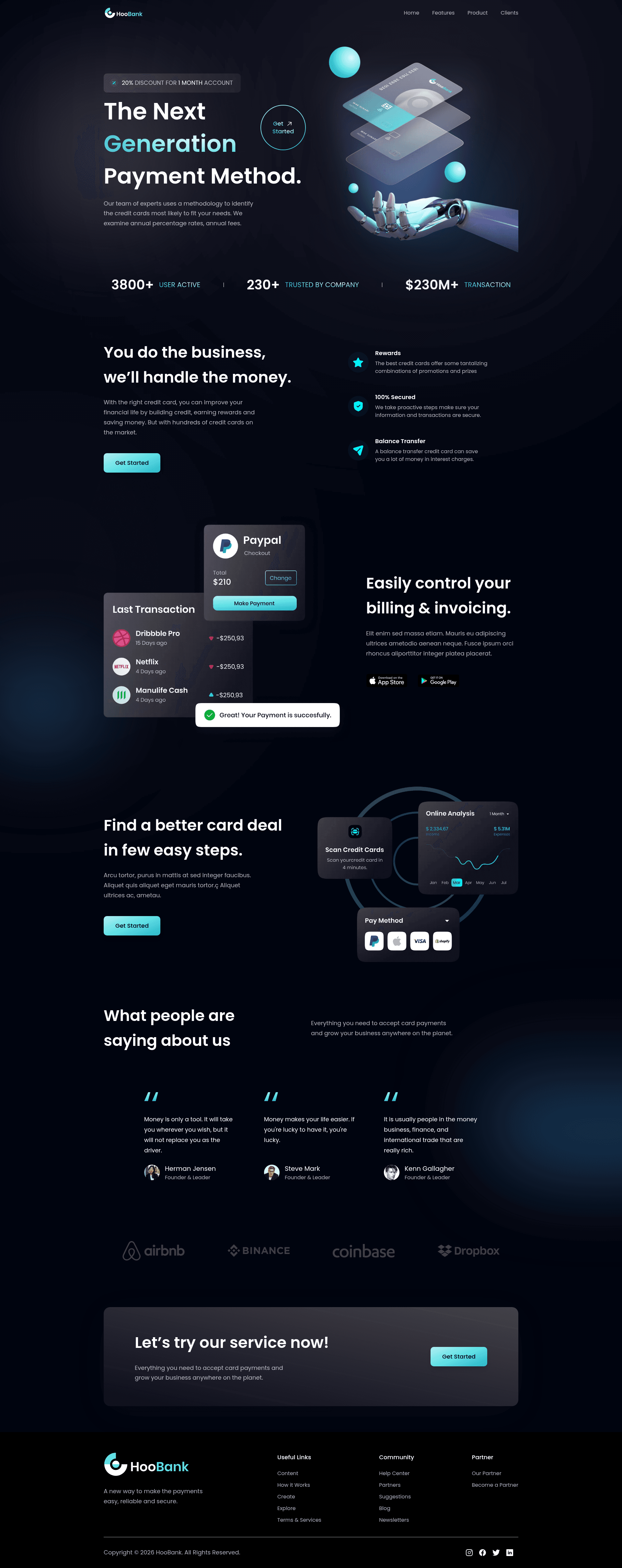
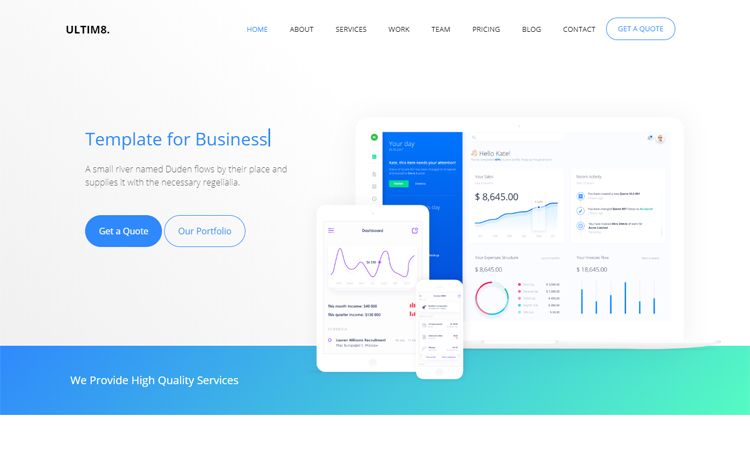
Hoobank is a landing page template built with Next.js and styled using Tailwind CSS, bootstrapped via create-next-app for the App Router. It serves as a ready-to-run starter for a fictional bank's marketing page, with all content editable from a single app/page.js file and deployment configured for Vercel.
What is Hoobank?
Hoobank is a single-page landing site for a fictional bank, generated from the official create-next-app template and enhanced with Tailwind CSS. It takes the default Next.js scaffold and provides a visually structured marketing page that can be customised by editing app/page.js; the development server rebuilds and refreshes automatically on save. The project runs on the Next.js App Router and uses next/font to optimise the Inter Google Font. The README does not mention an individual author, indicating the template originates from the Vercel-maintained starter.
Key Features
- Next.js App Router — The application uses an
appdirectory withpage.jsas the entry route, following the modern file-based routing system. - Tailwind CSS styling — Global styles are applied through Tailwind utility classes, matching the repository topics and eliminating the need for hand-written CSS files.
- Automatic font optimisation —
next/fontpreloads and optimises the Inter font, reducing layout shift and render-blocking font requests. - Three package managers — Start the development server with
npm run dev,yarn dev, orpnpm dev, giving flexibility across Node.js environments. - One-file page editing — The entire landing page content lives in
app/page.js, so a beginner can change text, headings, and layout in one location. - Vercel-ready deployment — The README includes a direct link to the Vercel Platform for one-click deploys, plus a documentation link for advanced deployment options.
Who is it for?
- Frontend developers — Use Hoobank to practice App Router conventions, hot-reload workflows, and
next/fontintegration without configuring a server. - Indie hackers and startup founders — Clone the repo, swap the bank-themed copy for their product messaging, and deploy a professional-looking landing page in under an hour.
- Web design students — Examine how Tailwind classes pair with a React component in
page.jsand how font loading is abstracted by Next.js. - Agencies — Use the template as a base for client landing pages, relying on the familiar create-next-app structure for team onboarding.
What can you do with Hoobank?
- Marketers: Replace the placeholder headings and description in
app/page.jswith campaign copy to publish a clean promo page quickly. - Product managers: Stand up a minimal waitlist or product announcement page and iterate on copy with automatic browser refreshes.
- Developers: Add new routes by creating additional files in the
appdirectory, turning the single page into a multi-section marketing site. - Designers: Adjust the Tailwind theme in
tailwind.config.jsto apply brand colors and custom fonts across the whole page.
How does Hoobank work?
Navigate into the project directory and run npm run dev (or an equivalent Yarn/PNPM command) to launch the local server on http://localhost:3000 with hot reloading. Edits made to app/page.js are visible in the browser as soon as the file is saved, and the development environment flashes errors inline when syntax fails. When ready, deploy by linking the repository to Vercel or running the standard Next.js build command.
FAQ
Is Hoobank free to use?
This project is derived from the open-source create-next-app starter published by Vercel, and the README states no pricing or license restrictions, so it is free to clone and modify.
How do I change the font in Hoobank?
The template imports Inter through next/font. To switch fonts, edit the font declaration in your root layout or layout page and replace the import with another Google Font supported by next/font/google.
Does Hoobank require a separate CSS framework setup?
No — the repository topics and the default create-next-app structure indicate Tailwind CSS is already configured, so utility classes can be used directly in JSX without additional build steps.
Where do I edit the text on the landing page?
All visible copy lives in app/page.js. Search for the bank-themed content and replace it with your own strings; the page auto-updates in development.
Can I deploy Hoobank to platforms other than Vercel?
Yes, Next.js apps can run on any Node.js-capable host, but the README highlights Vercel as the easiest path, with official deployment documentation linked for other approaches.