Template details
HTML CSS JavaScript Getting Started
Sample application and starter code for the 'Building Websites with HTML, CSS, and JavaScript: Getting Started' course.
About this template
HTML CSS JavaScript Getting Started is a sample application repository that accompanies the course 'Building Websites with HTML, CSS, and JavaScript: Getting Started', providing a minimal codebase and setup instructions for learning core web technologies. The repository lives on GitHub under the craigshoemaker account and is designed to be run locally with free developer tools rather than deployed to a hosting platform.
What is HTML CSS JavaScript Getting Started?
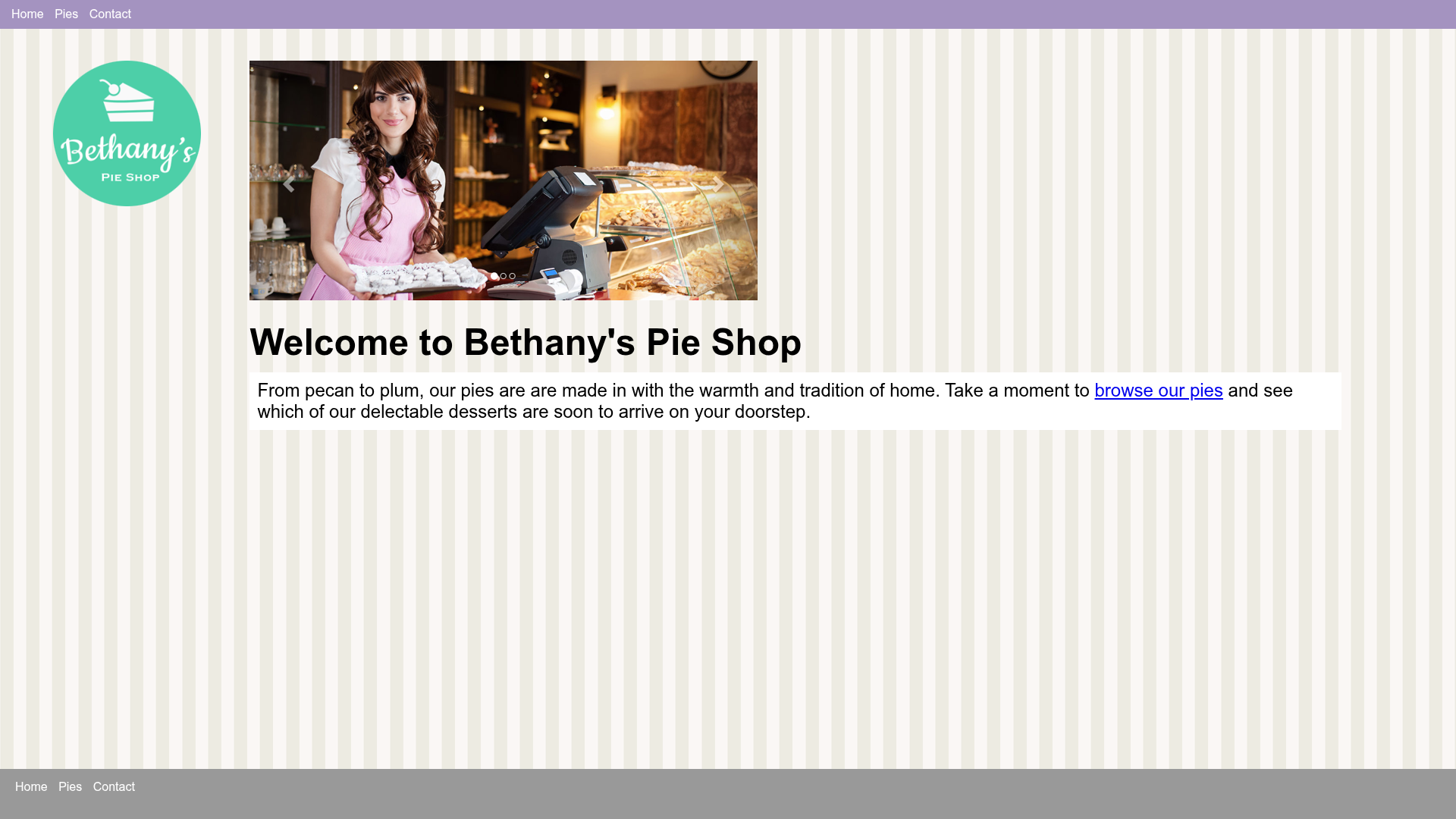
This repository is a starter project for the 'Building Websites with HTML, CSS, and JavaScript: Getting Started' course. It contains plain HTML, CSS, and JavaScript files that serve as the starting point for hands-on exercises. The input is the source code you edit in Visual Studio Code; the output is a live web page rendered in your browser through the Live Server extension. The project does not use any front-end framework, build step, or package manager, so the files can be opened directly.
Key Features
- Git or ZIP delivery — You can clone the repository with
git clone https://github.com/craigshoemaker/html-css-javascript-getting-startedor download a ZIP archive from the same location. - Visual Studio Code workflow — The README instructs you to open the
html-css-javascript-getting-startedfolder in VS Code and press the Go Live button at the bottom of the window. - Live Server extension — A simple web server utility for VS Code that launches your files in a browser with automatic reloading as you edit.
- Echo Post utility — A separate Node.js server utility,
echo-post, that displays POST data, letting you test form submissions and HTTP requests during the course. - Plain HTML/CSS/JavaScript — No frameworks, libraries, or external dependencies are required for the main project, making it approachable for absolute beginners.
- Resources file — A
resources.mdpage lists links to materials used throughout the course.
Who is it for?
This repository is aimed at beginner web developers who want to learn HTML, CSS, and JavaScript from scratch. Course participants can clone the repository and follow along with the lessons, while instructors can use the minimal codebase as a clean starting point for teaching demonstrations. It also suits anyone who prefers a dependency-free environment to experiment with web fundamentals.
What can you do with it?
- Course participants: follow the exercises in 'Building Websites with HTML, CSS, and JavaScript: Getting Started' using the same files the instructor references, eliminating environment setup guesswork.
- Self-taught learners: edit the HTML, CSS, and JavaScript files in VS Code and see changes instantly in the browser via Live Server's auto-reload.
- Form-testing practice: run the
echo-postNode.js utility to observe POST data payloads from your HTML forms without building a back-end.
How does it work?
To get started, clone the repository to your machine or download the ZIP. Open the html-css-javascript-getting-started folder in Visual Studio Code, then click the Go Live button at the bottom of the window. Live Server serves the folder over a local web server and refreshes the page automatically whenever you save a file, so you can iterate on your code immediately.
FAQ
Is this template free?
Yes, the repository is publicly hosted on GitHub and carries no listed fees. You can clone it or download the ZIP at no cost.
What tools do I need to run it?
The README lists git, Visual Studio Code, the Live Server extension, and Echo Post as useful tools. Git is only needed if you clone instead of downloading the ZIP; Live Server requires VS Code to launch the project with one click.
Do I need Node.js to use Echo Post?
Yes, Echo Post is described as a Node.js server utility, so Node.js must be installed to run it. The main website files themselves do not require Node.js — they are plain HTML, CSS, and JavaScript.
Can I use this without Visual Studio Code?
You can open the HTML, CSS, and JavaScript files in any text editor, but the provided Go Live workflow depends on the Live Server extension, which is specific to Visual Studio Code.
What is the Echo Post utility?
Echo Post is a simple Node.js server utility that displays the POST data it receives. It helps you see exactly what your HTML forms send, useful for understanding HTTP requests without writing a server.