Template details
fullstack-nextjs-app-template
A full-stack Next.js boilerplate for building complete websites with App Router, Pages Router, Express/NestJS backends, and Docker/PM2 deployment.
About this template
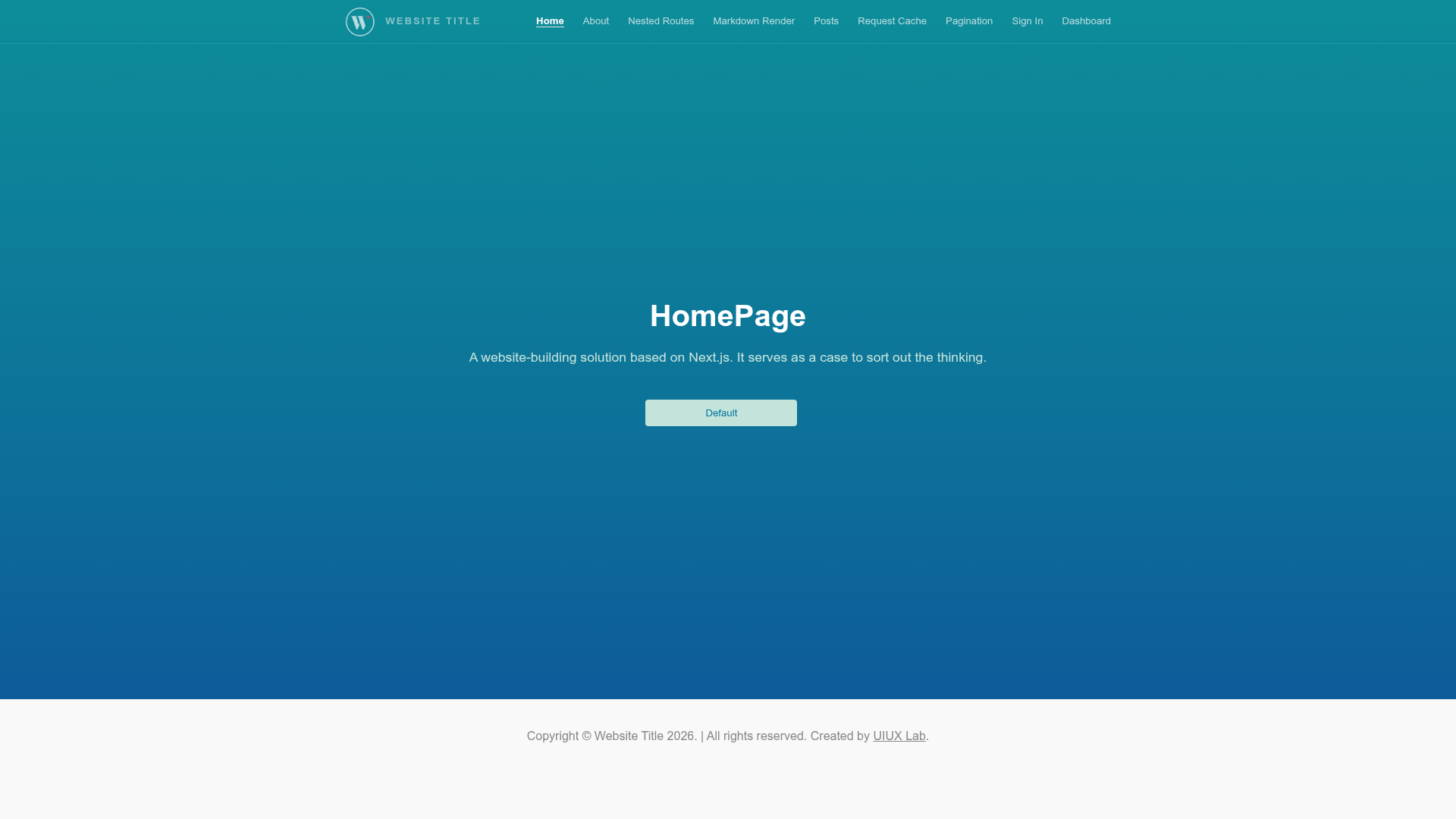
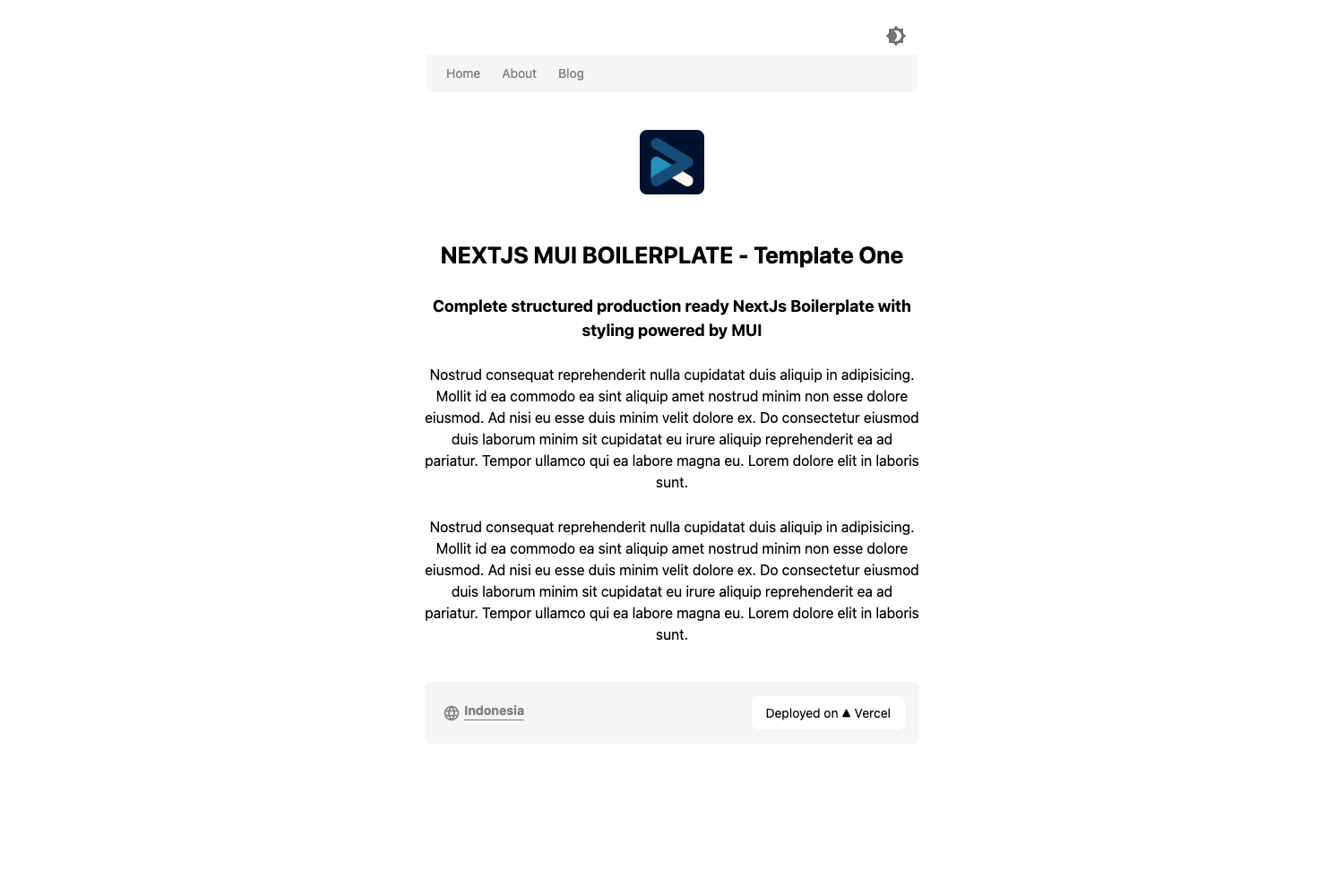
fullstack-nextjs-app-template is a full-stack Next.js boilerplate that scaffolds a complete website architecture, pairing an App Router demo (default) with a Pages Router demo, an Express backend, a NestJS backend, and deployment tooling for Docker, PM2, and Nginx.
What is fullstack-nextjs-app-template?
This is a full-stack sample web application built on Next.js that provides the foundational services, components, and plumbing needed to get a basic web application up and running. The repository ships with both an App Router template (default) and a Pages Router template (enable it by renaming @pages to pages and deleting app). It also includes static HTML export, server-side rendering, incremental static regeneration, and a custom server setup.
Key Features
- Dual Router Support — Includes an App Router demo template (default) and a Pages Router demo template; switch by renaming the
@pagesdirectory topagesand removingapp. - Two Backend Options — Provides an Express server in
backend/and a NestJS server inbackend@nest/, each with an optional local PHP service on port 4000. - Authentication and Authorization — Offers login, authorization, JWT demo, microservice authentication, and custom hooks for auth and Redux.
- Data and API Demos — Covers pagination, parameter acquisition, network requests, API demos, CRUD demo, request cache demo, and multiple API construct styles.
- Real-time and Media Support — WebSocket via
socket.io, video streaming demos (normal, encrypted, decrypted), and Markdown rendering withmarkdown-it. - Deployment Tooling — Dockerfile, docker-compose.yml, ecosystem.config.js for PM2, Nginx configuration guidance, and custom server.js examples.
- Static Export — Generates pure HTML static files with
npm run exportandnpm run export:fix, output toout/. - Supported Stack — Next.js 13.0.0 to 16+, React 18 to 19, TypeScript 4.x+, and Express 4.x.
Who is it for?
- Full-stack developers building a new web application who want a working foundation with frontend and backend code, including authentication, API routes, and WebSocket integration.
- Next.js learners exploring the difference between Pages Router and App Router, as the project provides both demos and a migration guide.
- Developers preparing production deployments who need Docker files, PM2 configuration, and Nginx proxy examples to take a Next.js app to a cloud server.
What can you do with it?
- Team leads can spin up a standardized project skeleton with consistent structure for
src/, pages, and API routes, so new developers start from the same baseline. - Backend engineers can test the Express and NestJS backends with a local PHP service to simulate real API and database interactions.
- DevOps engineers can use the included Dockerfile and docker-compose configurations to containerize the app, or the PM2 ecosystem file to manage it on a VPS.
How does it work?
After cloning, you run npm install, then npm run dev (optionally with npm run action:phpserver to launch a PHP test service). The project compiles and serves at http://localhost:3000. For production, npm run build compiles the application and npm run start runs the production server; npm run export generates a static HTML version into the out/ folder.
FAQ
Does this template support both App Router and Pages Router?
Yes. The App Router is the default with an app/ directory; to switch to Pages Router, rename the @pages folder to pages and delete the app folder.
Can I use static export and ISR at the same time?
No. As the README warns, Incremental Static Regeneration (ISR) cannot be used with output: export. Choose one approach: static export or on-demand ISR.
How do I deploy with Docker?
The repository includes a Dockerfile and docker-compose.yml. Build with docker build -t fullstack-nextjs-app-template:v1 ., then run docker run -p 3000:3000 fullstack-nextjs-app-template:v1. The Docker image uses output: standalone.
Is there a PHP backend service?
Yes, a local PHP service is used to test background management features. Run npm run action:phpserver to start PHP on port 4000 for the Express backend, or run the NestJS backend in backend@nest/.