Template details
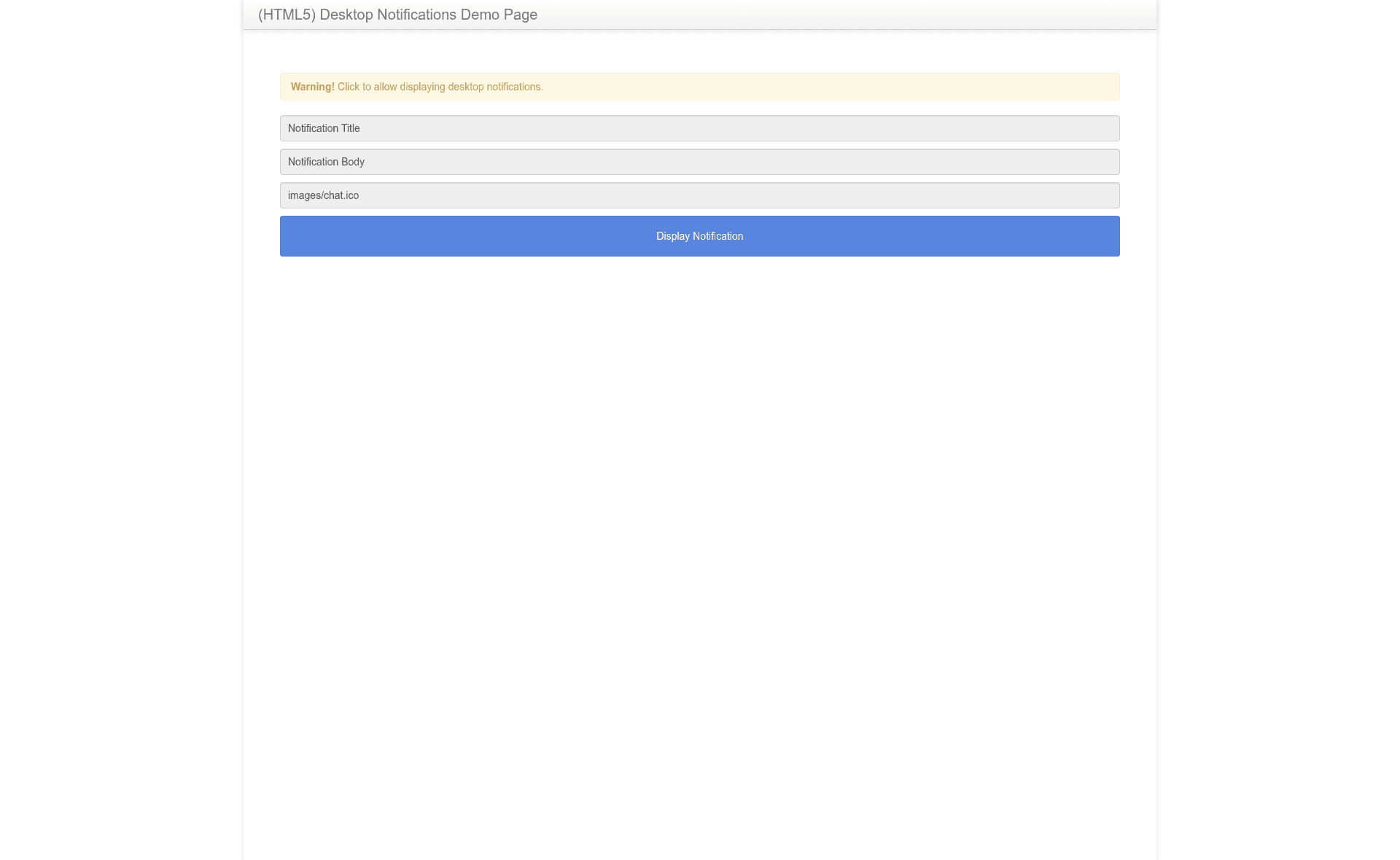
HTML5 Desktop Notifications
Desktop notifications plugin for Chrome, Safari, Firefox and IE9+
About this template
HTML5 Desktop Notifications is a GitHub-hosted JavaScript library that gives web pages a consistent, standards-based API for displaying desktop notifications across Chrome, Firefox, Safari, Edge, and IE9+.
What is HTML5 Desktop Notifications?
It is a client-side polyfill and wrapper around the W3C Notification API. The library takes a notification title and an options object, then creates a native desktop notification through the browser's built-in API when available, and falls back to an internal custom implementation when the API is missing. It runs entirely in the browser, requires no server-side components, and is maintained by ttsvetko in the public GitHub repository ttsvetko/HTML5-Desktop-Notifications.
Key Features
- Cross-browser support — Supports IE9+, Edge (Windows 10 Anniversary Update and later), Firefox 22+, and Google Chrome 32+, covering both standard and prefixed Notification API implementations.
- Four-level permission model — Adds a
notsupportedpermission level on top of the standarddefault,granted, anddeniedstates, so code can detect when notifications cannot be displayed at all. - Promise-based permission request —
Notification.requestPermission()returns a Promise; for IE9 and IE10 a Promise polyfill must be supplied separately because this library does not bundle one. - Automatic icon handling — If the icon path does not end in .ico, the library appends .ico for IE, and IE requires a 16x16 icon at 96 dots per inch for the taskbar overlay; other browsers use the supplied image format.
- Native Notification passthrough — In supporting browsers,
new Notification('title')returns the browser's native Notification object, whilewindow.Notificationis replaced with the polyfill class. - Standard API compliance — Implements the WHATWG notifications spec, so existing code written for modern browsers works without modification in older ones.
Who is it for?
Web developers who need to deliver desktop notifications to users on a range of browsers, especially those who must still support legacy versions like IE9 and IE10. It is also useful for teams that want one codebase for notification logic instead of maintaining browser-specific prefixes and fallbacks.
What can you do with it?
- Web application alerts: Display desktop notifications for new messages, comments, or background task completions.
- Legacy intranet apps: Add modern notification UX to enterprise web apps that run on IE9/IE10, with the addition of an external Promise polyfill.
- Progressive web app notifications: Request permission and show notifications from a web page, though Service Worker integration is listed as a TODO and not yet implemented.
How does it work?
After including the script, call Notification.requestPermission() to ask the user for permission, then create a notification with new Notification('title', options). The library inspects the current browser and directs the call to the native implementation or to its own polyfill transparently.
Pros and cons
- Pros: Wide browser coverage, standard API surface, carefully documented icon requirements for IE, and a promise-based permission flow.
- Cons: Safari ignores the supplied icon and uses the application icon instead; IE9 and IE10 need an external Promise polyfill; IE actions as taskbar buttons are not yet implemented.
FAQ
Which browsers are supported?
IE9+, the latest Edge from the Windows 10 Anniversary Update, Firefox 22+, and Google Chrome 32+. Safari is partially supported but does not display the icon you provide.
Does Notification.requestPermission() return a Promise?
Yes. The method returns a Promise, which means IE9 and IE10 require a Promise polyfill to be loaded separately because it is not included in this library.
Why doesn't my icon appear in IE?
For IE, the icon path must be a .ico file containing a 16x16 icon at 96 dots per inch. The library automatically appends .ico to the icon name if it isn't already present, but the resource file itself must meet those dimensions.
Is there support for Service Workers?
No. Service Worker support is listed in the repository's TODO list as an unimplemented feature, so notifications cannot be shown from a background service worker yet.