Template details
Resume
A Feature-Rich Resume Builder that Supports Flexible Customization
About this template
Resume is an open-source, self-hosted resume builder built on Next.js that lets users create, edit, and export professional resumes entirely in the browser, with all data stored locally in localStorage. It is a flexible web application rather than a static template: you feed it resume content through a WYSIWYG interface and it produces PDF, PNG, JPG, WEBP, SVG, and JSON outputs. The project is developed by wzdnzd as a fork of the resume-builder project by magicyan418 and is released under the MIT license.
What is Resume?
Resume is an open-source resume builder that runs as a Next.js web app. It takes resume content as input through a browser-based WYSIWYG editor and outputs clean PDF files via server-side Chromium rendering, with fallback to browser printing when the server cannot render. The project is developed by wzdnzd and is a fork of the resume-builder project by magicyan418, licensed under MIT.
Key Features
- Local-first storage — All resumes are saved to the browser's
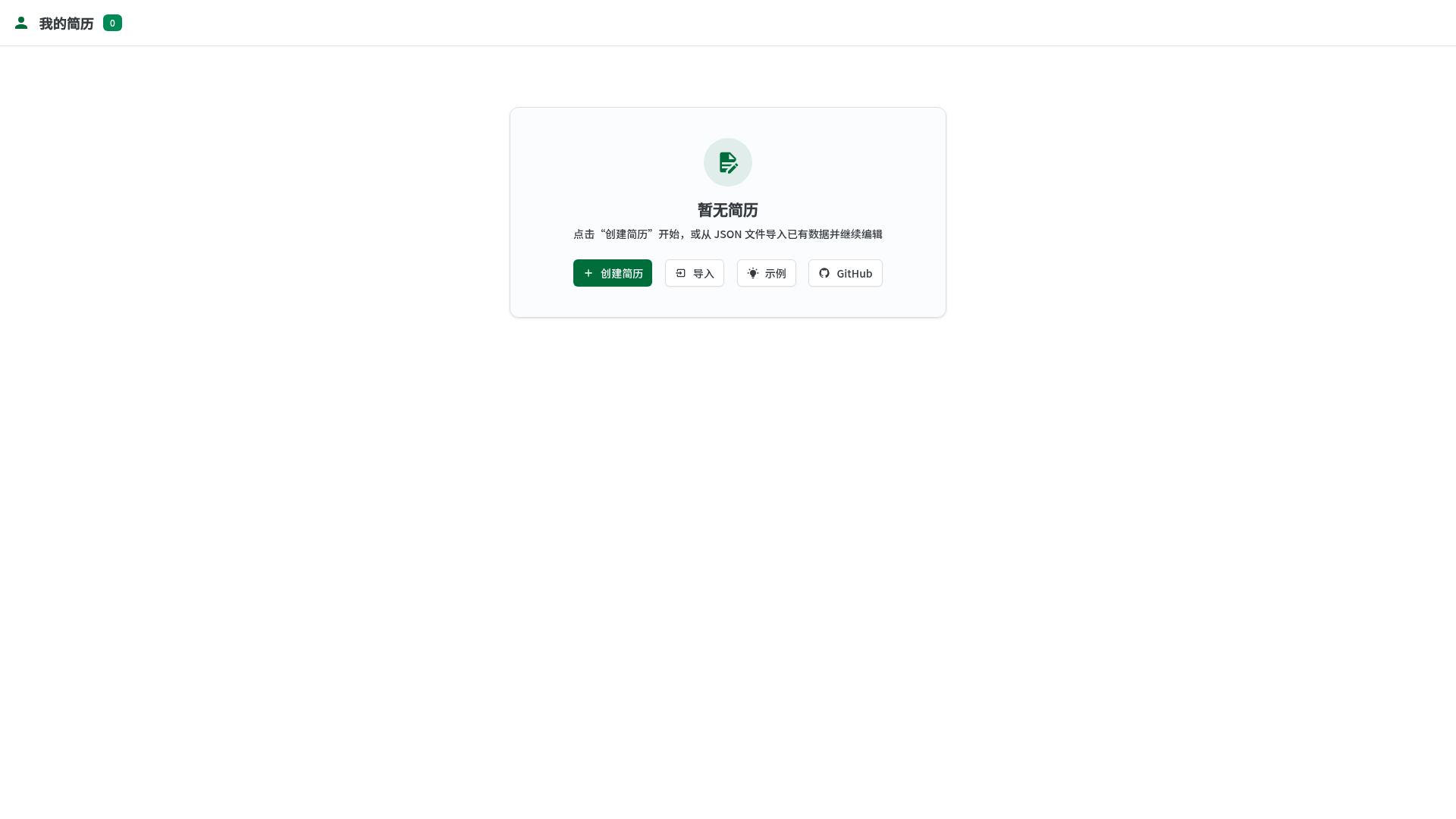
localStorage; a user-center home page provides search, sort, batch selection/deletion, and JSON import/export for backup. - WYSIWYG editing — Rich text formatting includes font family, size, color, alignment, bold, and URL links; personal info and job intention sections support inline or grid layouts.
- Server-side PDF with fallback — PDF export uses
puppeteer-coreand@sparticuz/chromiumto render the same HTML/CSS used in preview, returning a cleanapplication/pdf; if unavailable, it automatically falls back to the browser print dialog with guidance to disable headers/footers and enable background graphics. - Multi-format image export — Resumes can be exported as PNG, JPG, WEBP, or SVG, using an image-proxy API endpoint to avoid canvas cross-origin tainting.
- Modular layout — Users can add, delete, and reorder modules such as education, work experience, and projects; layout controls include title centering, alignment, column count, and automatic element sizing.
- Optional password protection — Setting a
SITE_PASSWORDenvironment variable redirects all page routes to an/authscreen; after authentication the server sets a 30-day cookie storing a SHA-256 digest of the password. - Tech stack — Built with Next.js App Router, Shadcn UI components, Tailwind CSS for styling, Iconify for icons, and TypeScript; deployment is supported on Vercel and EdgeOne Pages via one-click buttons.
- API endpoints —
/api/pdf/healthchecks headless browser availability,POST /api/pdfreturns a PDF directly,POST /api/pdf/:filenamereturns a 303 redirect to a cached inline PDF for about 5 minutes, and/api/image-proxyproxies remote images.
Who is it for?
- Job seekers who want a free and private way to build multiple tailored resumes without uploading personal data to a cloud service.
- Developers and designers who want a self-hostable, customizable resume tool; they can deploy their own instance in one click and modify the Tailwind theme.
- Privacy-conscious users who prefer local storage and want to keep a JSON backup they control.
What can you do with Resume?
- Create and manage multiple resumes: Use the user center to search, sort, copy, and batch delete resume entries stored in the browser.
- Export polished PDFs: Generate clean PDF files through the server-rendering pipeline, or fall back to print-to-PDF from the browser.
- Embed or share image exports: Export your resume as PNG, JPG, WEBP, or SVG to embed in portfolios, email signatures, or social profiles.
- Protect a hosted instance: Enable access control with a simple password, useful for sharing a hosted resume site.
How does Resume work?
The app runs as a Next.js application: resume data is edited in the browser and persisted only to localStorage. For PDF export, the client sends the resume data to a server API route, which launches a headless Chromium instance to render the /print page and returns a PDF; if that fails, the client triggers the browser's print dialog instead. Deployment requires the Node.js runtime on Vercel (not Edge) and benefits from increased function timeout and memory (e.g., 1024MB or 1536MB).
FAQ
Is Resume free?
Yes, the project is open-source under the MIT license, so you can use, modify, and self-host it at no cost. If you deploy on a platform like Vercel, that platform itself may charge for hosting and function usage.
Where is my resume data stored?
All resume data is stored in your browser's localStorage. Nothing is sent to a server unless you use the server-side PDF API, which receives the resume data temporarily to render a PDF. You can back up and restore data as JSON files.
Can I export my resume as an image?
Yes, the editor supports export to PNG, JPG, WEBP, and SVG formats. Image export uses an image-proxy endpoint to avoid cross-origin canvas tainting when remote images are used. The export menu is available from both the user center and the editor's top-right menu.
What happens if the server-side PDF fails?
If the server cannot start headless Chromium or the PDF request errors, the app automatically degrades to browser printing. The interface then prompts you to turn off headers/footers and enable background graphics so the printed PDF matches the preview.
How do I enable password protection?
Set the SITE_PASSWORD environment variable to a non-empty value. The app will redirect unauthenticated visitors to an /auth page, and after a successful login it sets a 30-day cookie containing a SHA-256 digest of the password. Deleting the variable disables auth.