Template details
hugo-theme-flat
A hugo theme made in imitation of the wordpress theme Allium
About this template
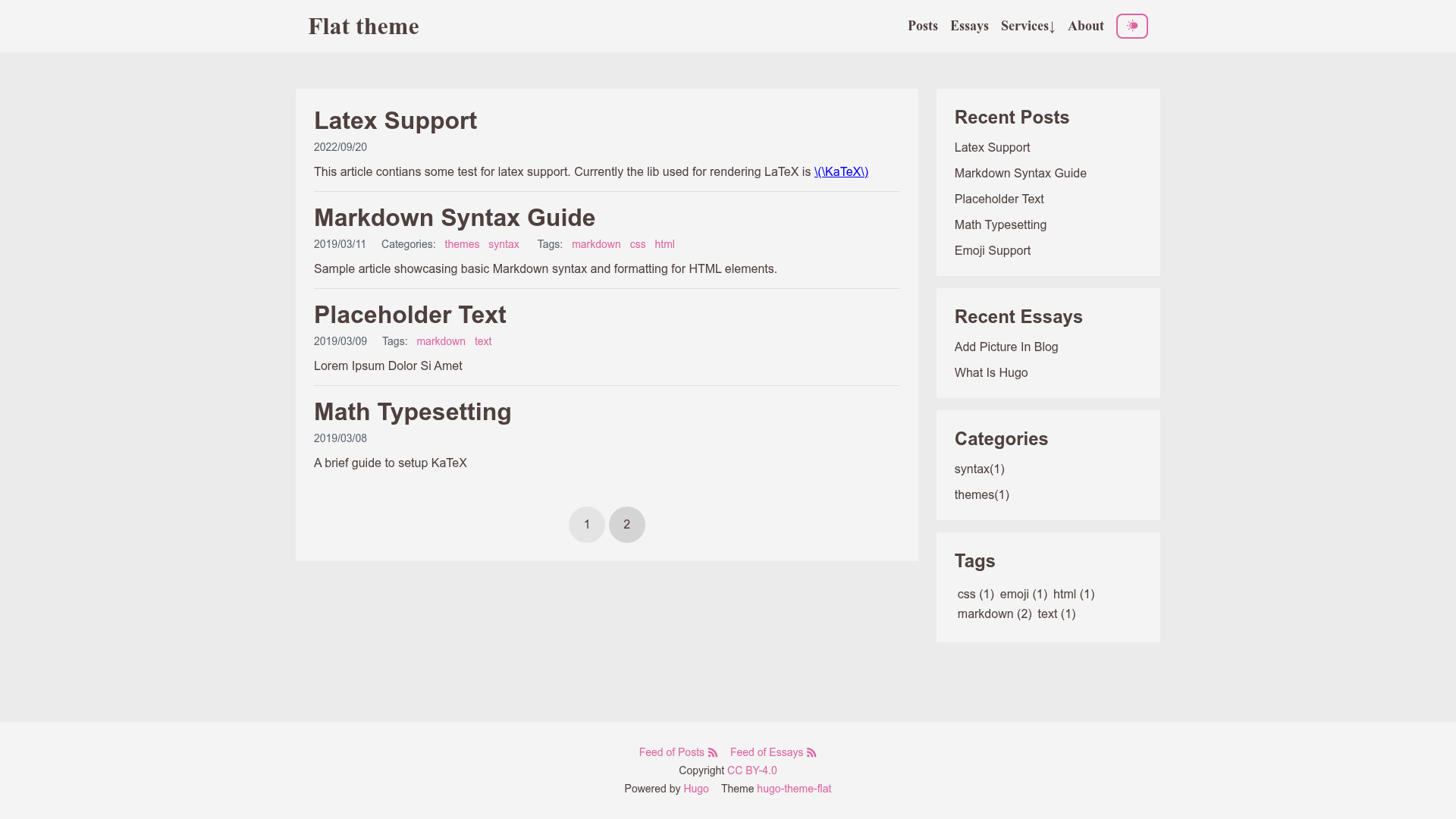
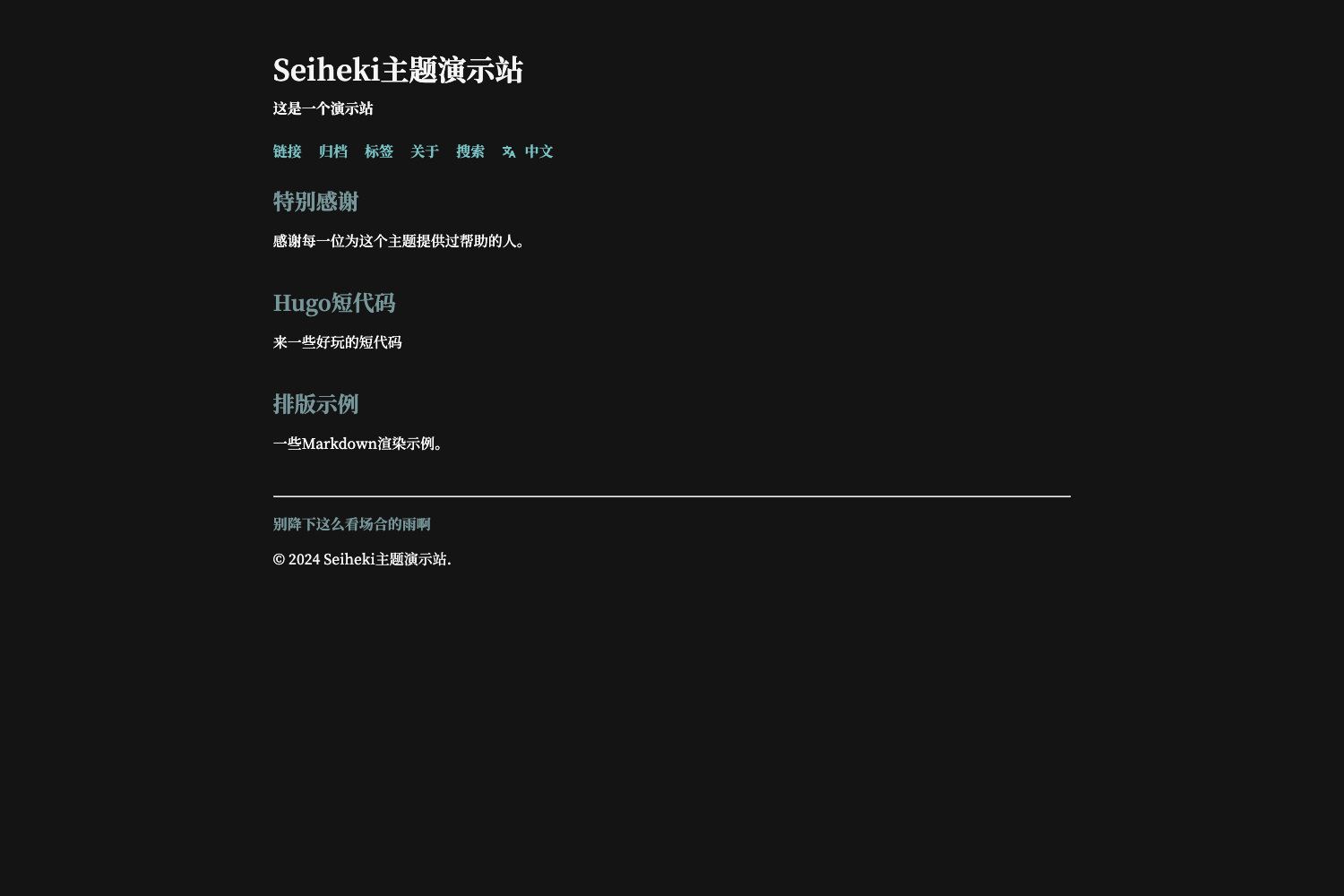
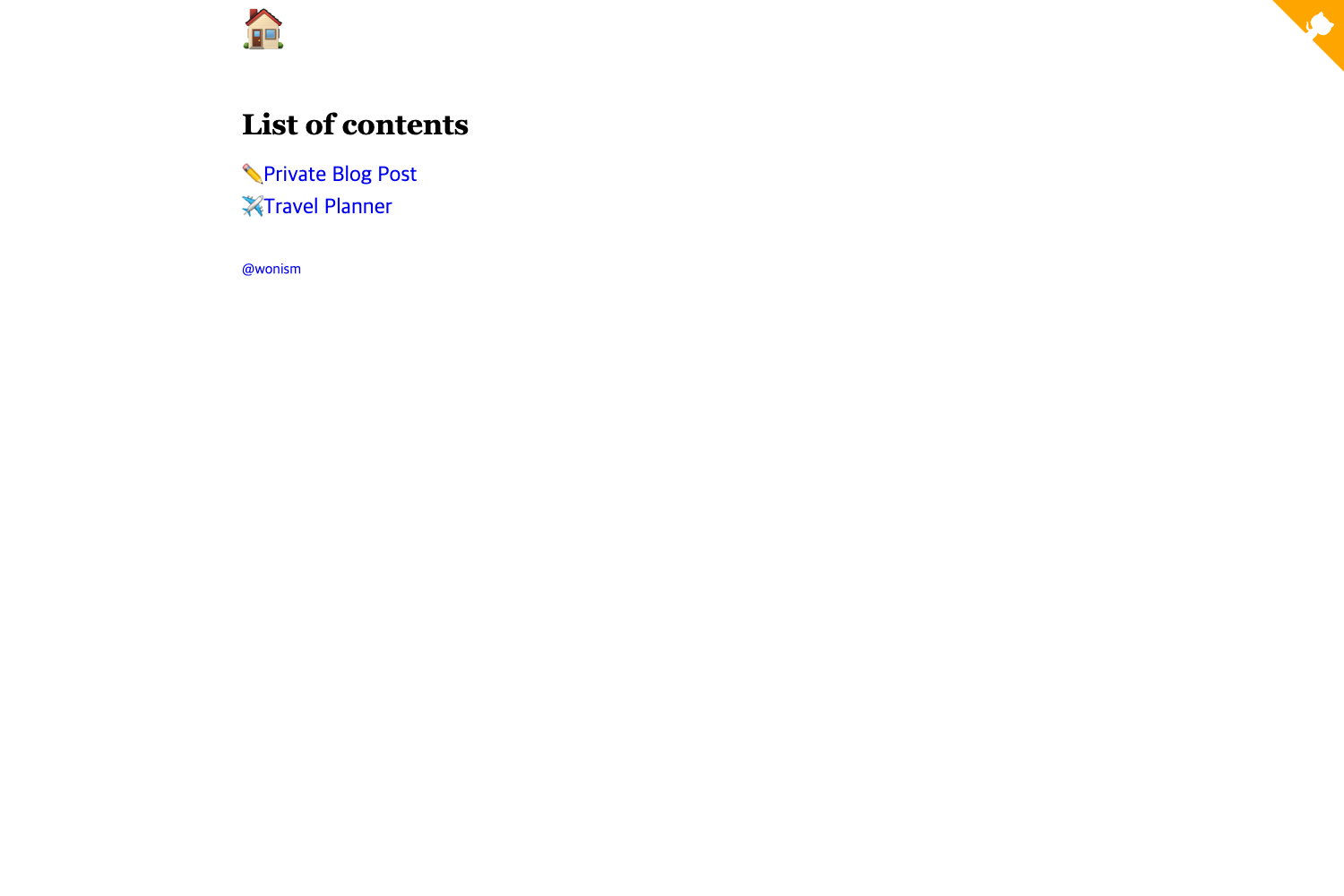
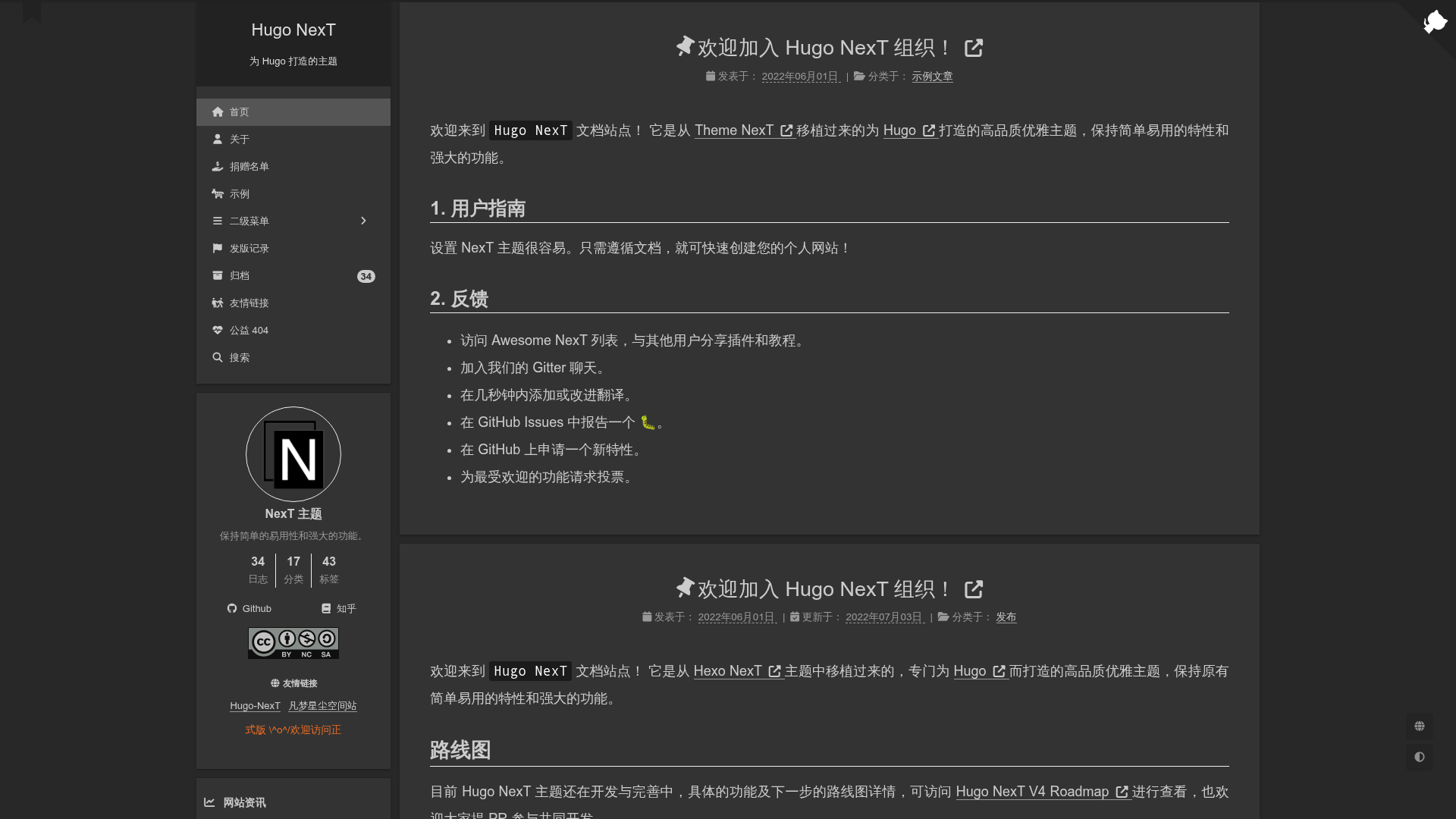
hugo-theme-flat is a Hugo theme that recreates the design of the WordPress theme Allium for personal blogs and multi-section content sites, with automatic dark mode and a recent-updates sidebar.
What is hugo-theme-flat?
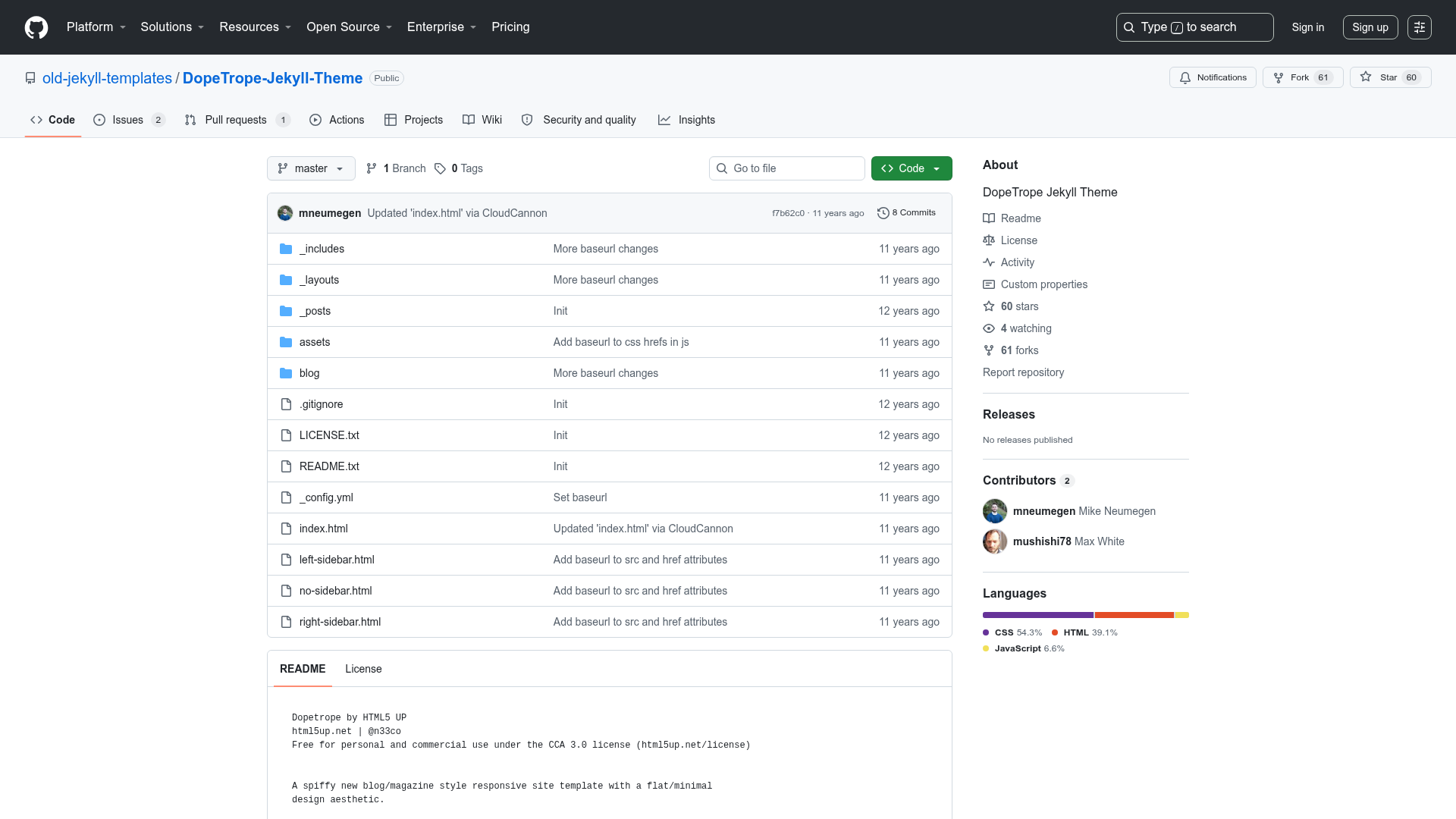
hugo-theme-flat is a Hugo theme created by a developer who wanted a Hugo equivalent of the WordPress theme Allium. It accepts Hugo content organized by section and renders a responsive layout with a side card that lists recently updated sections. The theme is designed for Hugo static sites and is published publicly on GitHub, where the repository has 39 stars.
Key Features
- Automatic dark/light mode — Switches themes based on CSS media query by default; set
themeModetoauto,dark, orlightin config.toml to override, or enablethemeToggleto give visitors a manual toggle button. - Multi-section support — Displays content from multiple Hugo sections in the RSS feed and the Recent side card, with section order controlled by a
weightfront-matter variable in each section's_index.mdfile. - Side card for recent updates — Shows a list of recently updated sections, giving readers quick access to new material.
- Responsive layout — Adapts the design to different screen sizes.
- Sub-menu support — Supports nested menu items for more complex site navigation.
- Example site included — The repository provides an
exampleSitedirectory with a samplecontent/essays/_index.mdshowing how to set section weights.
Who should use hugo-theme-flat?
- Personal bloggers — Write essays or diary-style posts in Hugo sections and get an automatic recent-updates sidebar plus dark/light switching.
- WordPress migrants — If you previously used Allium on WordPress, this theme offers a similar visual structure on Hugo.
- Developers — Who want a configurable Hugo theme and are comfortable editing config.toml and front-matter variables.
What can you do with hugo-theme-flat?
- Launch a multi-topic blog — Create separate sections for different subjects, and the Recent side card and RSS feed will aggregate them.
- Build a minimal personal site — Use the theme's simple layout and sub-menu support for a small portfolio or resume-style page.
- Learn Hugo theming — Study the theme's structure, which the author modeled after hugo-theme-jane and hugo-theme-mini, to understand how Hugo themes handle sections, menus, and front-matter.
How does hugo-theme-flat work?
Install the theme in your Hugo site's themes folder and configure parameters like themeMode and themeToggle in config.toml. To reorder sections, place an _index.md file in each section directory with a weight value in its front matter, referencing the example in exampleSite/content/essays/_index.md.
Alternatives
- Allium — The WordPress theme that hugo-theme-flat imitates.
- hugo-theme-jane — A Hugo theme that the author referenced for project structure.
- hugo-theme-mini — A minimal Hugo theme used as another structural reference.
FAQ
Does hugo-theme-flat support dark mode?
Yes. By default the theme follows the visitor's OS setting via CSS media query. You can set themeMode to auto, dark, or light, and add themeToggle to include a manual switch.
Can I control the order of sections?
Yes. Add an _index.md with a weight front-matter variable in each section folder. Lower weight values appear earlier, matching Hugo's standard front-matter variables.
Does hugo-theme-flat support separate taxonomies per section?
No. The README notes that separating taxonomies by section is not implemented. All tags and categories are shared across the entire site; if you need per-section taxonomies, you'd need to modify the theme.
What is the theme's relationship to WordPress Allium?
hugo-theme-flat is an unofficial Hugo port of Allium, a WordPress theme. The author liked Allium's design and recreated it for Hugo, using hugo-theme-jane and hugo-theme-mini as structural references.