Template details
Hugo Theme More Contentful
A revamped batteries-included version of the Hugo theme Contentful.
About this template
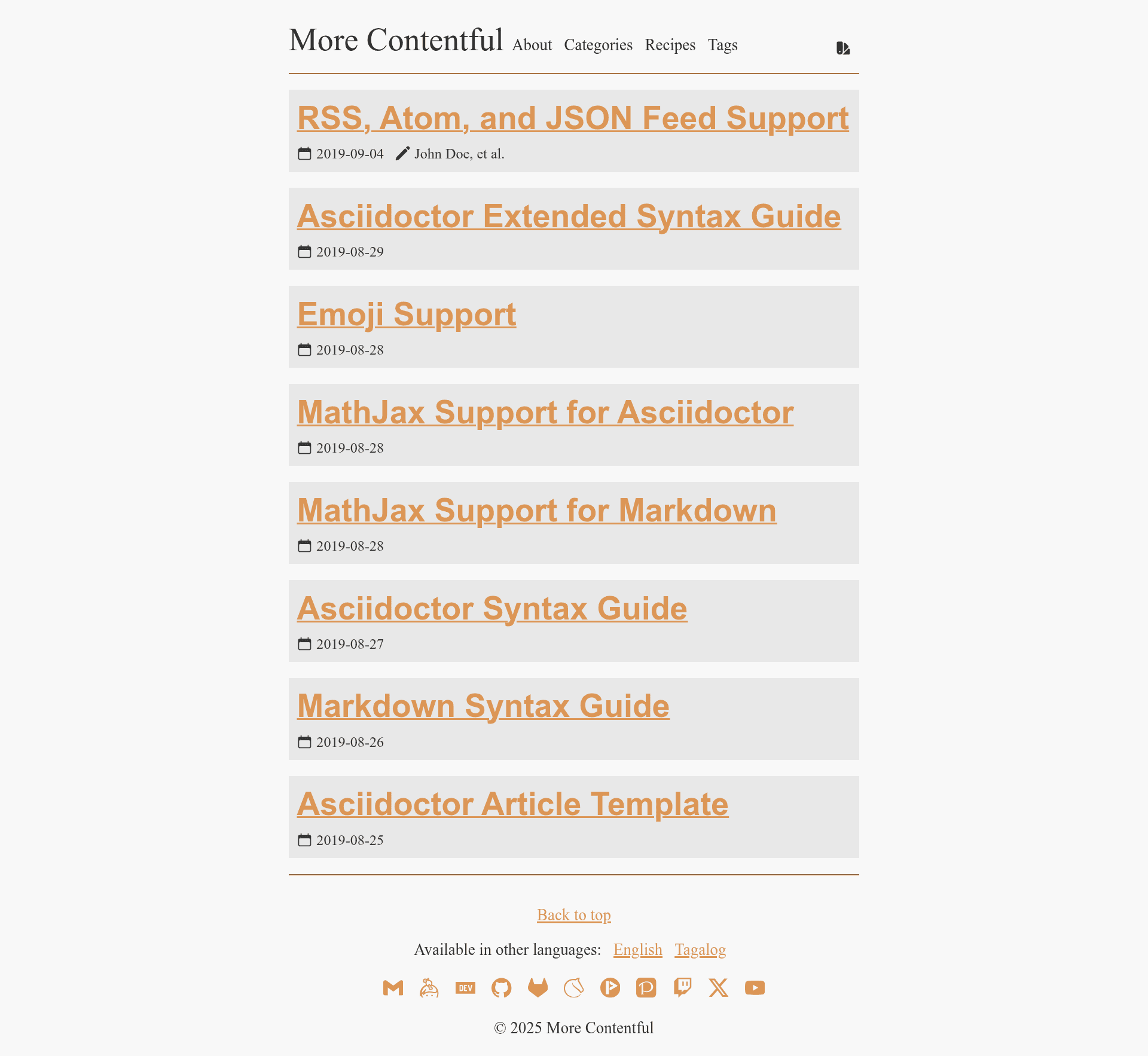
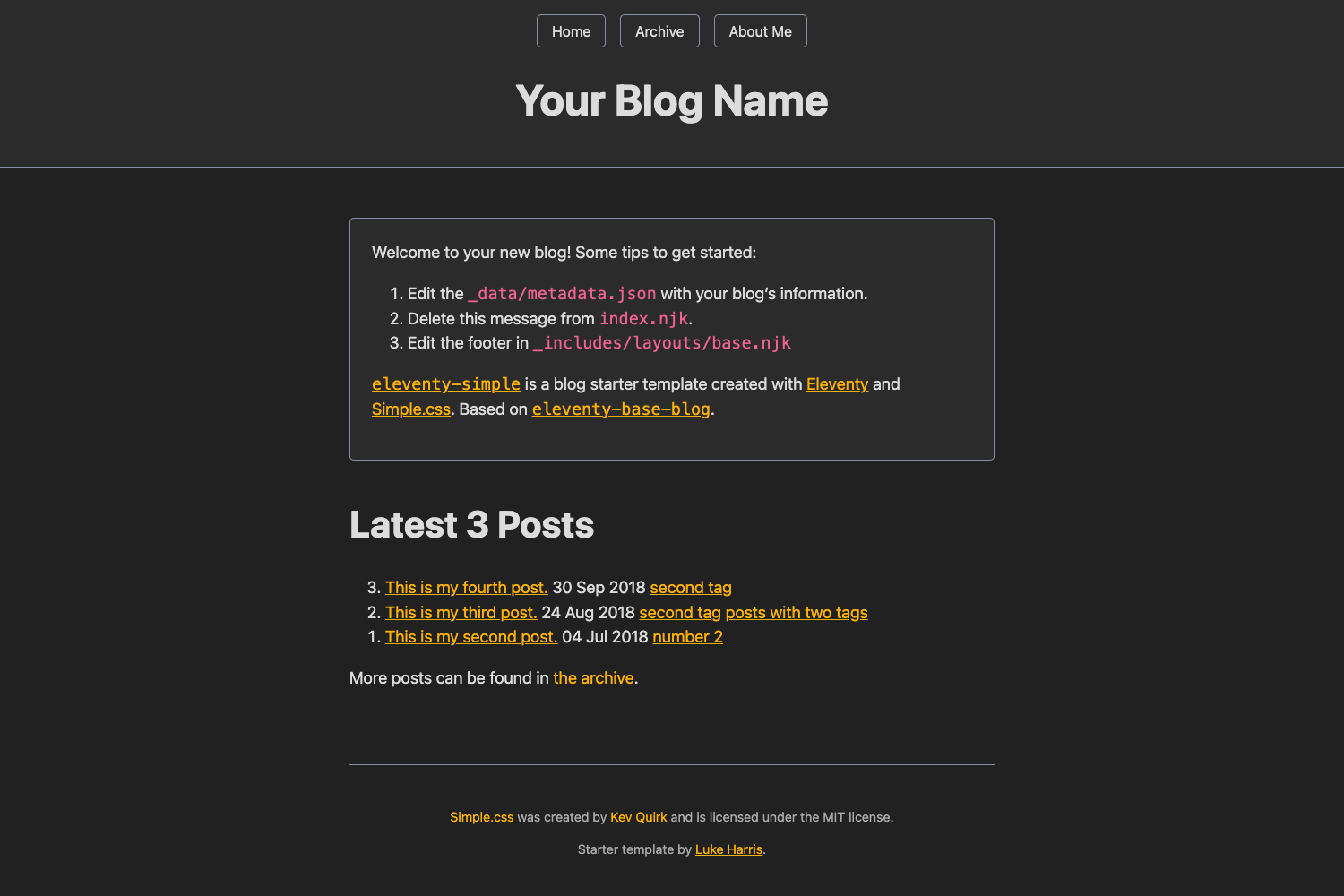
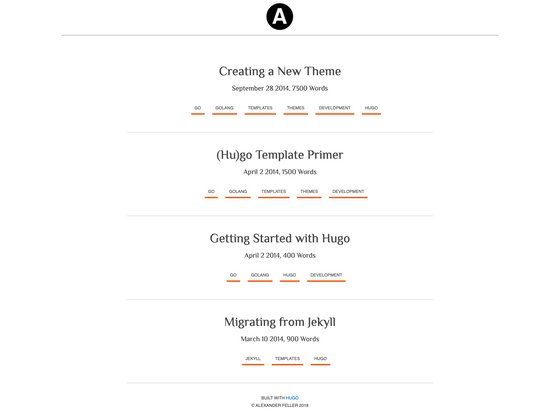
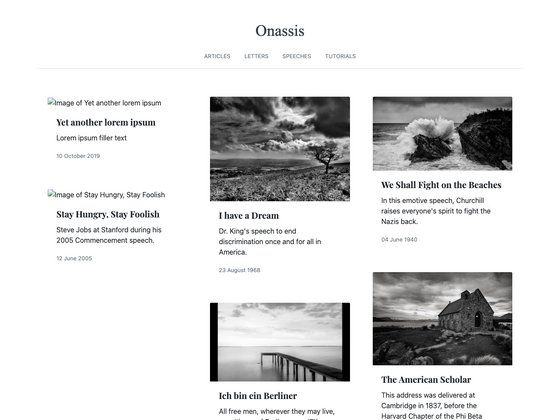
Hugo Theme More Contentful is a revamped, batteries-included Hugo theme for personal blogs, built on top of the original Contentful theme with SCSS styling, Base16 color schemes, and full Simple Icons support.
What is Hugo Theme More Contentful?
Hugo Theme More Contentful is a Hugo theme that takes a Hugo site configuration and Markdown content as input and produces a static blog site with a clean reader-mode interface. It requires Hugo extended version v0.95.0 or later because it compiles SCSS. The theme is developed by foo-dogsquared and is available as an open-source GitHub repository.
Key Features
- SCSS styling — Uses SCSS instead of plain CSS, requiring Hugo extended, for more concise and maintainable formatting.
- Base16 color schemes — Ships with a default-dark scheme and supports custom schemes via Base16 data files placed in
data/more-contentful/themes/. - Simple Icons integration — Links social media platforms using the complete Simple Icons set of more than 2000 icons, with text fallback when images are disabled.
- Multi-author support — Defines multiple authors in the site config with name, email, URL, and profile image fields; each content page can indicate its author.
- Reader-oriented layout — Emphasizes a clean reading experience and is designed with accessibility in mind, including support for text browsers like Lynx, Links, and Browsh.
- Performance budget — Aims to load under 1 second on mobile 3G with a total weight of 30KB or less under default configuration (excluding non-textual resources).
- Easy customization — Custom styling can be added via
assets/scss/extend.scss, and template parts can be overridden by copying files likelayouts/partials/footer.html.
Who is it for?
Hugo Theme More Contentful is aimed at personal bloggers running a one-person site, but its multi-author support makes it suitable for small team blogs too. Developers comfortable with Hugo modules will find the setup straightforward, and anyone who values accessibility, low resource usage, and a distraction-free reading experience will appreciate the design choices.
What can you do with it?
- Personal bloggers — Set up a fast static blog with a minimal config (the
titlekey is enough to get started). - Multi-author publications — Configure several authors with metadata in the site config and assign them to individual posts.
- Designers who want unique colors — Add a Base16 data file to create a custom color scheme without touching CSS.
- GitHub Pages users — The bundled example site shows how to deploy the theme with GitHub Pages via a GitHub workflow.
How does it work?
The recommended installation method is through Hugo modules: initialize your project with hugo mod init, add the theme import to your site config, then run hugo mod get to download dependencies. Alternatively, you can clone the theme into the themes/ folder or use it as a Git submodule. After installation, place your favicon at favicon.png, write content as Markdown, and configure optional parameters like params.toc for a table of contents.
FAQ
How do I create my own color scheme?
Place a Base16 color scheme data file in data/more-contentful/themes/. The theme will apply it to the stylesheet automatically. You can also name files _light.yaml, _light.toml, or _light.json and similarly for _dark to set separate color schemes for light and dark mode.
How can I hide a post from being listed?
Use Hugo's build options: set _build.list to never in the content's frontmatter. This is supported from Hugo v0.65.0 onward.
Does the theme support Asciidoctor?
Hugo supports Asciidoctor as an external helper, but this theme is not styled for Asciidoctor output. You'll need to add custom CSS for Asciidoctor elements yourself, as the theme's layout and styles are designed for Markdown documents.
How do I add custom styling?
Create a file at assets/scss/extend.scss. It will be appended to the main stylesheet, so you can use CSS or SCSS features to extend or override the theme's look with the Base16 custom properties already defined.