Template details
IBM Strategic Dashboard Client
Strategic dashboard web application for tracking IBM staff courses, certifications and badges.
About this template
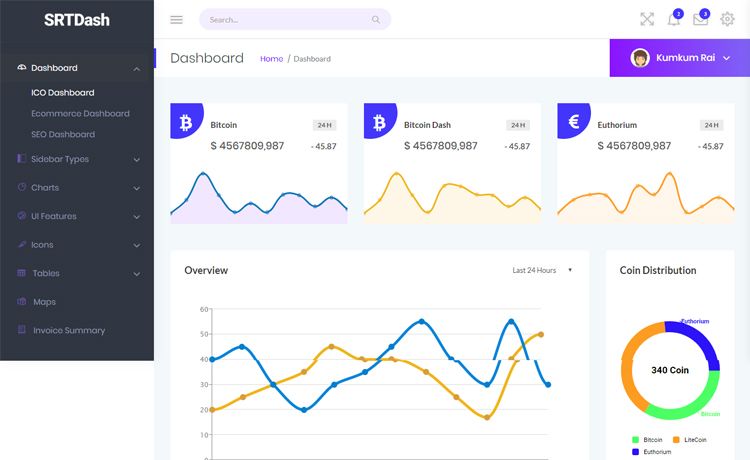
IBM Strategic Dashboard Client is a Next.js dashboard application built with IBM to give executive employees a server-side rendered view of staff courses, certifications, and badges.
What is the IBM Strategic Dashboard Client?
It is the client side of a full stack application developed by Bugs-io in collaboration with IBM. It consumes data from two external services: an API repository and a data analysis tool, and presents the results in a web dashboard. The app runs on Next.js with server-side rendering, and the UI is built with Carbon Design and Carbon Charts.
Key Features
- Next.js server-side rendering — pages are compiled on the server before being sent to the browser, which suits internal dashboards that need to display the same view to IBM employees with executive roles.
- Carbon Design System — the interface uses IBM's Carbon Design components, giving the dashboard a consistent IBM look and feel.
- Carbon Charts — charts and data visualizations are implemented with Carbon Charts to display analytics data from IBM's educational content.
- External service integrations — requires the separate API and data analysis tool repositories to be running to fetch and transform the data.
- Environment variable configuration — a
.env.localfile with aNEXT_PUBLIC_API_URLvariable points the app to the API instance; a.env.local.examplefile illustrates the setup. - Local development server — running
npm run devstarts the app onlocalhost:3000.
Who is it for?
- IBM executives and decision-makers — they can use the dashboard to gain insight into employee certifications, courses, and badges, helping them make data-driven decisions about the company's educational offerings.
- IBM human resources staff — they can track the educational progress of employees and evaluate the adoption of IBM's learning content.
- Developers working on IBM internal analytics — they can extend the dashboard by adding new data sources or visualizations, since it is built as a standard Next.js app with a clear integration pattern.
What can you do with it?
- Monitor certification progress: Track which employees have completed courses and earned badges, giving a clear picture of skill development across the organization.
- Analyze educational content engagement: See which courses or badges are most used, helping HR decide what content to promote or improve.
- Support strategic decisions: Use the dashboard's analytics to align learning initiatives with business goals, since it is designed for roles that can act on the information.
How does it work?
The client reads data from the API and data analysis tool services, both of which must be running. After downloading the repository, run npm install, create a .env.local file with NEXT_PUBLIC_API_URL set to the API's URL, and then npm run dev to start the server at localhost:3000.
FAQ
Who builds this dashboard?
The client is developed by the Bugs-io team in collaboration with IBM, as stated in the repository description.
Does it work without the external services?
No. The README lists the API and data analysis tool as prerequisites. Without them, the web app cannot fetch the data it needs to display.
What environment variables are required?
The only variable mentioned is NEXT_PUBLIC_API_URL, which should be set to the URL where the API instance is running.
Can I use this outside IBM?
It is specifically built for IBM employees with executive roles and depends on IBM's internal educational data services, so it is not intended for general public use.