Template details
ngx-admin
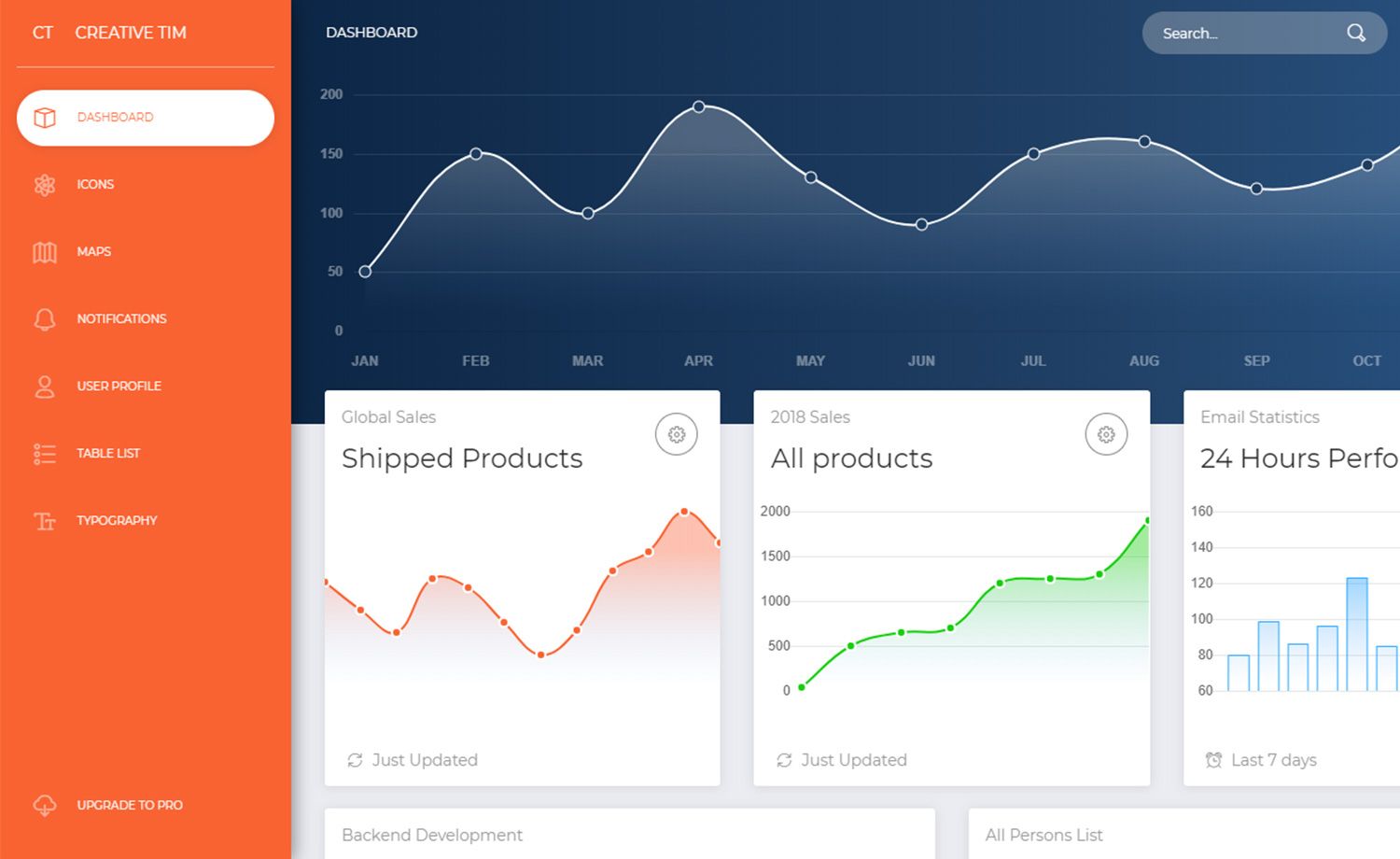
Open-source admin dashboard template built on Angular and Nebular, with 40+ components and 6 visual themes.
About this template
ngx-admin is an open-source admin dashboard template built on Angular and Nebular that provides a complete back-office UI with prebuilt pages, authentication, and 40+ components.
What is ngx-admin?
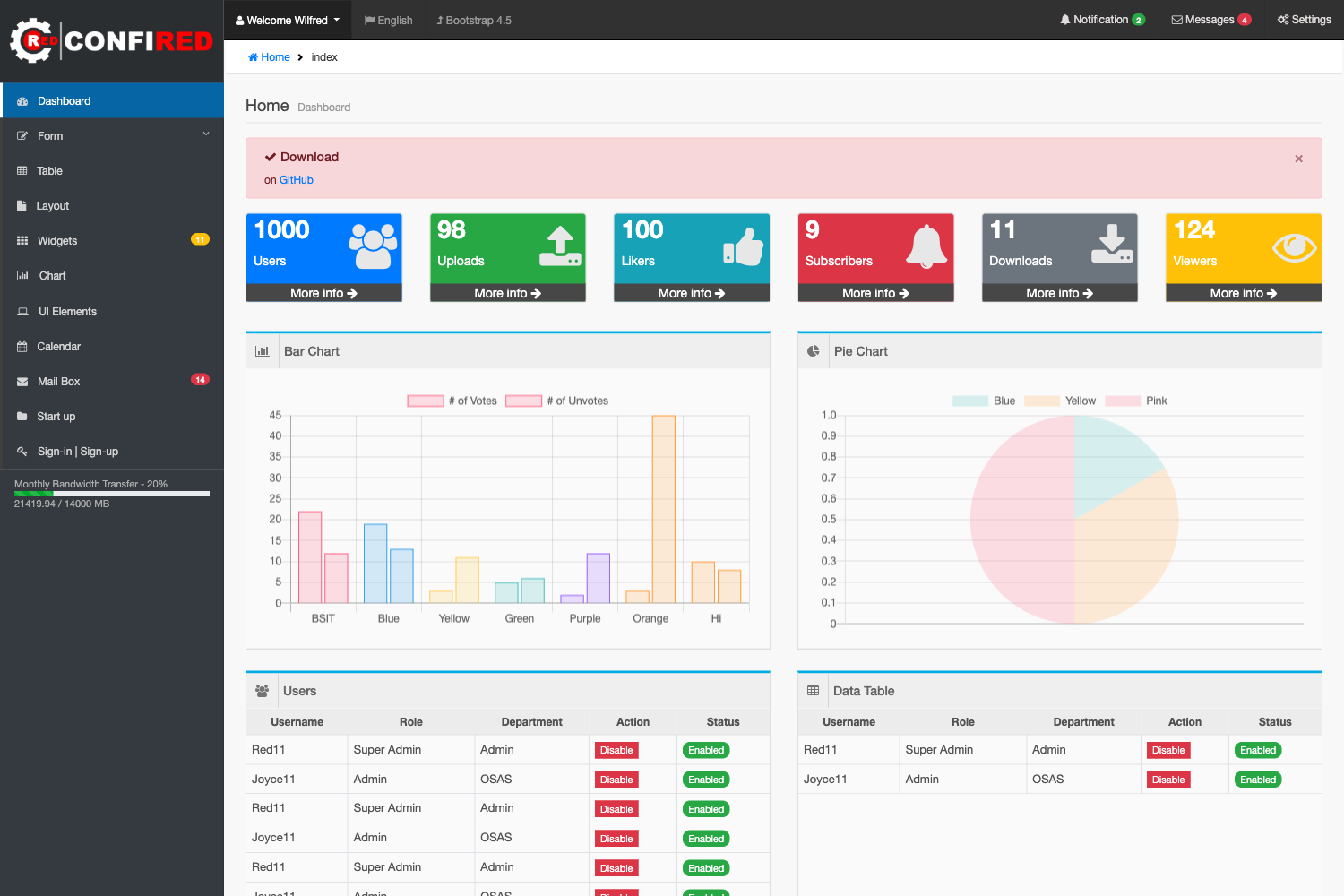
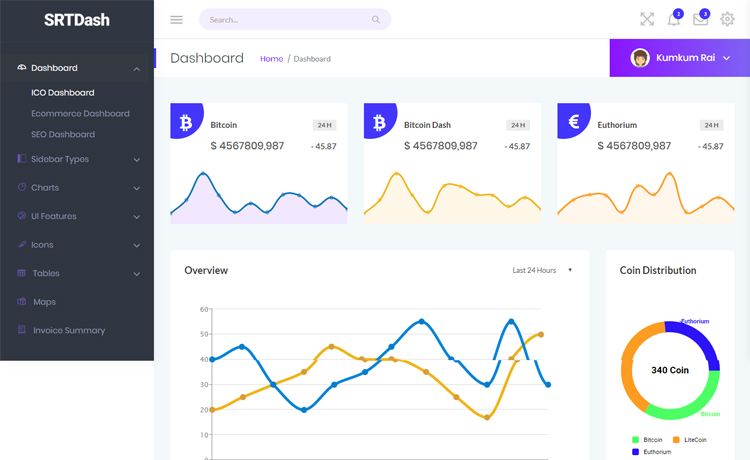
ngx-admin is an open-source admin dashboard template built by the Akveo team on Angular and the Nebular component library. It takes a blank Angular app and fills it with ready-to-use dashboard pages, an authentication module supporting multiple providers, and over 40 Angular components covering tables, forms, charts, and more. The template runs on Angular 10+, uses TypeScript, and is styled with Bootstrap 4+ and SCSS. The output is a responsive, high-resolution layout that supports RTL languages out of the box.
Key Features
These are the capabilities that make ngx-admin a ready-to-use dashboard foundation.
- Angular + Nebular stack — Built on Angular 10+ and the Nebular modular component set, so it can be combined with Angular Material components when you use the material theme branch.
- 40+ components and 60+ usage examples — Includes ready-to-use UI elements like dashboards, tables, forms, and charts that you can extend with your own data.
- 6 visual themes with hot-reload — Default, Dark, Cosmic, Corporate, Material Light, and Material Dark themes are included and can be switched at runtime without a full rebuild.
- Authentication module — Ships with an auth module supporting multiple providers, providing login, registration, and password recovery flows out of the box.
- Responsive and RTL-ready layout — The layout adapts to mobile and desktop sizes and includes right-to-left language support for Arabic, Hebrew, and similar scripts.
- Bootstrap 4+ & SCSS — Styling is built on Bootstrap with SCSS variables, making it straightforward to re-skin the template to match a brand.
- Starter kit branch — A separate
starter-kitbranch strips out demo pages and modules for developers who want a minimal Angular shell. - Backward-compatible material theme — The
feat/material-themebranch adds a Material Design theme that works with both Nebular and Angular Material.
Who is it for?
ngx-admin fits any team building a data-rich back-office interface on Angular.
- Angular developers who want a head start on building a custom admin panel or internal tool without creating the UI shell from scratch.
- Startup product teams that need a professional back-office interface for an MVP, with authentication and responsive theming already handled.
- Enterprise front-end teams that need a typed, maintainable Angular codebase with prebuilt components and 60+ examples to follow.
- Freelancers and agencies delivering admin dashboards to clients can use the six themes and RTL support to serve international markets quickly.
What can you do with ngx-admin?
You can use ngx-admin to build several kinds of Angular back-office and dashboard applications.
- Build a live analytics dashboard: compose the included charts, tables, and stat cards into a data-driven admin view and connect them to your backend APIs.
- Add authentication to an admin app: use the built-in auth module to implement login, registration, and password recovery without writing the screens yourself.
- Create a minimal internal tool: start from the
starter-kitbranch to get a clean, dependency-light Angular app and add only the pages your team needs. - Switch an existing project to Material: if you already use ngx-admin, the backward-compatible material theme lets you adopt Angular Material without replacing your components.
How does ngx-admin work?
To install ngx-admin you need Node.js 14.14 or later because of the node-sass version used. After cloning the repository, install dependencies and serve the app with the Angular CLI. A live demo is available at demo.akveo.com, and full documentation and an installation guideline are hosted on the project's GitHub Pages site.
Pros and cons
The main trade-off with ngx-admin is its feature richness versus its current maintenance status.
- Pros: extensive prebuilt components, 60+ usage examples, six visual themes with hot-reload, RTL support, an included auth module, and a large community (over 25,000 GitHub stars).
- Cons: the repository is currently in a state of minimal maintenance; the maintainers say they are not actively reviewing pull requests or resolving issues, focusing only on updating the Angular version.
Alternatives
Two comparable admin templates are AdminLTE and CoreUI.
- AdminLTE — a Bootstrap-based admin template that is framework-agnostic and relies on jQuery for interactions.
- CoreUI — an admin dashboard template family with separate versions for Angular, React, and Vue.
FAQ
Is ngx-admin free?
Yes, ngx-admin is an open-source project hosted on GitHub and is freely available to use in both personal and commercial projects. The README describes it as an open source template.
What Angular version does ngx-admin support?
The repository metadata describes ngx-admin as based on Angular 10+, with the project built using Angular and TypeScript. The README's installation notes require Node.js 14.14 or later, which matches Angular 10+ development.
Can I use ngx-admin with Angular Material?
Yes. The feat/material-theme branch provides a Material Design theme that works with Angular Material and Nebular together. According to the README, the material theme is backward-compatible, so existing ngx-admin users can switch to it.
What Node.js version do I need to install ngx-admin?
Node.js 14.14 or later is required because of the node-sass version used by the application, as stated in the README installation notes.
Is the project actively maintained?
The README states that the repository is in a state of minimal maintenance: the team keeps the Angular version up to date but is not actively merging pull requests or resolving issues at this time.