Template details
ng-matero
Angular Material admin template.
About this template
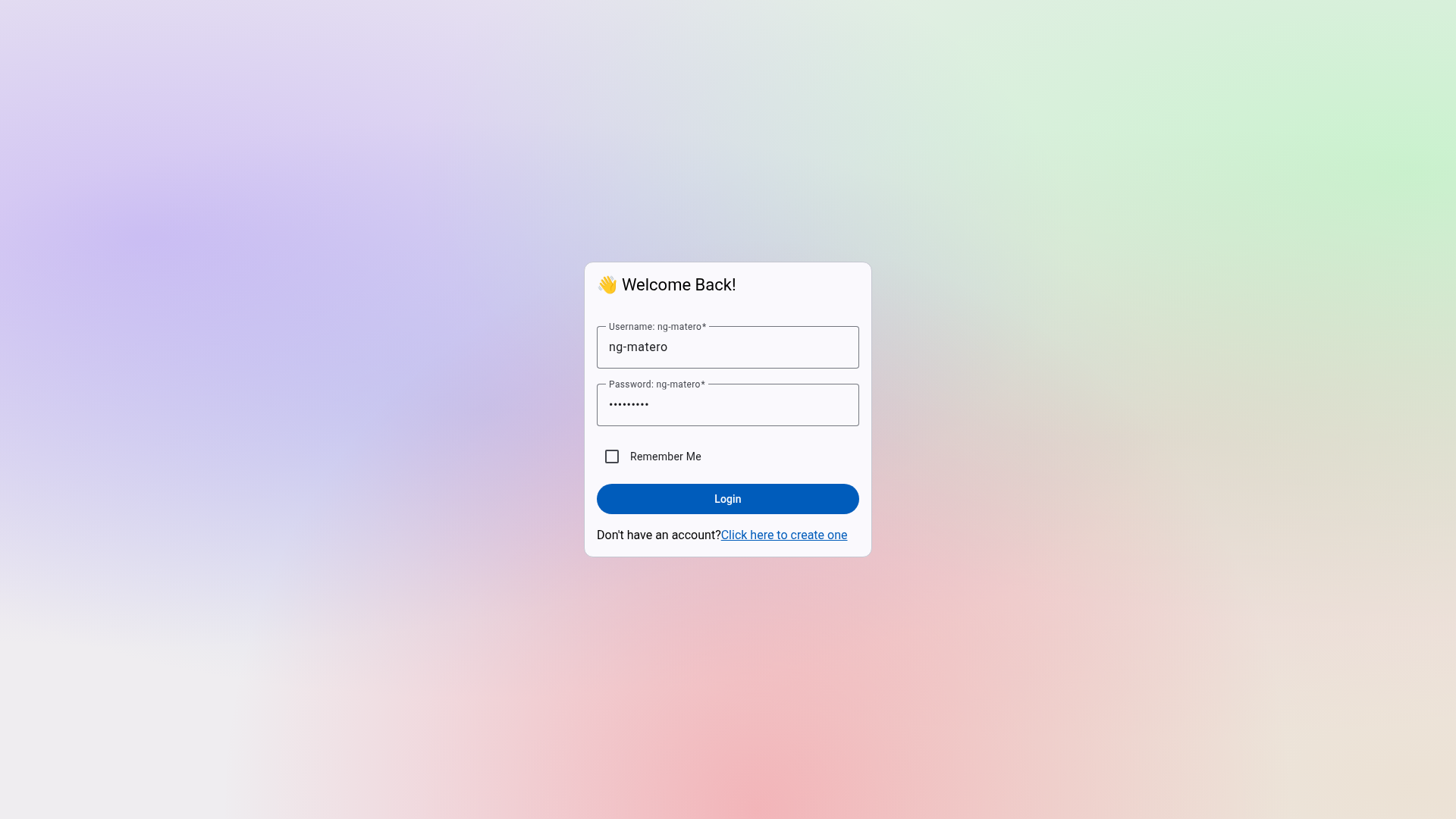
Ng-Matero is an open-source Angular admin template built with Angular Material components, delivering a ready-to-run dashboard shell with multiple layouts, schematics code generation, and dark mode support.
What is Ng-Matero?
Ng-Matero is an Angular admin template made with Material components, available on GitHub and as an npm package under the MIT license. It accepts a new Angular CLI project as input and produces a complete admin application with routing, authentication, HTTP interceptors, permission management, and theming. The template is developed by the ng-matero community and documented in English and Simplified Chinese.
Key Features
- Material Extensions — A companion package (ng-matero/extensions) that adds extra Material components and utilities beyond the core Angular Material library.
- Schematics support — Includes CLI schematics for generating lazy-loaded modules (
ng g ng-matero:module module-name) and page components (ng g ng-matero:page page-name -m=module-name) directly from the terminal. - Multiple admin layout — Ships with several layout structures so you can switch dashboard arrangements without building them from scratch.
- Color system — A configurable color palette plus rich CSS helper classes for styling components consistently.
- Dark mode support — Built-in dark theme toggle, plus right-to-left (RTL) layout support for international audiences.
- Internationalization — Pre-wired for i18n with UI translations, with official documentation provided in both English and Chinese.
- Authentication and HTTP interceptors — Includes authentication scaffolding and HTTP interceptors to handle tokens and outbound requests.
- Permissions management — Provides a permission system to gate access to routes and UI actions.
The template runs on the Angular framework with Angular Material as its component library. Release versions are mapped to specific Angular versions: Angular v8 uses ng-matero 0.16.x, v9 uses 9.7.x, v10 uses 10.4.x, and so on up to Angular v21 with ng-matero 21.x.x. Installation is handled through ng add, and multi-project workspaces are supported starting with version 21.
Who is it for?
- Angular developers who want a production-ready admin dashboard starter and prefer generating routes with schematics instead of writing boilerplate.
- Enterprise teams building internal tools that need authentication, role-based permissions, and token-aware HTTP interceptors out of the box.
- Product teams serving global users who require RTL text direction, dark mode, and internationalization already integrated into an Angular Material app.
What can you do with Ng-Matero?
- Generate a routable page in two commands: Run
ng g ng-matero:module abcfollowed byng g ng-matero:page def -m=abc, then visithttp://localhost:4200/#/abc/defto see the new route. - Customize module placement: Pass
--module-root=pagesto the module schematic to put generated modules in a custom directory instead of the defaultroutesfolder. - Create entry components for dialogs: Use
ng g ng-matero:page page-name/entry-name -m=module-name -e=trueto scaffold dynamic entry components for modals or overlays.
How does Ng-Matero work?
After creating a new Angular project with ng new, you install the template with ng add ng-matero. For workspaces containing multiple applications, pass --project=project-name (available in v21 and newer). The schematics then wire up routes and components, and the development server at http://localhost:4200/ automatically reloads when you change source files.
Pricing
Ng-Matero is free to use under the MIT License. Financial contributions are accepted via Open Collective to sustain the project.
Alternatives
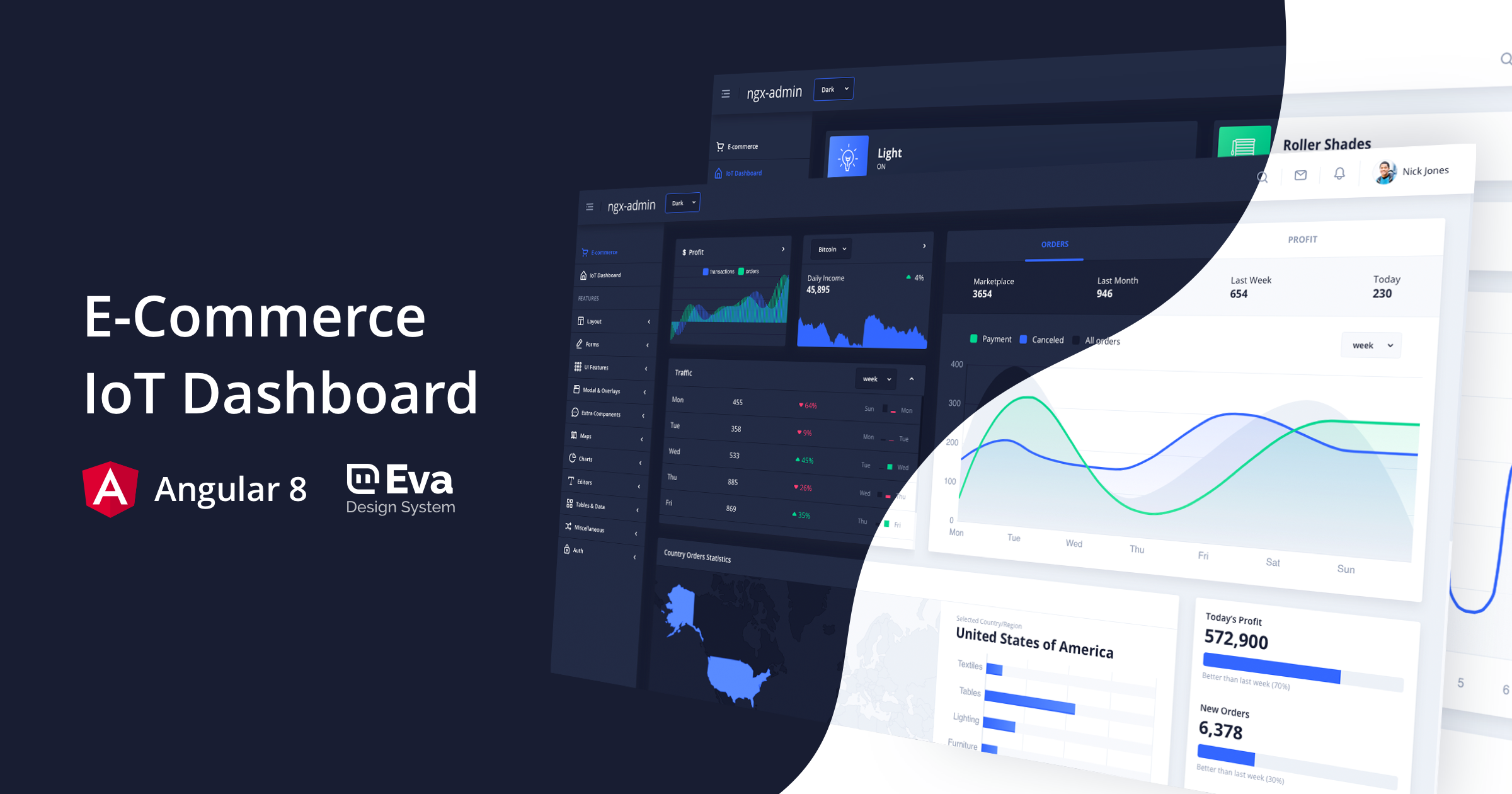
- ngx-admin — a widely used Angular admin template built on Nebular and Bootstrap, offering a different UI foundation than Angular Material.
FAQ
Is Ng-Matero free?
Yes, Ng-Matero is open source under the MIT License, so you can use it free of charge in personal and commercial projects. The full source code is available on GitHub.
How do I install Ng-Matero?
Create a new Angular project with ng new, then run ng add ng-matero inside that project directory. For multi-app workspaces, add --project=project-name; this flag is supported from version 21 onward.
What Angular versions does Ng-Matero support?
Ng-Matero publishes version-matched releases for Angular v8 through v21. For instance, Angular v19 pairs with ng-matero 19.2.x, and Angular v20 with 20.2.x. The README includes a full compatibility table.
How do I generate a new page in Ng-Matero?
Run ng g ng-matero:page page-name -m=module-name to create a routed page component in an existing module. Add -e=true to generate an entry component for dynamic content like dialogs instead of a route.
Does Ng-Matero support dark mode and RTL?
Yes, both dark mode and right-to-left layout support are built in. The template also includes a configurable color system and internationalization to help you adapt the interface for different regions and preferences.