Template details
Imprints
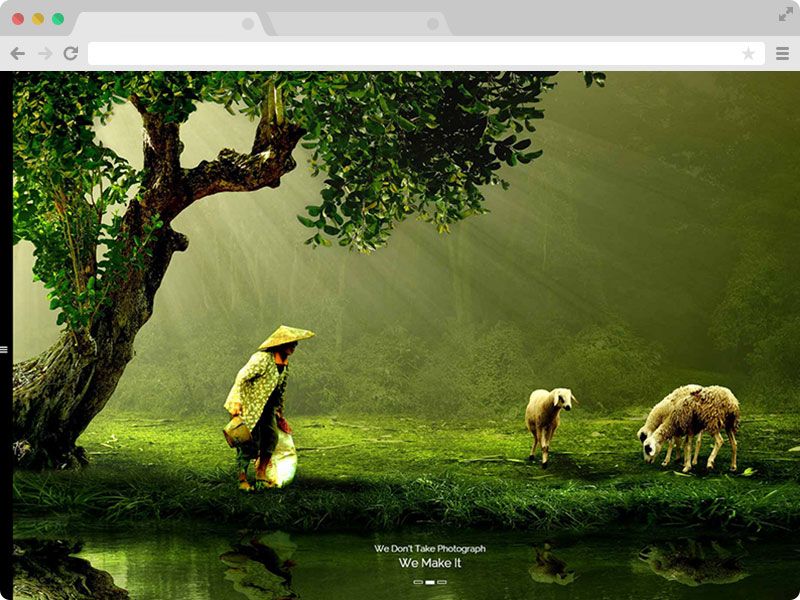
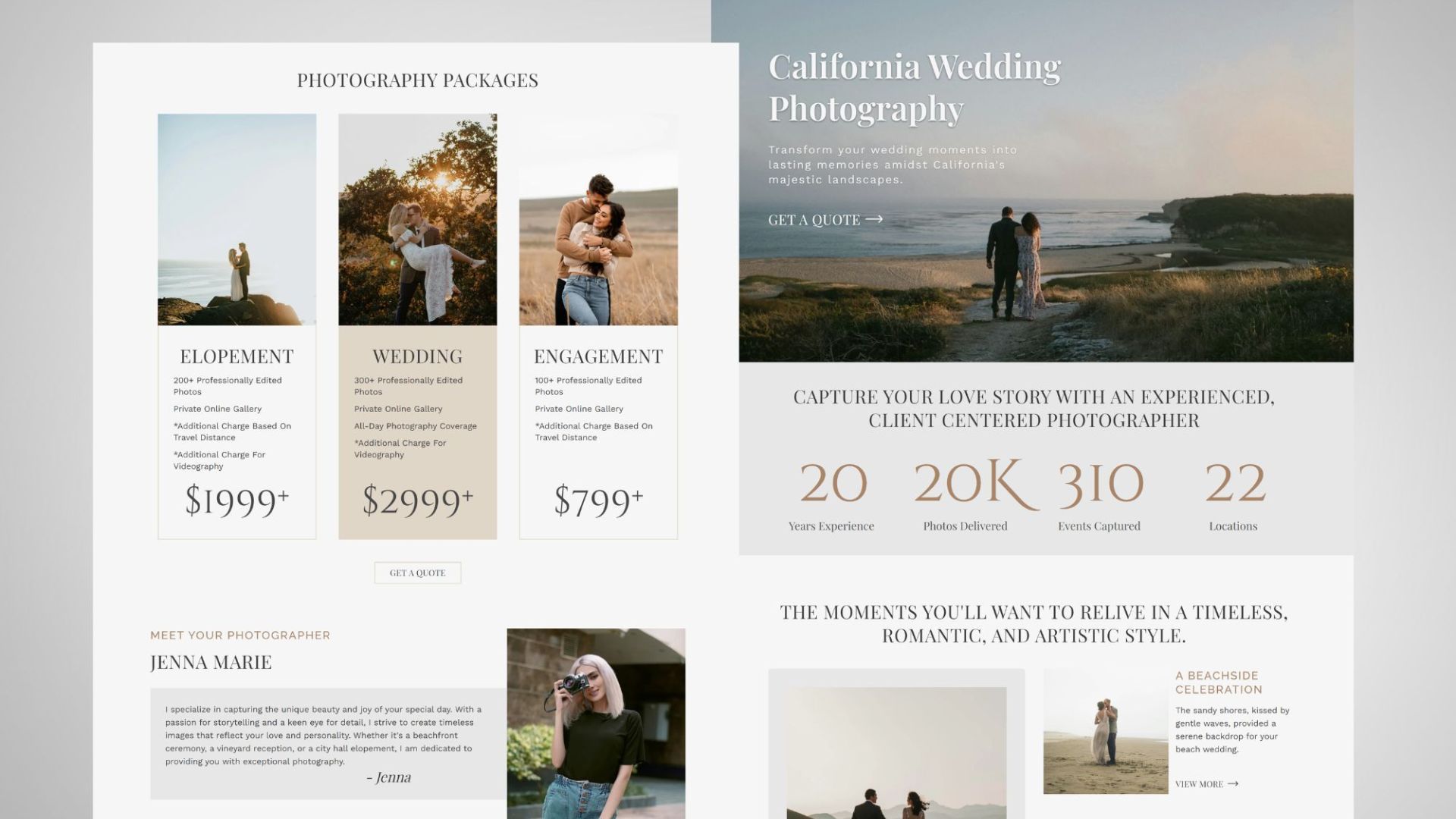
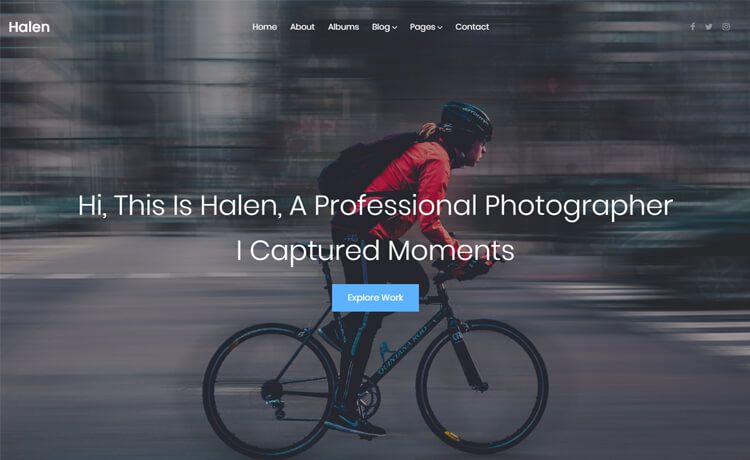
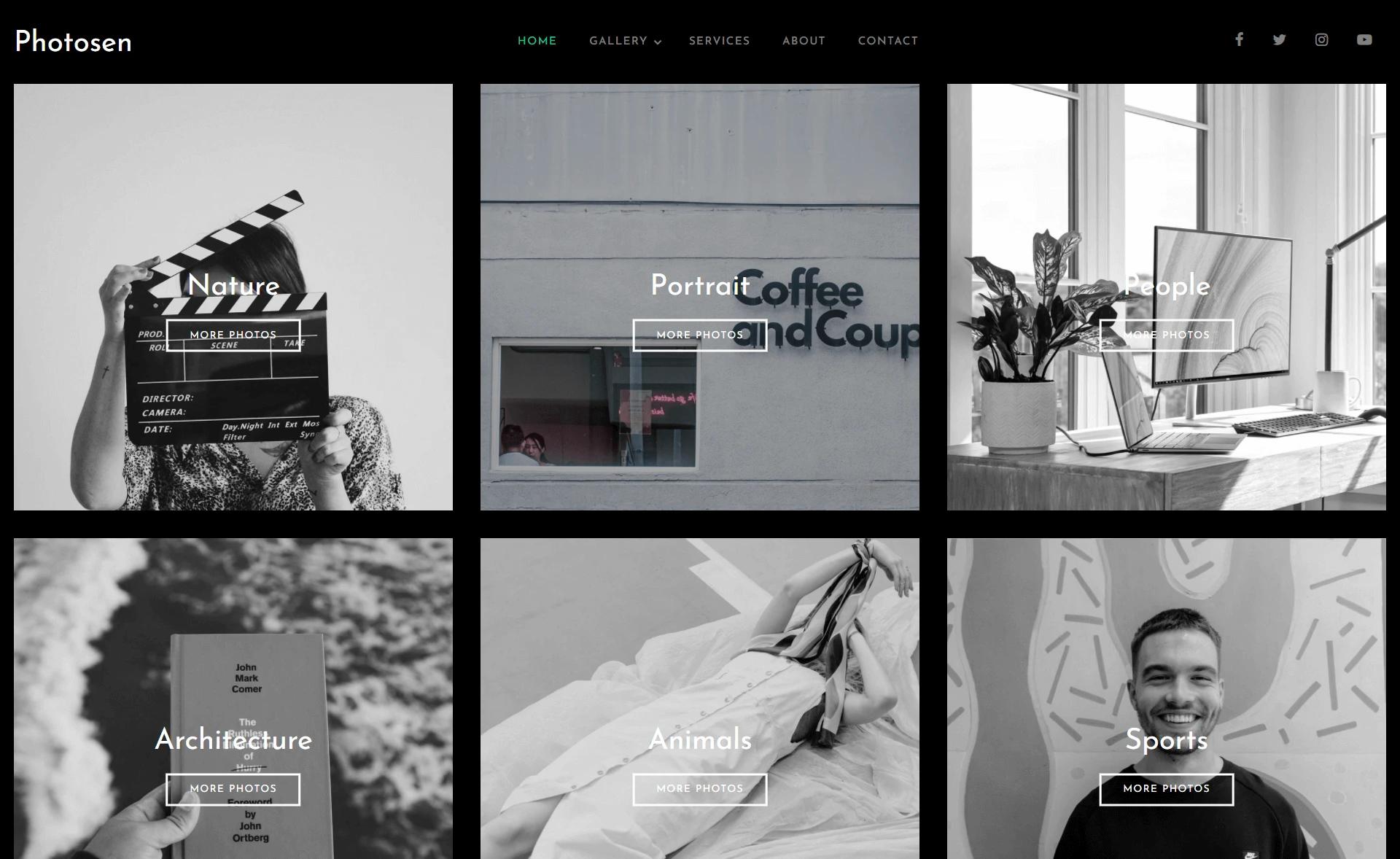
Next.js personal website for displaying photo collections with collages, carousel, and admin panel.
About this template
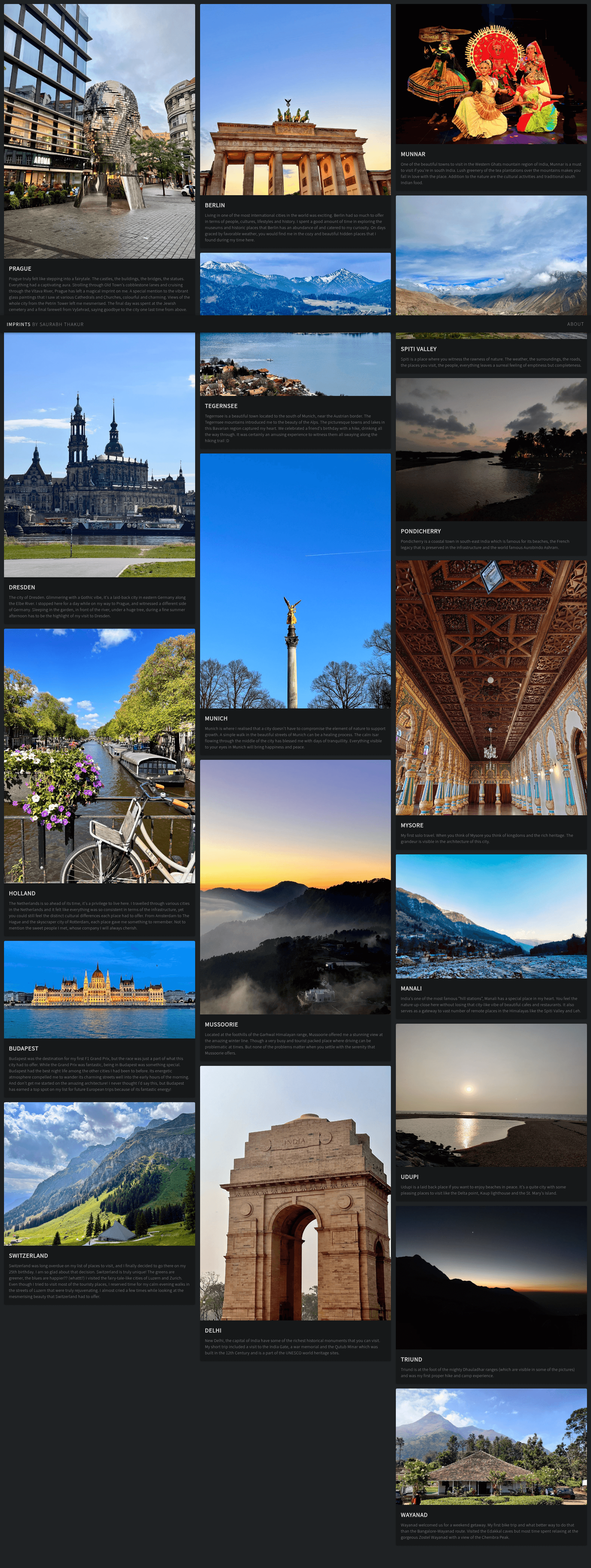
Imprints is a Next.js personal website and blog template for displaying photography collections as full-screen collages and carousels, with automatic Netlify deployments and a development-only admin panel. The project is created by Saurabh Thakur and published at imprints.saurabhthakur.dev, with source code on GitHub.
What is Imprints?
Imprints is a webapp built on Next.js that turns collections of photographs into a browsable personal gallery site. It takes images, titles, descriptions, and slugs as input and generates a homepage with polaroid-style collection cards, dedicated collection pages with full-screen collages, and a carousel viewer with blurred backgrounds. The repository description labels it as "Webapp to display collection of photographs," and it is configured to deploy to Netlify on every commit to master.
Key Features
- Collections homepage — Displays photo collections with a cover picture, title, and brief description, arranged in a collage layout with a polaroid effect.
- Collection photo collage — Shows every image in a collection across the full screen; clicking an image opens a higher-resolution version.
- Picture carousel — Presents images with a blurred background, keyboard and touch navigation, and the highest available image quality when opened.
- Admin panel — A local development interface for creating and editing albums, setting metadata, and previewing changes without touching configuration files; it appears only in development mode.
- Collection editing — Lets you update title, description, and slug, choose a cover picture from uploaded images, and drag-and-drop images to reorder them.
- Open Graph protocol support — Enables rich link previews on Telegram, WhatsApp, Twitter, and Slack, as demonstrated in the README.
Who is it for?
- Photographers who want a clean, self-hosted portfolio for serial photo projects, with each collection acting as an album.
- Bloggers who want a visual blog where each post is a gallery and links unfurl nicely on social media.
- Next.js developers looking for a ready-made gallery starter with an admin panel and Netlify continuous deployment.
- Creators who prefer managing content through a UI rather than editing code, even if the admin panel is limited to local development for now.
What can you do with Imprints?
- Share a photo series — Create a collection with a title, description, and slug, upload your images, and present them as a full-screen collage.
- Preview links on social platforms — Send a collection URL to Telegram, WhatsApp, Twitter, or Slack to get an Open Graph preview card.
- Manage albums visually — Use the admin panel to edit album metadata, choose cover pictures, and reorder images via drag-and-drop.
- Deploy automatically — Push changes to master on GitHub and Netlify builds and deploys the site, including pull request previews.
How does Imprints work?
The README describes a workflow centered on Netlify deployments: commits to master and PRs are automatically built and deployed. Content is managed through collections—each with a cover image, title, description, and slug—and images can be reordered by drag-and-drop in the editor. For local content management, the admin panel is visible only when running the project in development mode.
Pros and cons
- No external CMS needed — Built-in admin panel handles album creation and updates for local use.
- Automatic builds — Netlify builds and deploys on every push to master and for every pull request.
- Open Graph integration — Social link previews work out of the box on major platforms.
- Dev-only admin panel — The admin panel is not available in production builds, so editing live collections requires modifying code or running locally.
FAQ
How do I access the admin panel?
The admin panel is visible only when you run the project locally in development mode. Once the development server is running, you can create and edit collections, set metadata, and preview changes in the panel.
Does Imprints support social link previews?
Yes, Imprints has complete support for the Open Graph protocol. The README shows link preview examples for Telegram, WhatsApp, Twitter, and Slack, so shared collection URLs render with titles and images on those platforms.
Can I reorder images in a collection?
Yes. When editing a collection, you can rearrange the image order by dragging and dropping images within the upload section. You can also update the title, description, and slug, and choose a cover picture from uploaded images.
What framework and hosting does Imprints use?
Imprints is built on Next.js and configured to deploy automatically to Netlify. Commits to master and pull requests are built and deployed automatically, as indicated by the Netlify status badges in the README.