Template details
Photographer
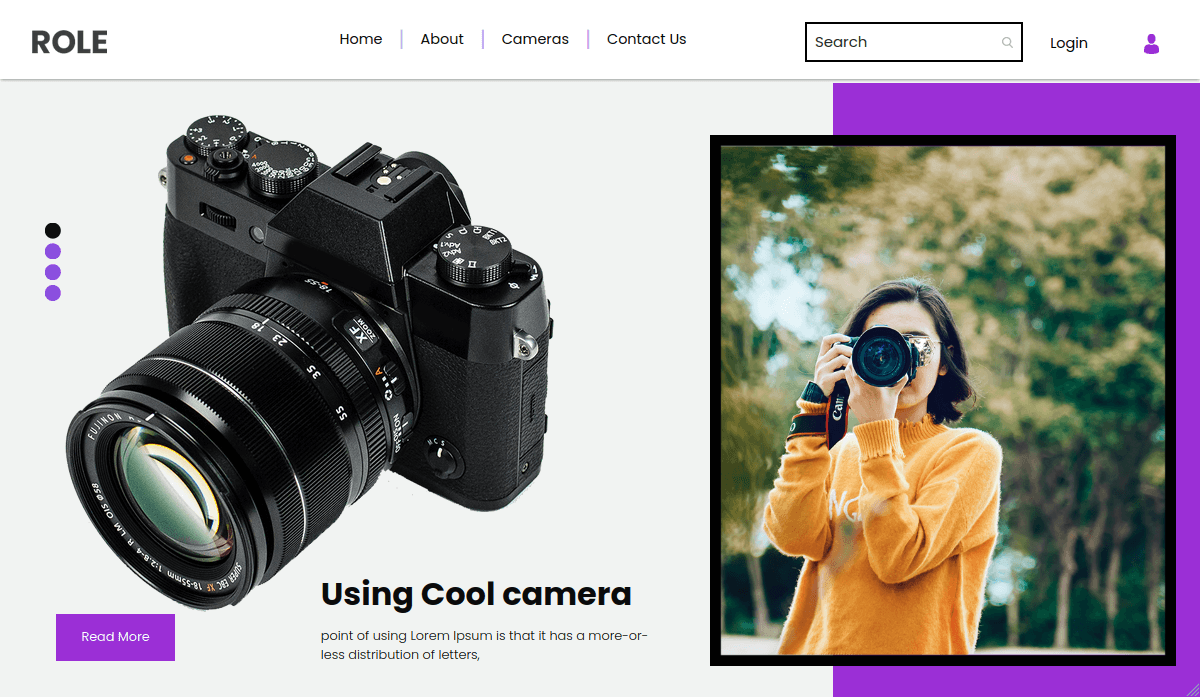
Free responsive photography HTML5 template with masonry gallery, PHP AJAX contact form, and Bootstrap 3.
About this template
Photographer is a free, multipage HTML5 photography website template from ThemeWagon, built with Bootstrap 3, jQuery, and FontAwesome, that gives photographers a portfolio site with a masonry gallery and a working PHP AJAX contact form.
What is Photographer?
Photographer is a free, responsive multipage HTML5 template published by ThemeWagon and authored by Technext Limited, designed specifically for photography websites. It takes your images and basic site content as input and produces a complete website with a home page, a masonry work gallery with category filters, pop-up lightbox views, a contact page with a working PHP AJAX form, and a hidden slide-out navigation. The template runs on any standard web host because it is plain HTML, CSS, and JavaScript — no server-side framework or build step is required. It is distributed under an open-source license that permits personal and commercial use as long as the ThemeWagon credit link stays in place. The page lists version 1, a release date 11 years ago, and an update 2 years ago, with 9,698 downloads.
Key Features
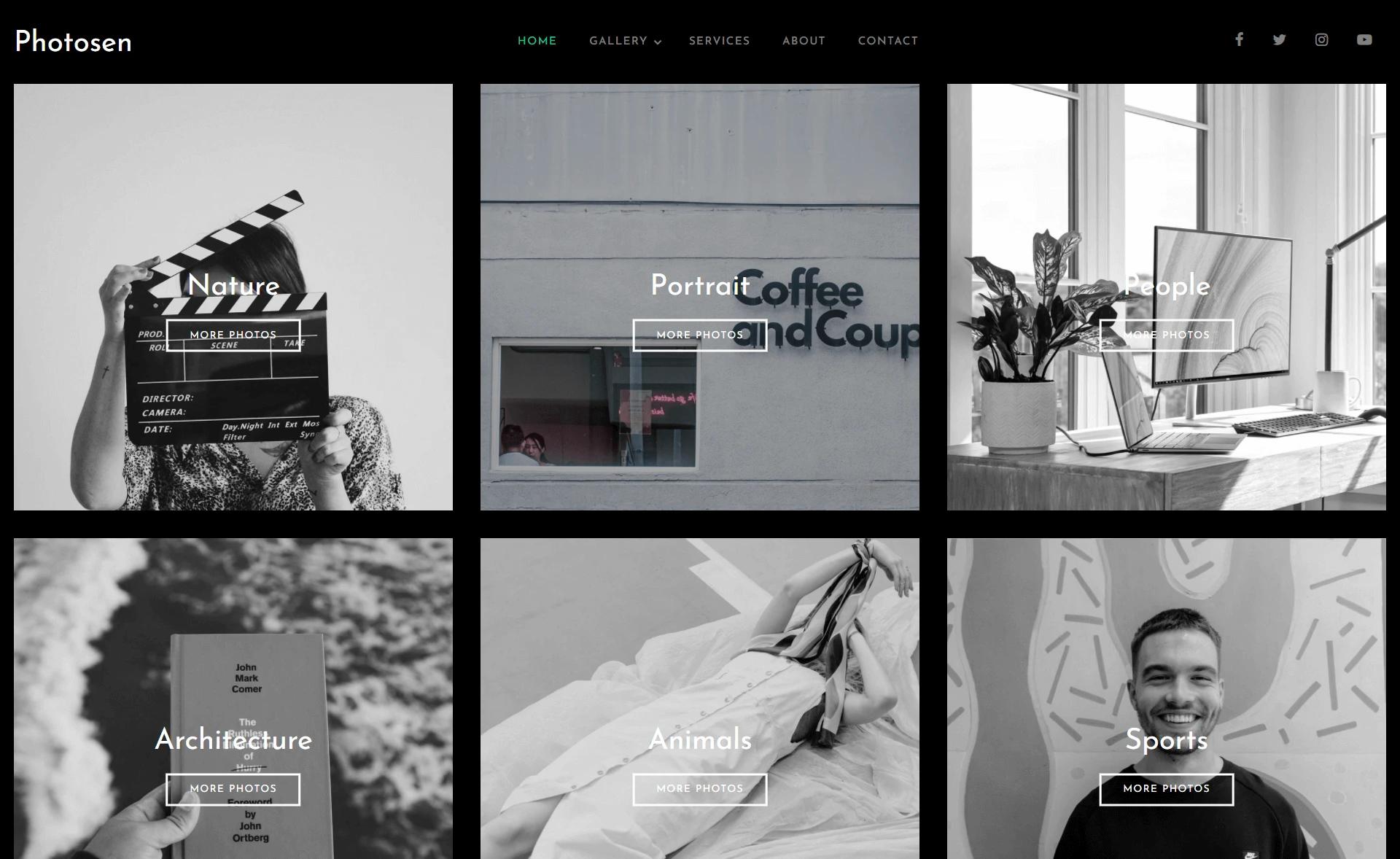
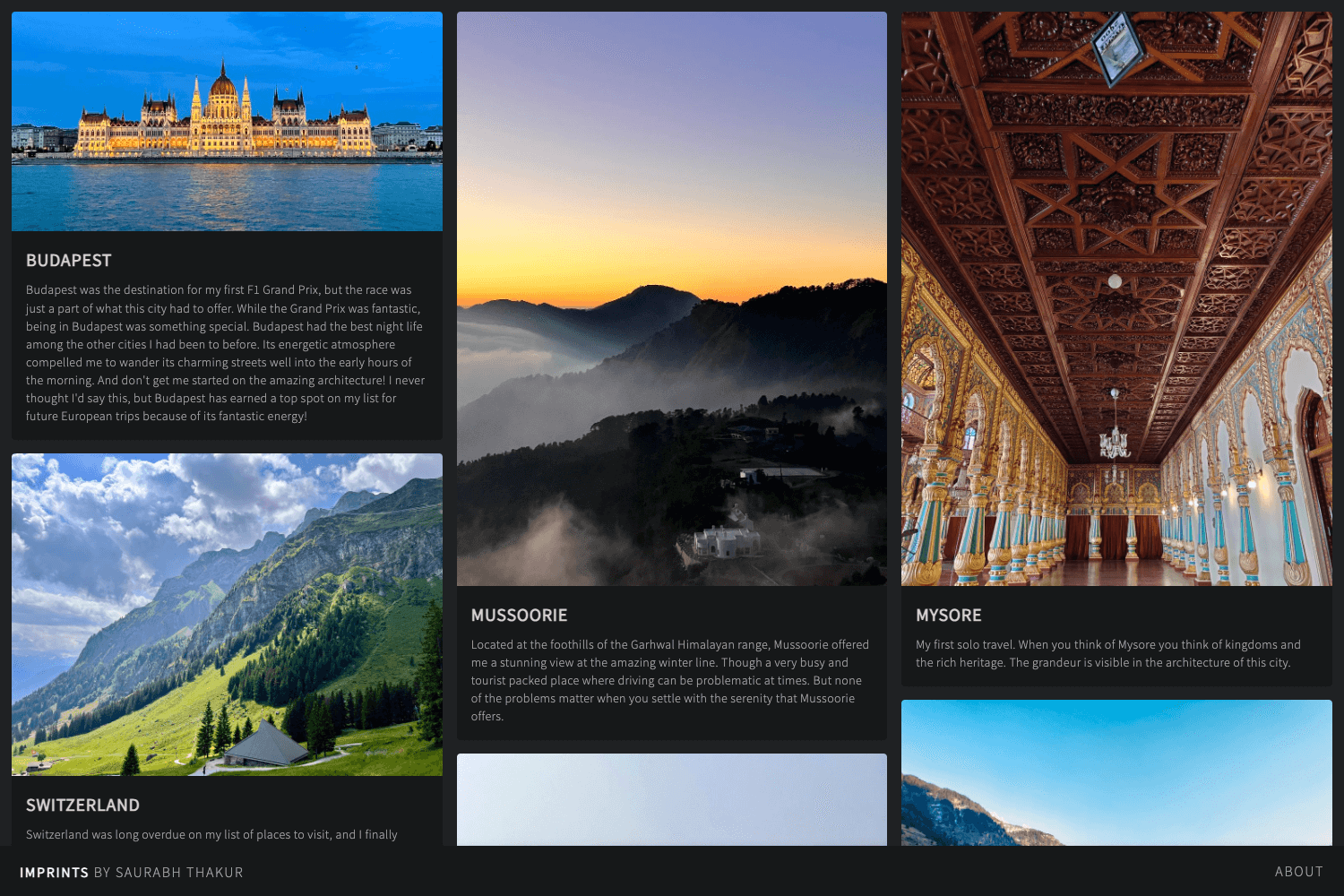
- Masonry photo gallery with categories — the work page displays photos in a masonry layout and lets visitors filter by categories, making it easy to browse large portfolios.
- Lightbox pop-up details — clicking a gallery image opens a larger version with the photograph's title and description, giving context to each shot.
- Working PHP AJAX contact form — the contact page includes a functional form that sends messages to the email address you set; editing that address is the only configuration needed.
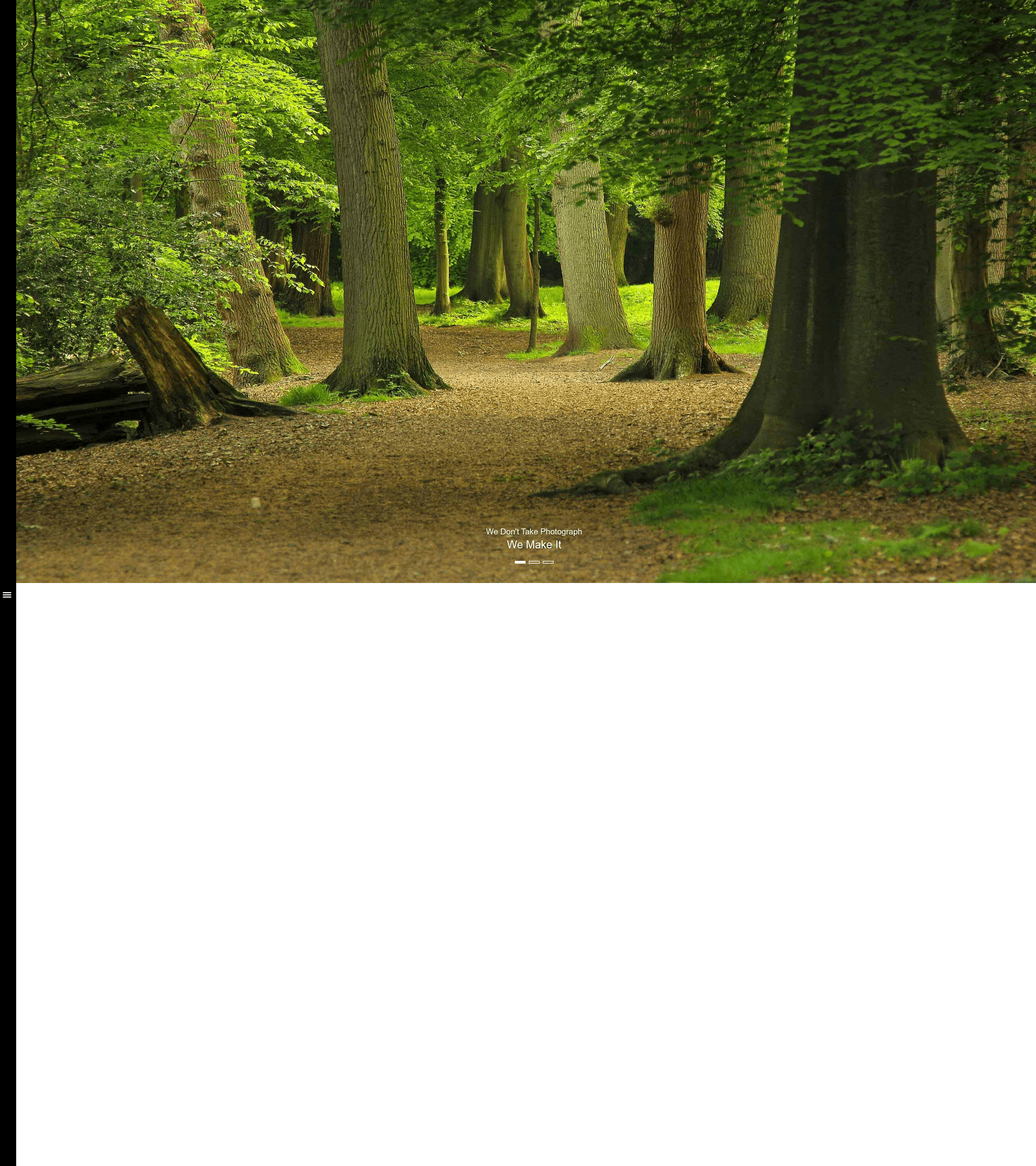
- Hidden navigation with slide-out menu — the home page hides the main navigation so full attention is on the photography, and a compact menu handles navigation to the other pages.
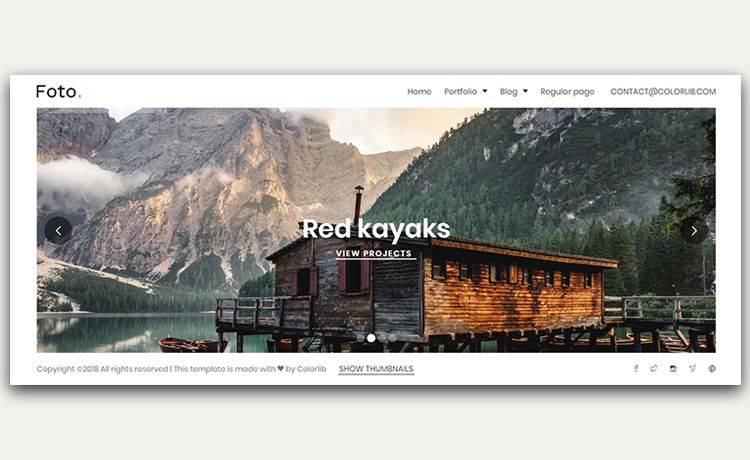
- Full-screen header background — the home page header spans the entire viewport with a background image.
- SEO-friendly page setup — each page allows custom SEO titles, meta keywords, and meta descriptions so pages can be indexed by Google.
- Mobile-first responsive layout — built on Bootstrap 3's grid, it is designed from handheld devices up and is compatible with Chrome, Edge, Firefox, Safari, and Opera.
- Well-commented, customizable code — the HTML/CSS is commented and easy to customize; the vendor states you can launch the site in under an hour without coding knowledge.
Who should use Photographer?
- Freelance and professional photographers: publish a portfolio with a gallery and contact form without needing a developer.
- Photography agencies: show client work in categorized galleries and generate leads through the contact form.
- Wedding, nature, and event photographers: use the template's category filters to arrange shoots (weddings, landscapes, events) and attract the right audience.
- Non-technical website owners: the vendor's claim of launching in under an hour without coding knowledge makes it accessible to beginners.
What can you do with Photographer?
- Build a personal photography portfolio: replace the sample images in the masonry gallery and set your own contact email to start showing work.
- Run an agency showcase: use the category filters on the work page to group client projects, making it easier for prospective clients to browse relevant work.
- Create a wedding or event photography site: the clean, minimal layout keeps focus on the photos, and the contact form can be used for booking inquiries.
How does Photographer work?
The template is a set of HTML, CSS, JavaScript, and PHP files; you download the package, edit the HTML pages to add your photographs and site text, change the contact form's destination email in the PHP file, and upload everything to a web host that supports PHP. No build tools or coding knowledge are needed, and the vendor reports a typical launch time of under an hour.
FAQ
Is Photographer free to use?
Yes, Photographer is free to download and use in both personal and commercial projects, with lifetime free updates. The only requirement is that you keep the ThemeWagon credit link in the footer of your built site.
Does Photographer include a working contact form?
The template includes a working PHP AJAX contact form on the contact page. To receive messages, you change the destination email address in the form's configuration to your own email.
What technologies do I need to run Photographer?
Photographer is built with HTML5, CSS3, Bootstrap 3, jQuery, and FontAwesome. It also uses PHP for the contact form, so your web host must support PHP to use that feature.
How do I update the photography gallery?
You can add your own photos by editing the HTML of the work page and, if you want category filters, updating the category labels used there. The template's commented code makes these changes straightforward.
Is Photographer responsive on mobile devices?
Yes, Photographer uses Bootstrap 3's grid and a mobile-first design, so it works on mobile phones, tablets, laptops, and desktops. The vendor says it passes Google's mobile-friendly test.