Template details
Initium Nuxt
An opinionated starter for using Nuxt, Tailwind & Storybook.
About this template
Initium Nuxt is an opinionated Nuxt 3 boilerplate that scaffolds a pnpm-workspace monorepo with a webapp, Tailwind 4, and Storybook for component development.
What is Initium Nuxt?
Initium Nuxt is a free and open-source starter template by GitHub user lautr, designed to scaffold a Nuxt 3 application in a monorepo layout. It pairs the Nuxt 3 framework with Tailwind 4 for styling, Storybook for isolated UI development, and a pnpm workspace to manage multiple packages. The template generates a pre-configured project with TypeScript, Pinia stores, VueUse, and Color Mode out of the box.
Key Features
- Nuxt 3 — provides SSR, edge-side rendering (ESR), file-based routing, and auto-importing of components and modules in the webapp package.
- Tailwind 4 — the utility-first CSS framework is preinstalled with dark, light, and custom color modes integrated via the Color Mode Nuxt module.
- Storybook — a separate design workspace lets you build and preview UI components in isolation, run with
pnpm design dev. - pnpm monorepo — the workspace is configured with pnpm, and
pnpm devstarts the webapp and Storybook concurrently. - Pinia — a sample
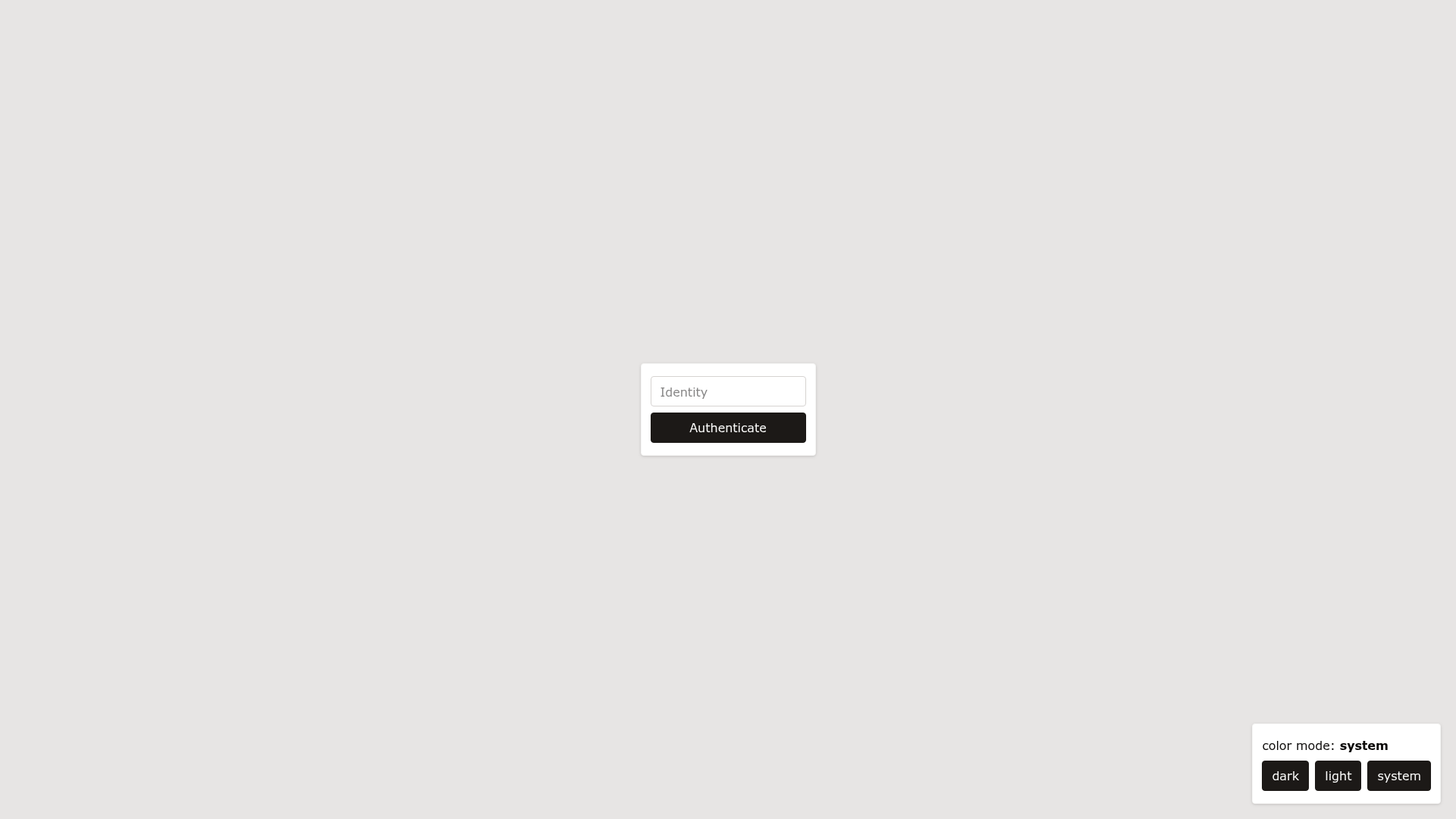
AuthStore.tsunder./stores/shows state management with the type-safe Pinia store. - VueUse — the collection of composition APIs is auto-imported, so composables like
useColorModework without manual imports. - Vitest — a fast unit test framework is preconfigured for running tests in the webapp.
- TypeScript — the entire scaffold is strongly typed, and Vue Macros extends Vue syntax with additional macros and sugar.
- VS Code + Volar — the template is optimized for developer experience in VS Code with the Volar language service.
Who is it for?
- Nuxt developers who want a production-ready monorepo without manually wiring Nuxt, Tailwind, and Storybook together.
- Design system teams that need a Storybook environment alongside a Nuxt app so components can be developed in isolation and consumed by the app.
- Open-source maintainers who prefer an opinionated, pnpm-based structure with automated imports and test tooling already configured.
What can you do with Initium Nuxt?
- Full-stack developers: start a new Nuxt 3 application with SSR, file-based routing, and Pinia state management already wired, then
pnpm webapp buildto produce a production build. - UI engineers: develop components in the Storybook workspace with Tailwind 4 theming and dark/light color modes, then reuse them in the webapp.
- Prototype builders: generate a new project locally with
npx degit lautr/initium-nuxt my-nuxt3-appto skip configuration and begin coding immediately.
How does Initium Nuxt work?
The template uses a pnpm workspace with two main packages: the webapp (Nuxt) and the design system (Storybook). To get started, run pnpm install then pnpm dev, which starts both environments. For production, run pnpm webapp build and pnpm webapp start to serve the built Nuxt application.
Alternatives
- antfu/vitesse-nuxt3 — a Nuxt 3 starter by Anthony Fu that Initium Nuxt explicitly cites as a source of inspiration; it focuses more on Vite, UnoCSS, and minimal defaults rather than Storybook and Tailwind 4.
FAQ
Is Initium Nuxt free?
Yes, Initium Nuxt is an open-source template hosted on GitHub under the lautr account. You can create a repository from it via the GitHub template button or clone it locally with npx degit lautr/initium-nuxt my-nuxt3-app.
What tech stack does Initium Nuxt use?
It uses Nuxt 3, Vite, Tailwind 4, Storybook, pnpm workspaces, Pinia, VueUse, Vitest, and TypeScript. The project also includes Vue Macros for additional Vue syntax sugar and is configured for VS Code with Volar.
How do I start the project after cloning?
Install dependencies with pnpm install, then run pnpm dev to start the webapp and Storybook together. To run only the webapp, use pnpm webapp dev; to build for production, use pnpm webapp build and pnpm webapp start.