Template details
Jekyll-Bonsai
A modern Jekyll theme for semantically inclined digital gardeners, now maintained as jekyll-wikibonsai.
About this template
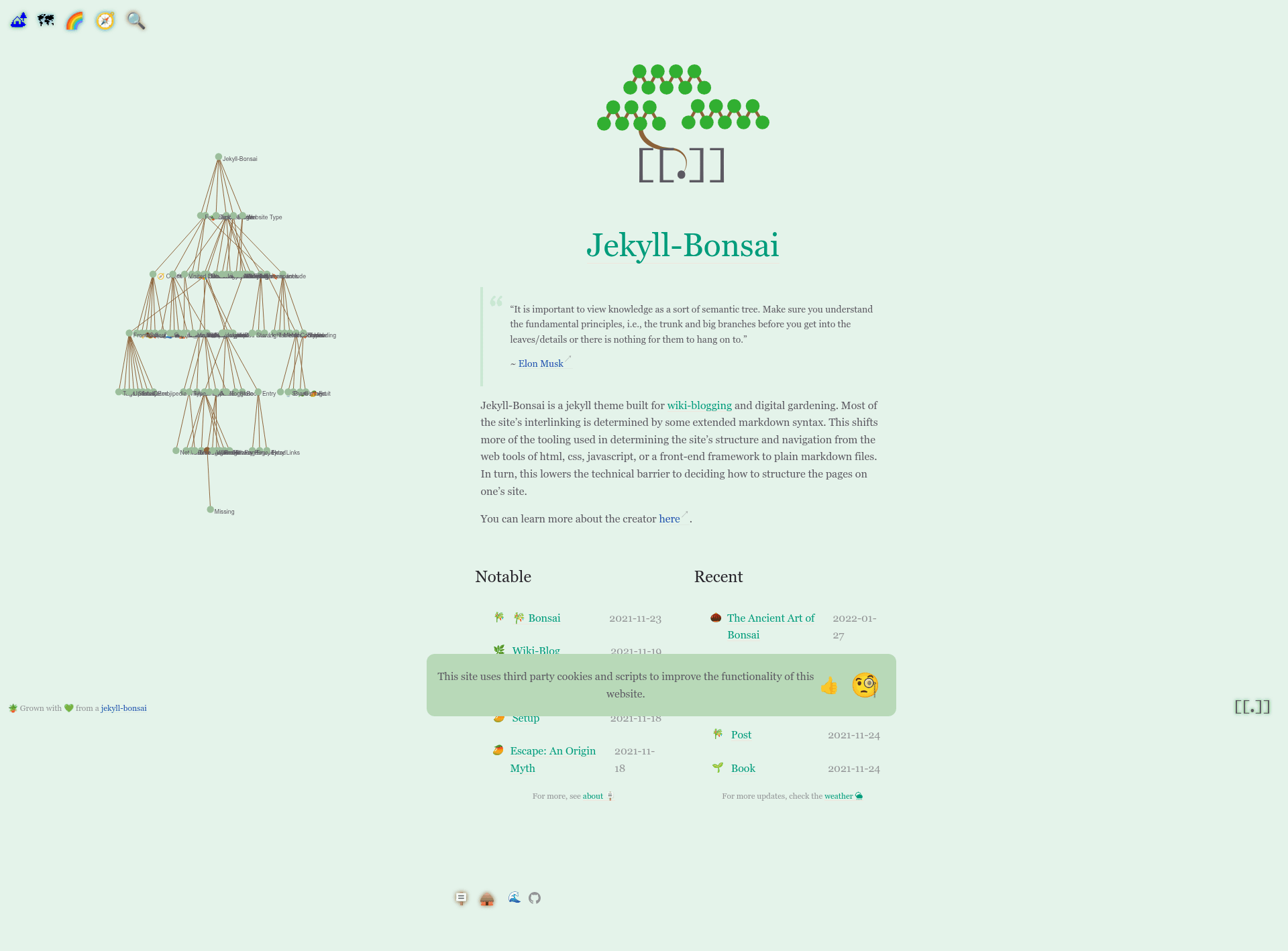
Jekyll-Bonsai is a modern Jekyll theme for semantically inclined digital gardeners, created to build personal knowledge sites as static websites. The project is currently in beta and, as of version 0.0.8, has moved to jekyll-wikibonsai. This theme runs on Jekyll, a static site generator that converts Markdown and Liquid templates into plain HTML, making it simple to host on any static web server.
What is Jekyll-Bonsai?
Jekyll-Bonsai is a template for Jekyll that provides the design and structure for a digital garden — a personal site for collecting, connecting, and publishing notes. It takes Markdown content as input and produces a static HTML website as output. The theme was authored by manunamz and is distributed via GitHub. As of v0.0.8, the plugin has relocated to the jekyll-wikibonsai repository, indicating an evolution toward wiki-style knowledge management.
Key Features
- Semantic focus — The theme is designed specifically for semantically inclined digital gardeners, promoting structured, interconnected note-taking.
- Jekyll framework — Built on Jekyll, a static site generator that outputs fast, secure HTML sites without a database or server-side processing.
- Beta release — Marked as "newly sprouted" and beta, meaning the template is early in development and subject to changes.
- Setup guidance — Official setup instructions are published at jekyll-bonsai.netlify.app, walking users through installation.
- Project evolution — The move to jekyll-wikibonsai hints at planned wiki capabilities, though this version remains focused on core theming.
Who is it for?
Jekyll-Bonsai is for developers, writers, and researchers who want a semantically structured website for their notes and ideas. It suits people already using Jekyll who want a modern, minimal theme for a digital garden. It also appeals to anyone interested in moving toward a wiki-based knowledge workflow, given the project's direction toward jekyll-wikibonsai.
What can you do with Jekyll-Bonsai?
- Build a digital garden — Convert a collection of Markdown notes into a static website with a cohesive visual style.
- Organize interconnected knowledge — Use the theme's semantic orientation to arrange topics in a way that encourages linking and cross-referencing.
- Start a wiki — Follow the project as it evolves into jekyll-wikibonsai for enhanced wiki-style features in future releases.