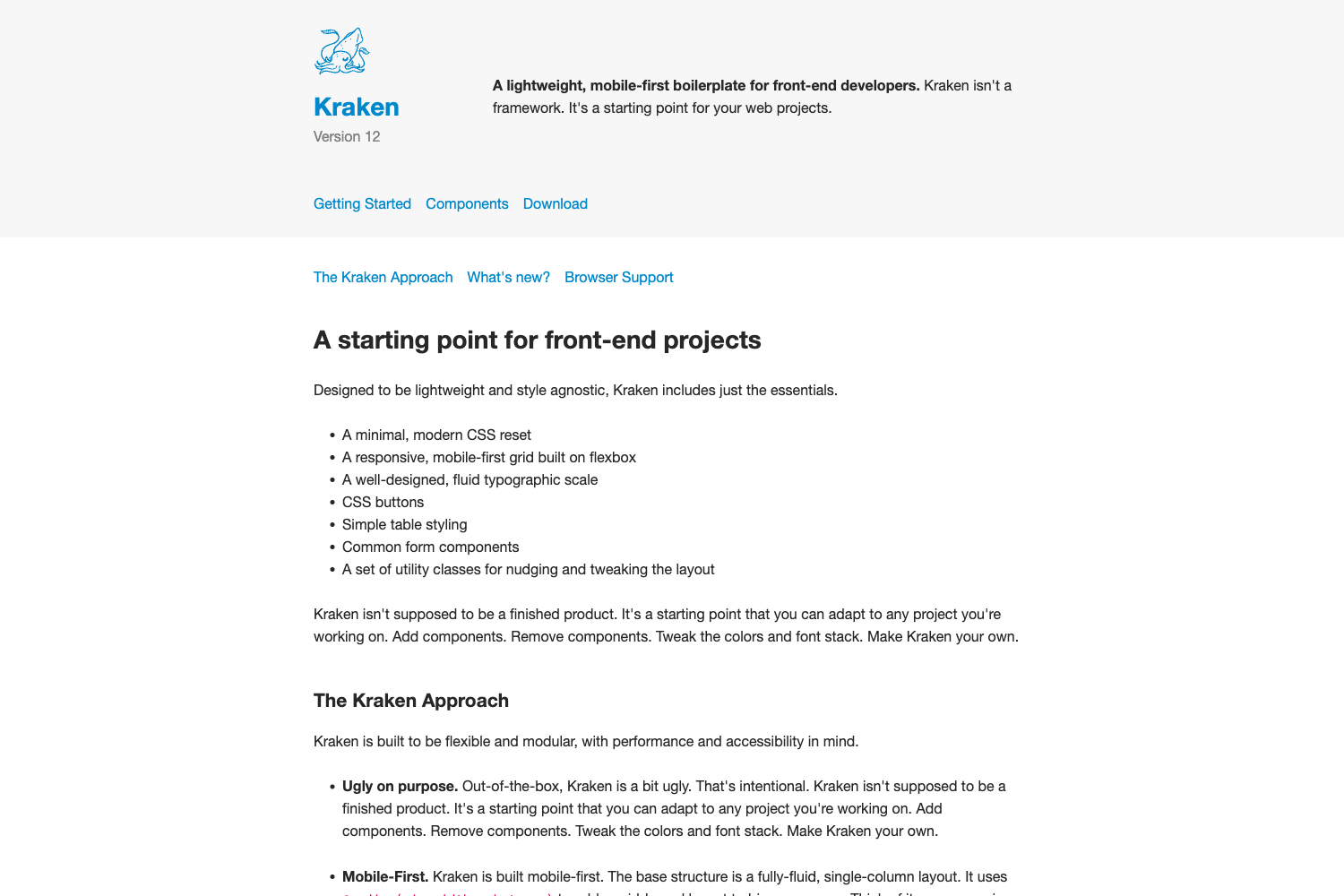
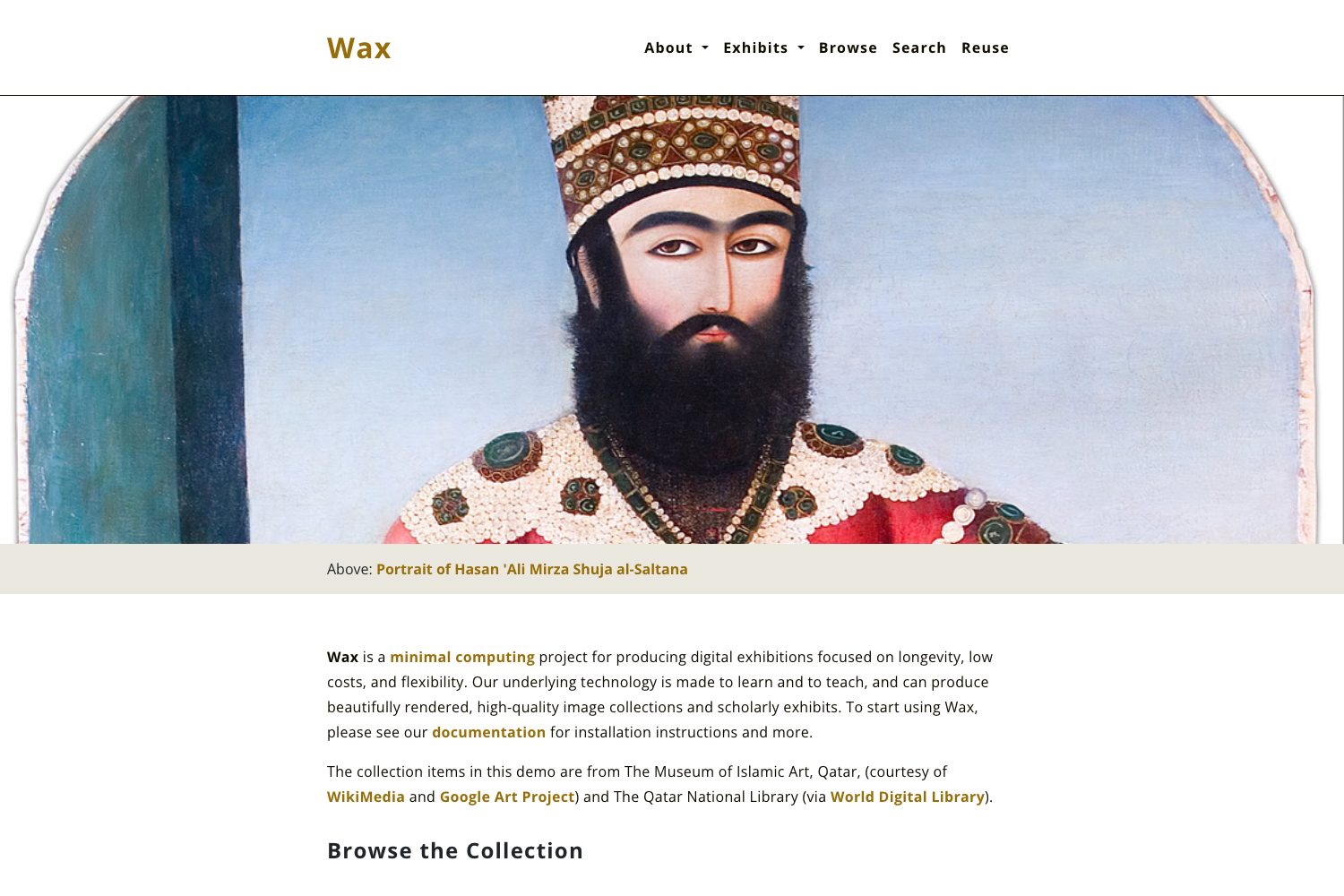
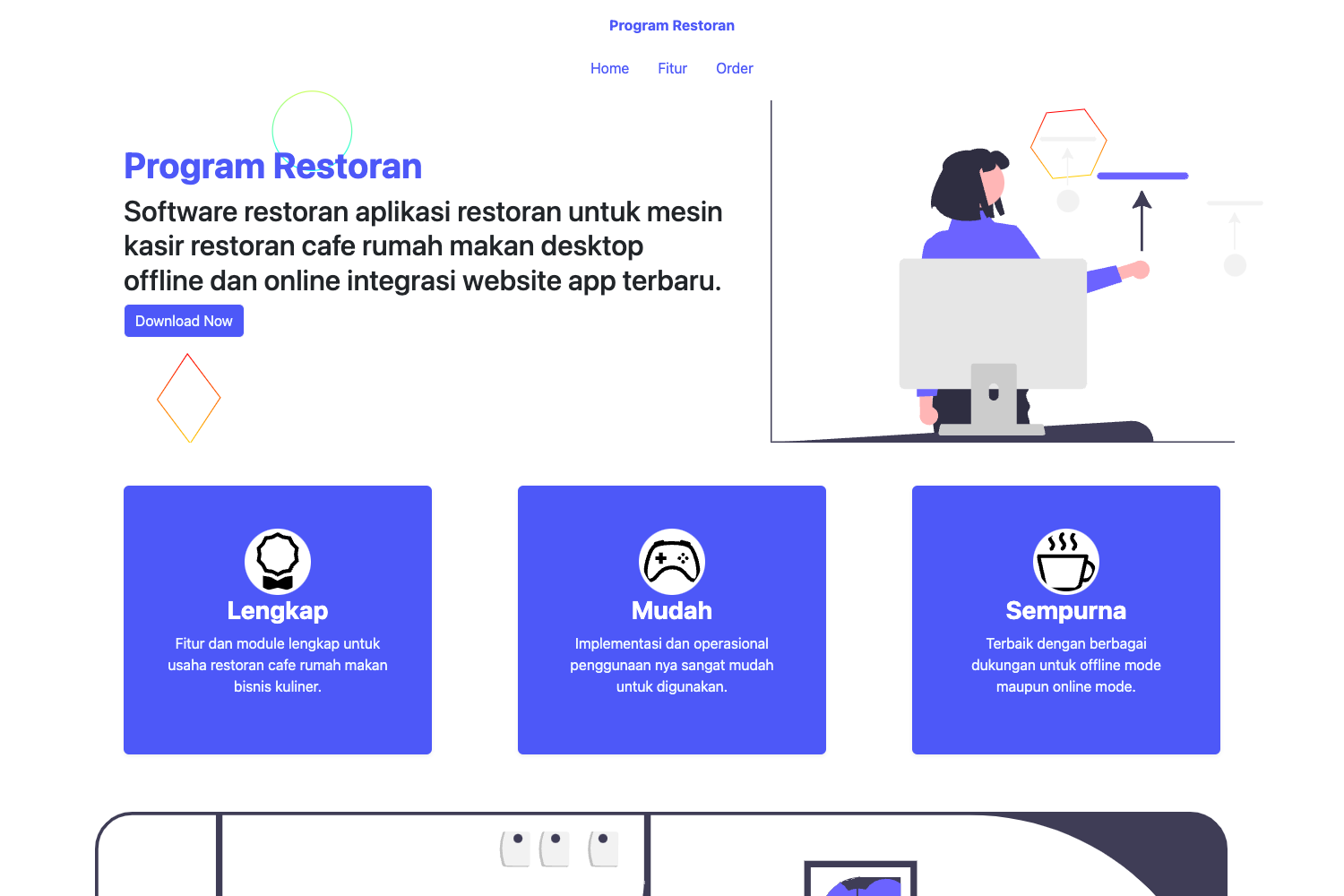
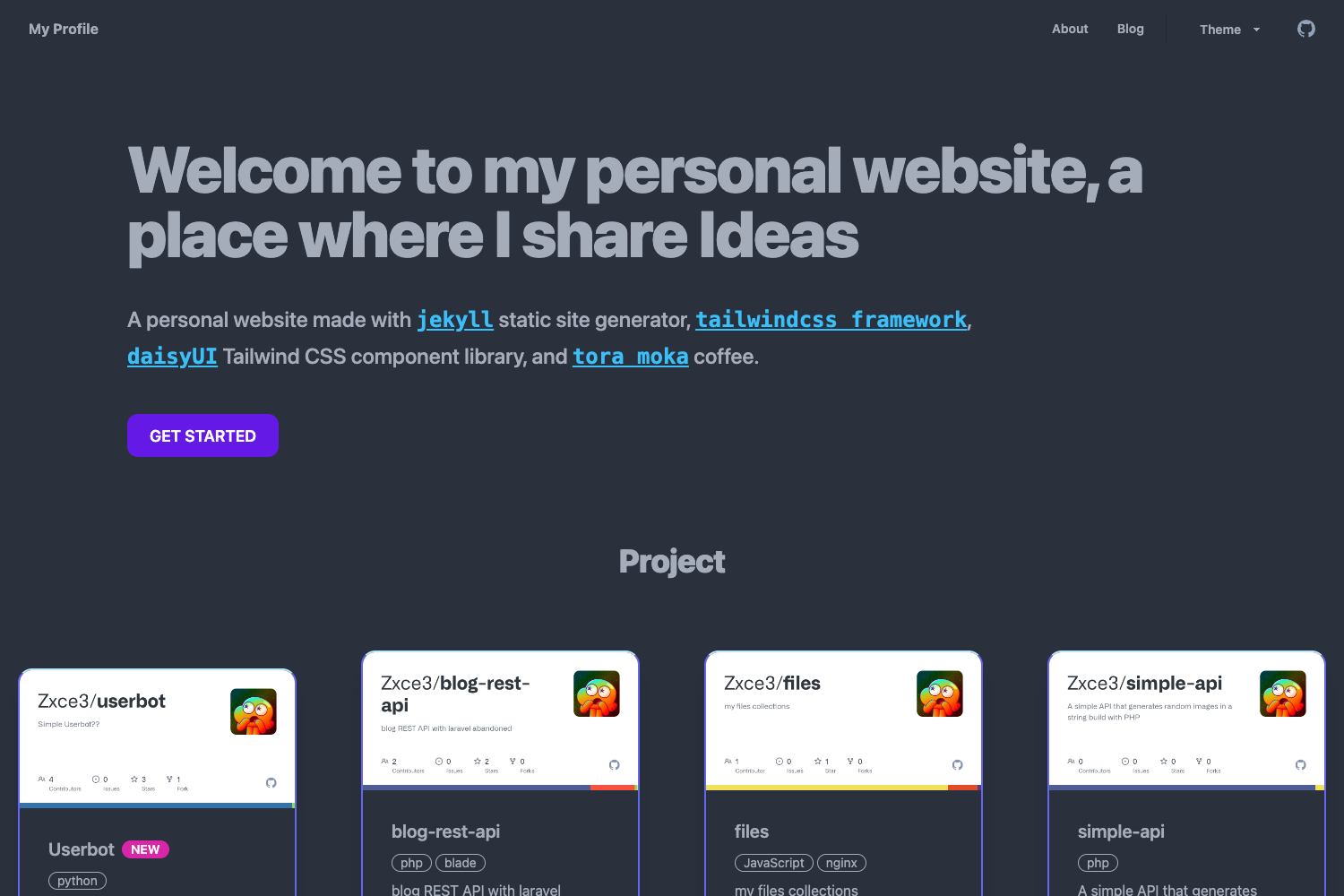
Template details
Gatsby Starter Contentful Homepage TS
TypeScript starter for a Contentful-powered homepage built with Gatsby; includes provisioning script, modular sections, and Gatsby Cloud deployment.
About this template
Gatsby Starter Contentful Homepage TS is a TypeScript starter template from the Gatsby team that scaffolds a content-driven marketing homepage built with the Gatsby static site framework and the Contentful headless CMS.
What is the Gatsby Starter Contentful Homepage?
The starter takes your Contentful credentials (Space ID, Content Management API key, and Content Delivery API key) as input and produces a static homepage site with modular, typed React components. It is maintained by Gatsby, and the live demo is available at https://gatsbycontentfulhomepagets.gatsbyjs.io/. A JavaScript version of the same starter is maintained on GitHub for teams that prefer JavaScript over TypeScript.
Key Features
- TypeScript codebase — The starter is written in TypeScript, with source files for pages, components, and Vanilla Extract styles under
src/. - Contentful provisioning script — Running
yarn setuppopulates your Contentful space with the content model and demo content; you can also use thegatsby-provisionconvention during the Gatsby Cloud Deploy Now flow. - Abstract homepage data model — The
gatsby-node.jsfile definesHomepageBlockinterfaces so the homepage can query content independently of the exact CMS source. - Modular homepage sections — Included blocks are hero, feature, feature list, logo list, benefit list, testimonial list, stat list, call-to-action, and product list, with a worked example showing how to add a custom
Bannersection. - Vanilla Extract styling — Colors are defined in
src/colors.css.ts, turned into CSS custom properties insrc/theme.css.ts, and imported by UI components insrc/components/ui.css.ts. - Customizable branding — The brand logo is a React component that can be replaced with an inline SVG or a
StaticImagefromgatsby-plugin-image; SVG colors follow the theme so the mobile menu inversion works automatically. - Gatsby Cloud deployment path — Push the repository to GitHub, GitLab, or Bitbucket, add the
.env.productionvariables in Gatsby Cloud, and build; a one-click Deploy to Gatsby Cloud button is included. - Content Sync for Contentful — Gatsby Cloud Preview can be configured using the Content Sync app for Contentful.
Who should use this starter?
- Gatsby developers who want a typed starting point for a Contentful-backed site and don't want to hand-build the schema and section components.
- Agencies and freelancers building marketing homepages for clients, because the color theme, logo, and UI components can be restyled without touching the Contentful content.
- Content teams who need to edit homepage copy, images, and sections through Contentful rather than through code.
- Evaluators of Gatsby and headless CMS stacks who want a working reference for provisioning, GraphQL queries, and deployment.
What can you do with it?
- Add a custom section type: Create a content type in Contentful, declare its interface in
gatsby-node.js, build a React component, and export it fromsrc/components/sections.tsxto make the new section available on the homepage. - Change the visual theme: Edit
src/colors.css.tsto update the background, text, primary, muted, active, and black colors used across all sections. - Deploy to Gatsby Cloud: Use the Deploy Now flow with
gatsby-provisionto provision Contentful automatically, or connect the Git repository and set environment variables manually.
How do you get started?
Use the Gatsby CLI to create a new site with npx gatsby new my-homepage https://github.com/gatsbyjs/gatsby-starter-contentful-homepage-ts, then run yarn setup to fill your Contentful space with the demo content model and content, and yarn start to run the development server at http://localhost:8000. If you change the schema, clear the Gatsby cache with yarn clean && yarn start before running the develop server again.
FAQ
Does this starter work with a free Contentful space?
The default data set omits the About page content types and content because Contentful reduced the number of content types allowed in free spaces. With a paid space, you can include the About page by renaming scripts/data-with-about-page.json to scripts/data.json before running yarn gatsby-provision.
Is there a JavaScript version?
Yes, a JavaScript version of the Contentful homepage starter is maintained on the Gatsby GitHub, separate from this TypeScript version.
How do I handle environment variables?
Copy the .env.EXAMPLE file to local .env.development and .env.production files with the Space ID, Content Management API key, and Content Delivery API key, then add the production values to Gatsby Cloud during setup.