Template details
Jekyll Local Theme
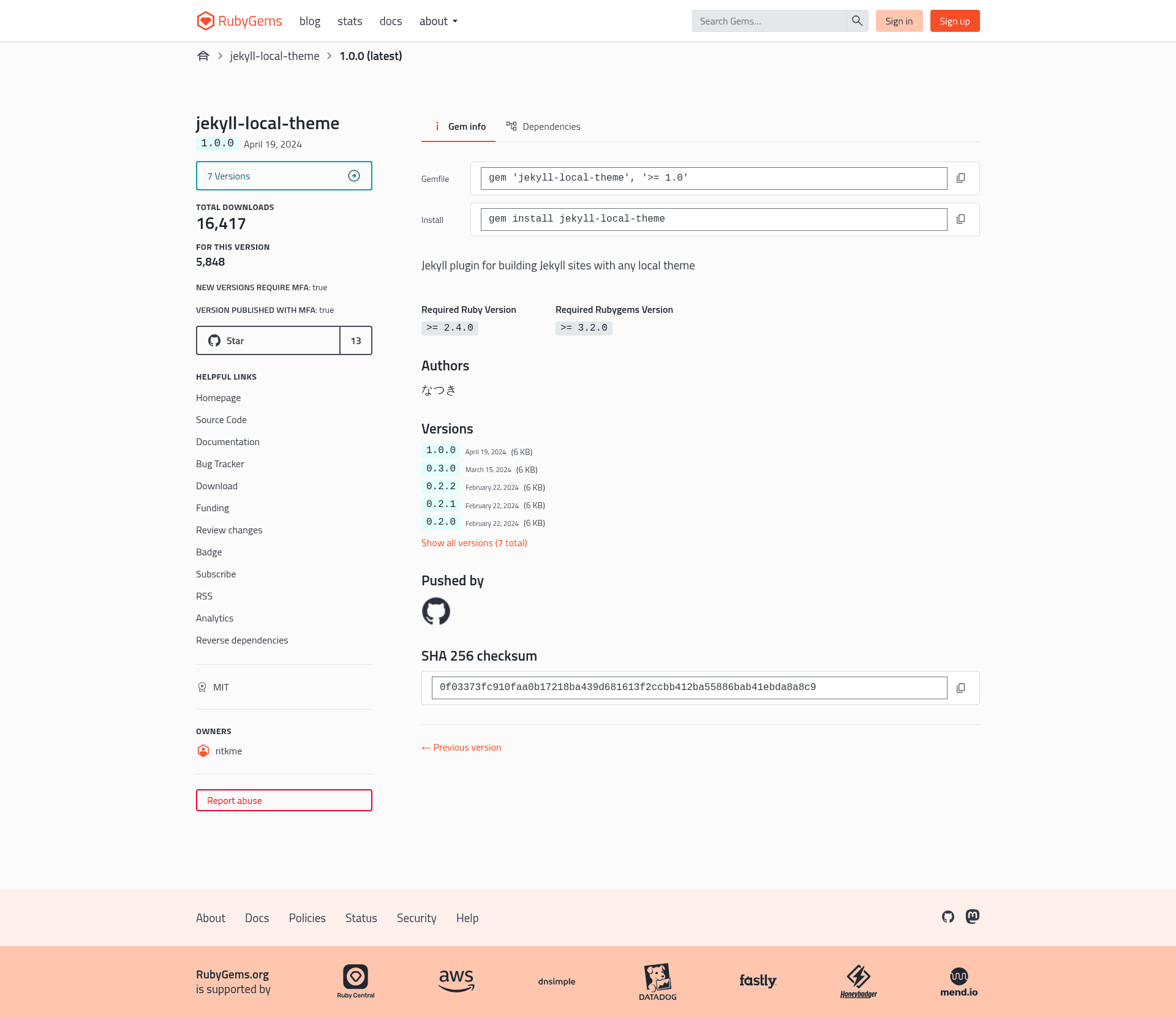
Jekyll plugin for building Jekyll sites with any local theme stored in a _themes directory.
About this template
Jekyll Local Theme is a Jekyll plugin for building Jekyll sites with any local theme, switching the source of theme files from a remote gem to a directory inside the site repository. It takes a local theme folder in the site's _themes directory and makes that theme's layouts, includes, and assets active in Jekyll's build pipeline after you set one line in _config.yml.
What is Jekyll Local Theme?
Jekyll Local Theme is a Jekyll plugin that changes the way Jekyll resolves the theme for a site. You provide a theme folder in a _themes directory, and the plugin loads that folder as the active theme, replacing the need for a theme gem. The plugin runs on Jekyll and is installed as a Ruby gem by adding gem "jekyll-local-theme" to your Gemfile and running bundle install. Its GitHub repository lists topics including jekyll-plugin, jekyll-themes, and github-pages.
Key Features
- Local theme loading — Loads a theme from the
_themesdirectory inside the project, so no remote gem or network fetch is needed at build time. - Git submodule support — Themes can be pinned to a specific commit with
git submodule add https://github.com/jekyll/minima.git _themes/minima. - Simple switching — Changing
local_themein_config.ymlis enough to switch between different local themes. - Works without submodules — The README states you can copy theme files into
_themesinstead of usinggit submodule. - Standard activation — The plugin is enabled through the
pluginslist in_config.yml, the normal Jekyll plugin mechanism. - Gem distribution — Installation uses Bundler with
gem "jekyll-local-theme"in the Gemfile. - Official theme example — The README's example uses the official Jekyll minima theme.
Who is it for?
- Jekyll site developers who want to use a custom or private theme without publishing it as a gem.
- Theme developers who want to test a theme in a real site before releasing it, since they can point
local_themeat the theme folder and iterate. - GitHub Pages users who want to build locally with a version-controlled theme and can vendor it as a submodule.
- Developers building offline who need all theme assets present locally so builds do not require fetching remote theme gems.
What can you do with Jekyll Local Theme?
- Test theme changes instantly: edit files in the local theme folder and rebuild, without re-running
bundle updateor changing gem sources. - Manage themes with submodules: keep each theme as a git submodule to track versions, then select one via
local_theme. - Switch themes with one line: change the
local_themevalue in_config.ymlto change the entire site appearance.
How does Jekyll Local Theme work?
The README gives a four-step workflow. First, add gem "jekyll-local-theme" to the Gemfile and run bundle install. Second, add - jekyll-local-theme under the plugins key in _config.yml. Third, place a theme in the _themes directory — either through git submodule add or by copying files. Fourth, set local_theme to the theme's directory name, such as minima.
Pros and cons
Pros — Installation is straightforward through Bundler; themes need no RubyGems packaging; switching between themes is a one-line config change; submodule support gives version pinning.
Cons — It only works with themes already present locally; it does not fetch themes from a remote registry; and it is limited to Jekyll sites, not other static-site generators.
FAQ
How do I install Jekyll Local Theme?
Add gem "jekyll-local-theme" to your Gemfile, run bundle install, then add - jekyll-local-theme inside the plugins list in _config.yml. No other installation step is mentioned in the README.
Do I have to use git submodules?
No. The README explicitly says you can just copy files into the _themes directory without using git submodule. Submodules are an optional way to version control the theme source.
Can I use any local theme with this plugin?
Yes, as long as the theme is a Jekyll theme with the standard theme structure. The README uses the official minima theme as an example and describes the plugin as working with any local theme placed in _themes.
Is Jekyll Local Theme compatible with GitHub Pages?
Its GitHub repository lists github-pages as a topic, which suggests it was designed with GitHub Pages in mind. The README itself does not explicitly state GitHub Pages compatibility, so check the plugin's issue tracker for the current status.
What does local_theme need to be set to?
The value is the directory name of the theme inside _themes. For example, if you added the theme to _themes/minima, set local_theme to minima in _config.yml.