Template details
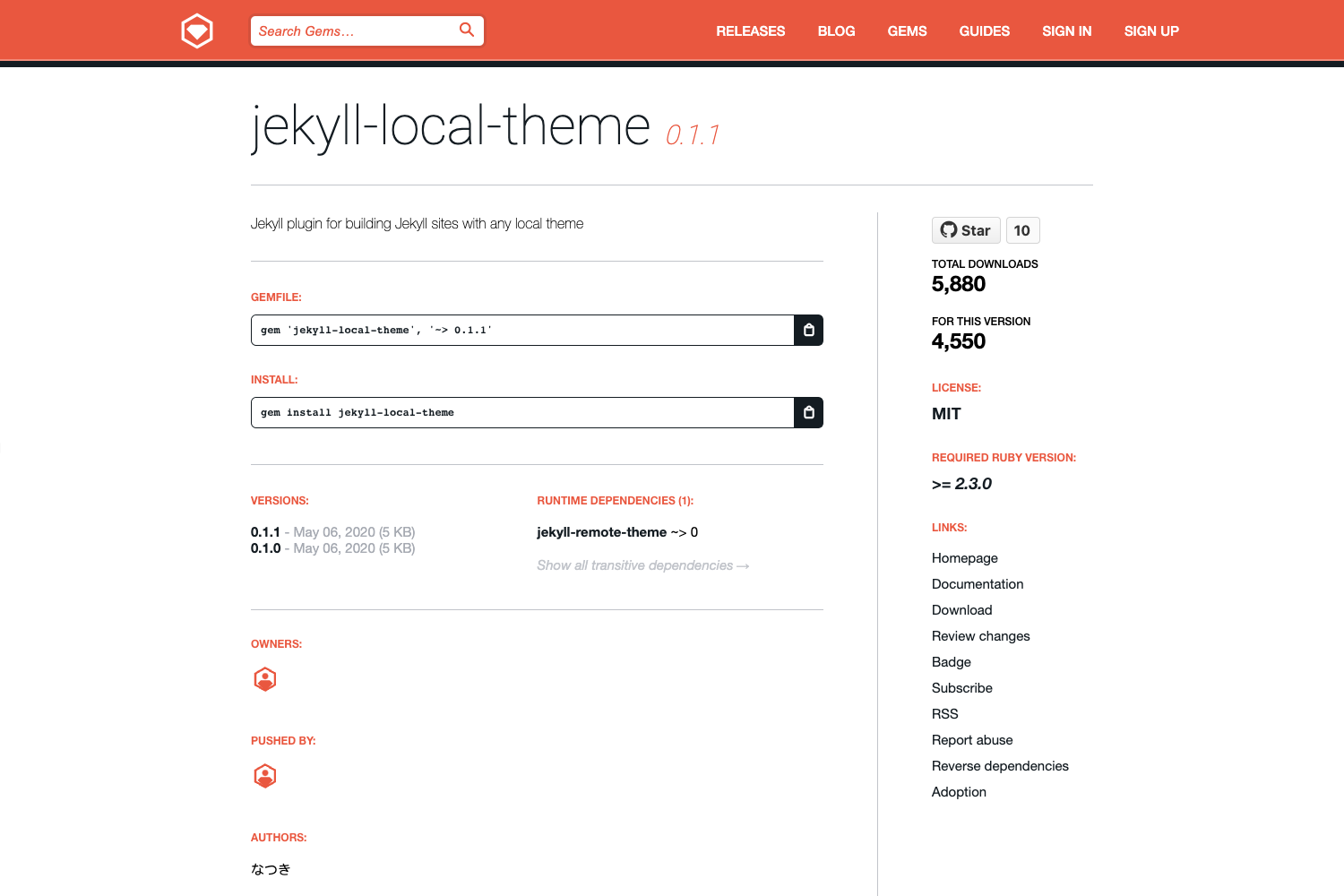
hexo-generator-feed
A Hexo plugin that generates Atom 1.0 and RSS 2.0 feeds with configurable limits, content, and autodiscovery.
About this template
hexo-generator-feed is a Hexo plugin that generates Atom 1.0 or RSS 2.0 feeds from your blog posts, with configurable post limits, content inclusion, and autodiscovery support. It is maintained by the Hexo organization and distributed on npm as hexo-generator-feed.
What is hexo-generator-feed?
hexo-generator-feed is a plugin for the Hexo static site generator that produces feed files in Atom 1.0 or RSS 2.0 XML formats. It takes your Hexo posts as input and outputs feed files to your site's root, such as atom.xml or rss2.xml. The plugin belongs to the Hexo project and is versioned to match Hexo releases: versions 2.x work with Hexo 4+, 1.x with Hexo 3, and 0.x with Hexo 2.
Key Features
- Atom and RSS support — Generates Atom 1.0 feeds by default, RSS 2.0 if configured, or both simultaneously by setting the
typeoption to a list like['atom', 'rss2']. - Configurable paths — Set the output path per feed type with the
pathoption, which must follow the order of thetypelist when generating both formats. - Post limit control — Limit the number of posts in the feed using the
limitsetting; use0orfalseto include all posts. - Full content inclusion — Enable the
contentoption withtrueto embed the entire post content in the feed; otherwise only a summary is included. - Summary length and delimiter — Control summary length via
content_limit(default 140 characters) and cut at the last occurrence ofcontent_limit_delimbefore reaching the limit. - Autodiscovery — Automatically adds RSS autodiscovery links to your pages with the
autodiscoveryoption (defaulttrue), compatible with many themes. - Custom ordering and icon — Set feed post order with
order_by(default-date) and an optional customiconpath, defaulting to a gravatar from the main config's email. - PubSubHubbub hub support — Optionally specify a hub URL for real-time feed updates when using PubSubHubbub.
Who should use hexo-generator-feed?
Hexo blog owners — add a feed to their site so readers can subscribe via RSS or Atom readers. Web developers using Hexo — integrate a custom feed path or both formats into client projects. Content publishers — syndicate posts to external platforms that consume feeds, using the optional full-content mode.
What can you do with hexo-generator-feed?
- Publish an RSS feed — Configure
type: rss2andpath: rss2.xmlto expose your posts as RSS 2.0 for RSS readers and podcast apps. - Offer both feed formats — Set
typeandpathas lists to generate both Atom and RSS 2.0 feeds, letting readers choose their preferred format. - Limit feed size — Use the
limitoption to show only the latest 20 posts by default, or set it tofalseto include everything. - Include full posts — Turn on
content: trueto syndicate complete articles, making your feed a full-content source for news aggregators.
How does hexo-generator-feed work?
Install the plugin with npm install hexo-generator-feed --save, then add a feed block to your site's _config.yml. The plugin reads the front-matter of each post for an optional description, intro, or excerpt to use as the feed summary; otherwise it falls back to the post excerpt or the first 140 characters. On generation, it writes the configured feed files to your public directory.
FAQ
How do I install hexo-generator-feed?
Run npm install hexo-generator-feed --save in your Hexo project. Version compatibility: use 2.x for Hexo 4+, 1.x for Hexo 3, and 0.x for Hexo 2.
Can I generate both Atom and RSS 2.0 feeds?
Yes. Set type to a list like ['atom', 'rss2'] and provide a matching path list such as ['atom.xml', 'rss2.xml'] to output both formats.
What is the default feed path?
The default path is atom.xml for Atom and rss2.xml for RSS 2.0, but you can change them with the path option.
Does the feed include full post content?
Only if you set content: true. By default, the feed uses a summary: the custom description from front-matter if present, otherwise the excerpt or the first 140 characters, configurable with content_limit and content_limit_delim.
How can I disable autodiscovery?
Set autodiscovery: false in the feed config. Be aware that many themes already include autodiscovery, so you may need to adjust the theme's configuration as well.