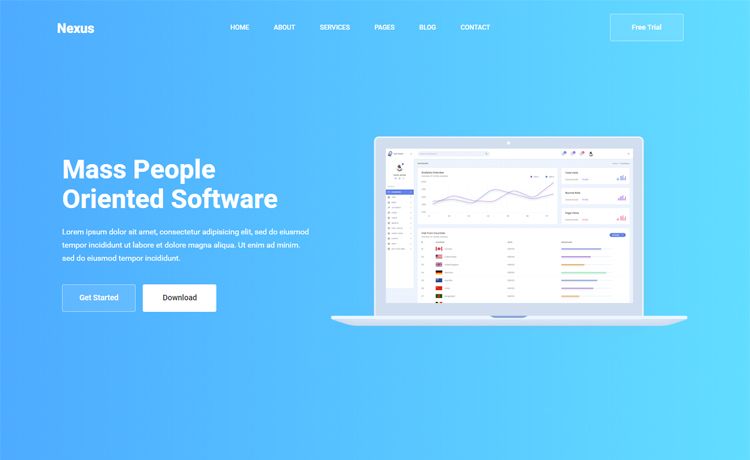
Template details
Link Roamer Website
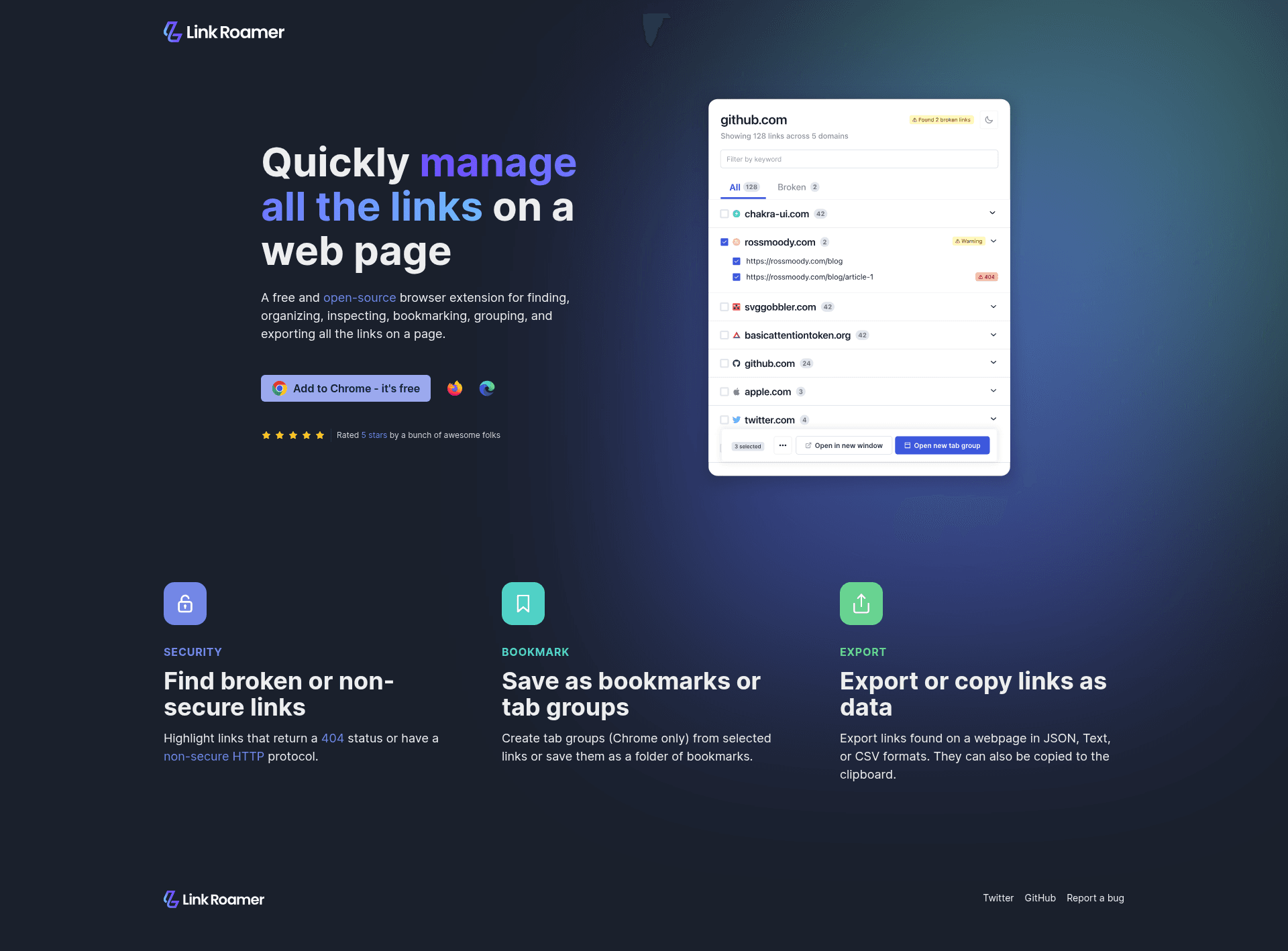
The static website for the web extension Link Roamer, built as a Next.js single-page app and deployed on Netlify.
About this template
Link Roamer Website is a Next.js-based static website template that serves as the official web presence for the Link Roamer browser extension, packaged as a single-page app and deployed on Netlify.
What is Link Roamer Website?
Link Roamer Website is the static website built for the web extension Link Roamer. It is implemented as a Next.js project using the standard pages directory, with the main entry point at pages/index.tsx. The repository is tagged as both a nextjs-starter and nextjs-template, making it a reusable starting point for similar static product websites. The site is designed to be a single-page application, as indicated by the single-page-app topic, and its deployment status is tracked on Netlify through a status badge displayed in the README.
Key Features
- Next.js framework — The site runs on Next.js, and editing pages/index.tsx automatically updates the page in the browser during development.
- Single-page app structure — Marked with the single-page-app topic, the project ships as a one-page layout rather than a multi-page site.
- Netlify deployment — A Netlify Status badge links to the live deploys, showing that the project is configured for continuous deployment on Netlify.
- Yarn-based workflow — Setup uses the Yarn package manager:
yarninstalls dependencies andyarn devstarts the local development server on http://localhost:3000. - Node.js toolchain — The repository metadata lists Node.js as a topic, meaning the build and development scripts run on the Node.js runtime.
- Extension companion site — The template is purpose-built to market the Link Roamer web extension, giving that product a clean, static landing page.
Who is it for?
- Owners of the Link Roamer extension — They use this template as the public website that introduces their browser extension to visitors.
- Developers starting a Next.js project — Anyone looking for a minimal nextjs-starter can clone this repository to get a working single-page app with Yarn and Netlify already wired up.
- Indie web-extension makers — Creators who build their own browser extensions can reuse this template to launch a simple promotional site without setting up a complex CMS.
What can you do with it?
- Launch a product page: Use the template to present the Link Roamer extension, its purpose, and any download or metadata links on a single page.
- Deploy to Netlify fast: Push the repository to your Netlify account and rely on the existing deployment configuration to publish changes automatically.
- Customize locally: Run
yarn dev, open http://localhost:3000, and edit pages/index.tsx to see instant hot-reload updates.
How does Link Roamer Website work?
The README documents a straightforward local workflow. First, install dependencies by running yarn in the project root. Then start the development server with yarn dev, which serves the site at http://localhost:3000. Edits to pages/index.tsx are reflected in the browser immediately, since Next.js auto-updates the page as you modify the file.
FAQ
How do I run Link Roamer Website locally?
Install dependencies with yarn, then run yarn dev and open http://localhost:3000 in your browser. The page reloads automatically when you change pages/index.tsx, so you do not need to restart the server for simple edits.
What does Link Roamer Website do?
It is the static website for the Link Roamer web extension. The template renders a single-page site built with Next.js, and it is hosted on Netlify. Its purpose is to give the extension a simple, online presence.
Is this project a Next.js template?
Yes. The repository is tagged with nextjs-starter and nextjs-template in its metadata. It follows the standard Next.js pages structure and is meant to be reused as a starting point for other single-page apps.
Where is the site deployed?
The README includes a Netlify Status badge, which indicates the site is deployed on Netlify. The badge links to the Netlify deploys page for the project, confirming continuous deployment is configured.