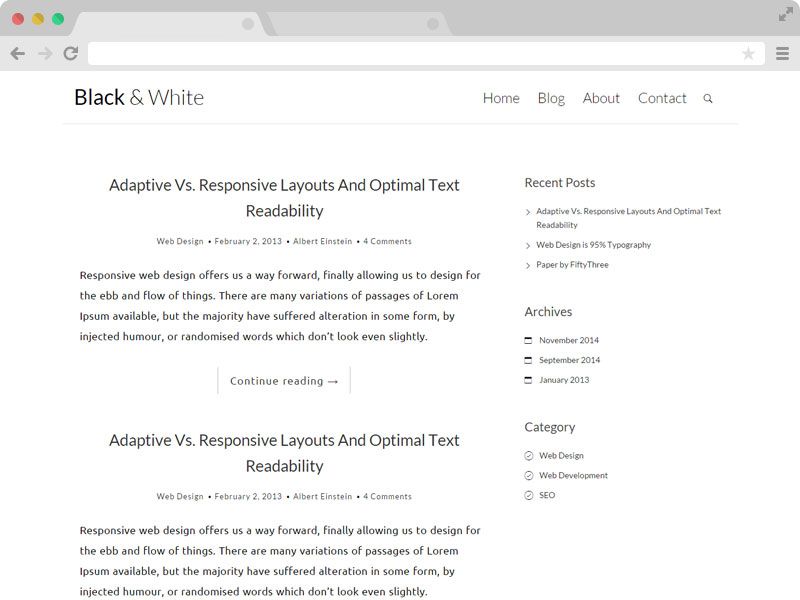
Template details
LYX Jekyll Theme
A math- and code-intensive Jekyll blog theme with MathJax, Jupyter-like code blocks, and utterances comments.
About this template
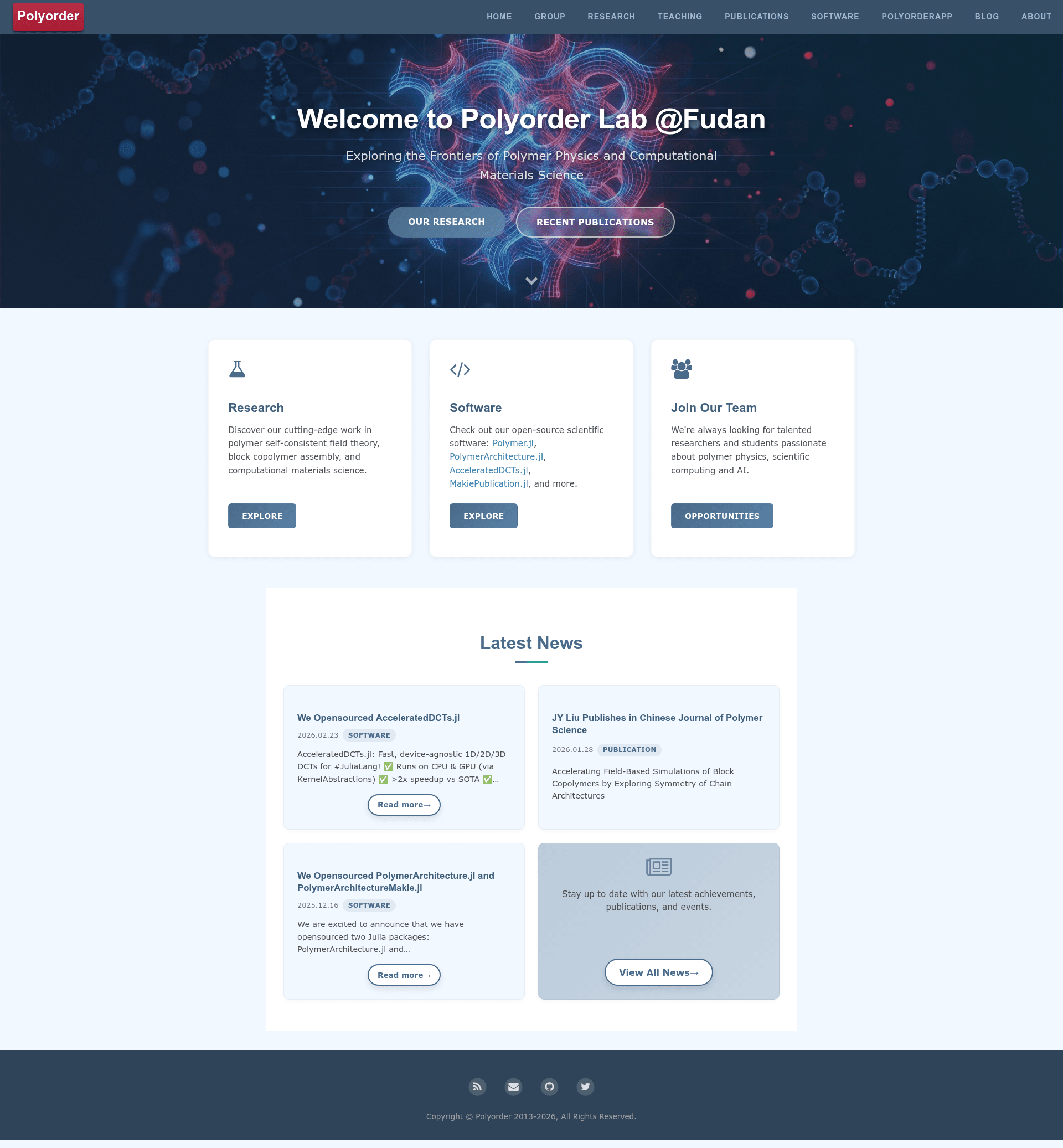
LYX Jekyll Theme is a Jekyll blog theme built for math- and code-heavy writing, designed by computational scientist Yi-Xin Liu and demonstrated on his research group homepage at liuyxpp.github.io.
What is LYX Jekyll Theme?
LYX Jekyll Theme is a Jekyll-based theme that powers the homepage of Yi-Xin Liu's research group and is offered publicly as a starting point for similar sites. It takes Markdown posts as input and renders a responsive, paper-like site with inline and display math equations, numbered code blocks, and Jupyter-style output. The theme is created by Yi-Xin Liu, who holds copyright to the contents on the demonstration site except the underlying theme itself.
Key Features
- MathJax rendering — Inline and display math equations are rendered by MathJax, making the theme suitable for equations-heavy posts.
- Jupyter-like code blocks — Markdown fences display line numbers by default with a solarized light theme, and code output resembles Jupyter Notebook.
- REPL support — Julia and Python REPL code blocks are styled so interactive sessions look natural in posts.
- utterances comments — Blog comments are powered by utterances, a GitHub-issue-based comment widget.
- Pre-designed TOC and alerts — Table of contents and alert callouts are built in, so authors can add navigation and warnings without custom HTML.
- Twitter Card support — Posts expose Twitter Card metadata for link previews when shared.
- Per-tag Atom feeds — The theme generates Atom feeds per tag, with an example at
feed_julia.xml. - Deployment-ready — The demonstration site is deployed to GitHub Pages at http://liuyxpp.github.io and uses the custom domain http://www.yxliu.group.
The theme borrows visual and structural ideas from the HPSTR Jekyll Theme by Michael Rose, the Clean Blog Theme by David Miller, and the TWiStErRob Blog theme by Róbert Sándor Papp.
Who is LYX Jekyll Theme for?
- Computational scientists — Publish research notes with real math notation, numbered code listings, and reproducible code output.
- Academic research groups — Stand up a group homepage that presents papers, posts, and category pages without a custom design effort.
- Julia and Python users — Write tutorial posts that include styled REPL sessions for either language.
- Jekyll users on GitHub Pages — Launch a blog that runs natively on GitHub Pages with no database or backend, since the theme is pure Jekyll.
Use cases
- Research blogging: write a post mixing LaTeX equations with Julia code and Jupyter-like output, then share it with a Twitter Card preview.
- Group homepage: publish a site at a custom domain like www.yxliu.group, with separate per-category pages maintained as Markdown files under
blog/category. - Open-source theme reuse: fork the repository, delete personal directories (
_posts,_drafts,_data,_site,downloads,images, andpages), edit_config.yml, and publish your own version while crediting "LYX Jekyll theme".
How does LYX Jekyll Theme work?
To reuse the theme, star the source project and display the credit line "This website is powered by LYX Jekyll theme." Then remove all personal materials and the listed content directories, modify _config.yml, add your own posts, optionally add per-category pages by editing sample .md files, and publish. A sample post with writing guidelines lives at _posts/2020-04-13-post-template.md.