Template details
Wind
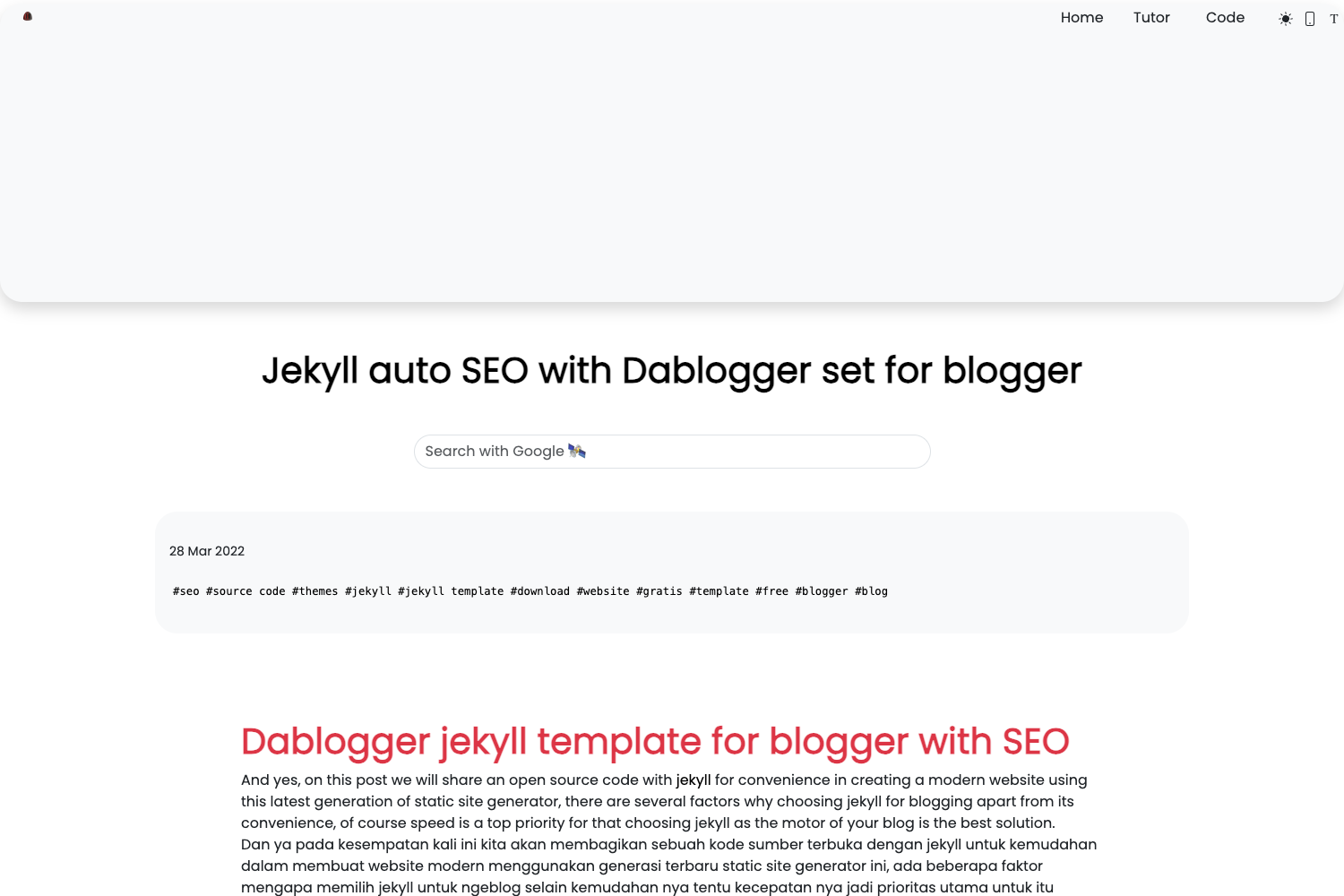
Minimalistic Jekyll theme for blogging, featuring dark mode, tags, Disqus comments, and easy GitHub Pages deployment.
About this template
Wind is a minimalistic Jekyll theme for blogging that runs on GitHub Pages and includes dark mode, a tags page, and Disqus commenting out of the box.
What is Wind?
Wind is a clean, minimalistic Jekyll theme created for blogging and personal websites. It takes standard Jekyll posts written in Markdown with YAML Front Matter and renders them into a responsive site with dedicated layouts for the home page, individual posts, standalone pages, and an image gallery. The theme is distributed both as a Ruby gem (wind-theme) and as a GitHub repository template, and the repository lists Tailwind CSS among its topics, indicating the theme's styling is Tailwind-based. Its author provides contact via email and a Buy Me a Coffee page.
Key Features
- Responsive design — Wind adapts the blog layout to desktops, tablets, and smartphones without extra configuration.
- Tags page — a dedicated page groups posts by tag, letting readers explore content by topic.
- Disqus integration — built-in comment box that appears in production builds (when
JEKYLL_ENV=production) and can be disabled per post withcomments: falsein the post's YAML Front Matter. - Dark mode — readers can switch to a dark color scheme for low-light reading.
- Customizable head section — the
custom-head.htmlinclude lets you insert Google Analytics, social meta tags, or other third-party scripts into the page head. - Go Up button — a fixed button that returns visitors to the top of long articles.
- SEO optimized — the theme preinstalls the
jekyll-seo-tagplugin, and its clean markup and URL structure help search engines index content. - RSS feed support — readers can subscribe to new posts via the generated RSS feed.
Who is it for?
- Individual bloggers — writers who want a minimal, content-first layout with dark mode and tag-based navigation.
- Jekyll developers — developers who need a GitHub Pages-ready theme that deploys with GitHub Actions and can be customized via includes and layouts.
- Photographers and portfolio owners — users who want a gallery layout driven by a
_data/gallery.ymlfile to display images with hover quotes.
What can you do with Wind?
- Personal bloggers: publish Markdown posts and get a responsive site with RSS, tags, and optional Disqus comments.
- Portfolio sites: use the
gallery.htmllayout to show a photo grid with captions and hover text, configured entirely in_data/gallery.yml. - Open-source project sites: create a
page.html-based documentation page and link it from the navbar, which only shows pages with atitlein their Front Matter.
How does Wind work?
The quickest path is to click "Use this template" on the GitHub repository, name the new repository YOURUSERNAME.github.io for a user site, and enable GitHub Pages with GitHub Actions as the source. For an existing Jekyll site, add gem "wind-theme" to the Gemfile, set theme: wind-theme in _config.yml, and run bundle followed by bundle exec jekyll serve. After installation, set at least title and author in _config.yml, and add a Disqus shortname plus the site url if you want comments.
Pros and cons
- Pros: Free under the MIT License; quick GitHub Pages deployment; includes dark mode, tags, SEO tag plugin, and RSS out of the box.
- Cons: Disqus comments only render in production, so they won't appear during local development; the navbar only displays pages that have a
titleattribute in their Front Matter; comments require setting the siteurlin addition to the Disqus shortname.
Pricing
Wind is free and open source under the MIT License. There is no paid tier or premium features.
FAQ
Is Wind free?
Yes, Wind is released under the MIT License, so you can use, modify, and distribute it freely, including in commercial projects.
Does Wind support dark mode?
Yes. Wind includes a dark mode toggle that lets readers switch to a low-light-friendly color scheme, improving accessibility for evening reading.
How do I deploy Wind on GitHub Pages?
Use the repository's "Use this template" button to create a new repo, name it YOURUSERNAME.github.io, then go to Settings > Pages > Source and select GitHub Actions. The included workflow will build and publish the site automatically.
Can I use Wind with an existing Jekyll site?
Yes. Add gem "wind-theme" to your Gemfile, declare theme: wind-theme in _config.yml, and run bundle install. The theme will then be applied to your existing posts and pages.
Does Wind require any configuration before publishing?
At minimum, you must set title and author in _config.yml. For Disqus comments, you also need to set the url of your site and provide a disqus.shortname.