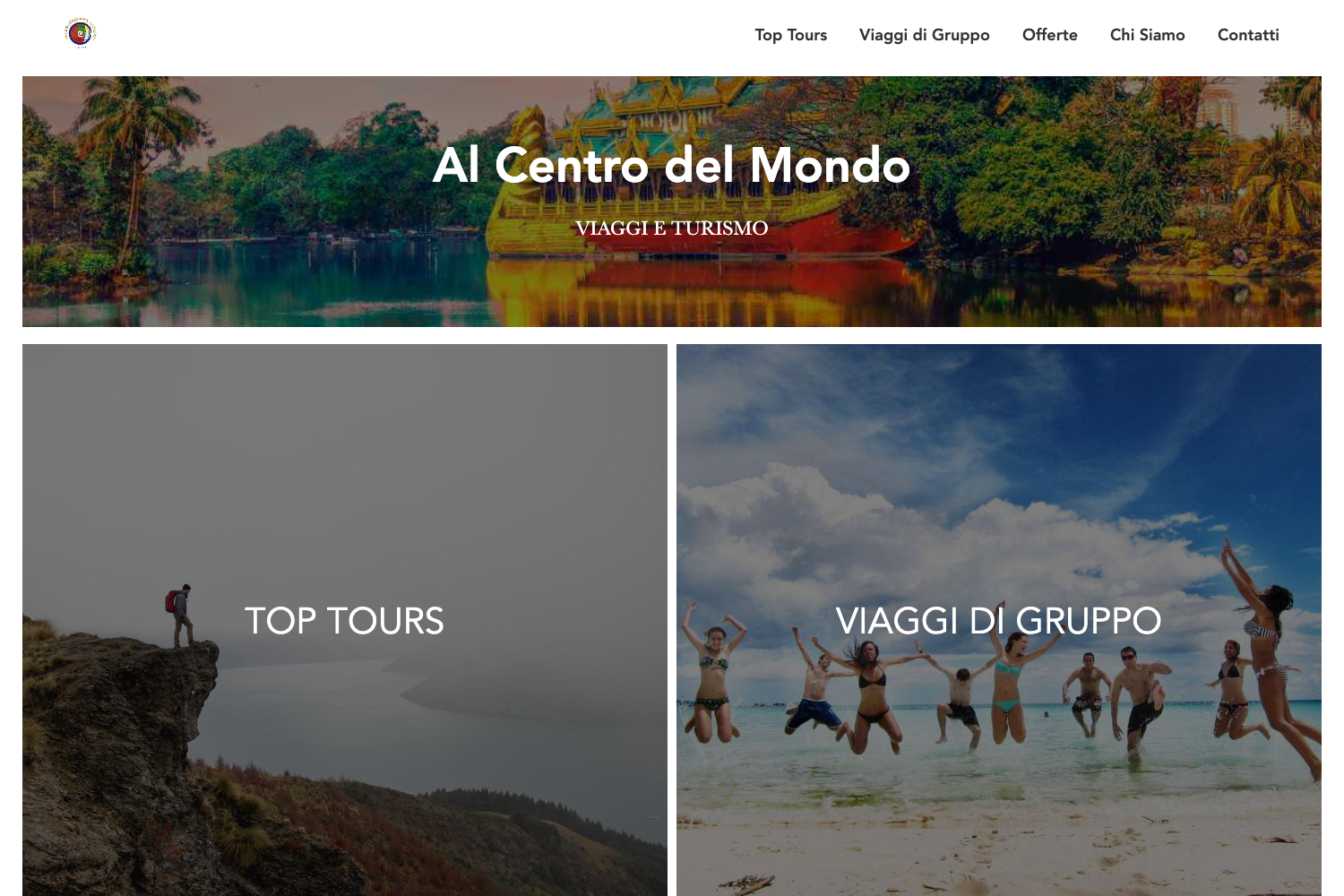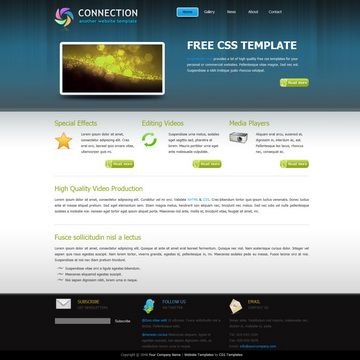
Template details
Magnolia Hugo Theme
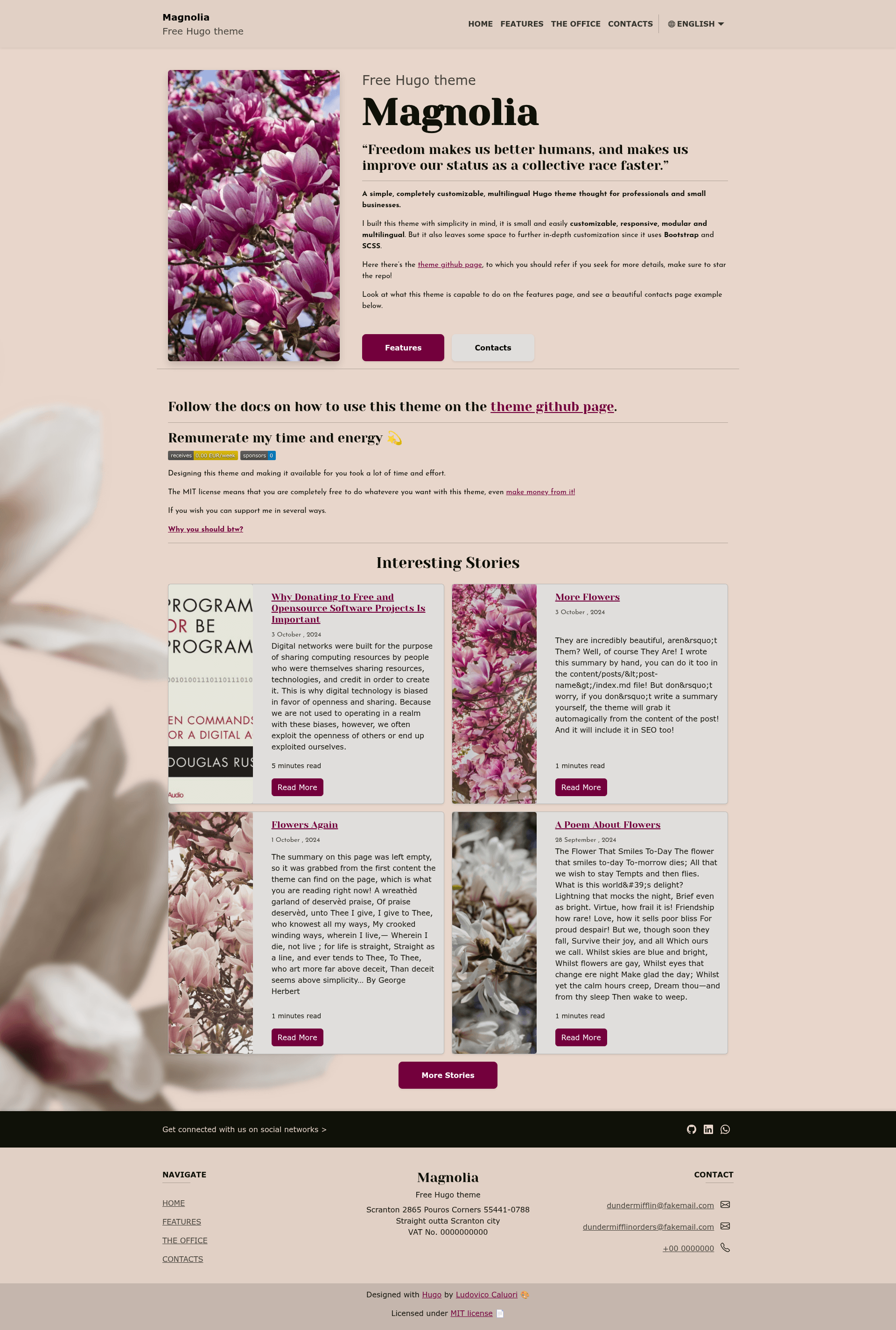
A free, customizable, multilingual Hugo theme for professionals and small businesses with landing, services, office, and blog pages.
About this template
Magnolia is a free, open-source Hugo theme (MIT license) that lets professionals and small businesses launch a responsive, multilingual landing page and blog without hand-coding templates. The theme is built on Bootstrap 5 and SCSS and is maintained by developer ololiuhqui.
What is Magnolia?
Magnolia is a Hugo theme that ships with a complete example site, so you never need to run hugo new site. Instead you download the latest example-site release, edit the TOML configuration files in config/_default, and run hugo serve -D to preview your site. The theme requires Hugo extended v0.129.0 or newer because it compiles SCSS. English is the default language, and the repo includes a full Italian translation example.
Key Features
- Multilingual setup — Add any RFC 5646 language by duplicating a language file in
config/_default/languagesand the matching folder in/content. Permalinks can be localized per language, for example/contactsin English and/contattiin Italian. - Modular pages — The example site includes a landing page, a Services page with an arbitrary number of points, an Office page with embedded Google Maps directions, and a Contacts page with a FormSpree-connected form and opening hours. Elements can be hidden or shown from the config file.
- Reusable styling — The color palette is controlled by overriding Bootstrap variables in
assets/scss/custom-variables.scss; the theme uses Bootstrap 5 so you can override with standard SCSS. - SEO built in — Each page supports a unique meta title and description, a default SEO image in
assets/img/meta-image, arobots.txtthat points to the sitemap index, and an optional config flag to block AI scrapers. - GitHub-ready blog — Use the post-bundle archetype to create posts with a featured image placeholder (
featured.webp), publish and expiration dates, tags, automatic table of contents, and related posts based on tagging. The whole blog can be disabled viadisableKindsandignoreFilesif you only want a landing page. - Analytics and tracking — Add your Google Analytics tag in
config.tomlto track performance. - Custom 404 page — After building with
hugo, runln -s public/en/404/index.html public/404.htmlto get a working 404 on GitHub Pages.
Who is it for?
The theme is aimed at professionals, freelancers, and small businesses that need a polished online presence. Hugo beginners benefit from the documented example site and ready-to-use config, while multilingual site owners get a language-switching dropdown and localized URLs. Developers who want to customize can use the SCSS variables and Page Bundles for images.
What can you do with Magnolia?
- Freelancers and consultants: Set up a landing page, a services list, and a contact form with FormSpree in one afternoon, using the provided example content.
- Small businesses: Embed a Google Maps view on the Office page, add opening hours, and edit the contact form fields via the FormSpree connection.
- Bloggers: Publish posts in multiple languages with translated tags, featured images, and automatic TOCs — or switch blogging off entirely.
- Hugo learners: Study the example site's file structure (
content/en/pages,content/en/posts,content/en/tags) to understand Page Bundles, archetypes, and multilingual content organization.
How does Magnolia work?
- Install Hugo extended and download the latest example-site archive from the releases page.
- Edit
config/_default/config.tomland the per-language config files inconfig/_default/languagesto set site name, pages, and metadata. - Run
hugo serve -Dto preview, orhugoto build static files for deployment. - Customize colors in
assets/scss/custom-variables.scss, replace images inassets/img, and edit page content incontent/<language>/pages.
Pros and cons
Pros: Fully free under MIT; responsive and multilingual out of the box; blog can be disabled for landing-only sites; includes an example site and strong documentation; uses Bootstrap 5 and SCSS for deep customization.
Cons: The README notes that accessibility is not yet fully addressed, only some Bootstrap variables are reassigned (so theme-level styling may need extra SCSS), and an RSS feed template for posts has not yet been added — you would need to provide your own for feed-based automations.
Pricing
Magnolia is free and open source under the MIT license. You can use it for commercial projects; the only requirement is keeping the license attribution. The author accepts optional donations via BuyMeACoffee, Bitcoin, LiberaPay, and GitHub Sponsors.
FAQ
Is Magnolia free?
Yes, Magnolia is released under the MIT license, so it is free to use, modify, and sell. Donations to the author are optional.
What Hugo version do I need?
Magnolia requires Hugo extended v0.129.0 or newer. Use the extended edition so the theme's SCSS compiles correctly.
How do I add a new language to Magnolia?
Duplicate a language configuration file in config/_default/languages (such as en.toml), rename it to your language's RFC 5646 code, then duplicate the corresponding folder in /content. Translate the TOML variables and page metadata, and keep the same translationKey across languages to enable translated tags and permalinks.
Can I use Magnolia without the blog?
Yes, open config/_default/config.toml and uncomment disableKinds = ['taxonomy', 'term'] to hide tag pages, or also add ignoreFiles = ['posts/*'] to hide posts completely. The theme then works as a plain landing site.
How do I customize the theme's appearance?
Change the color palette by editing assets/scss/custom-variables.scss. Replace images such as the homepage main.webp, favicon, and meta image in assets/img — the file extension can change but the filename must match the current value.