Template details
Majestic Admin
Free Bootstrap 4 admin dashboard template with charts, tables, authentication pages, and custom UI elements for building admin panels.
About this template
Majestic Admin is a free Bootstrap 4 admin dashboard template for building website backends, web apps, and admin panels, created by urbanui and distributed through ThemeWagon.
What is Majestic Admin?
Majestic Admin is an HTML5 admin dashboard template built on Bootstrap v4.1.3, SASS, jQuery, HTML5, and CSS3. It provides the front-end structure for an admin panel, including sidebar navigation, a sticky top bar, charts, tables, forms, and user authentication pages. The output is a static HTML/CSS/JS project you can adapt to any backend or web app interface. The template was created by urbanui and is available as a free download from ThemeWagon.
Key Features
- Bootstrap v4.1.3 — The template is built on Bootstrap 4, using its grid, components, and utilities for a responsive layout.
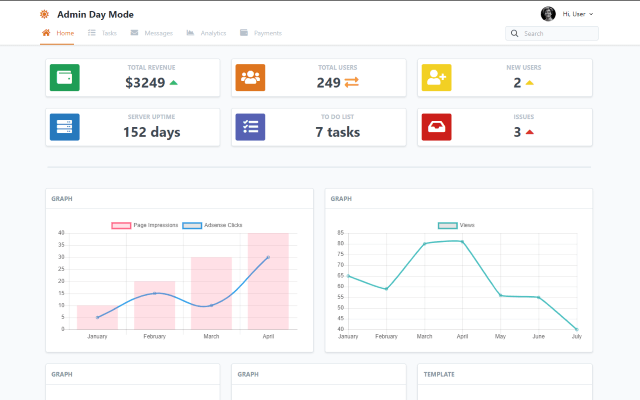
- Chart.js integration — Line, bar, area, doughnut, pie, and scatter charts are included via Chart.js for data visualization.
- DataTables integration — Basic and custom tables are powered by DataTables, enabling sorting and pagination.
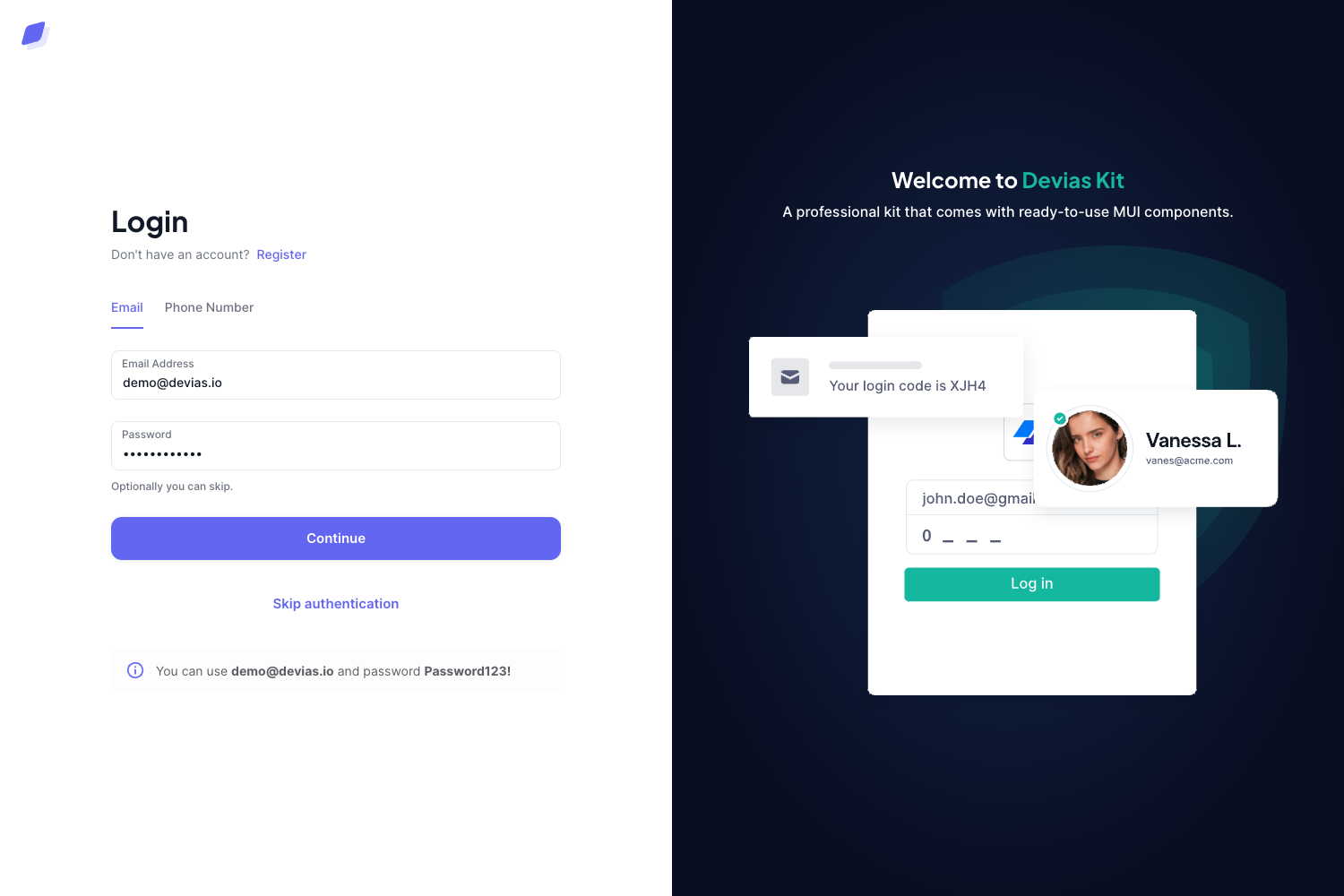
- 5 user authenticating pages — Ready-to-use login, register, and related authentication screens for user-focused applications.
- Sidebar navigation and sticky top bar — The layout includes a drop-down menu, sidebar nav, and sticky top bar for app navigation.
- Custom forms and UI elements — Custom forms, tabbed contents, and hundreds of icon fonts are included for building interface components.
- Extensive documentation — The package contains documentation, a Gulp file, SCSS source files, JavaScript source files, all demo images, and font icon files.
- Responsive design — Works on mobile and desktop, compatible with Chrome, Edge, Firefox, Opera, Safari, and mobile browsers.
Who is it for?
- Web developers — Use it to quickly scaffold an admin dashboard for a client project without designing the UI from scratch.
- Startups building a web app — Set up the backend interface with pre-built authentication pages, charts, and tables.
- Freelancers — Customize the SCSS and Gulp build to match a brand and deliver an admin panel faster.
What can you do with Majestic Admin?
- Build a custom admin panel: Replace the demo content with your own data and wire the charts and tables to your backend API.
- Prototype a dashboard: Use the included line, bar, area, doughnut, pie, and scatter charts to show data metrics in a pitch or demo.
- Create a user management area: Leverage the 5 authentication pages for login, sign-up, and password screens in a web app.
Pricing
Majestic Admin is free to download and is open source. The license allows commercial use and includes lifetime free updates.
Alternatives
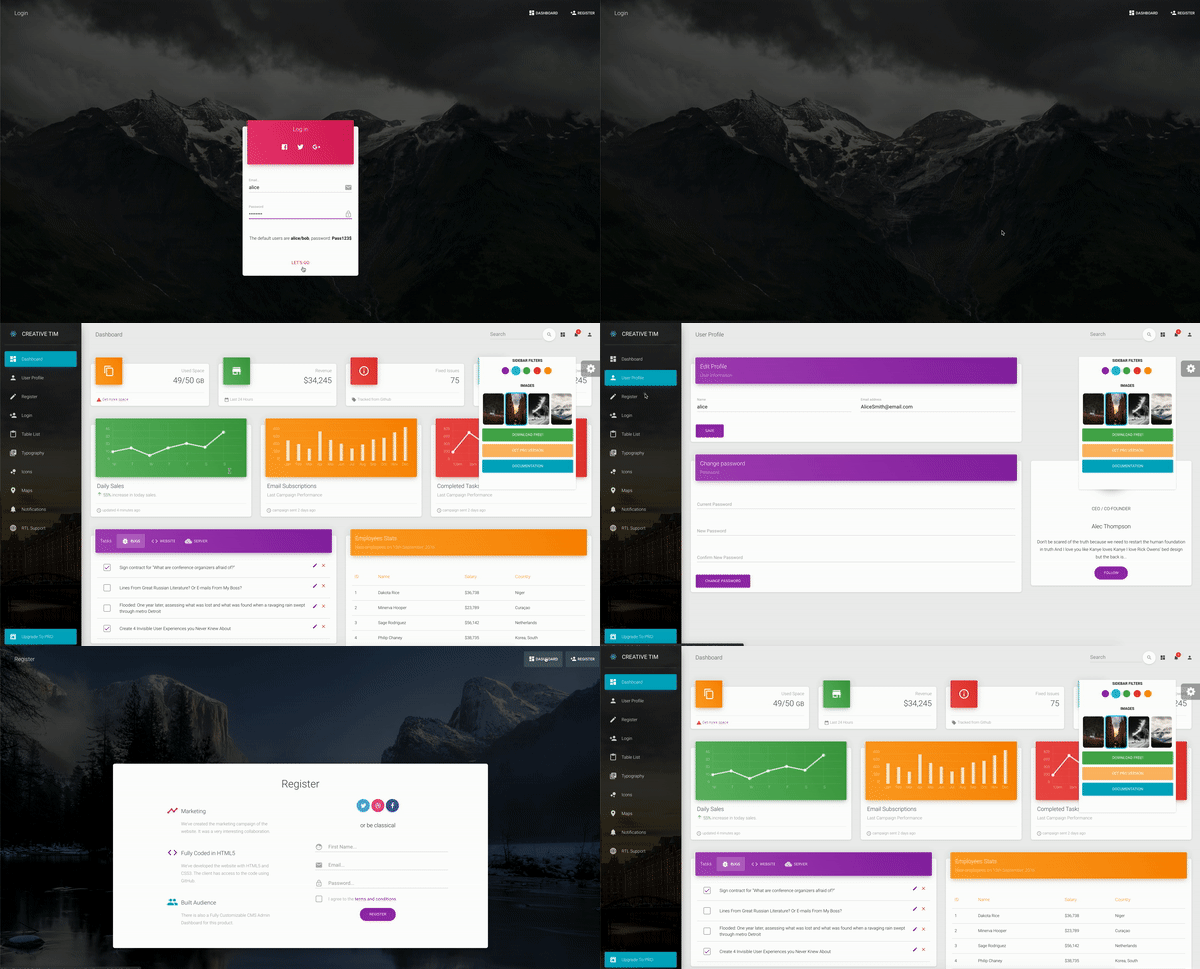
- MarutiAdmin, another free Bootstrap admin dashboard template on ThemeWagon.
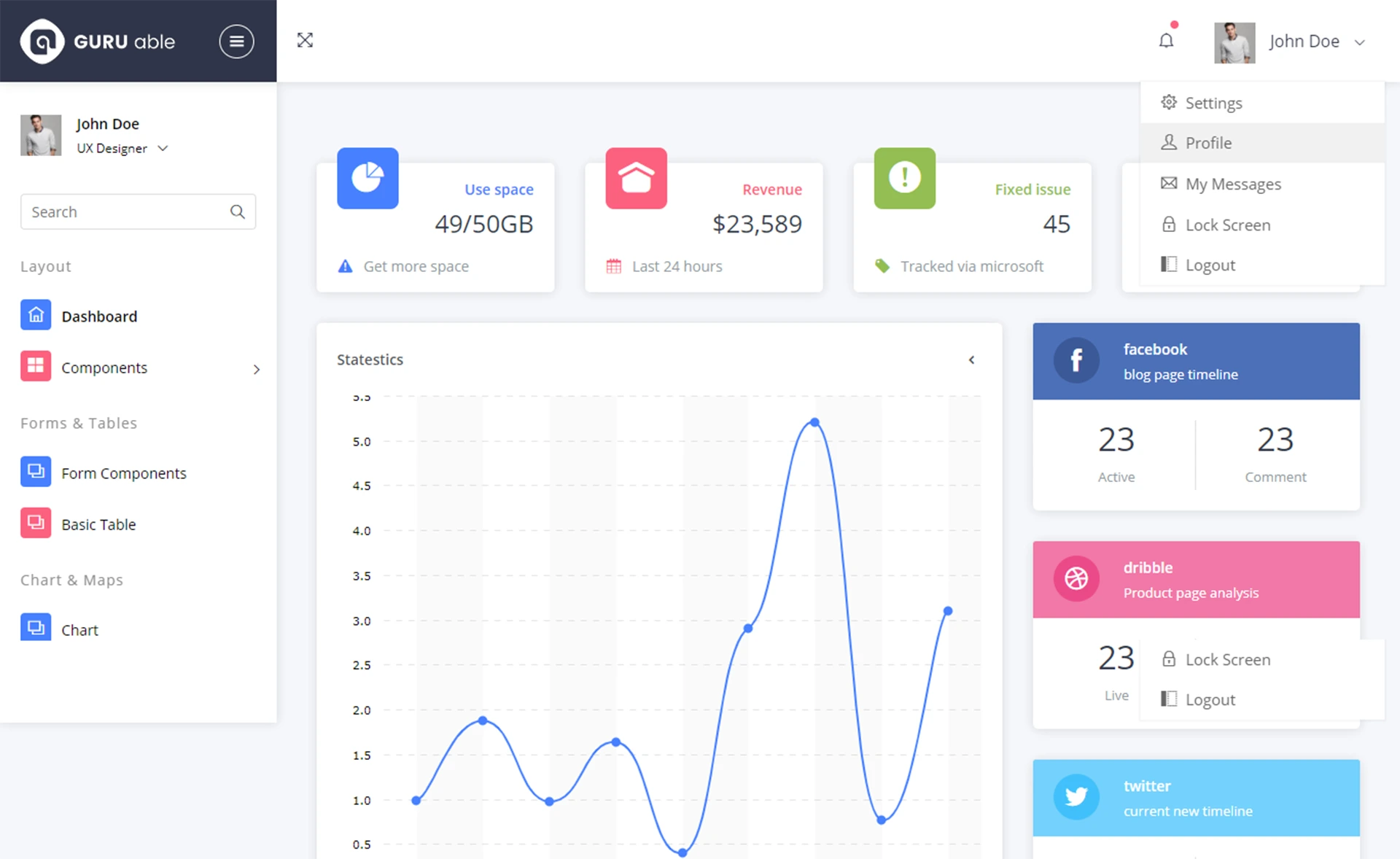
- Material Able, a free Bootstrap 4 HTML5 admin dashboard template also on ThemeWagon.
FAQ
Is Majestic Admin free?
Yes, it is free to download from ThemeWagon and is open source. The license allows commercial use and includes lifetime free updates.
What frameworks does Majestic Admin use?
It uses Bootstrap v4.1.3, jQuery, HTML5, and CSS3, with SASS as the CSS preprocessor. Chart.js and DataTables are included as plugins.
What pages and components are included?
The template includes sidebar navigation, a sticky top bar, drop-down menus, custom forms, tabbed contents, breadcrumbs, multiple chart types, basic and custom tables, and 5 user authentication pages.
Does it work on mobile?
Yes, the template is responsive and is compatible with Chrome, Edge, Firefox, Opera, Safari, and mobile browsers.
How do I customize the template?
The package includes SCSS source files and a Gulp file, so you can compile your own CSS. The documentation and clean code make it suitable for beginners.