Template details
Marco – Feature-engaging Free Responsive Restaurant Template
Free multi-page Bootstrap 4 restaurant template from Colorlib with reservation form, blog, gallery, and Google Maps.
About this template
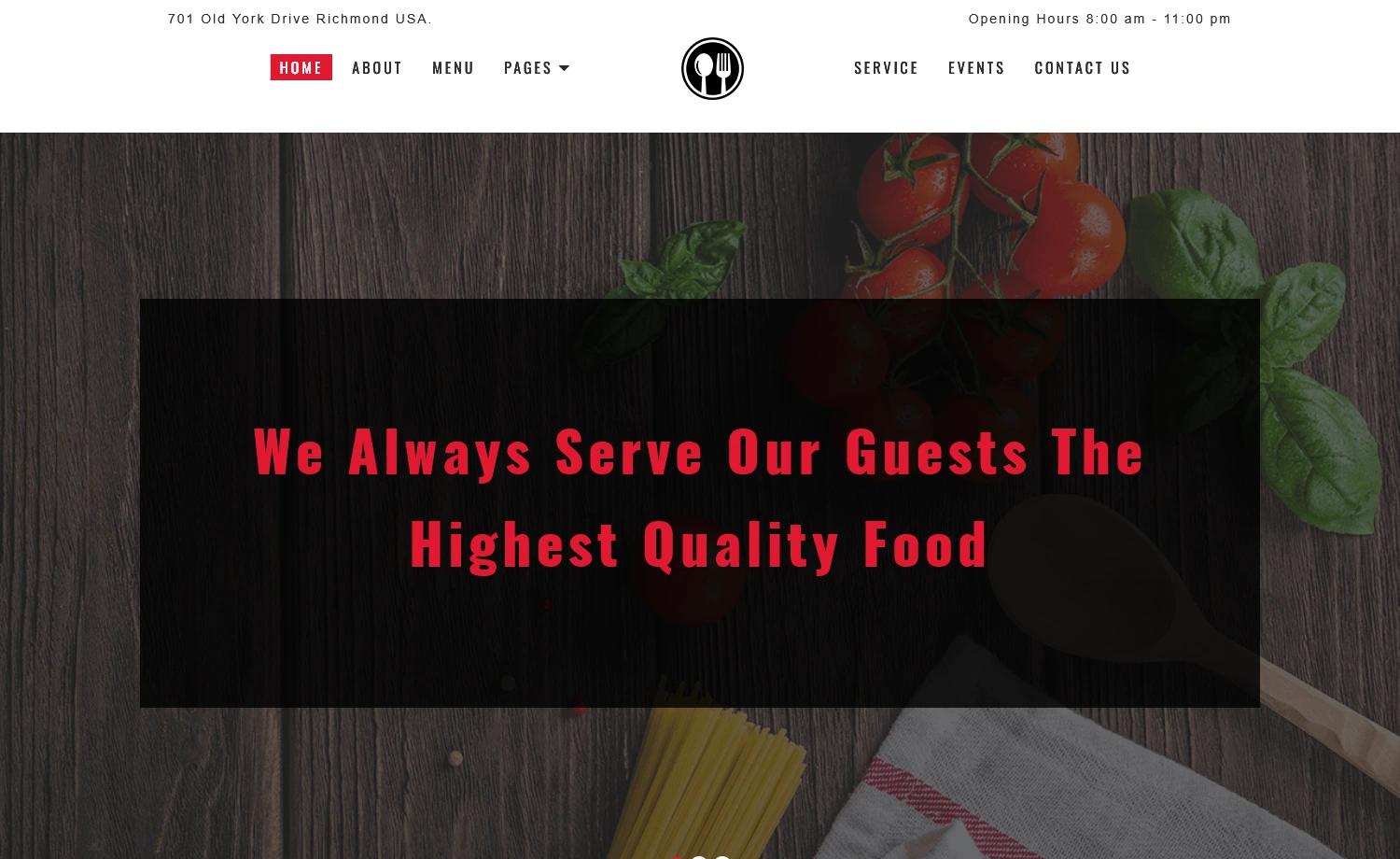
Marco is a free, multi-page responsive restaurant HTML template built on Bootstrap 4 by Colorlib, designed to give restaurants, cafés, and bars a complete online presence with menus, a reservation form, a blog, and a sortable gallery.
What is Marco?
Marco is a free multi-page responsive restaurant template created by Colorlib and distributed through ThemeWagon. It runs on Bootstrap 4 with jQuery and produces a complete restaurant website out of the box, including a home page, blog with pagination, reservation form, sortable gallery, and contact page with Google Maps. The template takes static HTML, CSS, JavaScript, and SCSS files as its input and outputs a ready-to-host website that you edit directly.
Key Features
- Multi-page layout — the template includes 15 HTML files covering home, blog, blog detail, menu, gallery, reservation, contact, and other pages.
- Sticky navigation with multilevel dropdown — the header sticks to the top while scrolling and supports Superfish-powered multi-level dropdown menus.
- Sortable gallery — an Isotope-driven, filterable gallery lets visitors filter menu or food images by category.
- Reservation form — a built-in booking form paired with one PHP mail file to send reservation requests to an email address.
- Carousel slider — Owl Carousel powers the homepage hero and testimonial sliders.
- Blog with right sidebar — a blog detail page, pagination, and right sidebar are included for content-driven sites.
- Email subscription — a newsletter signup form is built into the footer.
- Icon sets and styling — includes FontAwesome 4.7.0 and Linear Icons plus 14 CSS files, 14 JavaScript files, and SCSS source files for customization.
Who is it for?
- Restaurant owners — set up a complete site with menu, reservation, and contact pages without hiring a developer.
- Cafés and bars — use the sortable gallery and carousel sliders to showcase dishes, drinks, and interior photos.
- Web developers — use the SCSS files, 15 HTML files, and documentation as a starting point for custom restaurant projects.
- Digital agencies — quickly deploy a polished multi-page restaurant site for clients, since the template is free for commercial use.
What can you do with Marco?
- Take online reservations — the reservation form plus the included PHP mail file collects customer booking requests and sends them to your inbox.
- Showcase a menu — use the multi-page structure and gallery filters to present appetizers, mains, desserts, and drinks as filterable categories.
- Publish restaurant news — the blog page with pagination and a right sidebar lets you post announcements, events, or recipes.
- Embed location maps — the contact page includes a Google Maps integration so customers can find your address.
What files are included?
The download zip contains 15 HTML files, 14 CSS files, 14 JavaScript files, 2 icon sets (FontAwesome and Linear), SCSS source files, demo images, a documentation file, a highlighter file, and 1 PHP mail file for the reservation form.
Pricing
Marco is free. It is open source, can be used in commercial projects, and receives lifetime free updates. Download requires providing an email address on the ThemeWagon page.
FAQ
Is Marco really free?
Yes, Marco is a free download from ThemeWagon. The license allows open-source use and commercial projects, and updates are free for life.
What technology does Marco use?
Marco is built with Bootstrap 4.0.0 and jQuery 2.2.4, and integrates FontAwesome 4.7.0, Owl Carousel, Isotope, Superfish, Nice Select, Animate.css, and Linear Icons.
Does Marco include a reservation form?
Yes, there is a reservation form on the template, and the package includes one PHP mail file so the form can send booking requests to an email address.
Can I use Marco for a non-restaurant business?
While the template is designed for restaurants, its multi-page structure, blog, and gallery could be adapted for cafés, bars, or food trucks. You would need to replace the demo images and content.
How do I edit Marco?
Because it's static HTML, you can open any of the 15 HTML files in a text editor and change the content directly. For styling, edit the SCSS files and compile them to CSS, or directly modify the included CSS files.