Template details
Material Dashboard Flask
Free Flask admin dashboard starter with Material Design UI, authentication, SQLite, and Docker support.
About this template
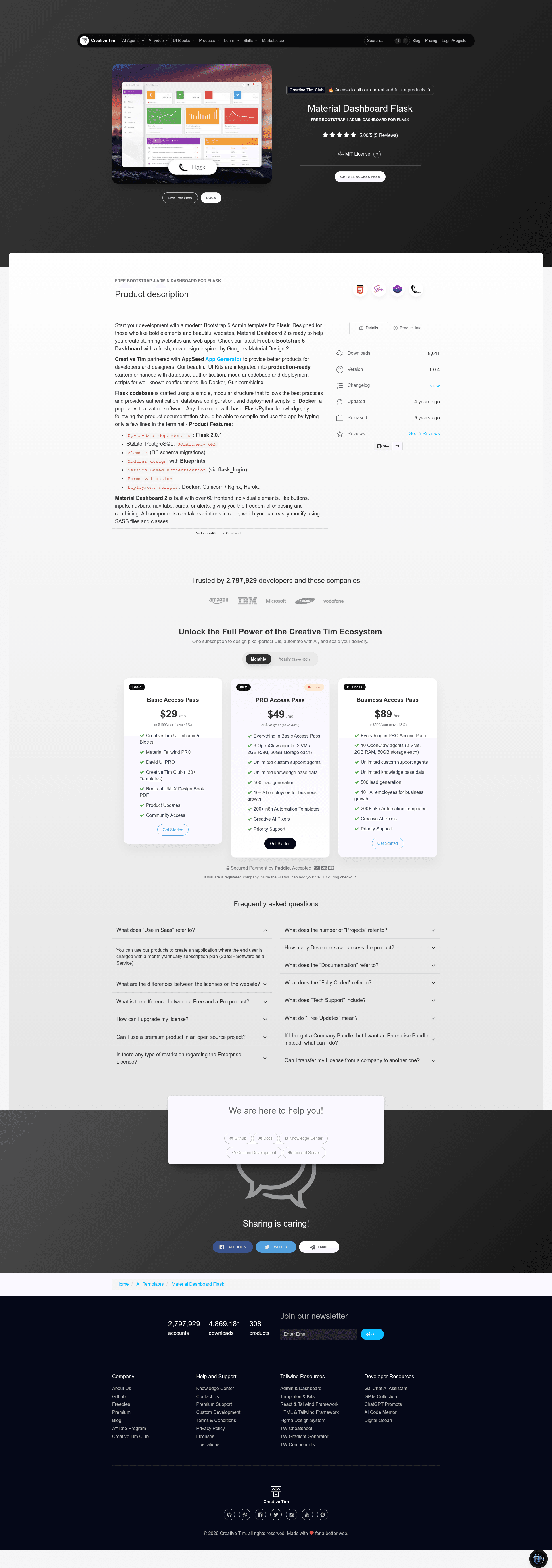
Material Dashboard Flask is a free admin dashboard starter project that combines the Material Dashboard Bootstrap 4 frontend with a Flask backend, delivering a ready-to-run app with session-based authentication, a SQLite database, and Docker support.
What is Material Dashboard Flask?
Material Dashboard Flask is a seed project developed by Creative Tim and AppSeed, versioned at 1.0.1, that pairs the Material Dashboard design system (built on Bootstrap 4) with a Flask application. It takes a project name and user registrations as inputs and outputs a functional admin dashboard with login, registration, and private pages. The project runs on Flask and uses SQLAlchemy ORM for database access; the frontend is the Material Dashboard template. It is licensed under the Creative Tim EULA and is free to use.
Key Features
- Up-to-date dependencies — requirements.txt is maintained for current versions; uses SQLite as the default database.
- SQLAlchemy ORM — database models are managed through SQLAlchemy with Flask-Migrate for schema migrations.
- Session-based authentication — implemented via flask_login with form validation on login and registration pages.
- Docker support — a docker-compose.yml starts the app on port 5085 with a single command.
- CI/CD via Render — deployment configuration for Render is included, enabling automatic builds and deploys.
- PostgreSQL connector option — requirements-pgsql.txt provides an alternative dependency set for running the app with PostgreSQL instead of SQLite.
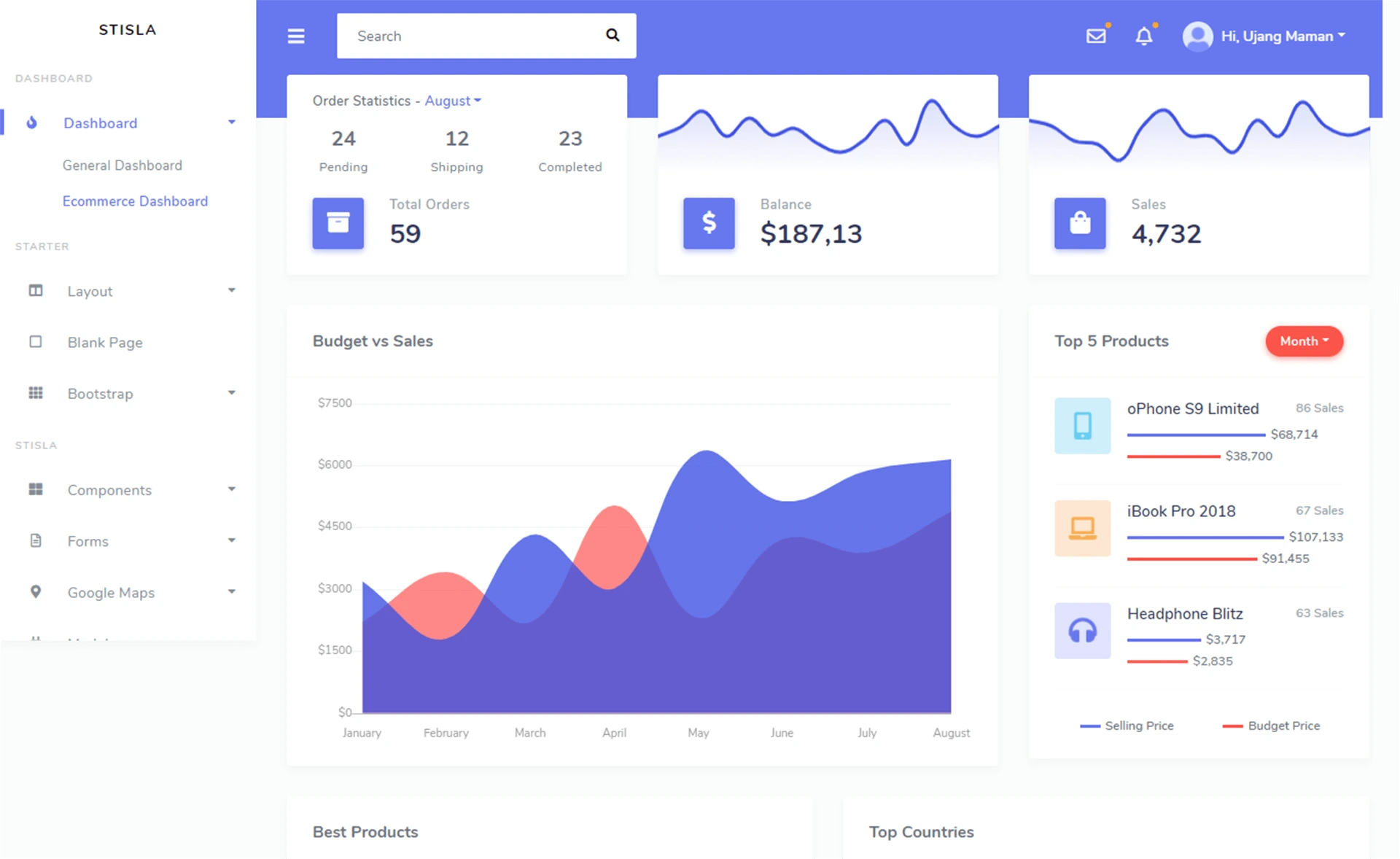
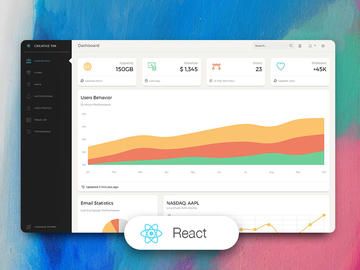
- Material Dashboard UI — the Bootstrap 4-based Material Dashboard frontend includes login, registration, and dashboard pages with the Material Design look.
- Manual setup flow — quick start with virtualenv, pip install, and
flask runon port 5000 by default.
Who is it for?
- Flask developers who need a polished admin panel without building authentication and database layers from scratch.
- Startup teams that want a free dashboard seed to customize with their own branding and business logic.
- Students and learners who want to study how Flask, SQLAlchemy, and a Bootstrap 4 theme integrate in a real project.
- Developers deploying to Render who can use the included CI/CD setup to ship the dashboard quickly.
What can you do with it?
- Rapid prototyping: stand up a user-authenticated admin dashboard in minutes by cloning the repo, installing requirements, and running
flask run. - Dockerized deployment: run the entire app in a container with
docker-compose up --buildand access it athttp://localhost:5085. - Custom database setup: switch from SQLite to PostgreSQL by installing
requirements-pgsql.txtinstead of the default requirements file.
How does it work?
Material Dashboard Flask follows a standard Flask project flow: clone the repository, create and activate a virtual environment, install the required packages, then start the development server. The app serves a registration page where new users can create accounts; after authentication, the private dashboard pages are unlocked. Docker users can skip the manual setup and run the app with a single docker-compose command.
FAQ
Is Material Dashboard Flask free?
Yes, this is a free product from Creative Tim, distributed under the Creative Tim EULA. The repository is publicly available on GitHub and you can use it for personal and commercial projects subject to the license terms.
What are the default login credentials?
The demo uses the credentials test / pass. You can also create a new user on the registration page at the live demo.
How do I run the app with Docker?
Clone the repository, run docker-compose up --build from the project directory, and open http://localhost:5085 in your browser.
What database does it use by default?
The default database is SQLite, configured through SQLAlchemy ORM. For PostgreSQL, the project provides a separate requirements-pgsql.txt file that swaps in the Postgres connector.
Which browsers are officially supported?
The project officially supports the last two versions of Chrome, Firefox, Edge, Safari, and Opera.