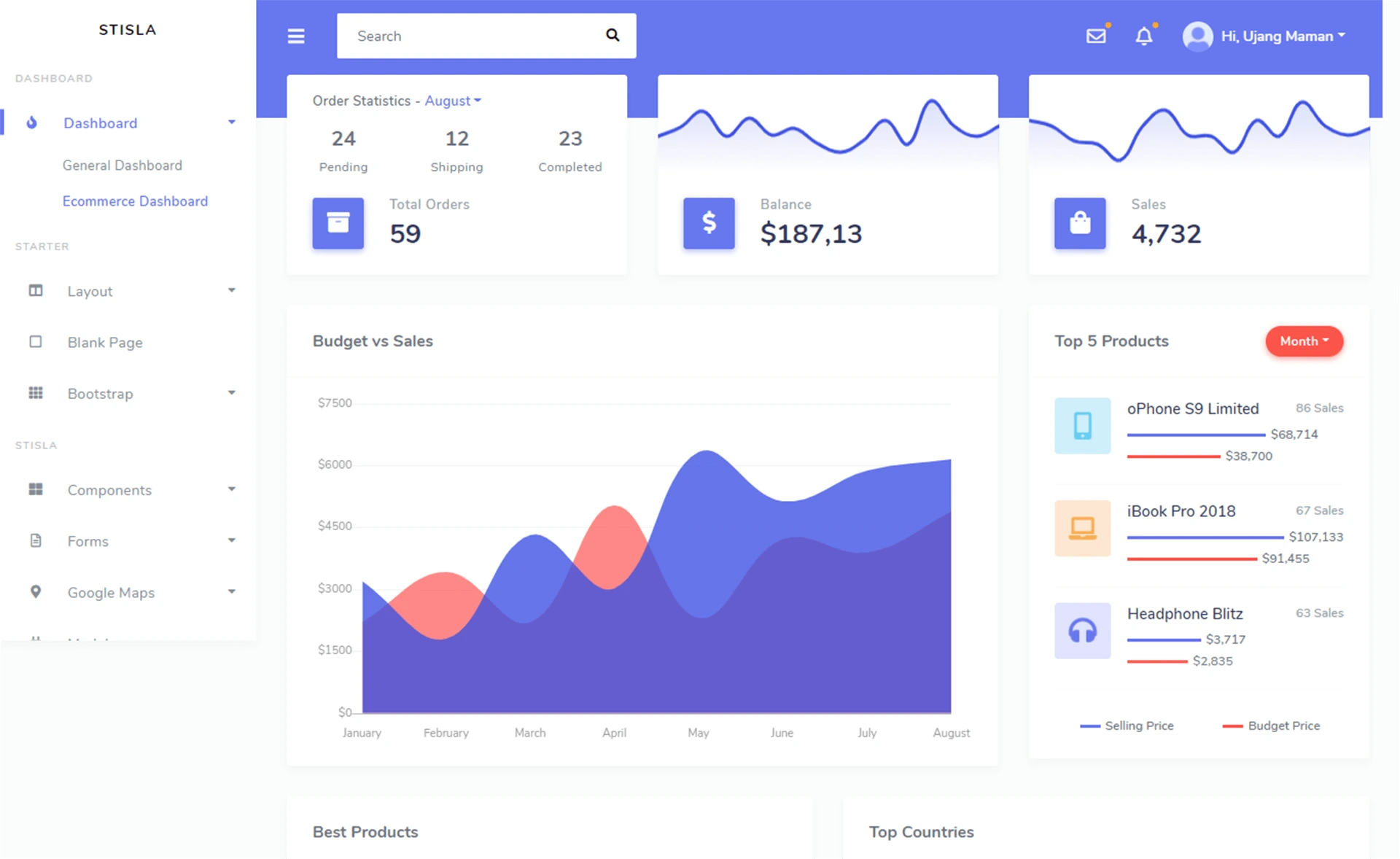
Template details
Paper Dashboard React
Free Bootstrap 4 React admin dashboard template by Creative Tim with example pages, charts, and maps.
About this template
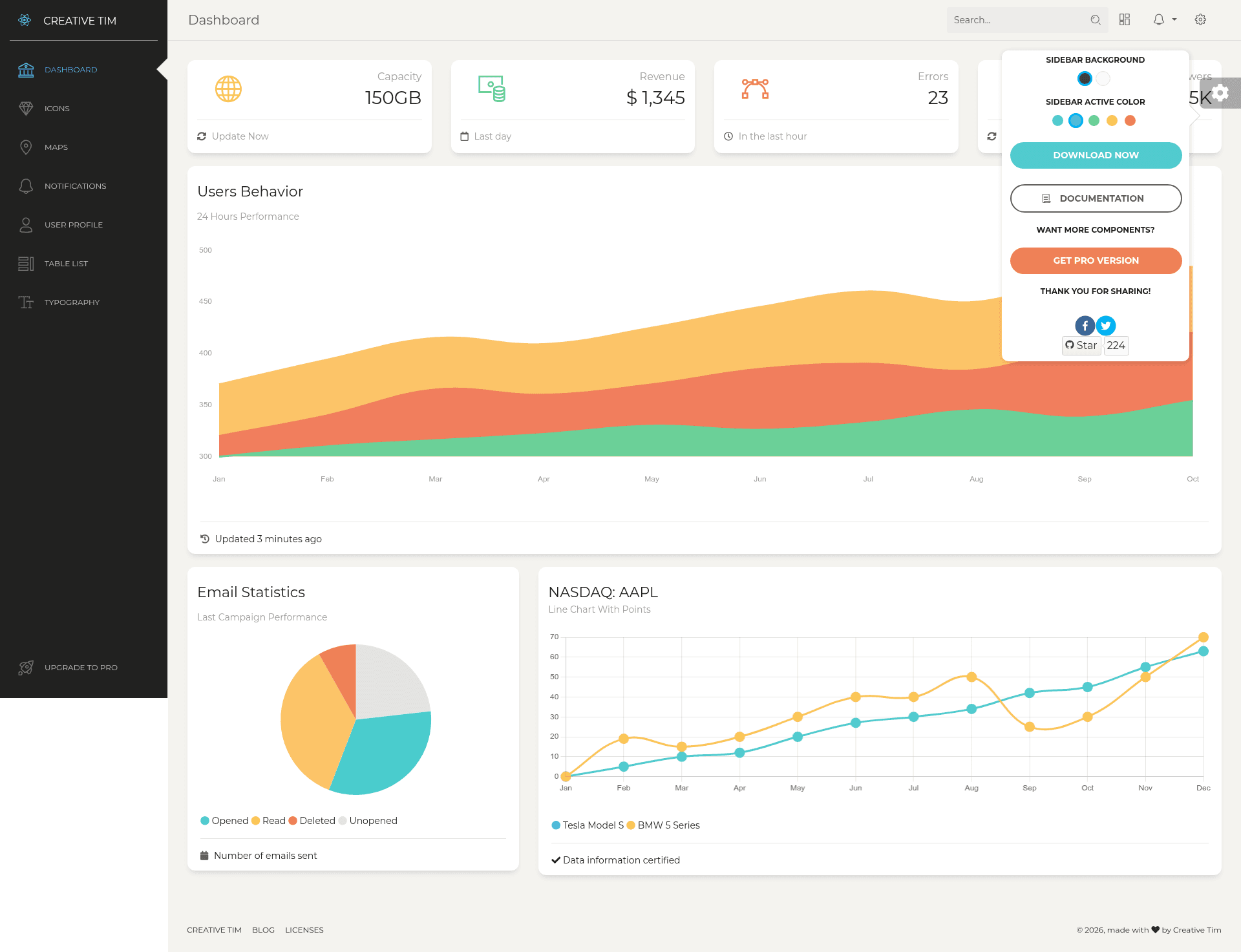
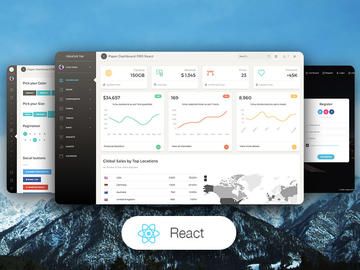
Paper Dashboard React is a free Bootstrap 4 admin dashboard template for React developers, built by Creative Tim on the reactstrap component library. It combines soft colors, spacious cards, and thoughtful typography into a functional admin panel with example pages and reusable components.
What is Paper Dashboard React?
Paper Dashboard React is a free, MIT-licensed admin dashboard template from Creative Tim, built on Bootstrap 4 with reactstrap. It takes React and Bootstrap 4 styles and produces a complete dashboard UI with example pages, components, and plugins. The template is available for download from GitHub, npm, or Creative Tim's website, and is designed with the same visual language as the Paper Dashboard 2 HTML version.
Key Features
- Bootstrap 4 & reactstrap — Built on Bootstrap 4 and the reactstrap React components, allowing easy import of the Paper Dashboard style into existing Bootstrap 4 or reactstrap projects.
- Example pages — Includes dashboard, user profile, tables, maps, notifications, icons, typography, and upgrade pages, as shown in the src/views directory.
- Custom components — Provides a Sidebar, Navbar (DemoNavbar), Footer, and FixedPlugin component, all located in the src/components directory.
- Charts and variables — Includes charts.jsx and icons.jsx variable files with reusable chart and icon data.
- SCSS styling — Comes with paper-dashboard.css, a minified CSS version, and full SCSS source under assets/scss/paper-dashboard, including React-specific differences.
- One-click deploy — Offers a one-click deploy button to Genezio for quick launching from the repository.
- Cross-browser support — Officially supports the last two versions of Chrome, Firefox, Edge, Safari, and Opera.
- Free and open source — Licensed under MIT, with version 1.3.2 as the current release.
Who is it for?
- React developers — Need a ready-made dashboard UI to integrate into web apps without designing from scratch.
- Website owners — Who manage content or user data and require an administrative panel with example pages like user settings and usage graphics.
- Bootstrap users — Already working with reactstrap who want a redesigned, cohesive style layer on top of the default Bootstrap components.
What can you do with it?
- Start a new dashboard project — Download or clone the repository, run npm install, and have a working admin panel with navigation, charts, and maps.
- Customize the look — Modify the SCSS files and component variables to match brand colors and layout preferences.
- Deploy quickly — Use the Genezio one-click deploy button to get your dashboard live without setting up a server.
How does it work?
The quick start options include installing via npm (npm i paper-dashboard-react), cloning the GitHub repository, or downloading from GitHub or Creative Tim. After obtaining the files, run the project using the standard React tooling defined in package.json.
Pricing
Paper Dashboard React is free and licensed under MIT.
Alternatives
- Paper Dashboard 2 — the HTML version of the same design, built with Bootstrap 4 but without the React components.
FAQ
Is Paper Dashboard React free?
Yes, Paper Dashboard React is free to use and is licensed under MIT. You can download it from GitHub, npm, or the Creative Tim website without paying a license fee.
What is the current version?
Version 1.3.2, as indicated by the version badge at the top of the README.
Does it include both CSS and SCSS?
Yes, the download includes paper-dashboard.css, a minified version, and the full SCSS source under assets/scss.
Can I use it with existing Bootstrap 4 code?
Yes, because it is built on Bootstrap 4 and reactstrap, you can import the Paper Dashboard style over an existing Bootstrap 4 or reactstrap project.
What browsers are supported?
The last two versions of Chrome, Firefox, Edge, Safari, and Opera are officially supported.