Template details
Material Dashboard React
Free Material-UI admin dashboard template for React with Google Material Design, multiple color filters, and pre-built pages.
About this template
Material Dashboard React is a free, MIT-licensed admin dashboard template by Creative Tim that combines React with Material-UI v3.1.0 to produce a Google Material Design–style interface for building backends and admin panels.
What is Material Dashboard React?
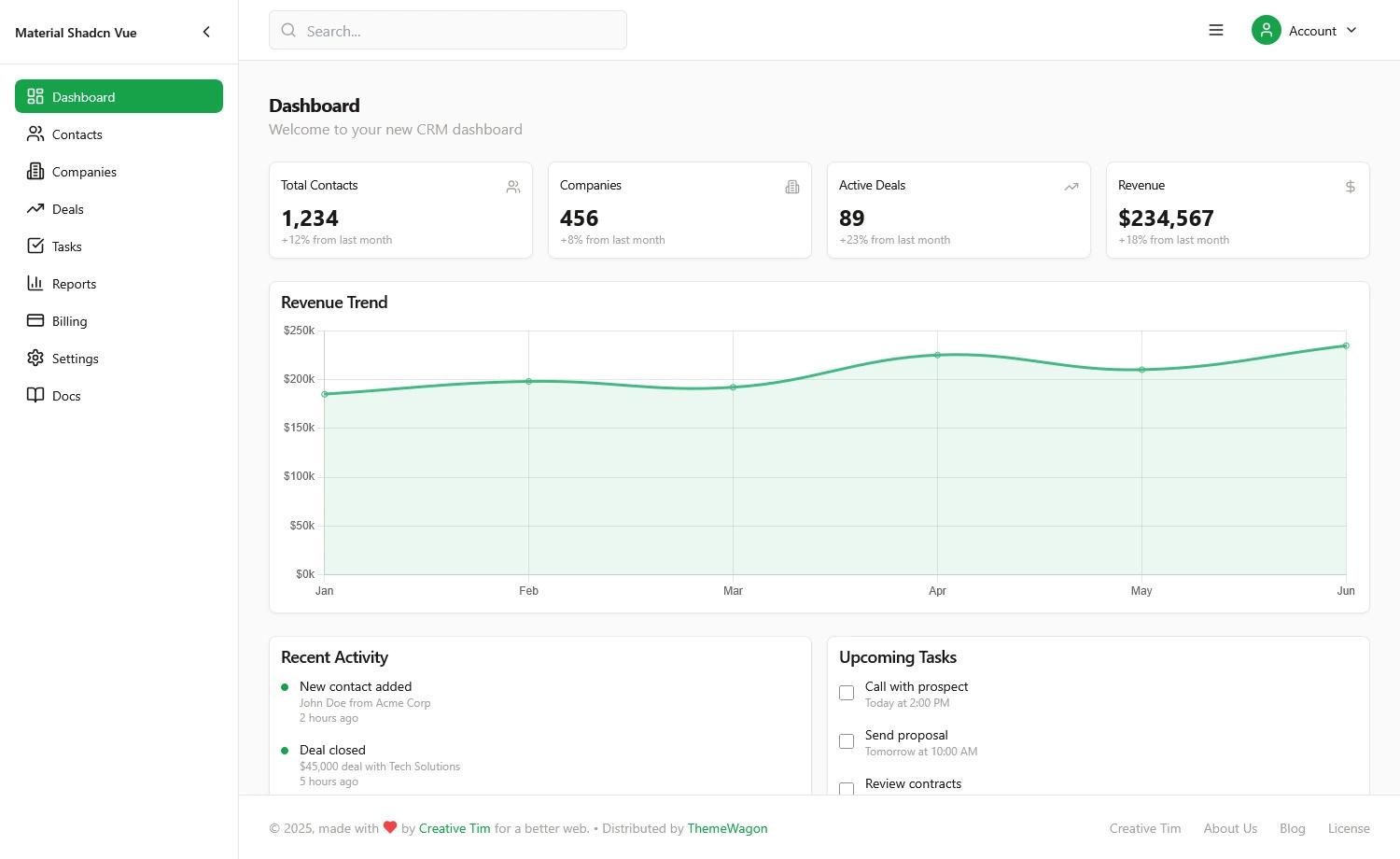
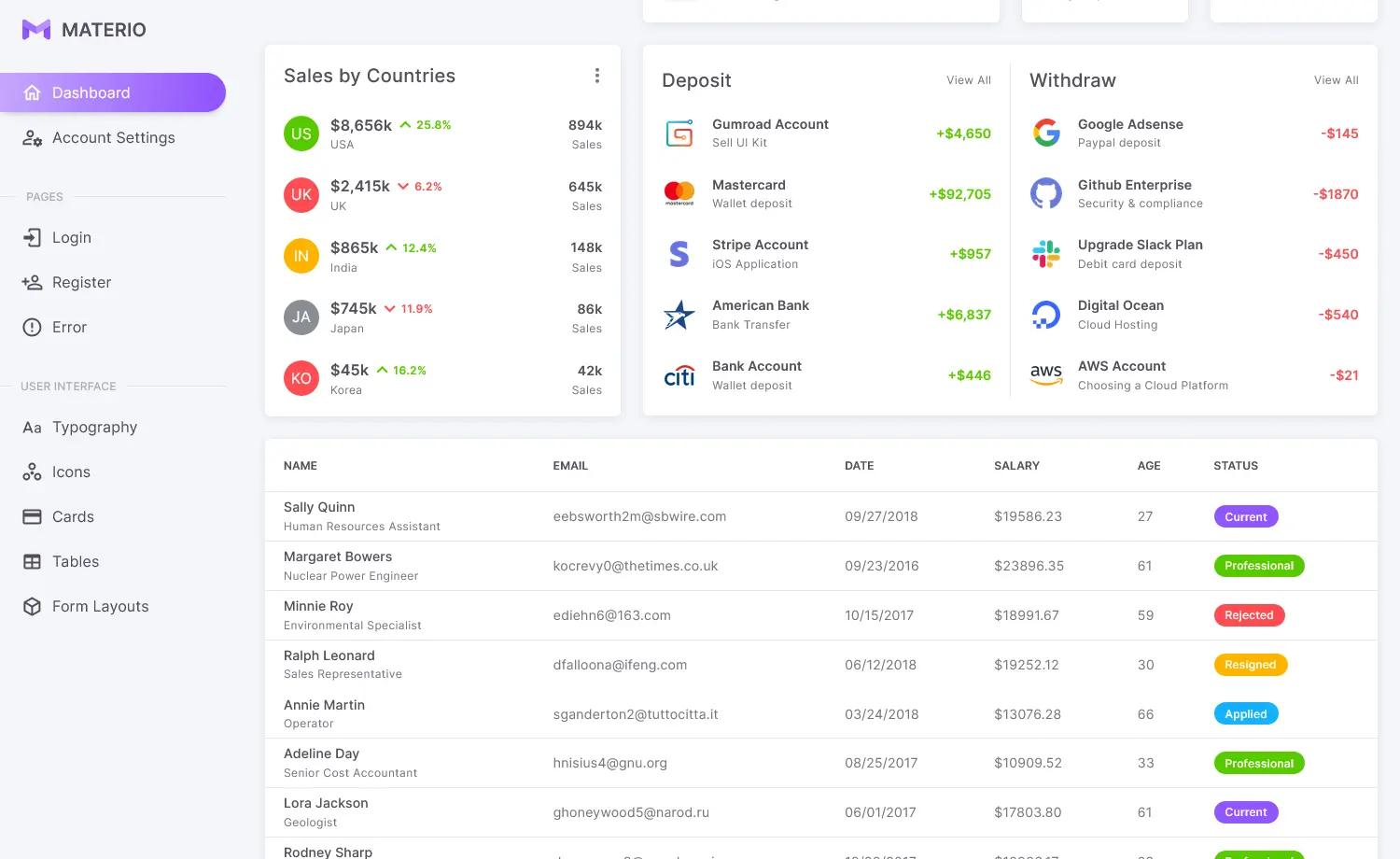
Material Dashboard React is a free admin dashboard template created by Creative Tim, built with React and Material-UI v3.1.0, and scaffolded using create-react-app. It takes a React project and adds a complete set of reusable UI components and pre-built views, producing a responsive admin panel with a left sidebar navigation and main content area. The template is version 1.10.0, licensed under MIT, and available in additional HTML, Vue, and Angular versions.
Key Features
- Material Design UI — Built on Material-UI v3.1.0, delivering Google’s Material Design language with ripple effects, animations, and transitions.
- 5 Color Filters — The sidebar and card headers can be recolored using blue, green, orange, red, or purple.
- Sidebar Background Image — An option to set a background image on the sidebar is included.
- Pre-built Pages — Dashboard, User Profile, Tables, Maps, Notifications, Typography, Icons, and an RTL page are included as views.
- Reusable Components — The source includes Card, CustomButtons, CustomInput, CustomTabs, FixedPlugin, Footer, Grid, Navbars, Sidebar, Snackbar, Table, Tasks, and Typography components.
- RTL Layout — A separate RTL layout file (src/layouts/RTL.js) supports right-to-left languages.
- Chart Integration — Charts are powered by react-chartist.
- Browser Support — Officially supports the last two versions of Chrome, Firefox, Edge, Safari, and Opera.
Who is it for?
- React developers who need a ready-made Material Design dashboard with pre-built pages and components, saving time on UI implementation.
- Startups and small teams wanting a free, MIT-licensed starting point for internal tools, admin panels, or product backends.
- Developers building multilingual apps that require right-to-left support can use the included RTL layout out of the box.
What can you do with Material Dashboard React?
- Launch an admin panel quickly: Clone or download the template, then customize the existing dashboard, tables, and user profile pages to match your product’s data.
- Prototype internal tools: Use the included maps, notification snackbars, tasks, and card components to build a functional backend interface for your team.
- Learn React and Material-UI structure: Study the file organization under src/components, src/layouts, and src/views to see how a dashboard project is commonly structured.
How to get started?
You can install the template with npm i material-dashboard-react, clone the repository from GitHub using git clone https://github.com/creativetimofficial/material-dashboard-react.git, or download the zip archive from the GitHub release or Creative Tim’s product page. The documentation and tutorial are hosted on the demo site at https://demos.creative-tim.com/material-dashboard-react/#/documentation/tutorial.